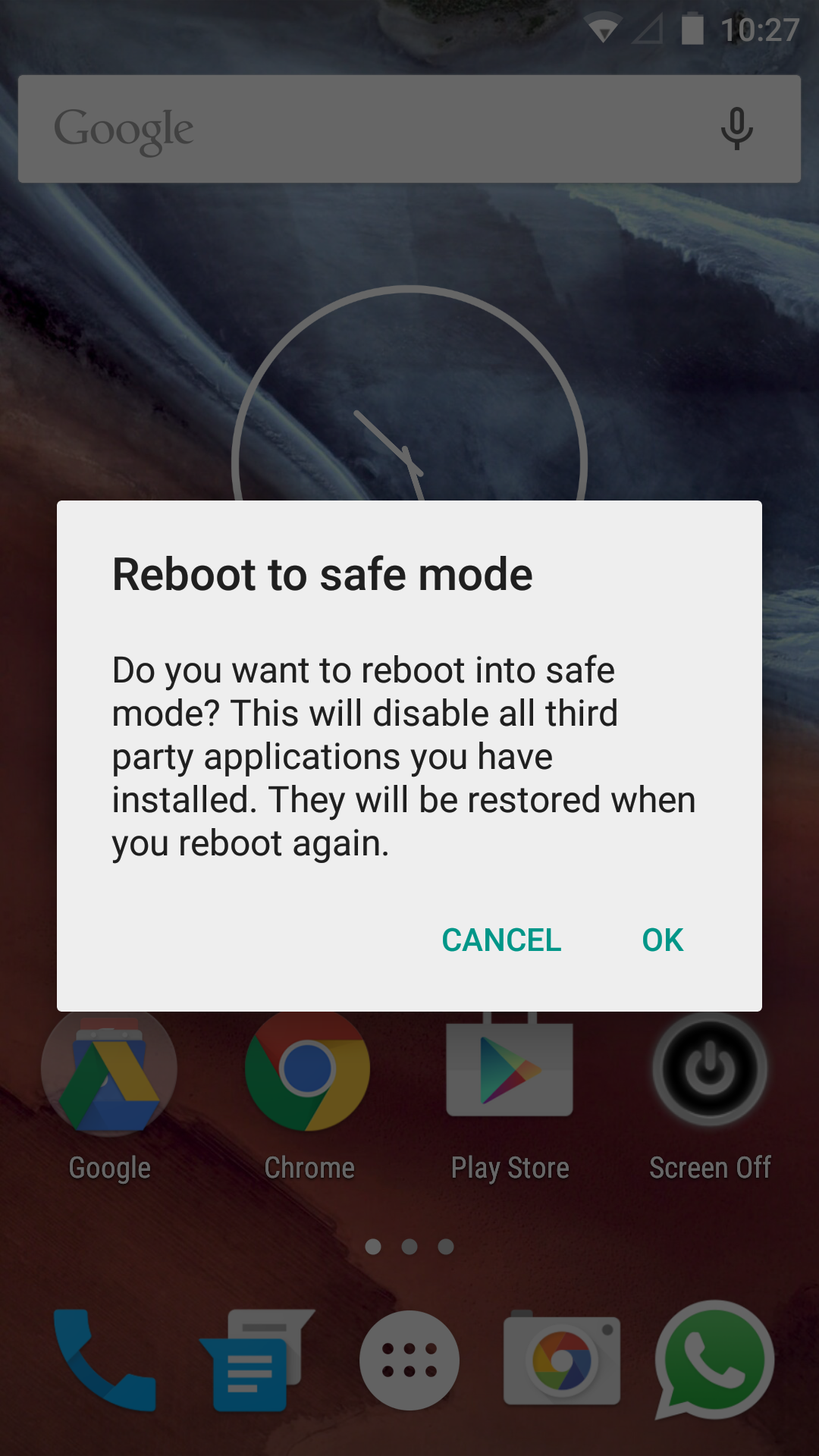
Safe mode in Android 5.0 is easy to reach. Hold down the power button to open the power menu, then hold the power off contextual button until the menu in the lower image below opens. After reading the disclaimer, press okay to boot into safe mode.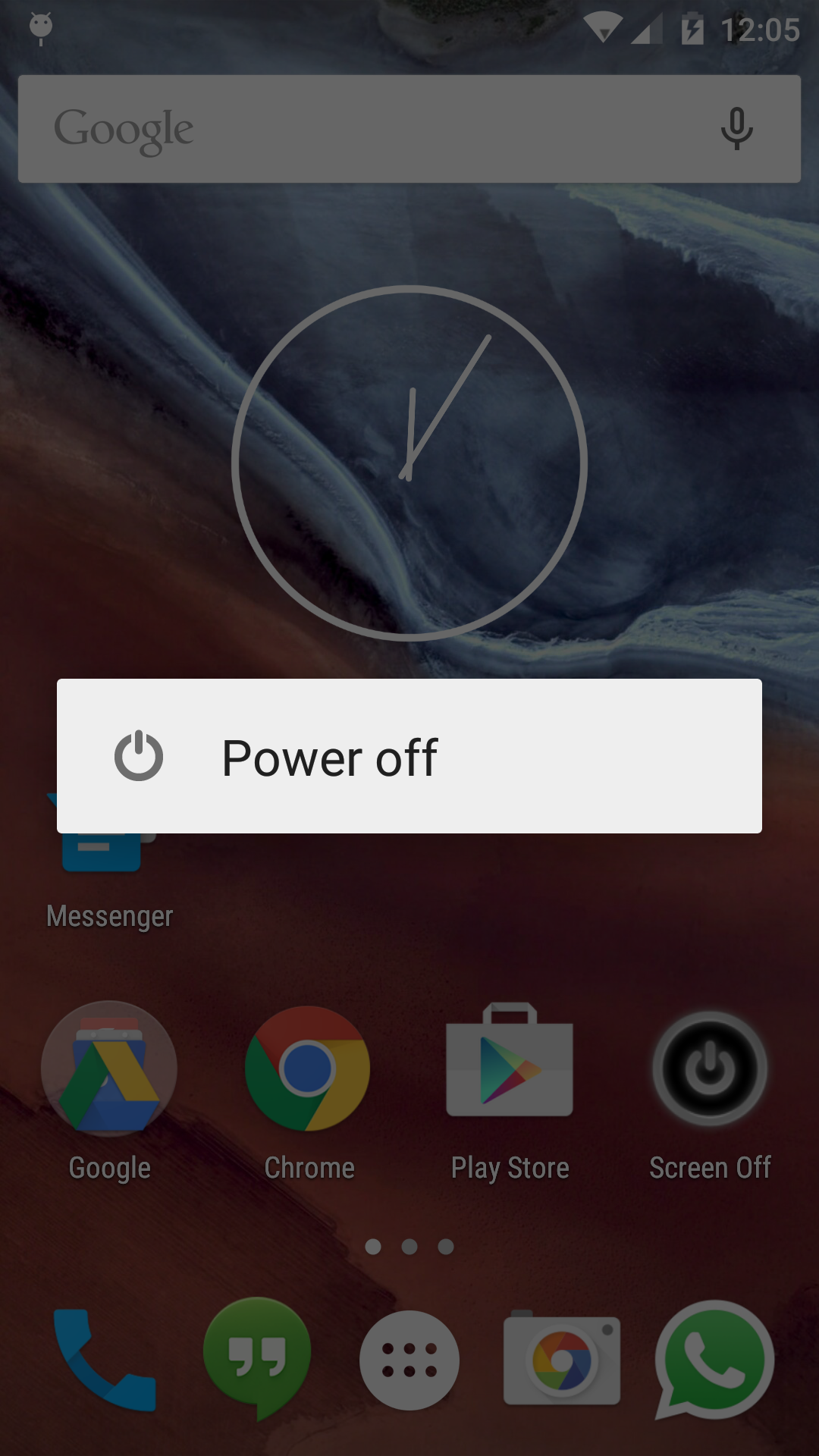
Category: Lollipop
-
OnePlus One Android 5.0 Lollipop First Boot and UI Test (CM 12)

I loaded up a fresh build of Lollipop from XDA for the OnePlus One. It is running well overall but I do miss some of the CM options that were on CM 11S. Android 5.0 feels so light and so smooth and switching between applications feels great. Watch the video below for an idea of how setting it up looks and the general UI afterwards.

 The Lost Digit