Tag: ipad air

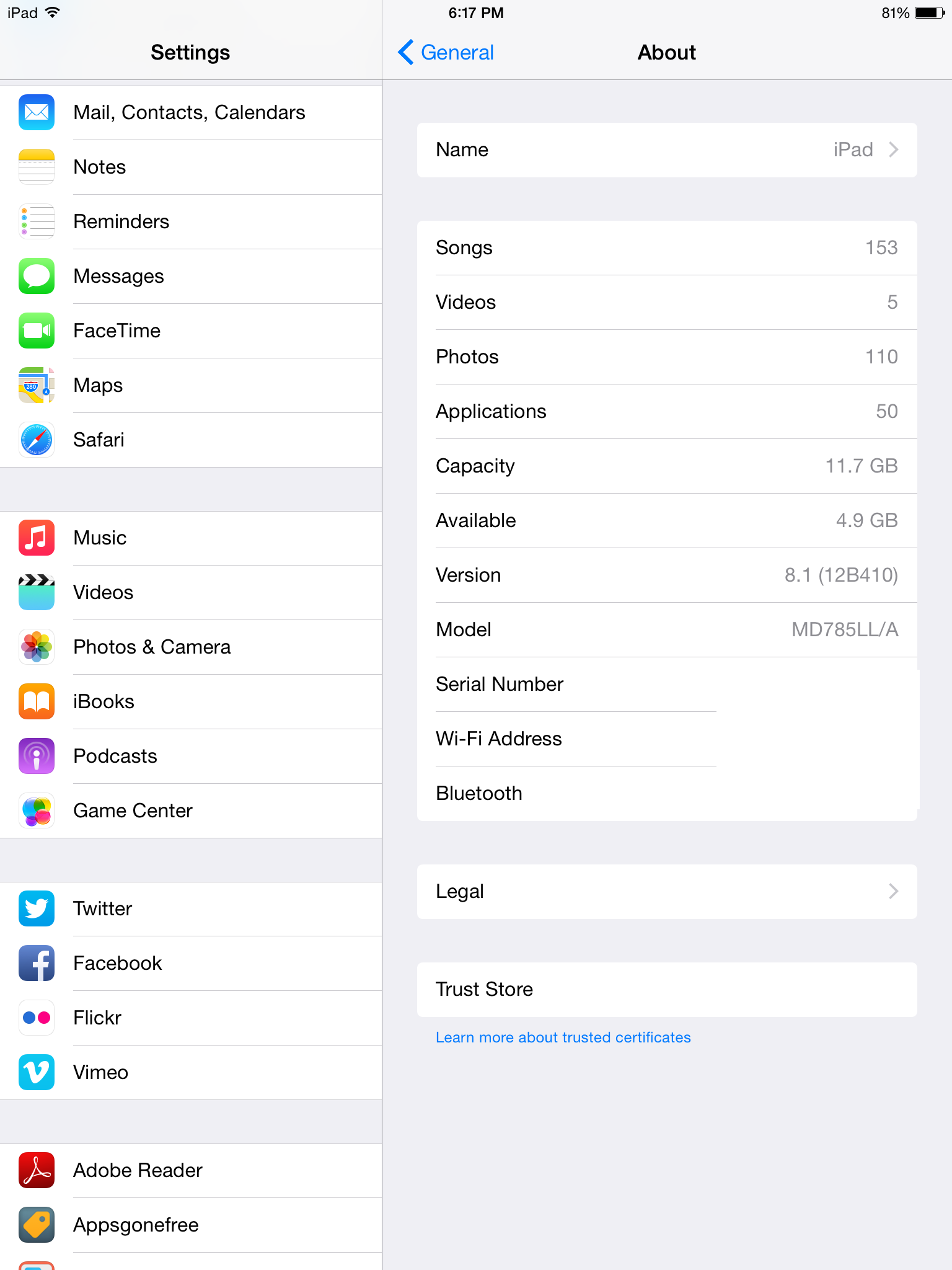
  • iPad Air iOS 8.1 Battery Drain

    It may not drain as bad as other tablets but it is draining at a rate of roughly 5-10% per day with no use. It used to drain a maximum of 2% per day and always be ready for me when I needed it. The last few times I went to use it, it would already be drained and that is sometimes quite inconvenient. Performance has been drastically improved with this update, and using it is quite a joy, if only the battery didn’t drain when in standby like it used to.

    Another issue with 8.1 is that sometimes the multitask gestures just do not work. It used to happen much more frequently before on iOS 8 but it did happen to me once on 8.1.

    The issue of battery drain seems to be from Skype according to the battery usage info, but I had Skype before and never had any drain issues. Hopefully it is just a compatibility issue and will be fixed soon.
  • iPad Air iOS 8.1 Update

    The update was released yesterday and thankfully it was a small incremental update around 100mb therefore it didn’t need much space to install like iOS 8 did. Over the past 24 hours I have noticed that it is much snappier and smoother than iOS 8. Specifically the bug concerning multitouch app switching seems to be gone as it is always working now and not hanging up. On iOS 8 the gestures would frequently not work and many apps even the settings would crash without warrant. So far so good…

    iPad Air iOS 8.1 Installed
    iPad Air iOS 8.1 Installed
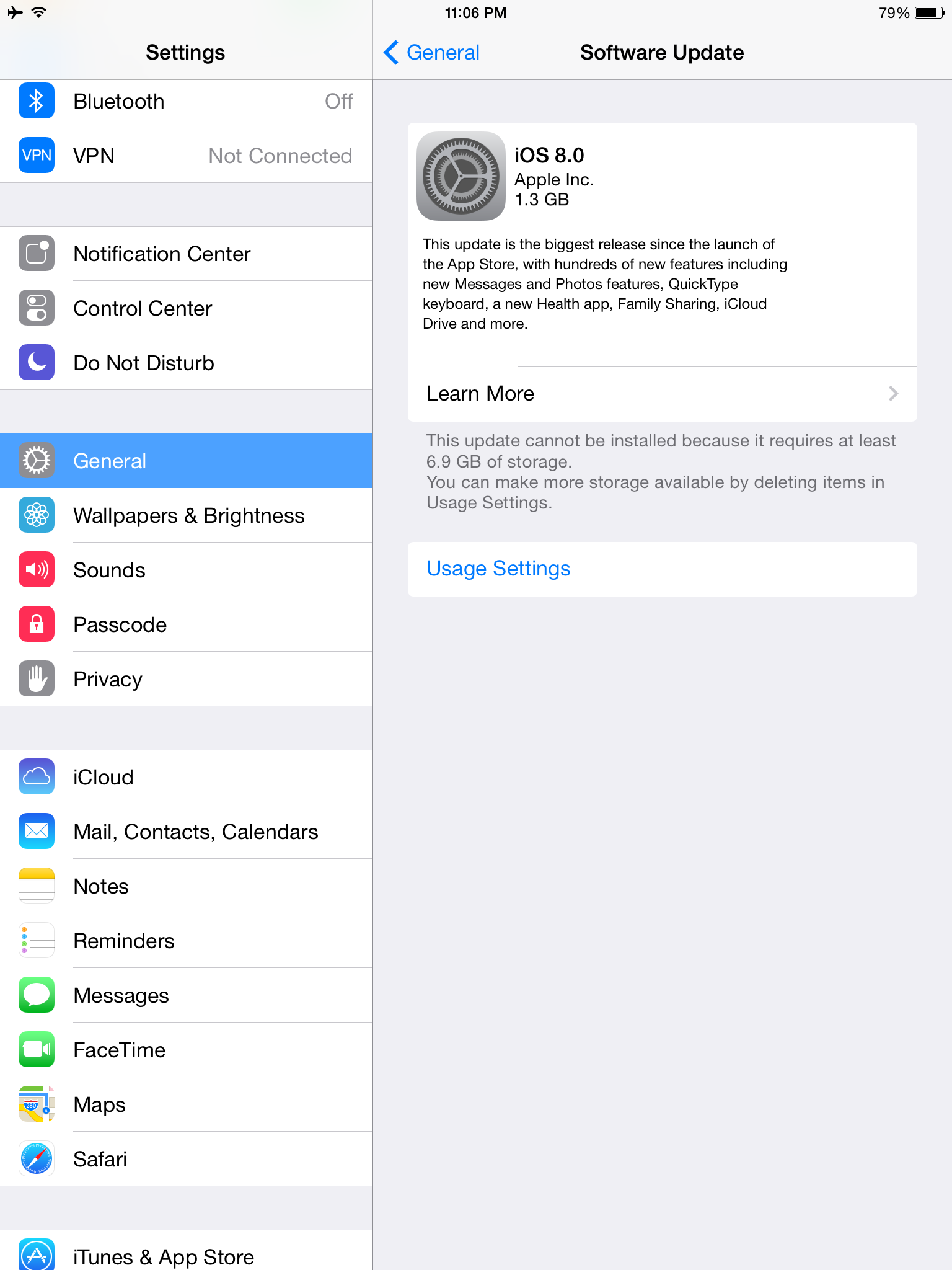
  • iPad Air iOS 8 Update Requires 6.9GB Free

    I went to install the update and to my surprise, it required 6.9GB free!!! I had to uninstall almost all of my apps to reach 7GB free and then I was able to install the update. I now have 6.3GB free afterwards. So on top of requiring a lot of space to download, prepare and install the update, I now lost 700mb for the new features. Now I must reinstall everything…

    iPad Air iOS 8 Space

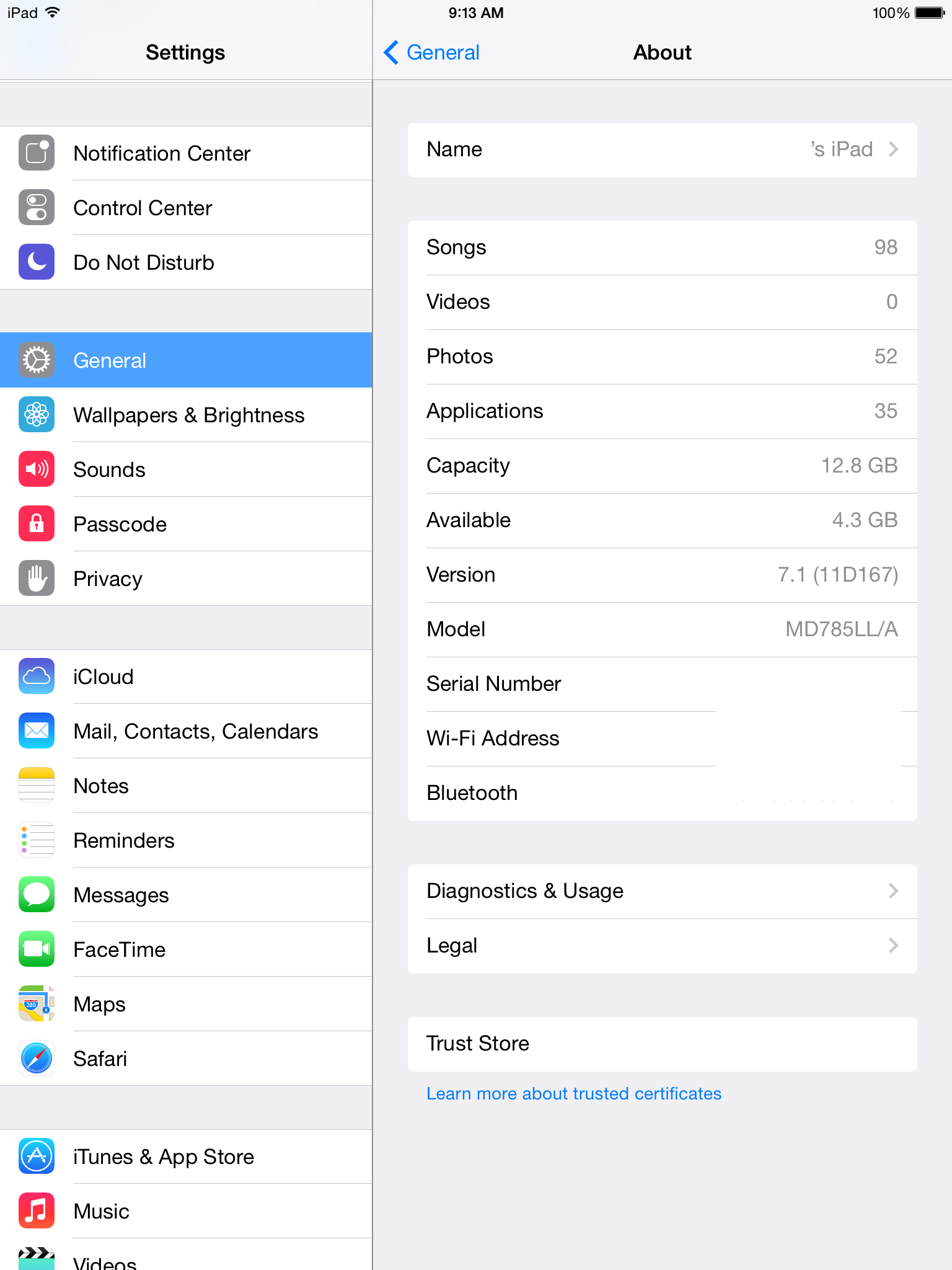
  • iOS 7.1 Changes on the iPad Air

    This is a changelog of things maybe a power user would notice and not just things that are stated in a normal changelog:

    • The slide to unlock phrase is now black with a bright shine
    • The control center now opens super quickly but has a weird bounce to it
    • The five finger multitasking gestures have been tweaked to be smoother when exiting an app (it used to lag after finger release)
    • The transitions seem to be sped up a bit, but enough to be noticeable
    • The music app has a very nice boot screen as the iTunes Radio stations appear
    • The settings app non longer crashes when the wallpapers option is pressed more than once
    • The keyboard has increased contrast on the letters making it more appealing to use and easier to read
    • The power off menu is much sleeker and finally doesn’t seem unfinished

    Overall, the small things that were bothering me were finally fixed for a full on smooth experience.

    IMG_0042