Tag: lga 1156

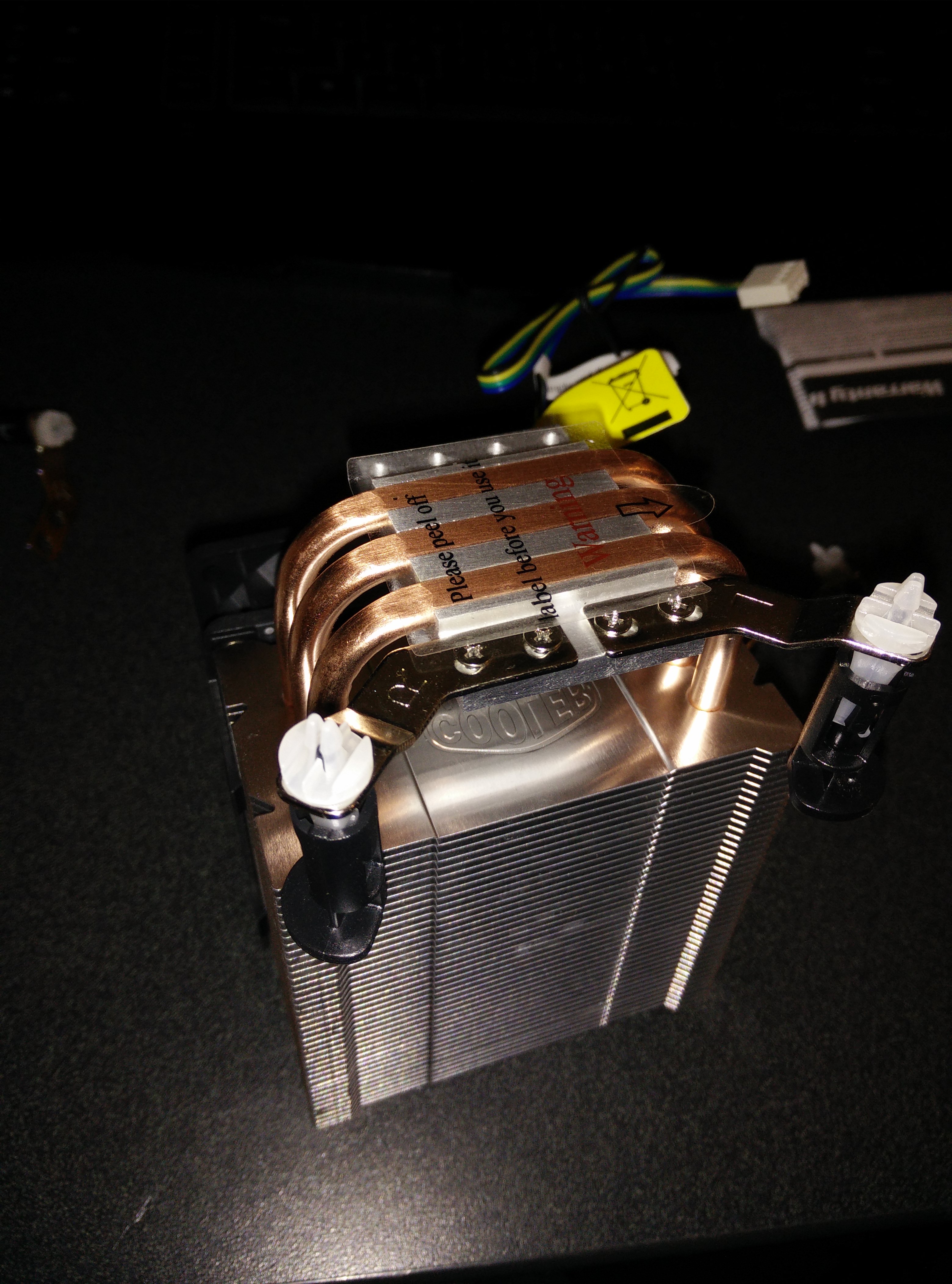
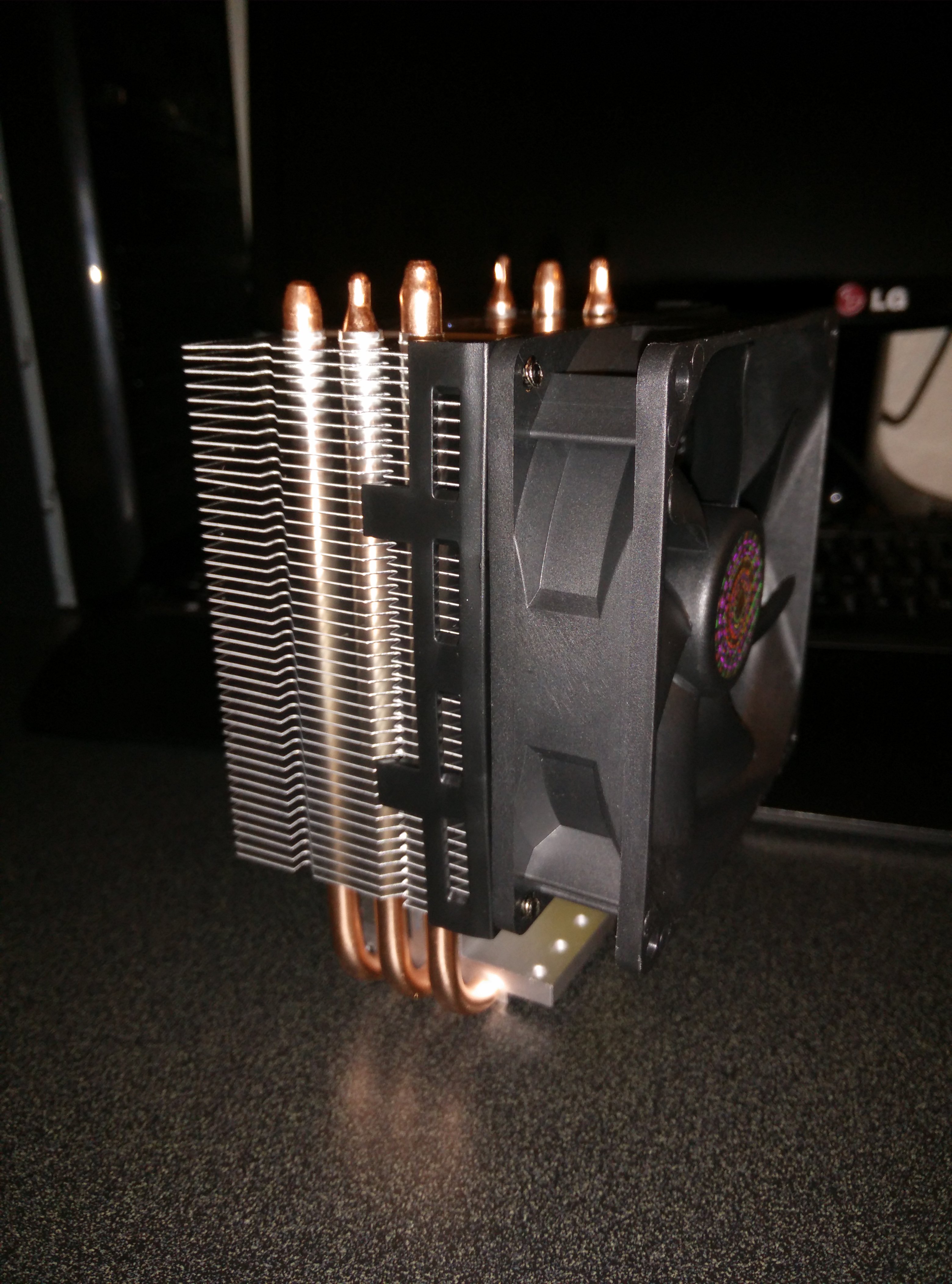
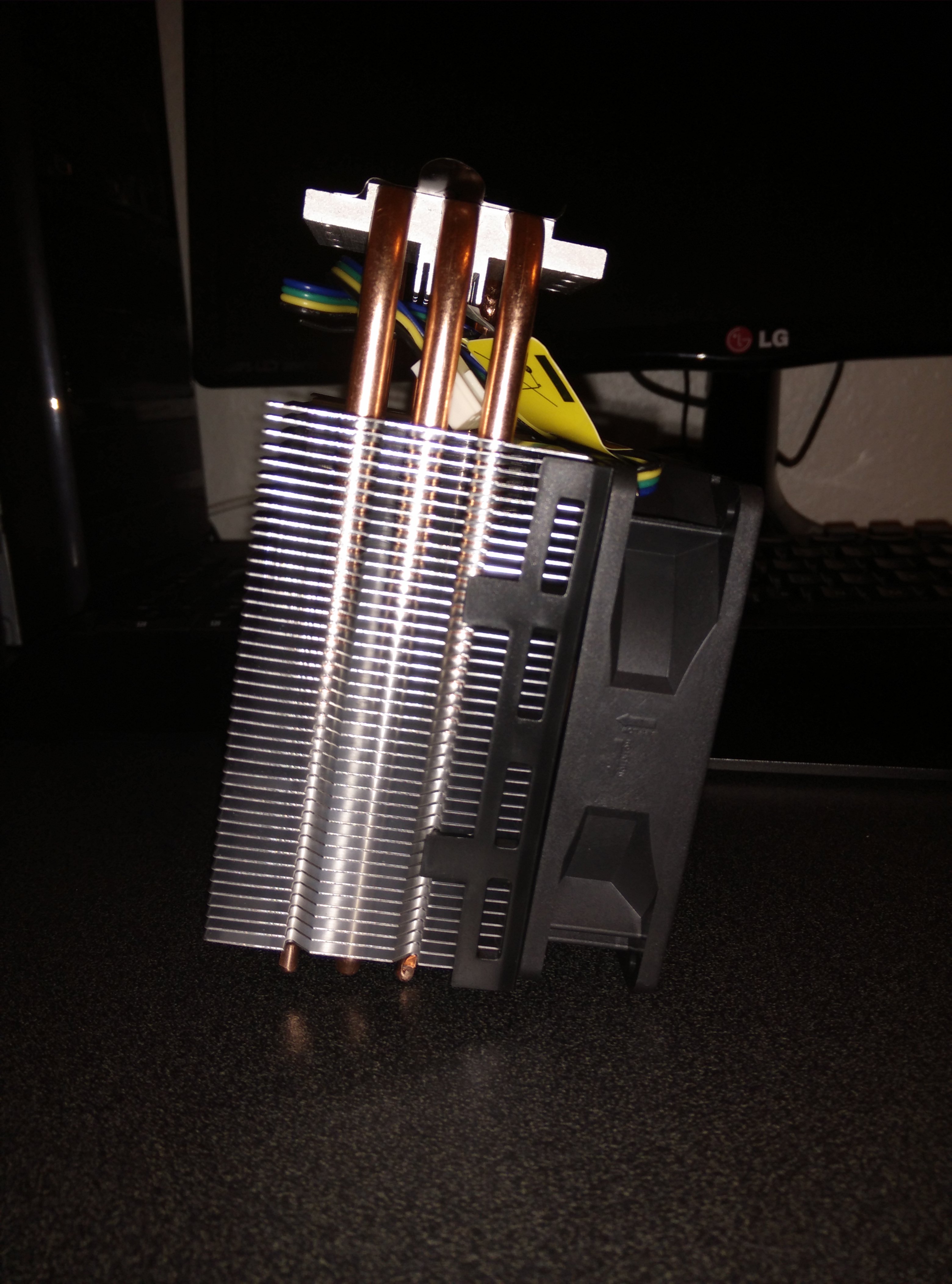
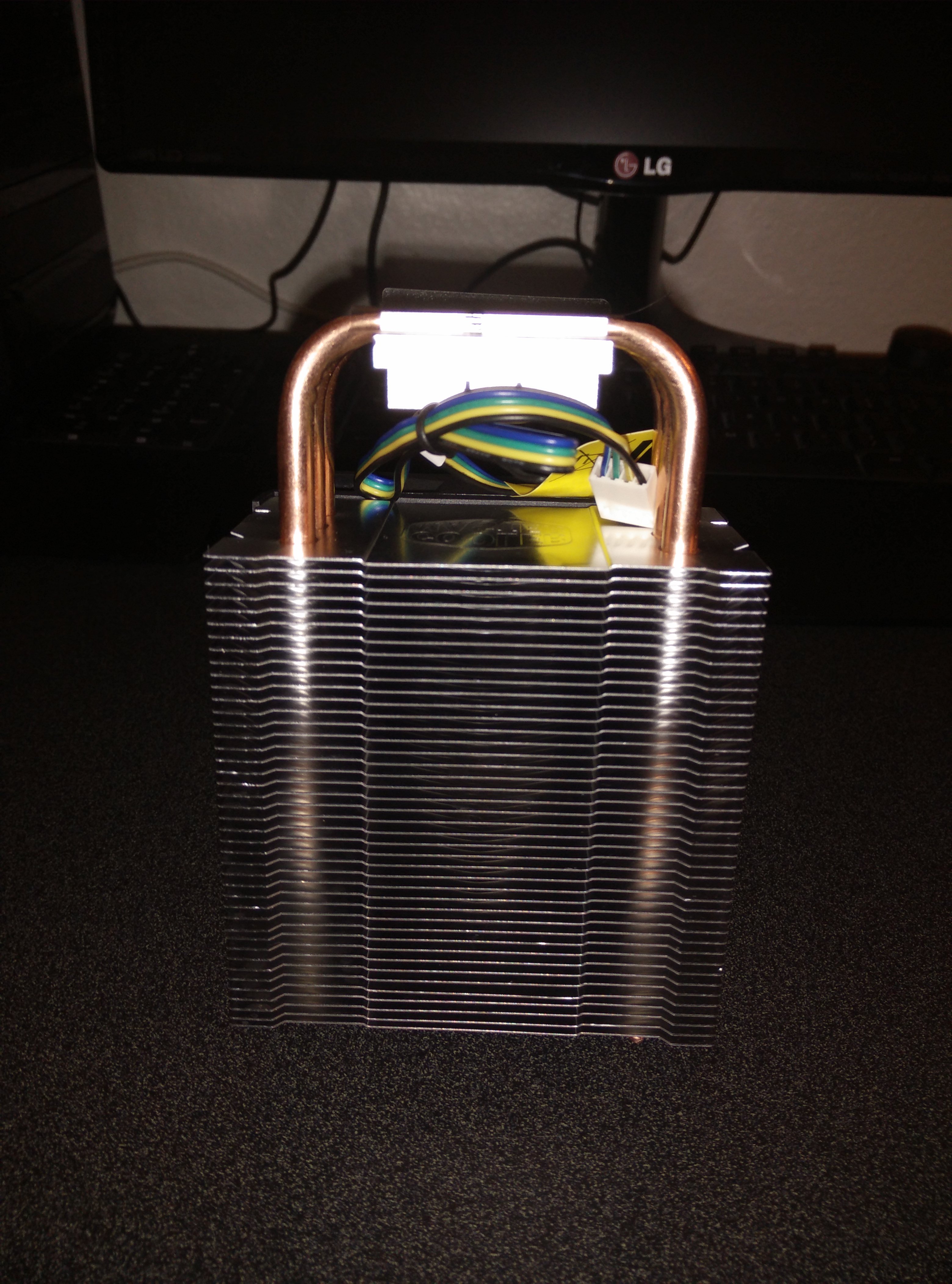
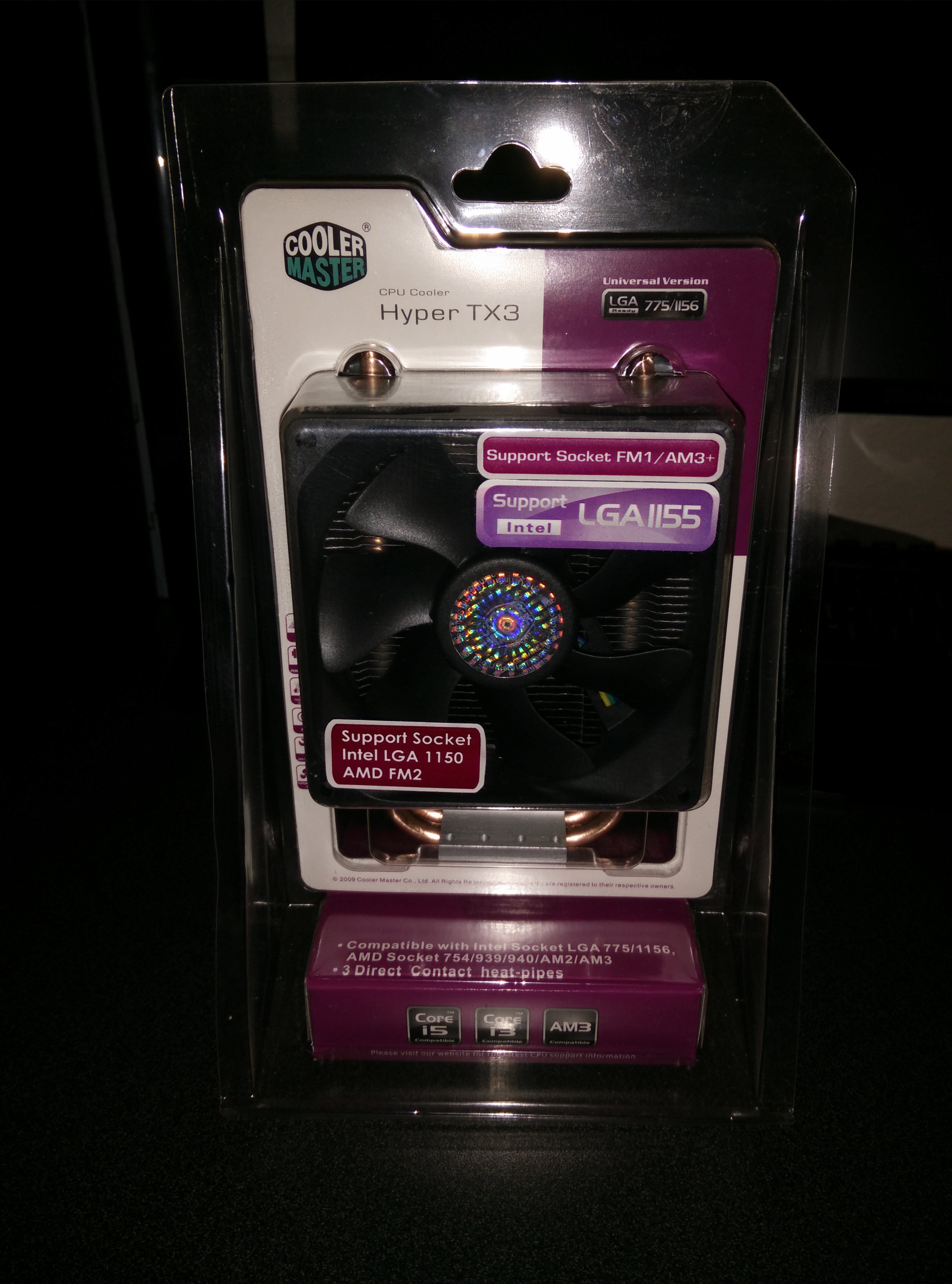
  • Cooler Master Hyper TX3 Review (LGA 1156)

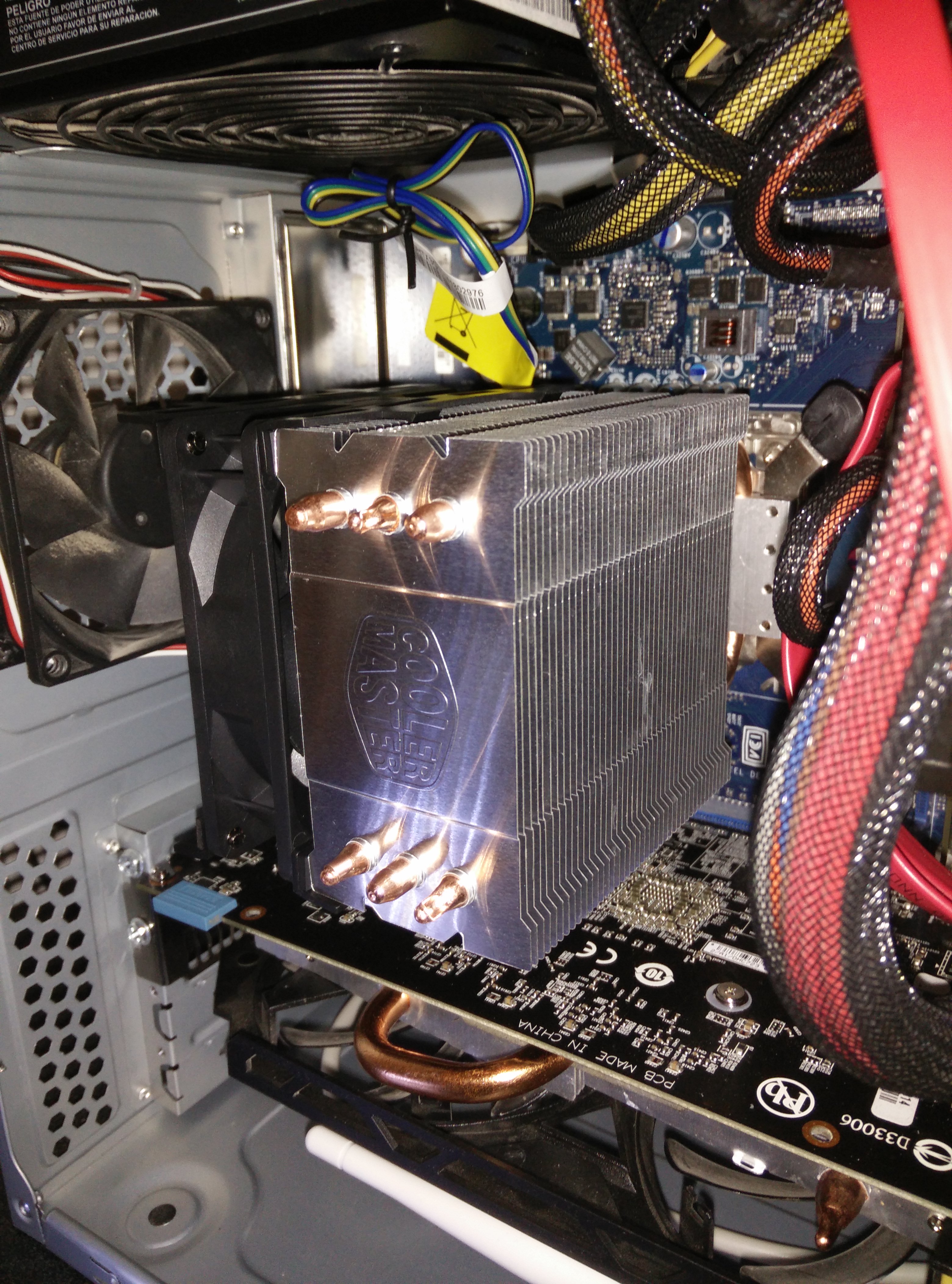
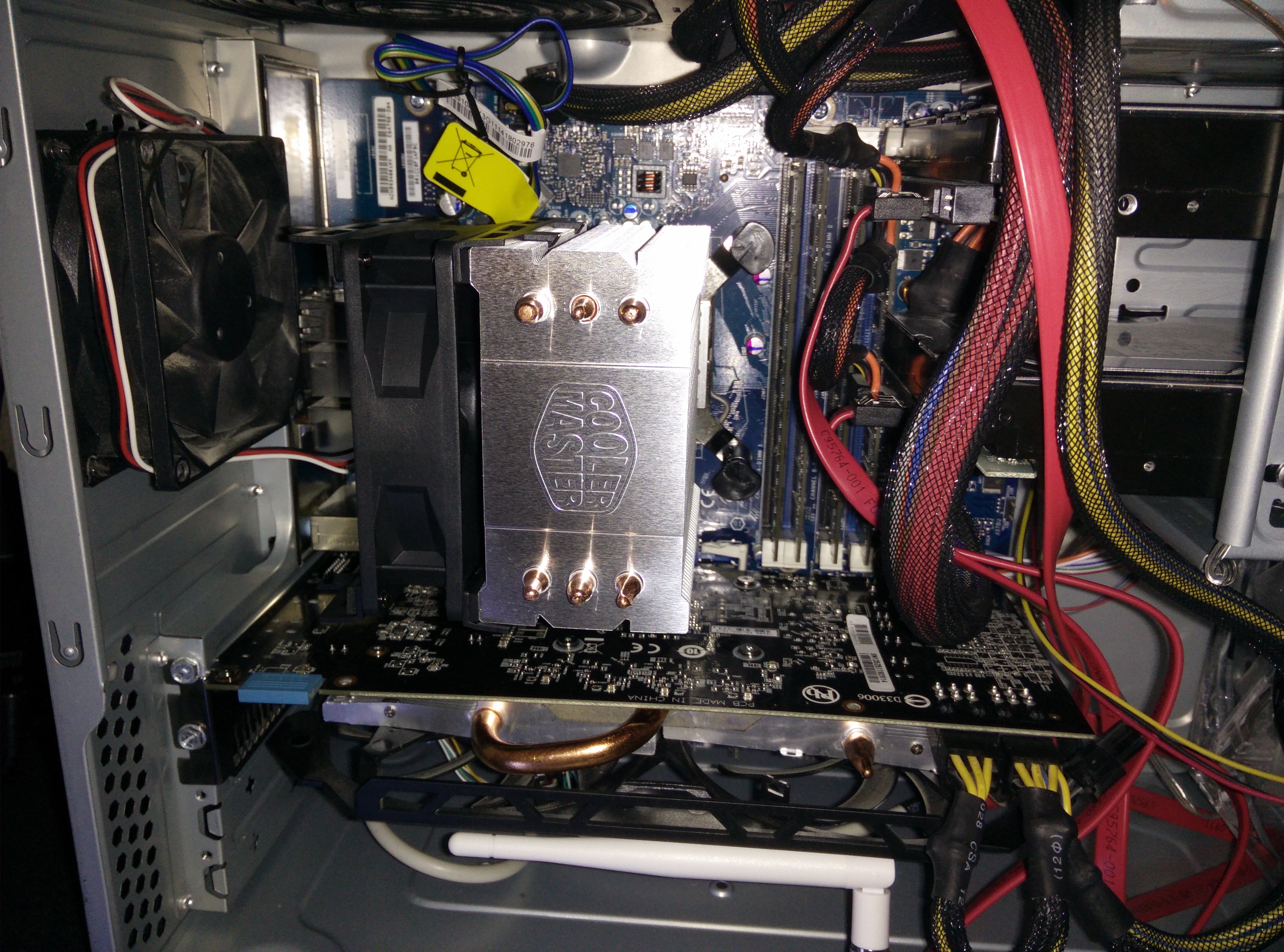
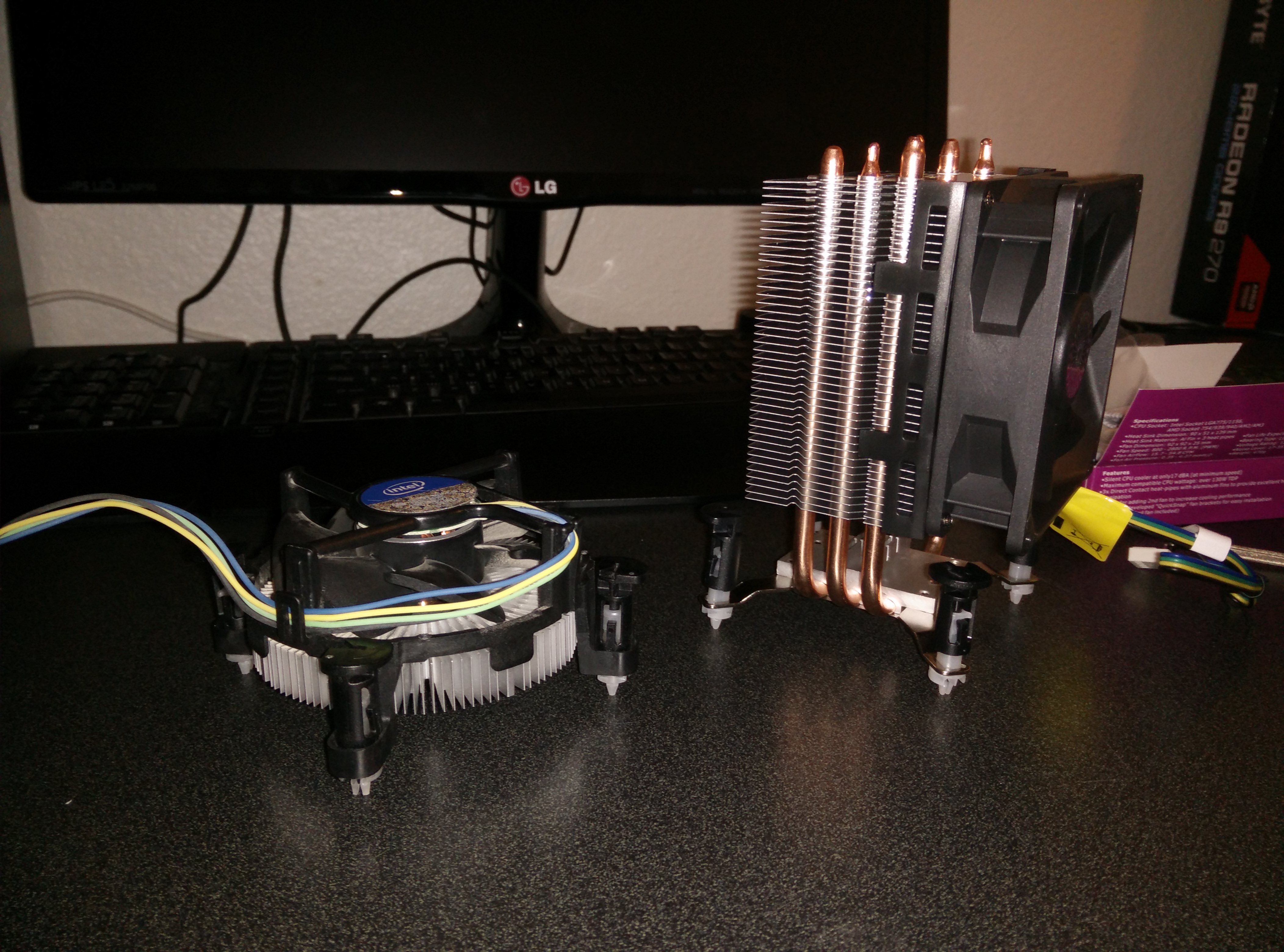
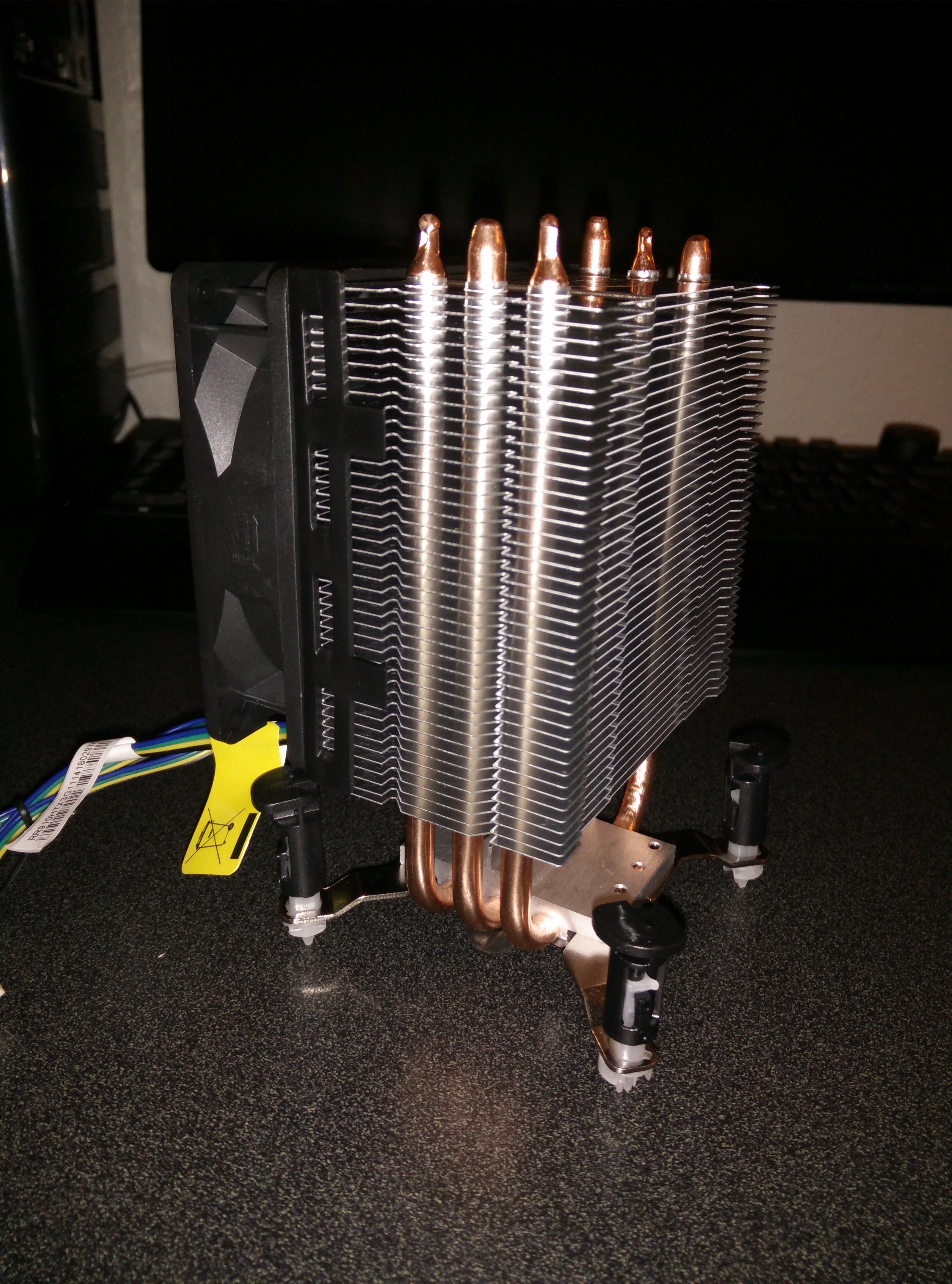
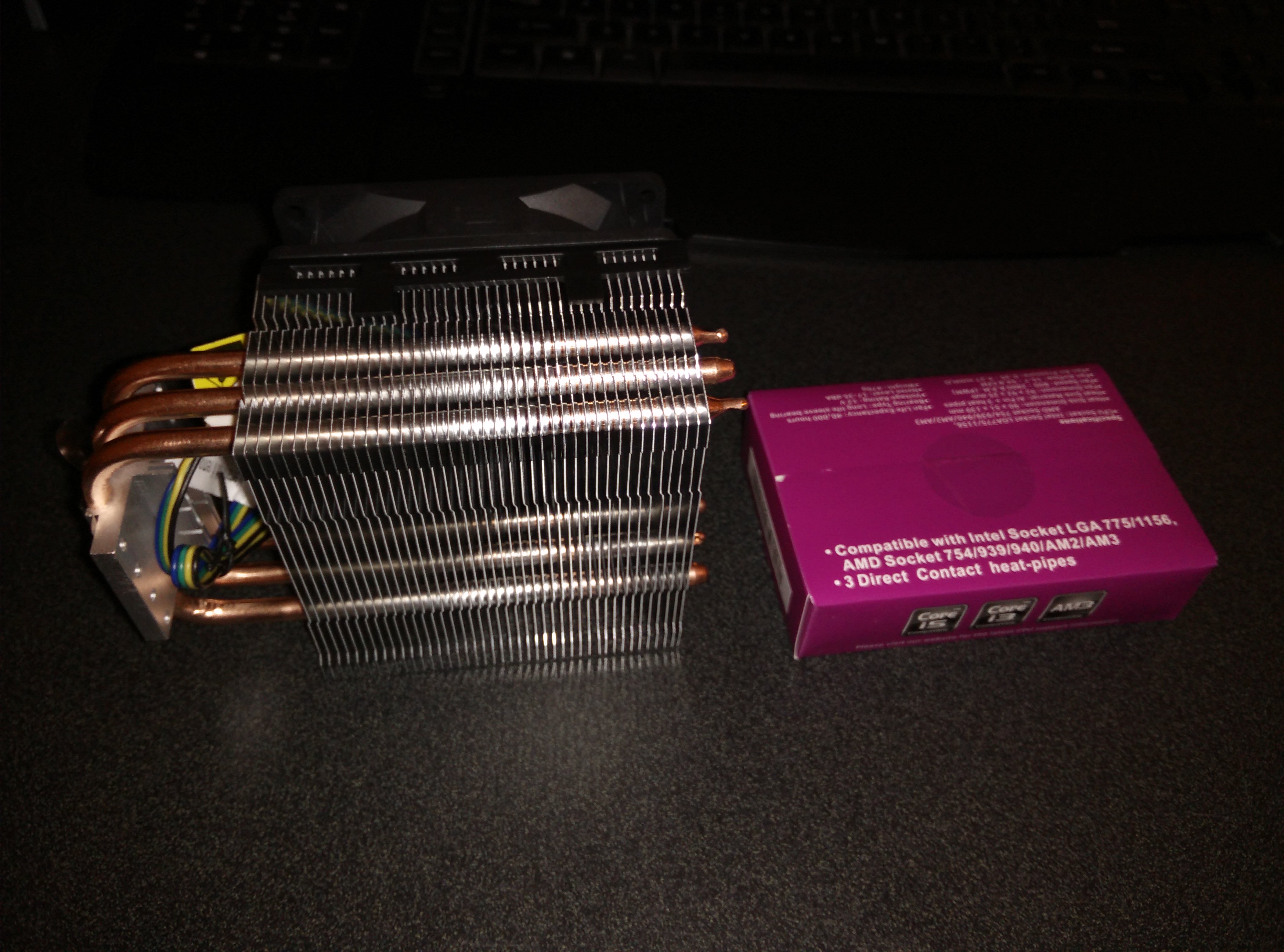
    There isn’t much to say, it is huge and I had to mount the fan on the other side to suck through the heatsink instead of push through it. It may lower efficiency a bit but it is doing fine. Temperatures went from 40 to 35 while idle and 85 to 60 while under full load. This is good enough for me and while running an overclock of 3.2Ghz the temperatures were around 70 under full load. I am using an Intel Core i5-750 @2.66Ghz stock clocks and when I say full load I mean running prime95 for 10 minutes.

    Check it out on Amazon here.

    Here are some photos:

    IMG_20140723_145221 IMG_20140723_145211 IMG_20140723_145026 IMG_20140723_143241 IMG_20140723_143011 IMG_20140723_142523 IMG_20140723_141745 IMG_20140723_141656 IMG_20140723_141642 IMG_20140723_141630 IMG_20140723_141510

  • Changing My Old, Dry Thermal Paste

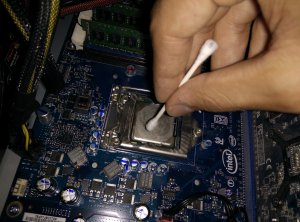
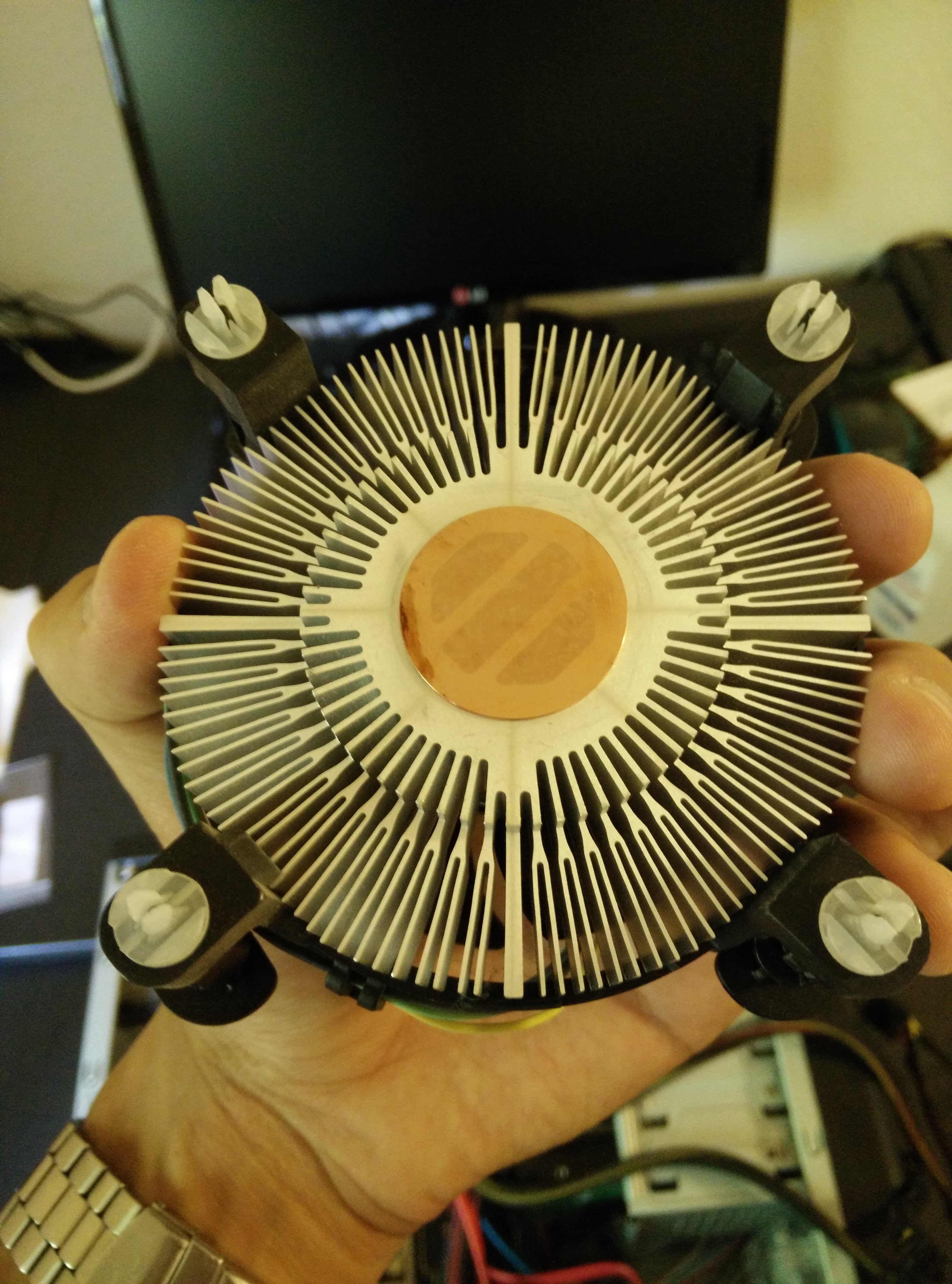
    As I rebuilt my computer, I realized that the heat sink had been dislodged during travel and that the thermal paste had dried out and possibly even become dirty. The CPU was idle at about 60 degrees Celsius and it would reach almost 100 degrees within less than a minute of running Prime95. I ordered a small tube of Arctic Silver 5 Thermal Paste and as soon as it arrived, I cleaned and changed the thermal paste. The temperatures are now around 40 while idle and in the 60s while at full load. Finally, I can game without worrying about the CPU overheating. The process was easy and all I needed were Q-Tips and rubbing alcohol according to YouTube. Pictures of the process can be seen below.

    IMG_20140714_153659
    Old Dry Paste
    IMG_20140714_153628
    Old Dry Paste on the Heat Sink
    IMG_20140714_154354
    Cleaning the CPU
    IMG_20140714_154031
    The Cleaned Heat Sink