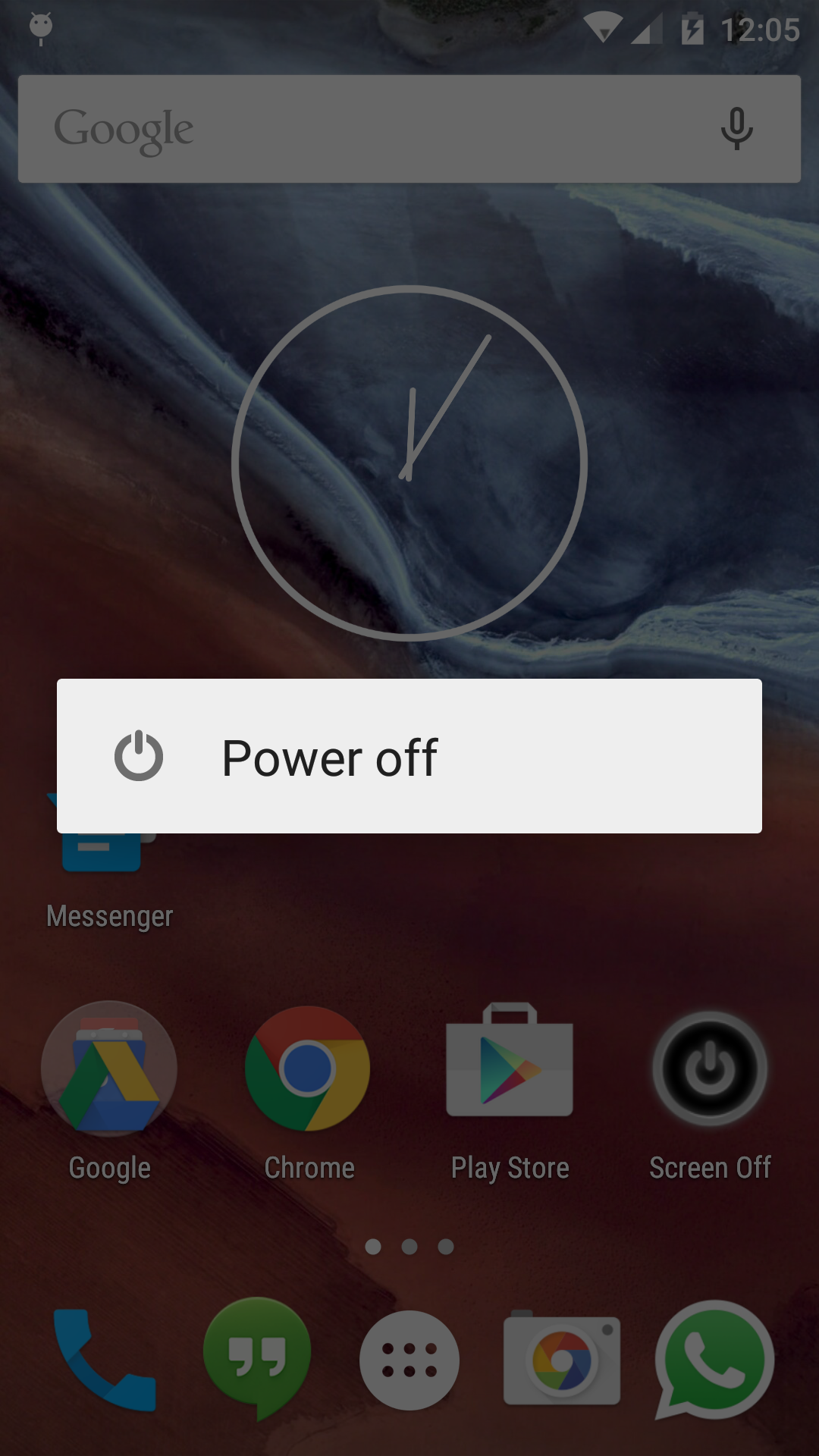
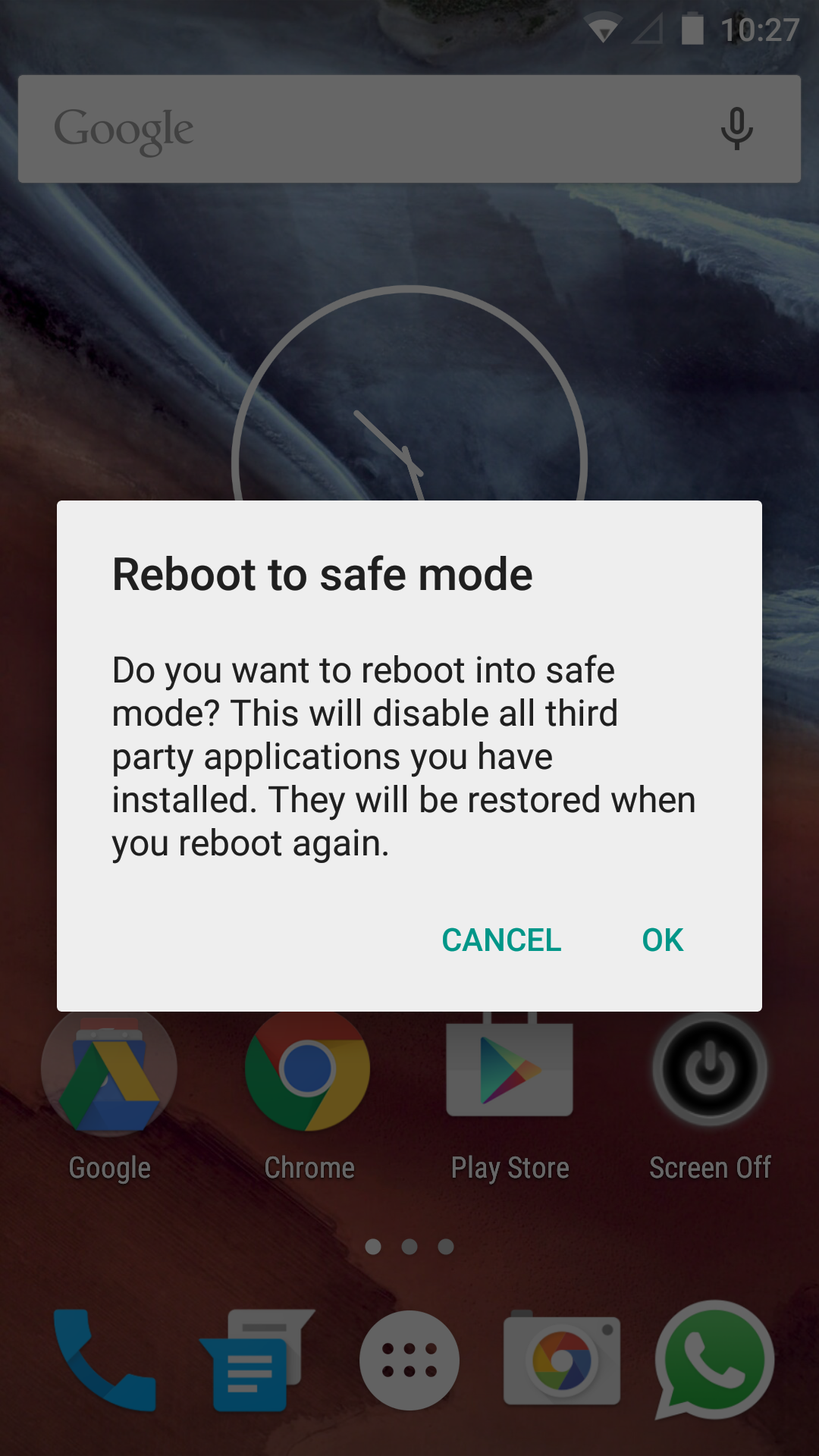
Entering safe mode on Android 8.0 is very easy. All you have to do is hold down the power button until the power off prompt shows, then hold your finger on restart until the phone vibrates. At this point, the phone will reboot into safe mode.
The phone in use is my Google Pixel XL (which I love).
See the photos below:


 The Lost Digit