Tag: thermal paste

  • Changing Gigabyte R9 270 OC Thermal Paste

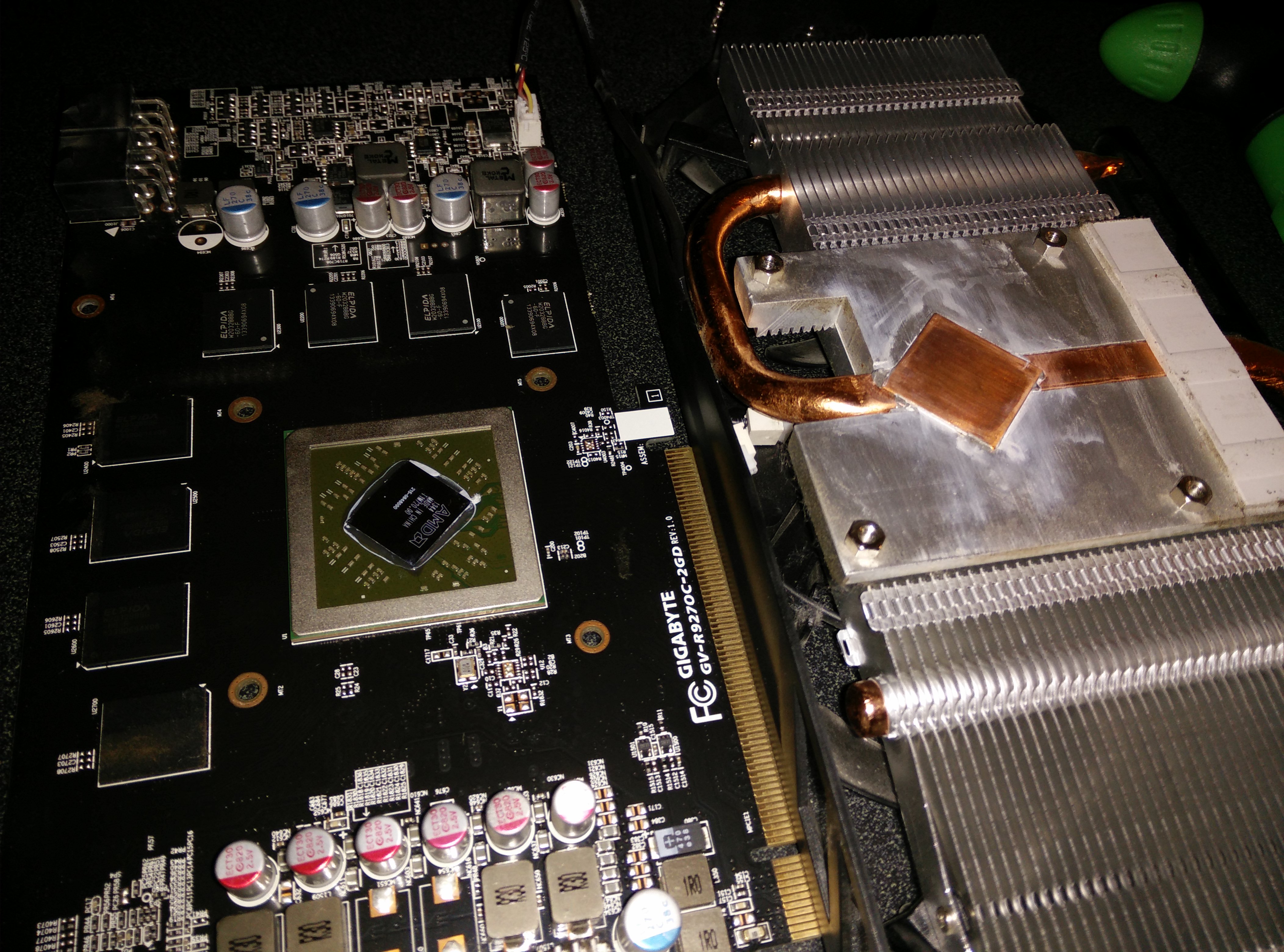
    I noticed temperatures were reaching near 90 degrees Celsius while running furmark for 20 minutes. So I decided to open it, clean it, and put some Arctic Silver 5 thermal paste. This dropped the temperatures to 80 while running furmark and while gaming, it is usually in the 60-70 degree range. See the pictures below for how it looks inside. All I had to do was remove the 4 screws on the bottom and the whole heatsink came off easily. I then used isopropyl alcohol and Q-tips to clean it.
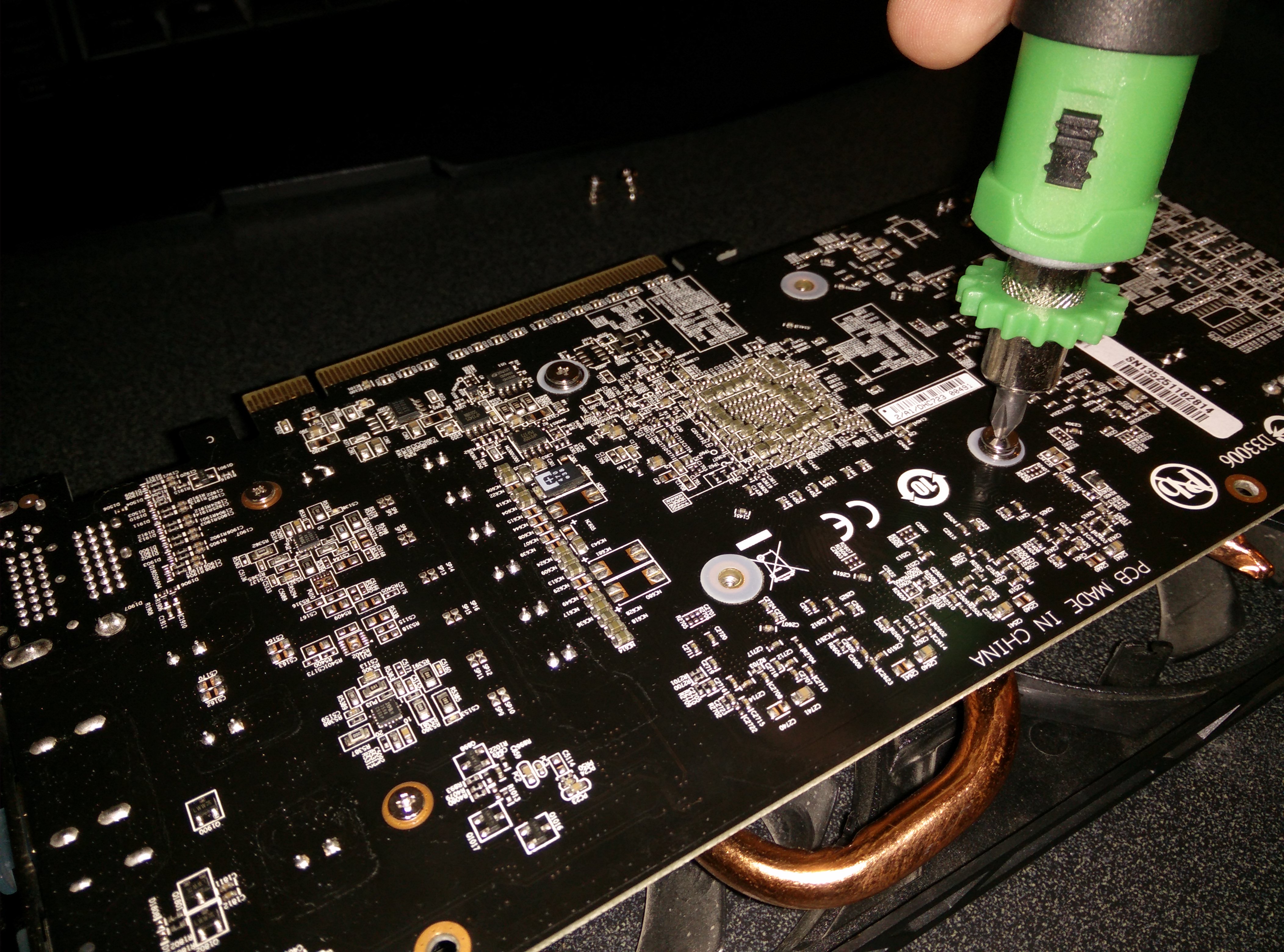
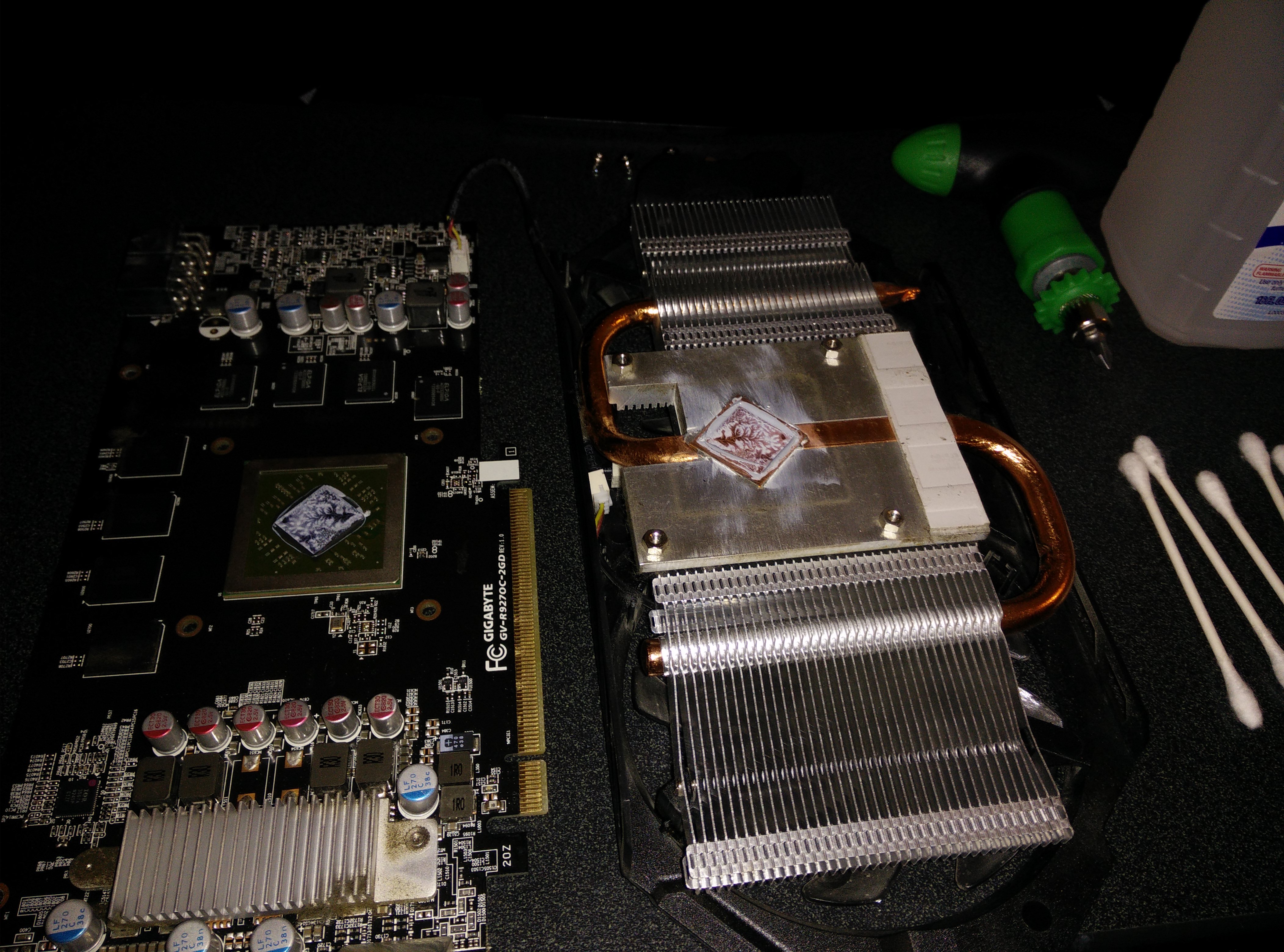
    The 4 screws to remove
    The 4 screws to remove
    The Nasty Stock Paste
    The Nasty Stock Paste
    All Clean and Shiny
    All Clean and Shiny
  • Changing My Old, Dry Thermal Paste

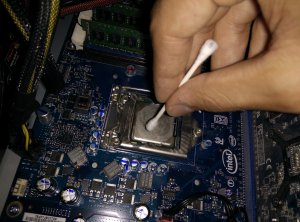
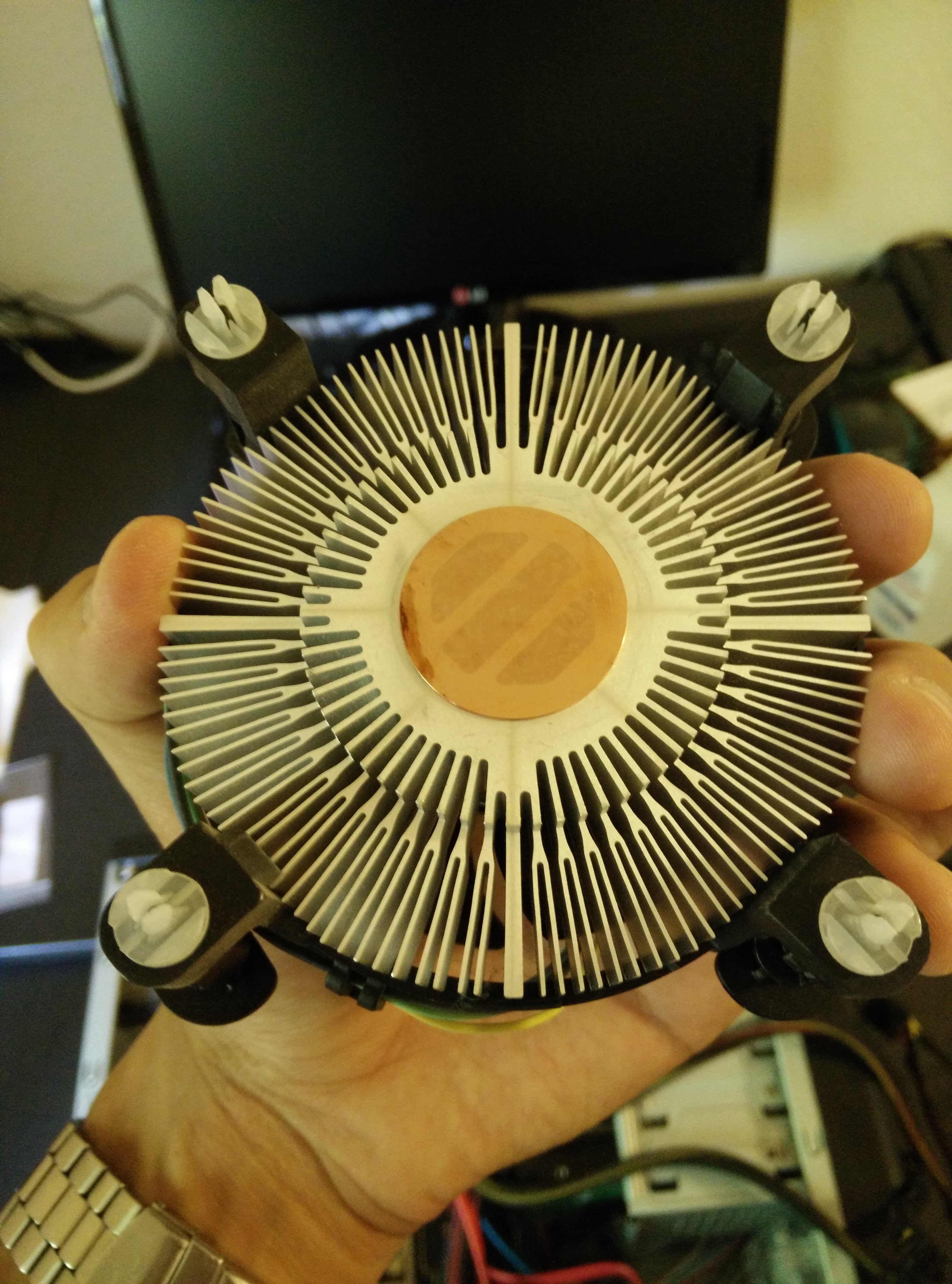
    As I rebuilt my computer, I realized that the heat sink had been dislodged during travel and that the thermal paste had dried out and possibly even become dirty. The CPU was idle at about 60 degrees Celsius and it would reach almost 100 degrees within less than a minute of running Prime95. I ordered a small tube of Arctic Silver 5 Thermal Paste and as soon as it arrived, I cleaned and changed the thermal paste. The temperatures are now around 40 while idle and in the 60s while at full load. Finally, I can game without worrying about the CPU overheating. The process was easy and all I needed were Q-Tips and rubbing alcohol according to YouTube. Pictures of the process can be seen below.

    IMG_20140714_153659
    Old Dry Paste
    IMG_20140714_153628
    Old Dry Paste on the Heat Sink
    IMG_20140714_154354
    Cleaning the CPU
    IMG_20140714_154031
    The Cleaned Heat Sink