Check out the video below to see the update list, guide, and overview for the GoPro Hero 6 update V1.51.
This update brings voice commands when powered off, as well as support for the Karma.
Check out the video below to see the update list, guide, and overview for the GoPro Hero 6 update V1.51.
This update brings voice commands when powered off, as well as support for the Karma.
The original iPad Air received the iOS11 update last week and it is running pretty well for a 4 year old device. I am glad to see it supported and running with widgets enabled.
iPad Air 1: http://amzn.to/2ybnUlT
New iPad: http://amzn.to/2x0VCFp
The Microsoft Lumia 635 is one of the phones able to update to the Windows 10 Preview. I go through the tedious process of updating and do a quick run through of the OS.
These are the phones that can receive the preview update:
Lumia 630 Lumia 638 Lumia 635 Lumia 730 Lumia 636 Lumia 830
Check the official post here.
The Amazon Fire TV Stick has started shipping out to those who ordered it when it became available. We look at what comes in the box, how it sets up, and how it runs as a media player.
The update came very quickly to the LG G Watch almost simultaneously after it was announced. I made a video below to showcase the new features in the OS.
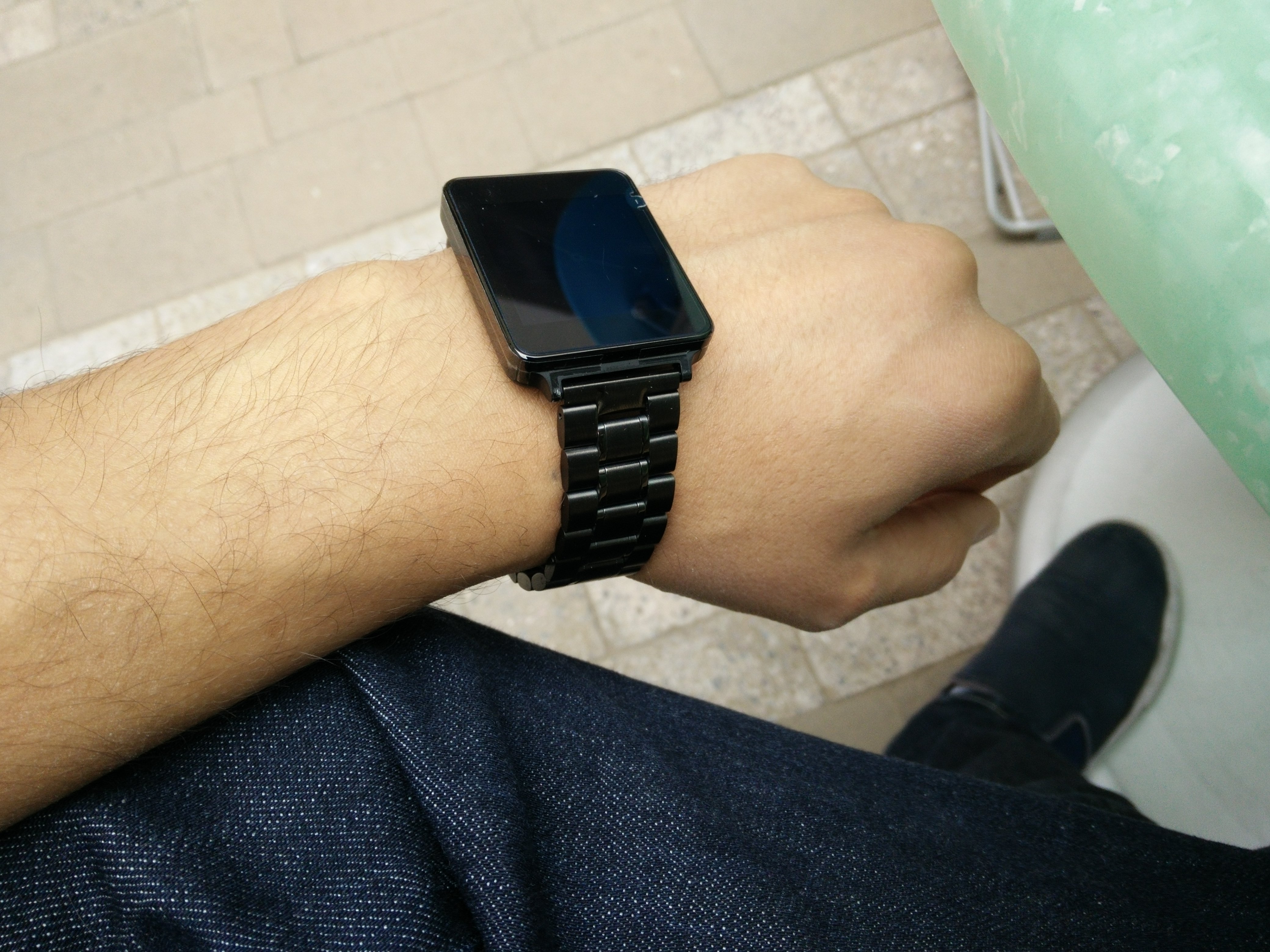
The LG G Watch has arrived and it is time I give Android Wear a test drive:
OnePlus has been doing a great job with CyanogenMod, updating it frequently to address the bugs in the system. The downside is that their software was far from perfect when the phone was released, but every update brings the phone closer to greatness. You can wait for the OTA or manually update using an incremental update zip from the recovery. Be careful though as this is only incremental and should only be installed over 38R.
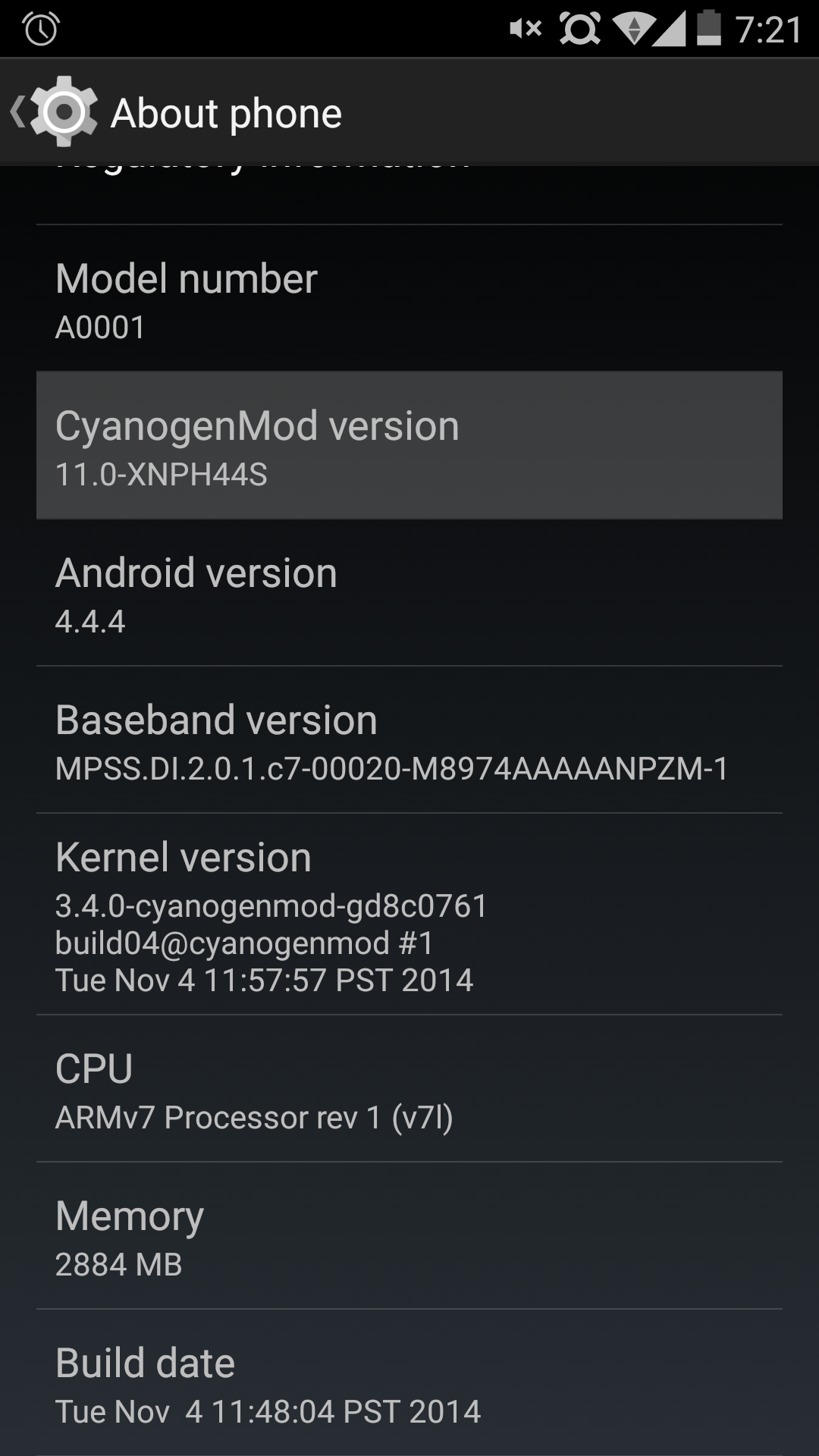
Here are the list of changes according to OnePlus:
Fixed issues with memory causing screen artifacts
Fixed issues with random reboots and instability
Fixed issues with WiFi and modem crashes
Fixed issues with Filesystem
Fixed issues with “black bar”
Fixed issues with persist partition corruption
Fixed issues with AT&T VoLTE
https://forums.oneplus.net/threads/cm-11s-44s-ota-is-out.173057/
The update zip can be found here.
The update was released yesterday and thankfully it was a small incremental update around 100mb therefore it didn’t need much space to install like iOS 8 did. Over the past 24 hours I have noticed that it is much snappier and smoother than iOS 8. Specifically the bug concerning multitouch app switching seems to be gone as it is always working now and not hanging up. On iOS 8 the gestures would frequently not work and many apps even the settings would crash without warrant. So far so good…
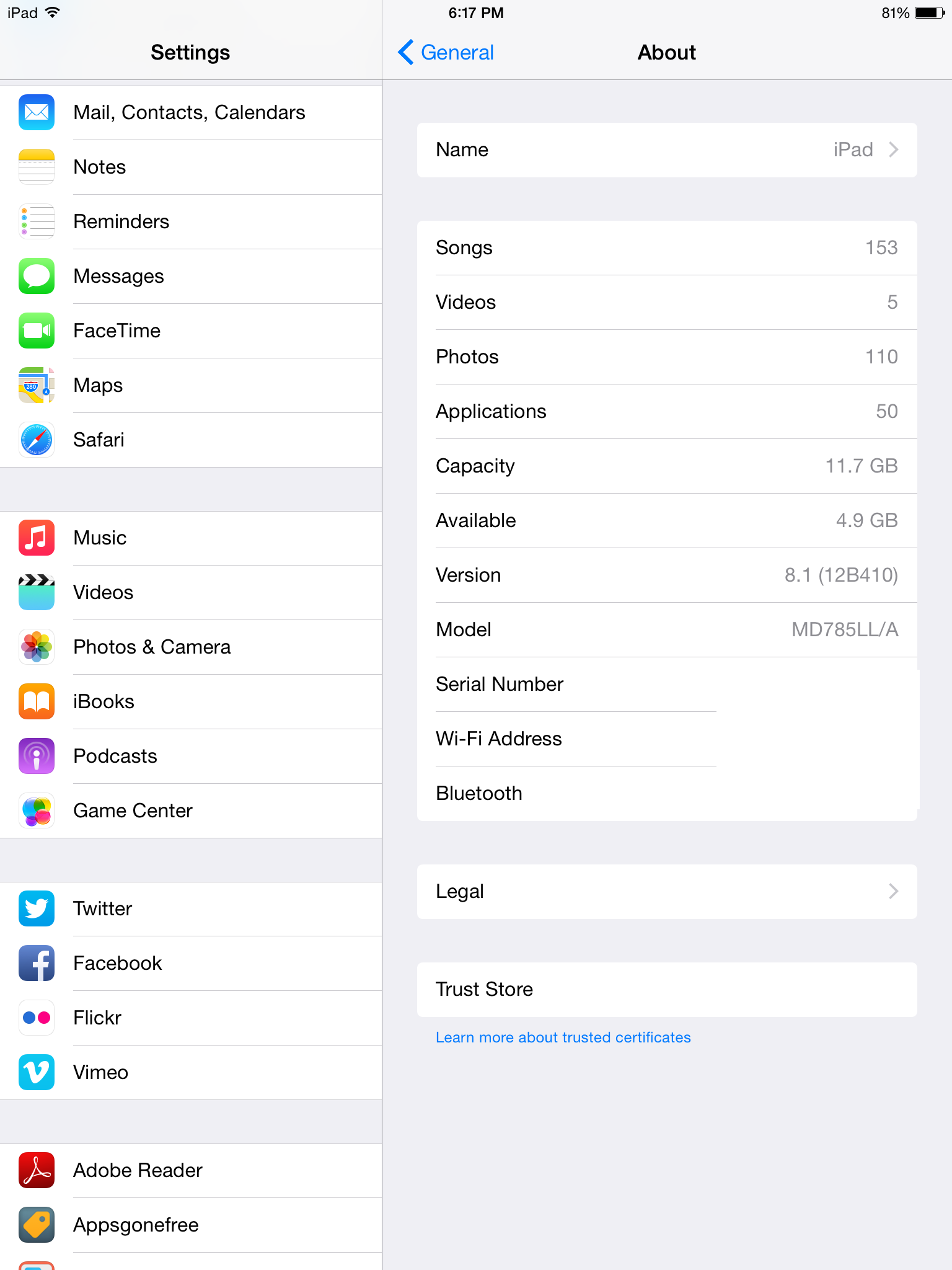
I went to install the update and to my surprise, it required 6.9GB free!!! I had to uninstall almost all of my apps to reach 7GB free and then I was able to install the update. I now have 6.3GB free afterwards. So on top of requiring a lot of space to download, prepare and install the update, I now lost 700mb for the new features. Now I must reinstall everything…
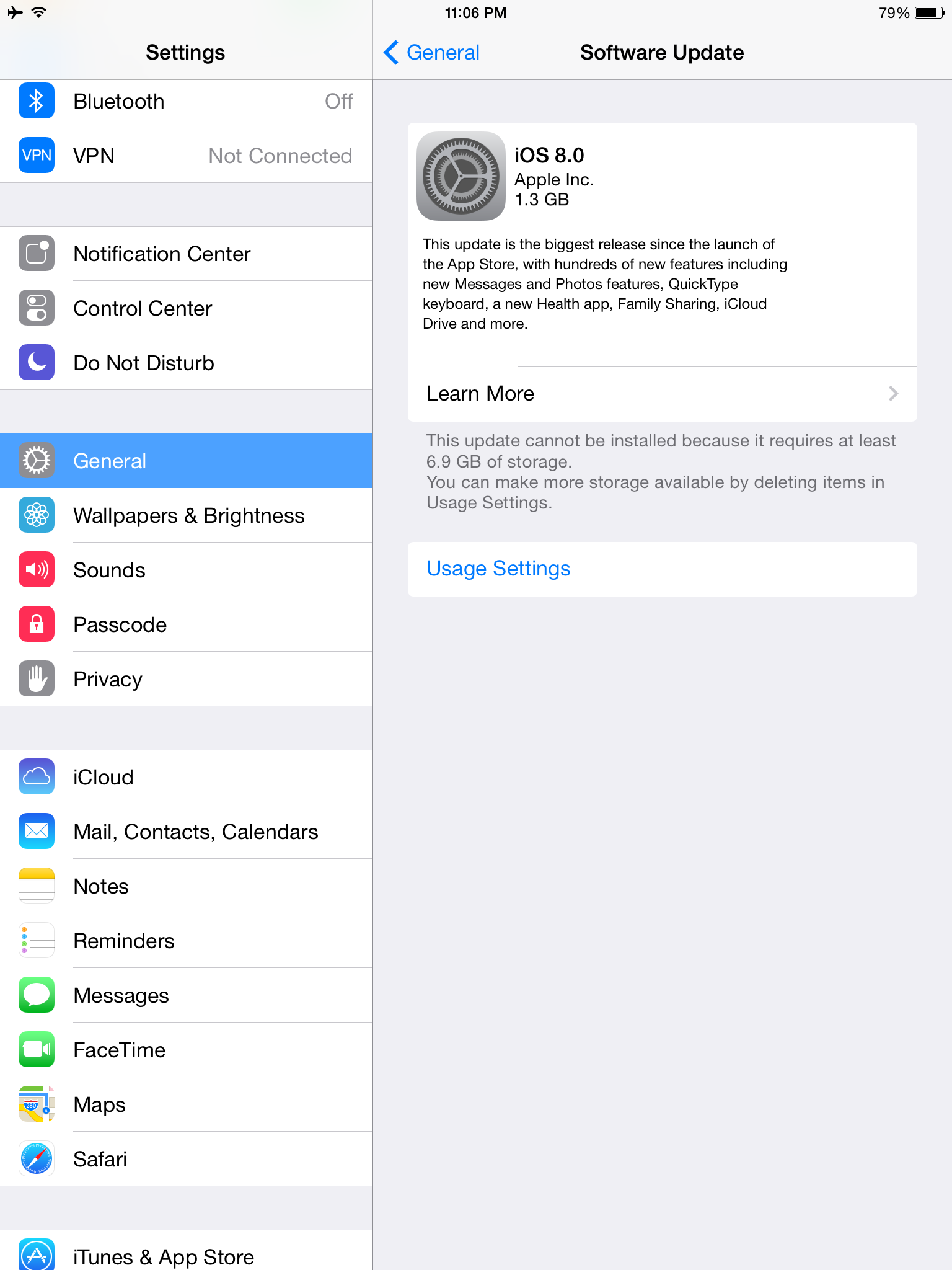
Finally, the update has arrived, but not for everyone…including me. So if you go here over at Android Police, you can find the zip file that you can manually install. You can put it on the root of your device and just go to the stock recovery and apply update since it is an official update. I did it this way and it worked fine for me. Overall, the update is great so I will list the nice new things and I will also list the bad new things.
Enjoy the video below showing everything I just wrote about:
Update 8/23/2014: Update XNPH33R Incremental
This update is supposed to address the battery life issues and have security fixes. So far I have not noticed any real difference, but I will make a video after testing it for a few days to see how it is after it settles.
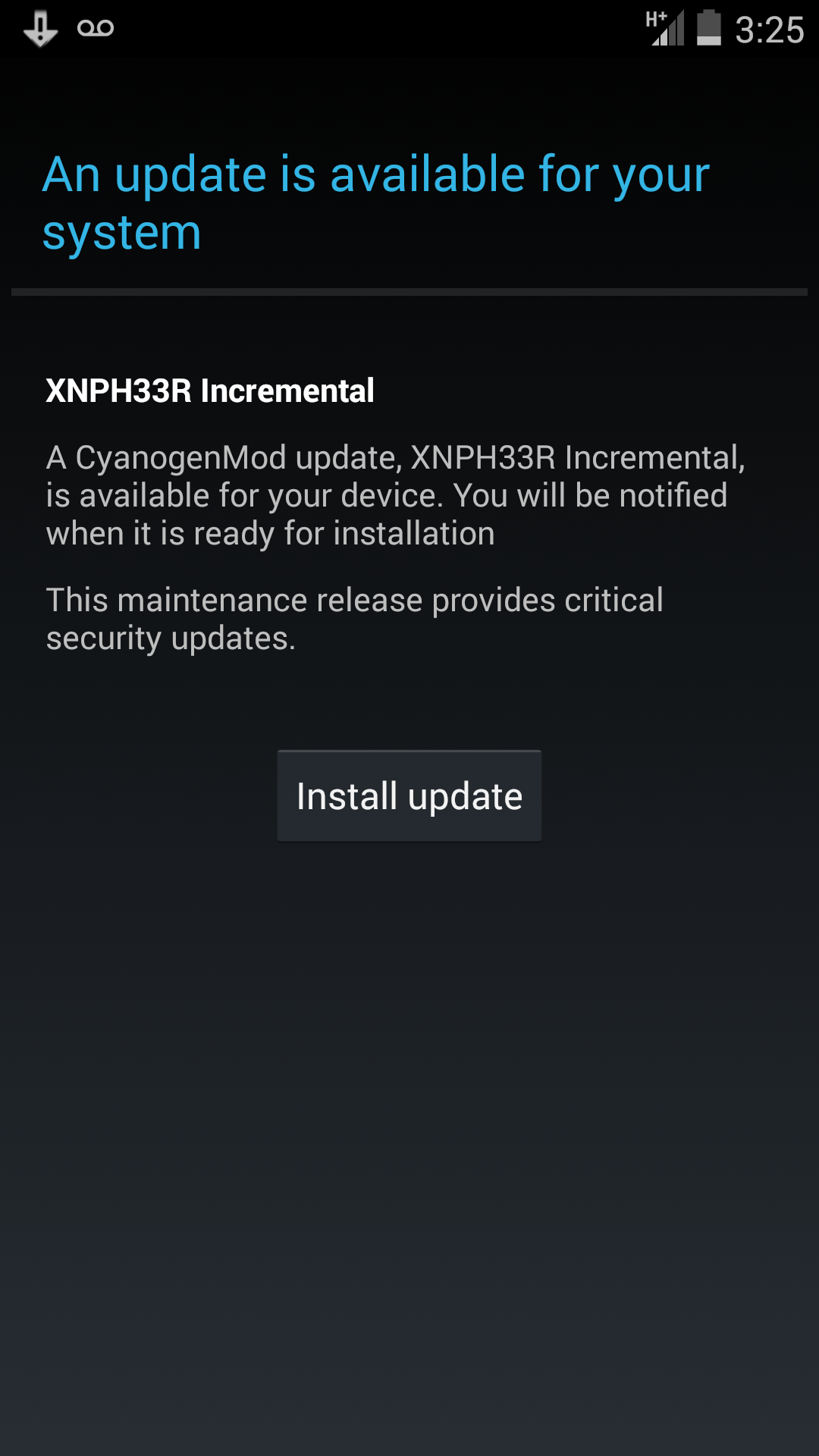
Update 9/18/2014: The update did not help much and the battery drain is still present as are the serious touch issues.
Update 10/7/2014: CM 11S 38R Update is out. It is supposed to fix the many things that were wrong. Check here for the changelog.
 The Lost Digit