Month: June 2014

  • Moto X Water Damage

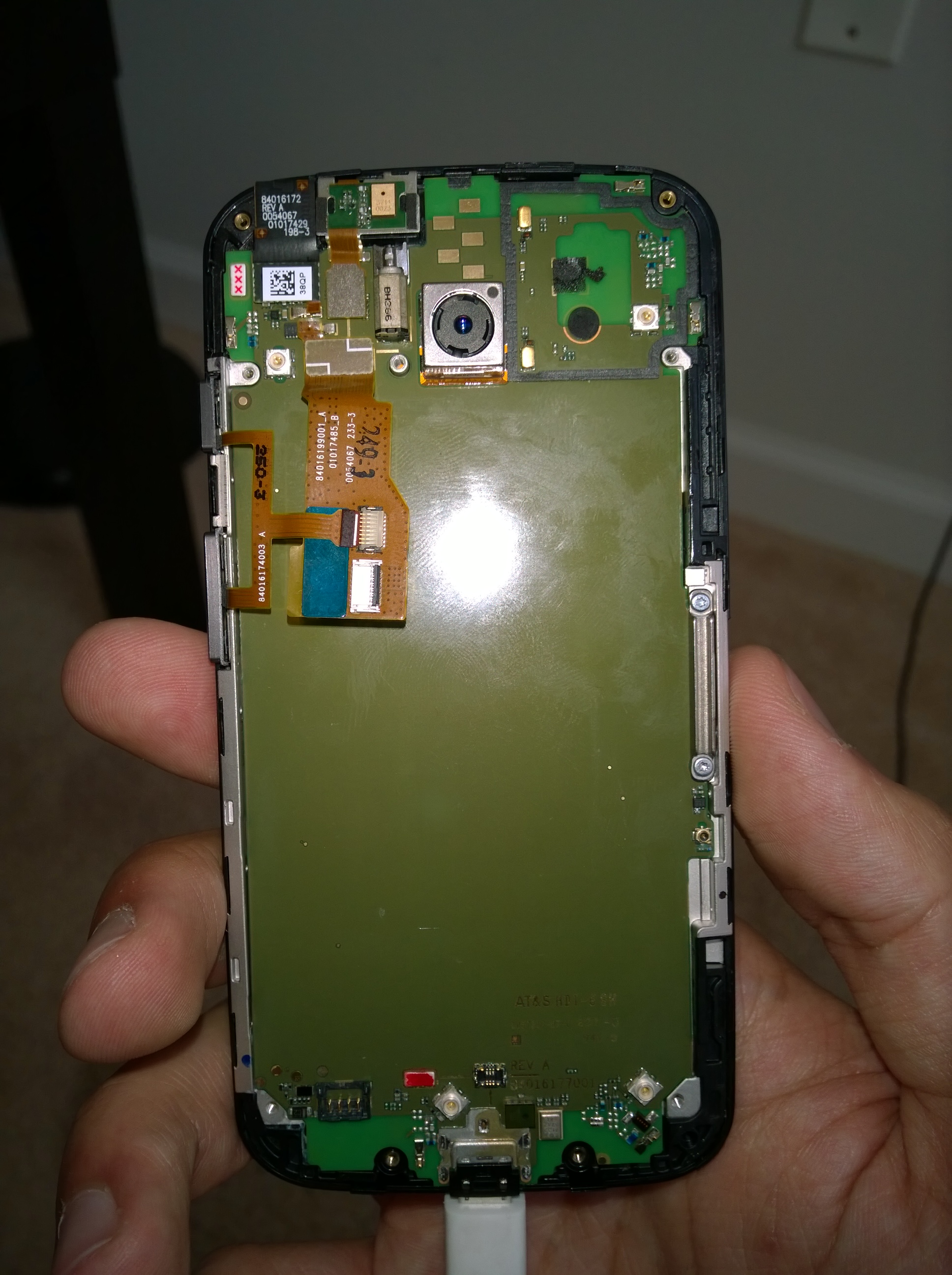
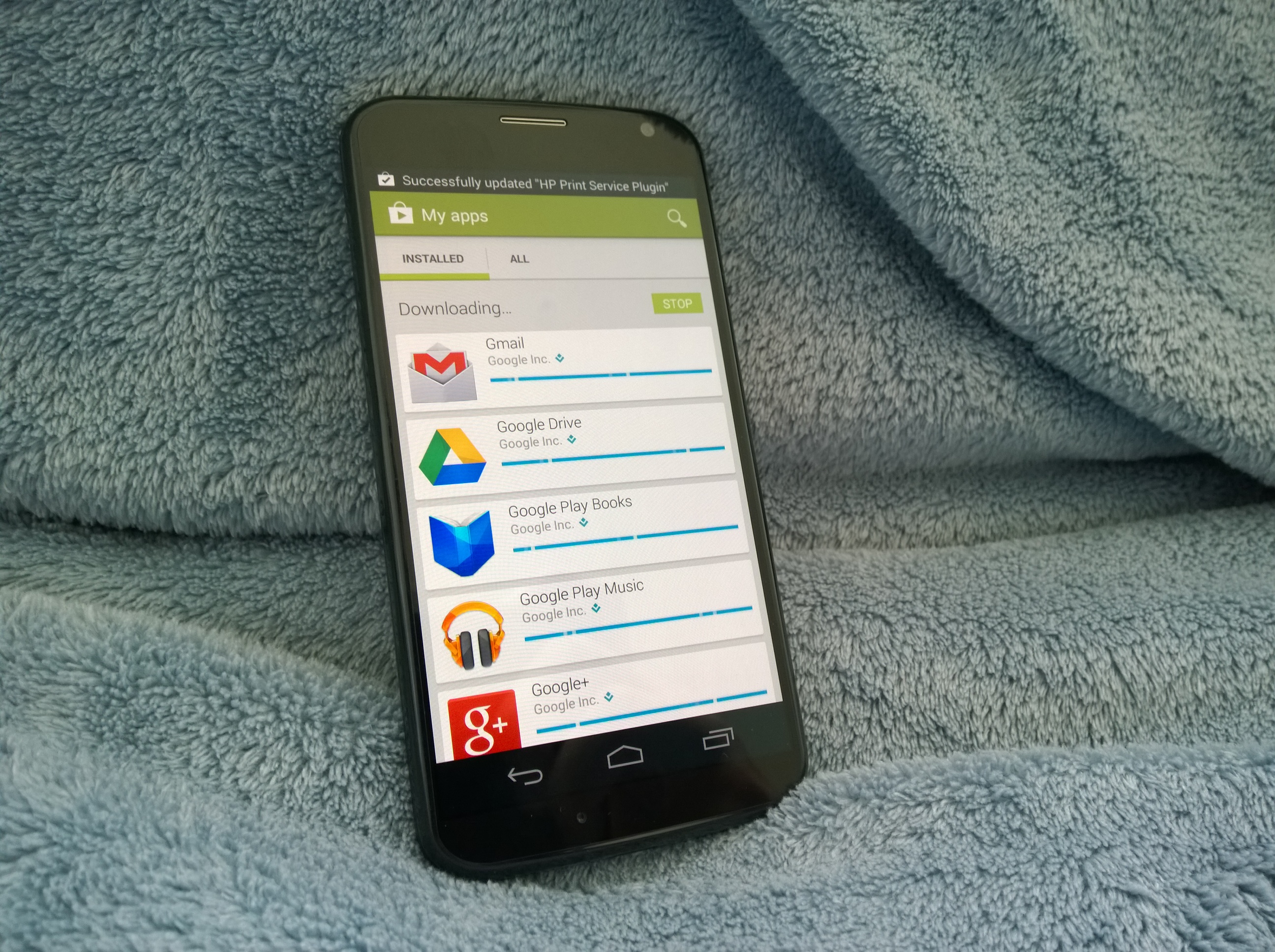
    My friend dropped her Moto X into the deep end of a pool without noticing. It remained there for roughly 5 minutes before it was retrieved. Instantly it was put in rice for 16 hours but afterwards it wasnt working correctly and remained stuck in a bootloop. At that point it was taken apart and cleaned using alcohol and left to dry. It was no longer working. A few days later I tried to change the battery but it didnt help as the device just stayed off or in a bootloop depending which battery I connected. I left the Moto X open for another week to dry out completely with all of the original parts assembled. Today I plug it in and to my surprise it turns on and works as normal, but every time I unplug it, it would turn off. This happened around 3 times and then I decided to leave it on the charger to let it reach 100. In a few minutes the battery went from 56% to 100% and then it said fully charged. After some heating up and rebooting, it just started working normally. So if your Moto X is heavily water damaged (water has been forced inside by pressure), open it and just let it dry for a week and you should be good to go. The nanocoating seems to have worked out well in this case.
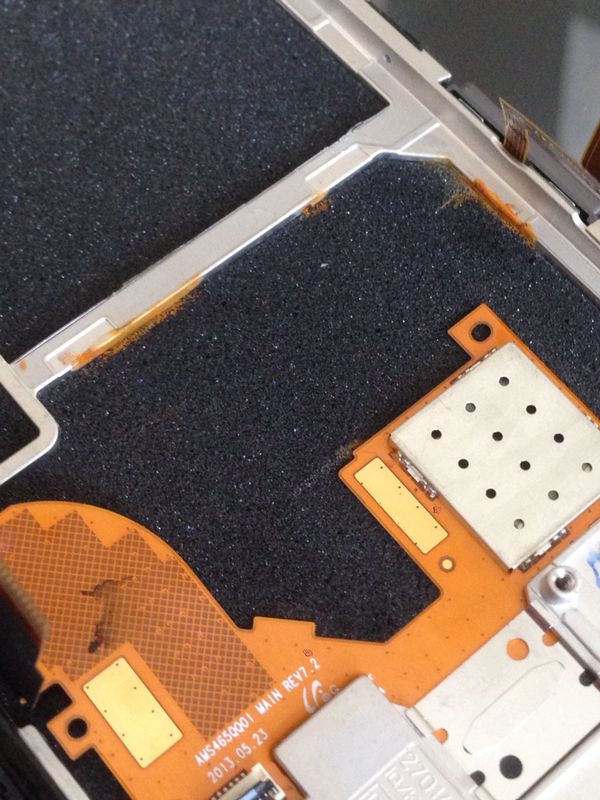
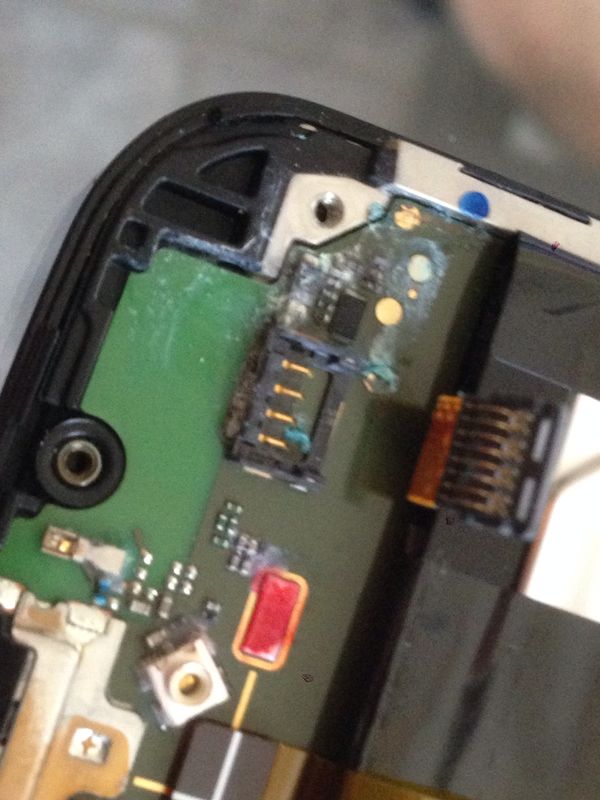
    Internal Rust
    Internal Rust
    Internal Water Damage
    Internal Water Damage
    Between the screen and main board
    Between the screen and main board
    The Main board under the battery
    The Main board under the battery
    Finally Working
    Finally Working


  • TP-LINK TL-WN722N High Gain Wireless USB Adapter (150Mbps) Review

    I needed an affordable yet powerful Wi-Fi adapter for my desktop and after a lot of searching, I found the TP-LINK TL-WN722N available on Amazon.

    According to their website it features:

    Exceptional wireless speed up to 150Mbps brings best experience for video streaming or internet calls

    Easy wireless security encryption at a push of the WPS button

    4dBi detachable antenna, remarkably strengthen signal power of the USB adapter

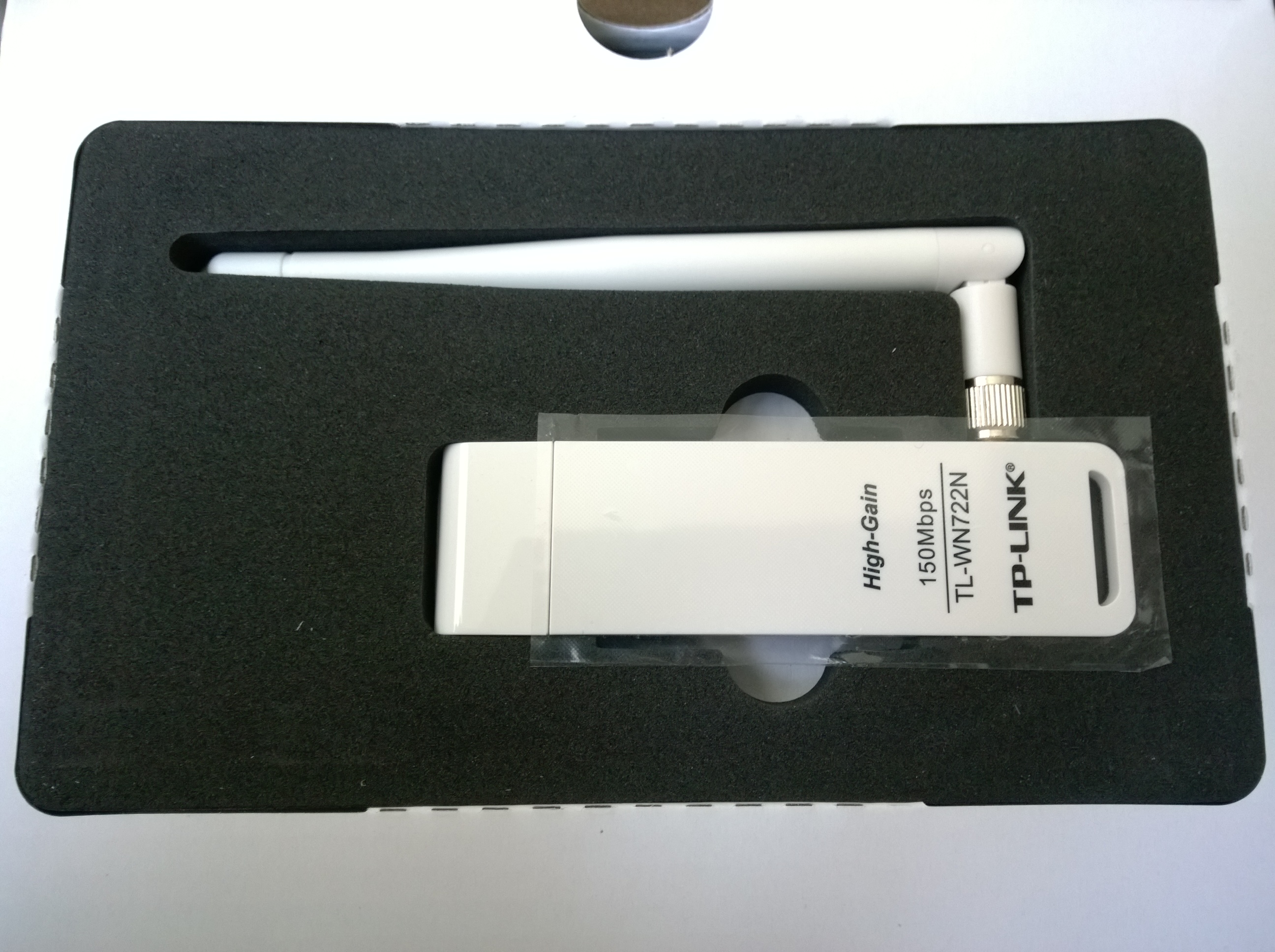
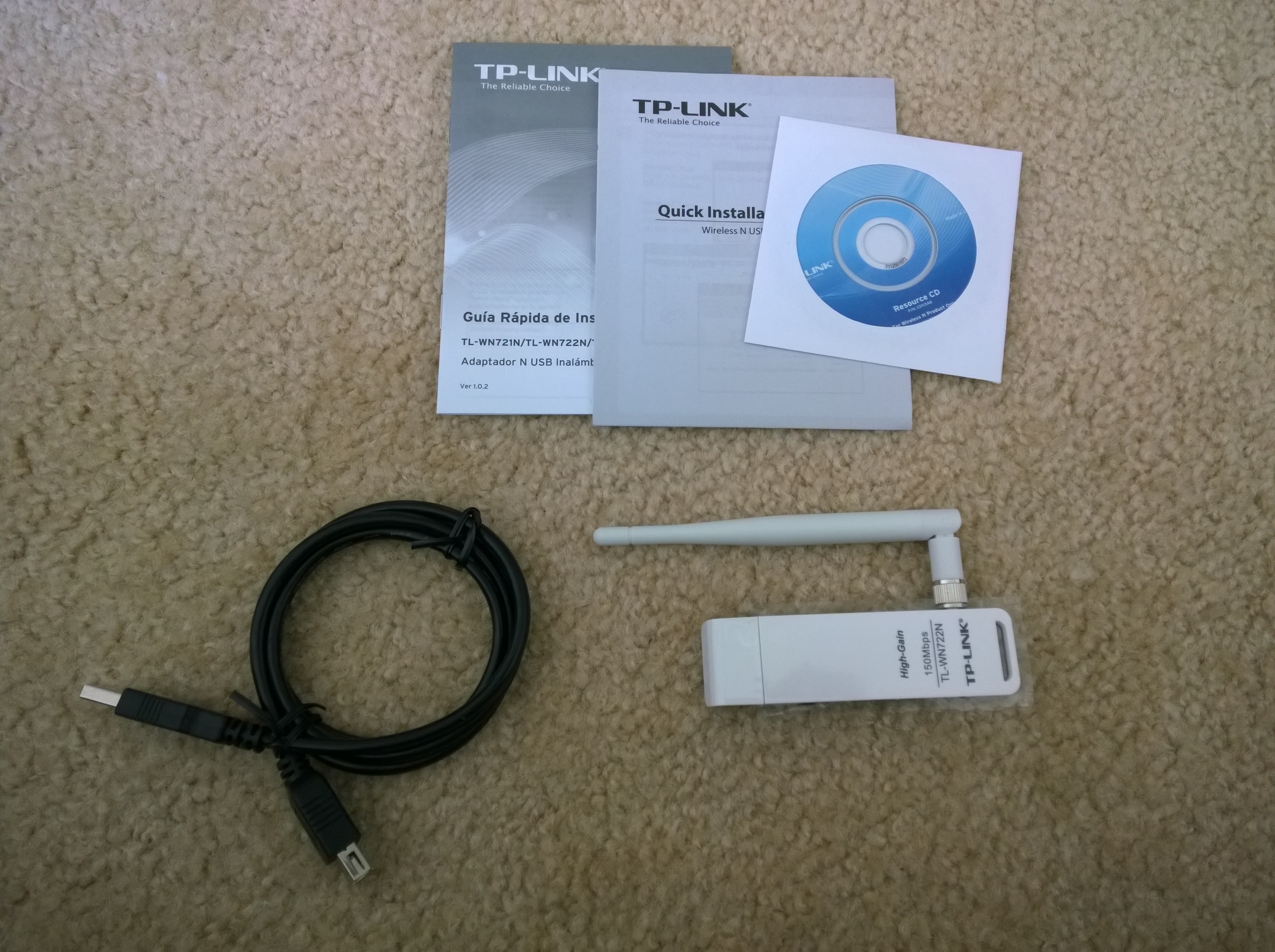
    The package came within 3 days and this is what it looks like:

    WP_20140619_08_26_15_Pro
    The box
    WP_20140619_08_27_34_Pro
    The adapter packaging
    WP_20140619_08_30_14_Pro
    What’s inside the box
    WP_20140619_08_37_58_Pro20140619083818
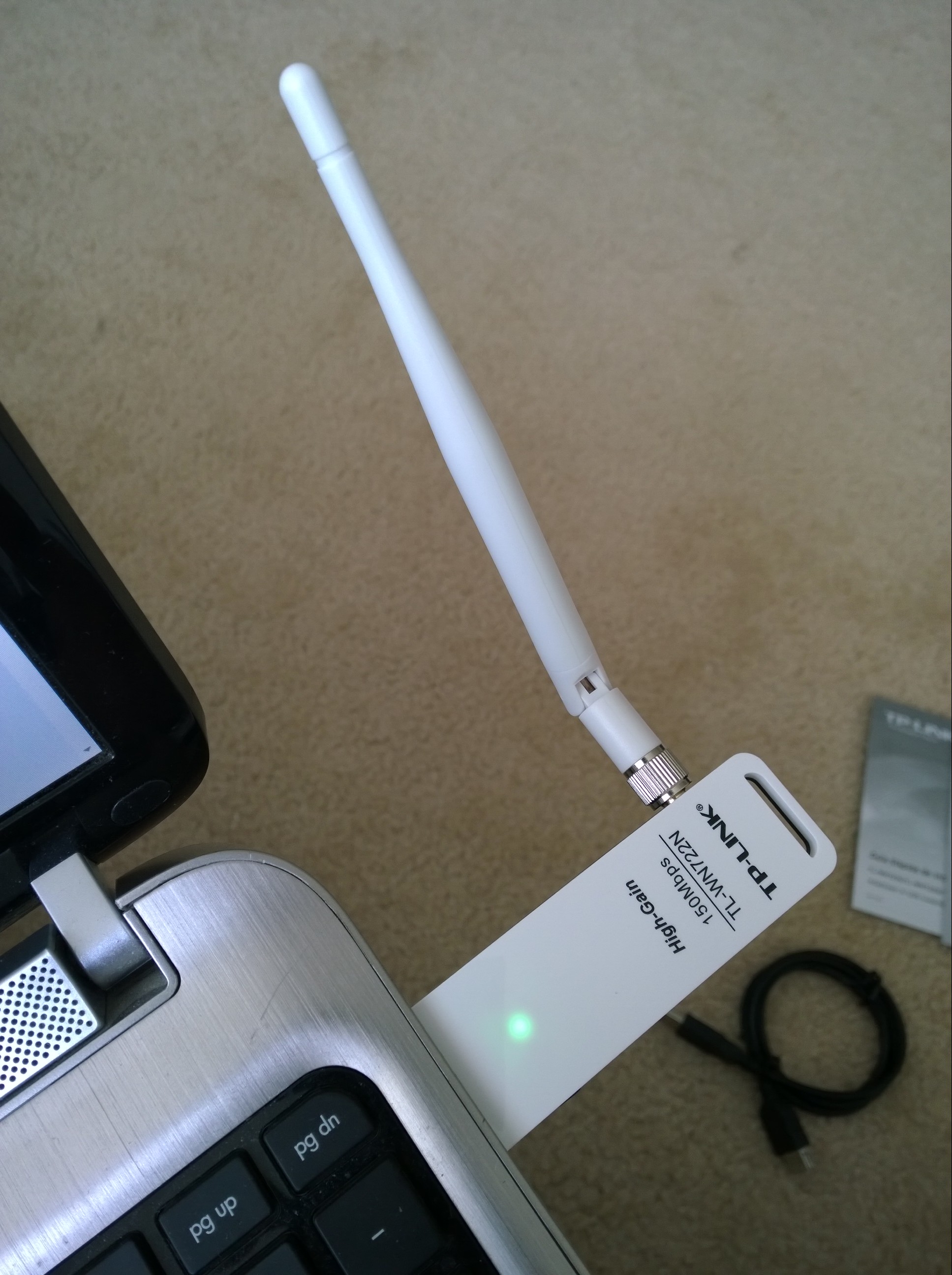
    How it looks in a laptop

    The adapter was plugged into a USB 2.0 port on my Windows 8.1 laptop and it was automatically installed and ready to use in under a minute. It is slightly stronger than my internal Wi-Fi adapter, at the same moment my internal card recognized 31 networks while the TP-LINK recognized 34. I tested it for several hours streaming 1080p videos on youtube, opening 12 tabs at once on chrome and multitasking, and streaming music on iTunes radio and it held up very well. The connection did not drop once and so far it has been great.


  • Razer Nabu Developer Band Update

    The have just emailed me saying,

    “Dear Developer,

    We are pleased to announce that the Razer Nabu SDK is now available via the Developer Portal and that the Razer Nabu Developer Edition units have begun shipping to qualified developers.

    As you have expressed interest in our Developer Program before, please provide information as to prior apps you’ve published – this will allow us to qualify you as a Nabu developer. Note that we are only qualifying developers who already have published apps at this time.

    Click through this link to qualify.

    Qualified developers will be entitled to purchase a Nabu Developer Edition unit for $49.99. However, due to limited availability of the Developer units, we will be shipping them out on a “when available” basis in batches.

    In the event you are not a published developer but would still like to participate in helping us test and provide feedback toward the Razer Nabu’s final polish for the retail launch, we have a separate Beta Program which is open to the wider public. 

    If you’d like to learn more about the Razer Nabu Beta Program, click through here.

    Once again, thanks for your support of the Razer Nabu. With your help, we are shaping the future of next-gen wearables.”

    This started off as an exciting email but then I realized that all of the waiting hasn’t helped at all. I had to sign up again and start all over again. Let’s hope I’m chosen.


  • Lumia 1520: WP 8.1 Update 2 with Whatsapp Update 2.11.494

    Many weeks have passed since I spoke of the horrid experience of WhatsApp on WP 8.1. Well, I am glad to say that after 2 updates to the preview for developers and 2 updates to WhatsApp, things are looking much better.

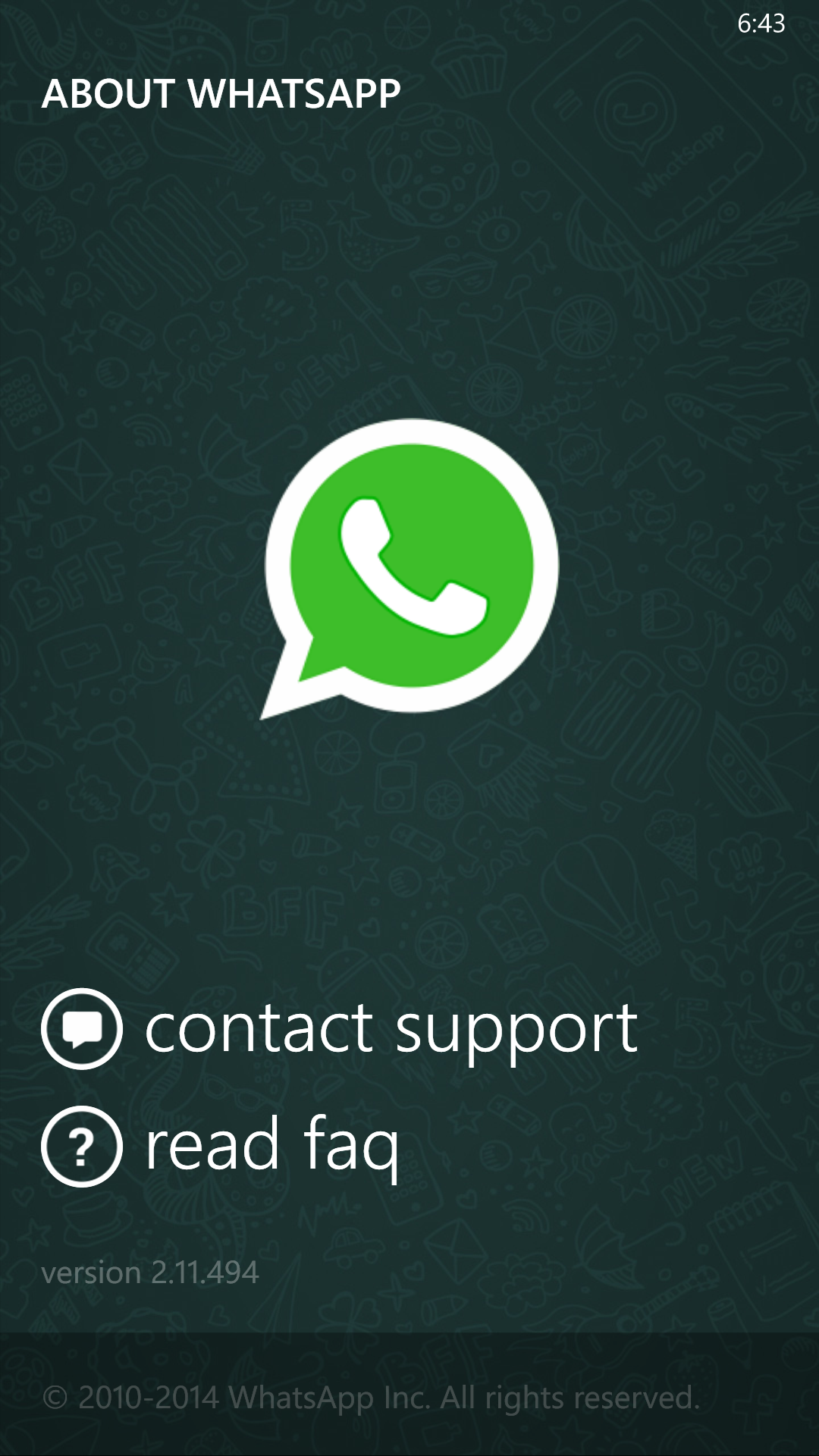
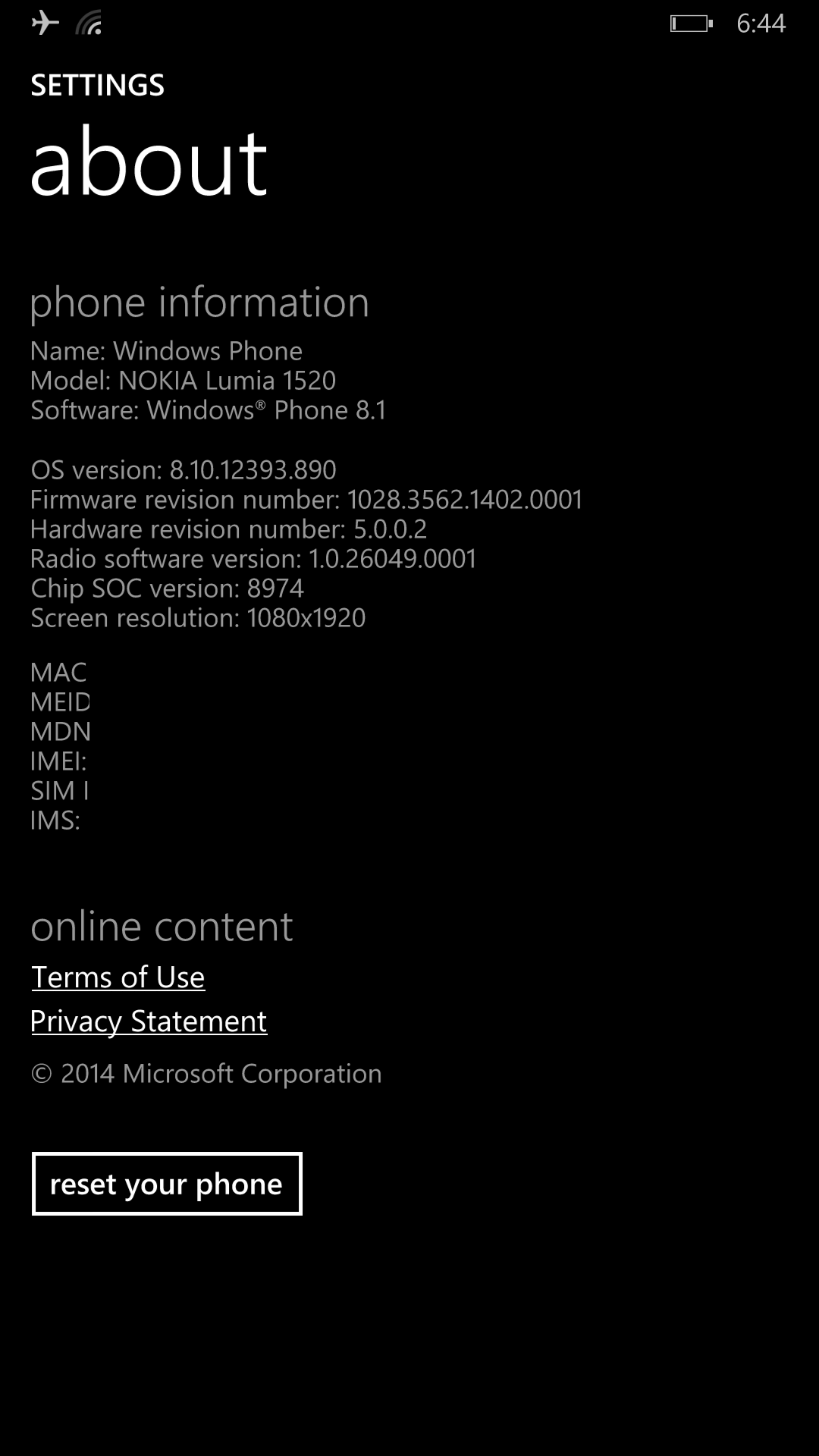
    Windows Phone is now on version 8.10.12393.890 while WhatsApp is on version 2.11.494.

    wp_ss_20140605_0001
    WhatsApp
    wp_ss_20140605_0002
    Windows About

    Finally, battery drain isnt as bad, the phone doesn’t heat as much, entering and exiting conversations is back to how it was in WP 8, and lastly we can set chat wallpapers!

    On Microsoft’s side, it seems that the lack of optimizations for the Lumia 1520 chipset in WP 8.1 were holding it back before. These updates have fixed many performance issues and the coming Cyan update in the end of June is beginning to look promising.