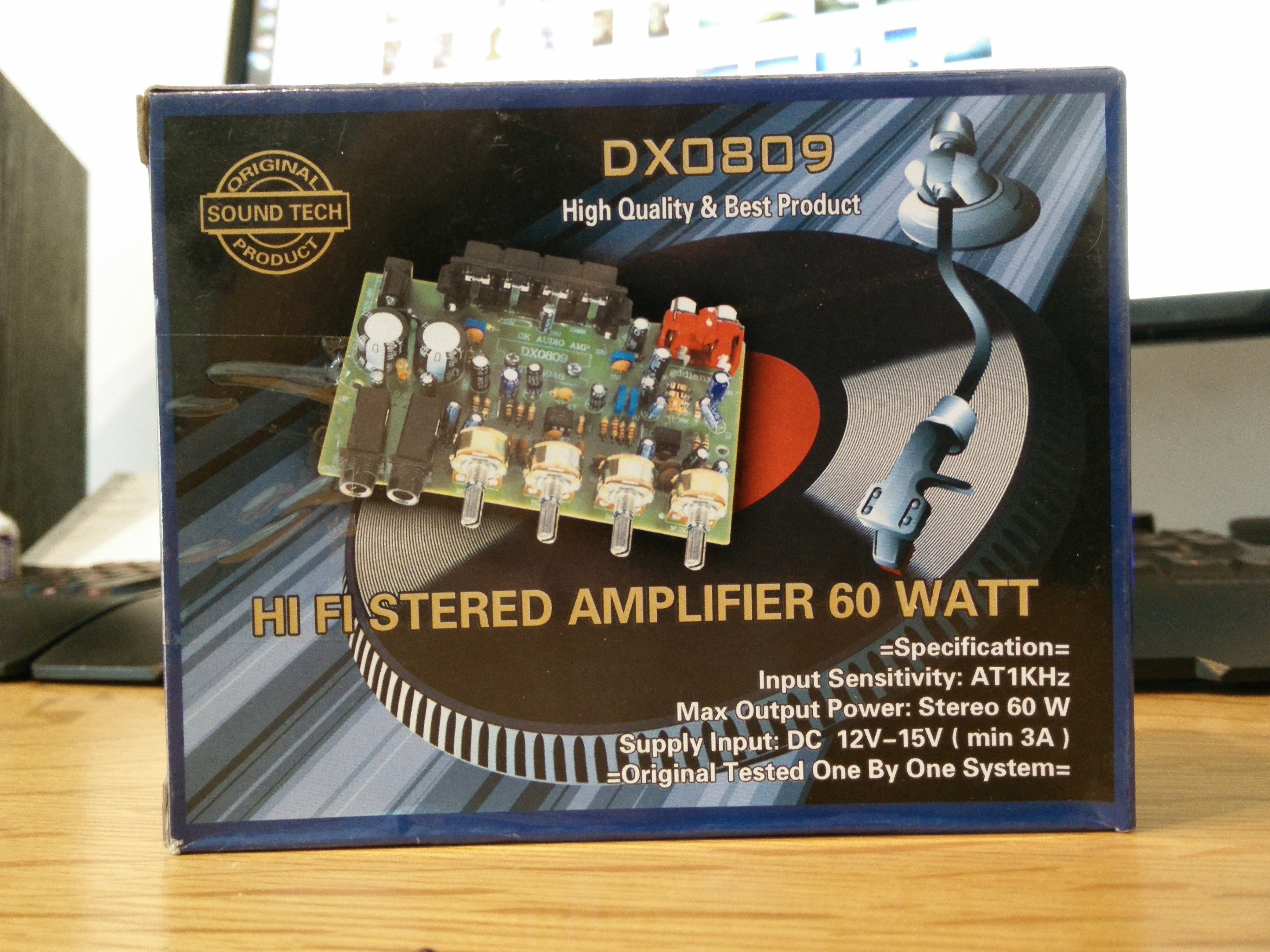
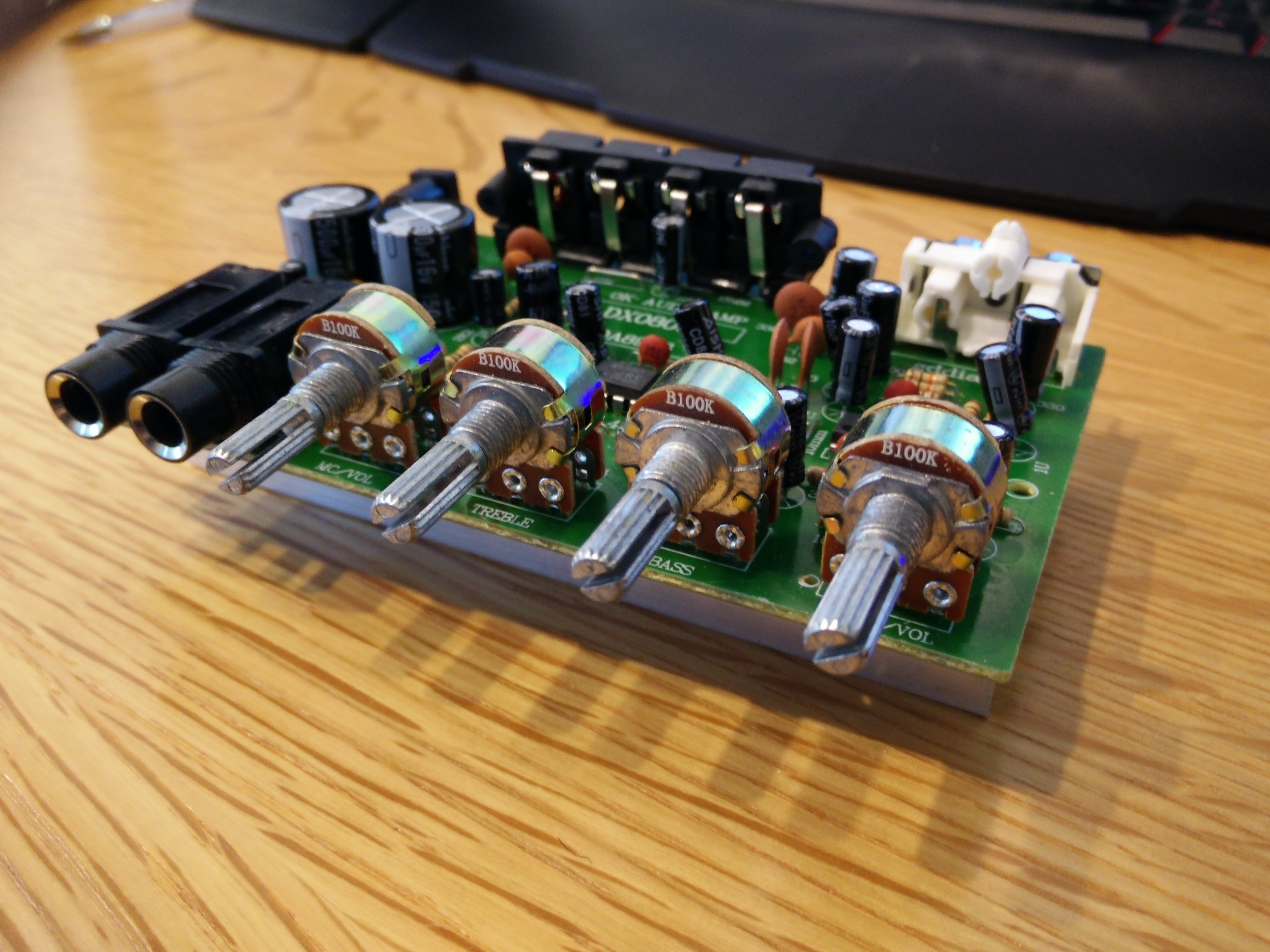
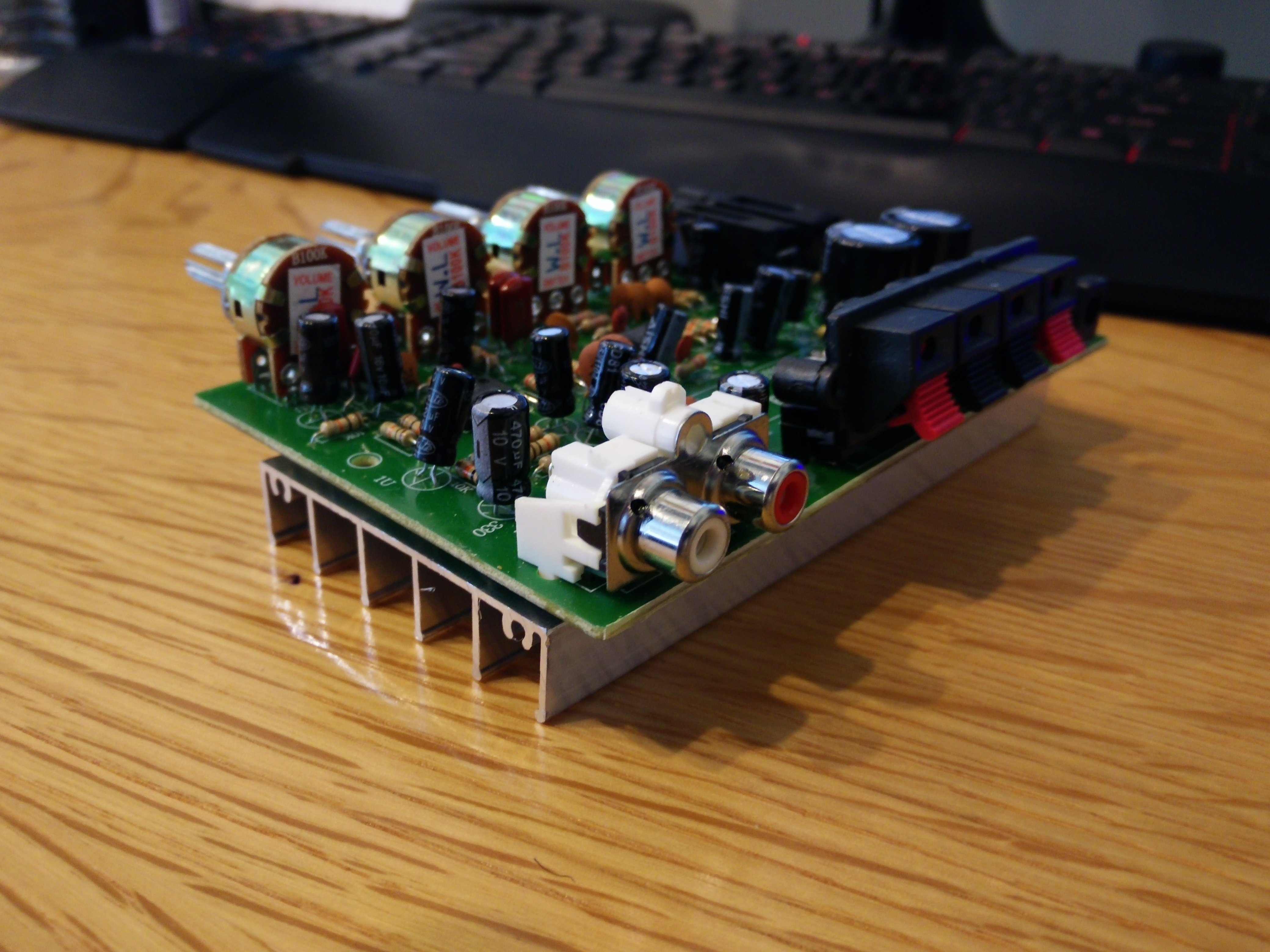
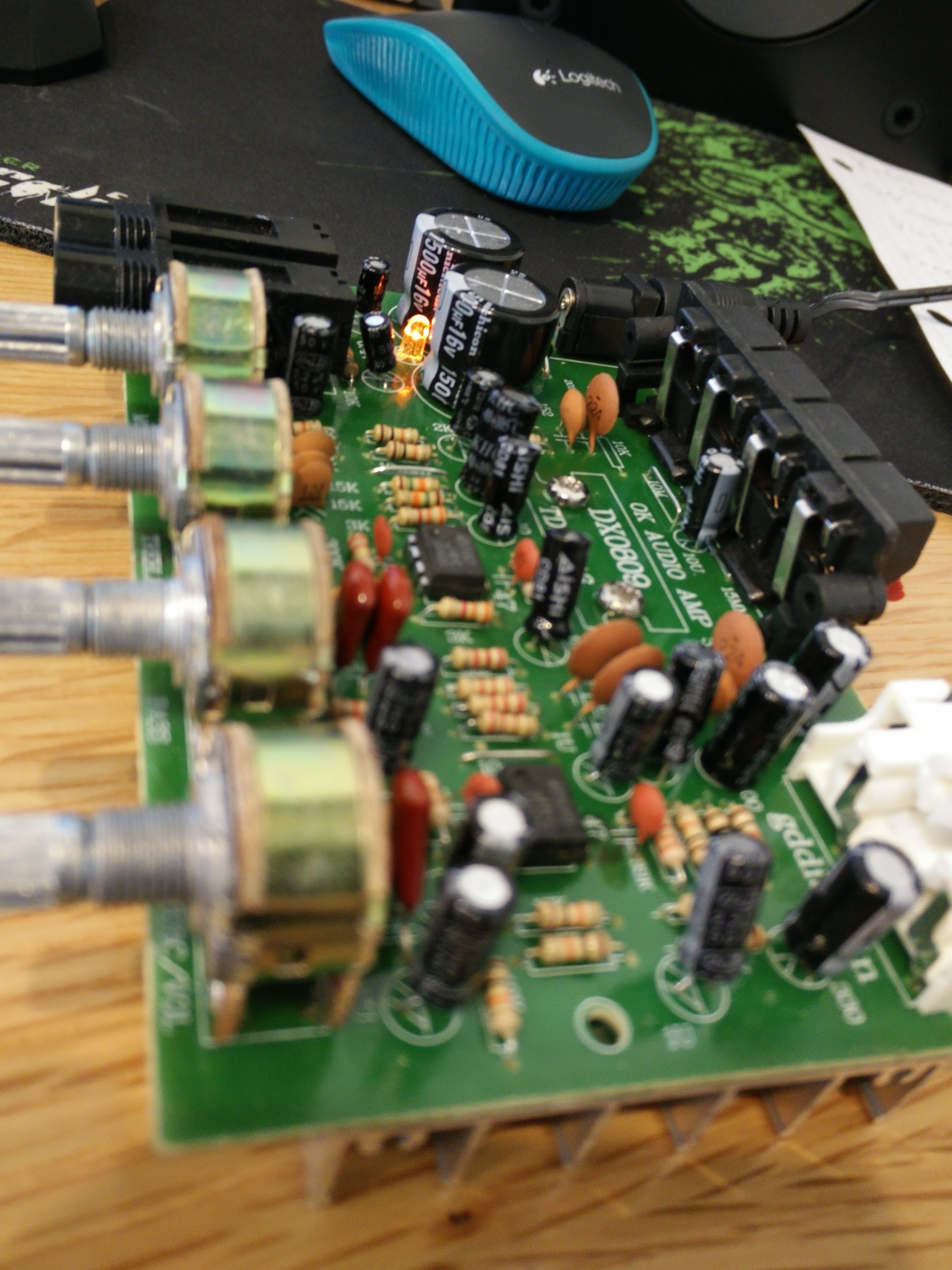
I found this amplifier for $Cheap as a temporary placeholder to run my Polk Audio Monitor 30 Series II speakers. It does carry a much better punch in terms of bass reproduction than the Lepai 2020A+ but it fails in almost every other aspect. The highs are not crisp and there is a noticeable hiss at high volumes. Most of the vocals were muffled and vibrated in a very weird way. The Lepai 2020A+ does a much better job at running both the lows and highs clearly even when at high volumes. Stay away from this amp and just get a Lepai 2020A+ if you want something cheap.
Author: thelostdigit
-
HI-FI Stereo Amplifier 60 Watt DX0809
-
OnePlus One New Synaptics Firmware Fixes Touch Issues
I have switched from the stock kernel to the Franco kernel which implements Synaptics’ new firmware for the touchscreen and the difference is huge. No longer are there any issues when typing fast or scrolling and the phone finally feels like a finished product. It is amazing how a bad firmware for the touchscreen can make the whole experience of using a phone horrible.
Until the official update comes you can use Franco’s kernel on either Cm 11s or AOSP Roms. I am using it with a CM Nightly and it is running flawlessly.
The app isn’t necessary but it has some great features: Play Store

Franco kernel updater -
Nokia Lumia 635 Drop Test
Does the Nokia break the concrete or does the concrete break the Nokia? Watch and see…
-
AMD Catalyst 14.9 Stable Released
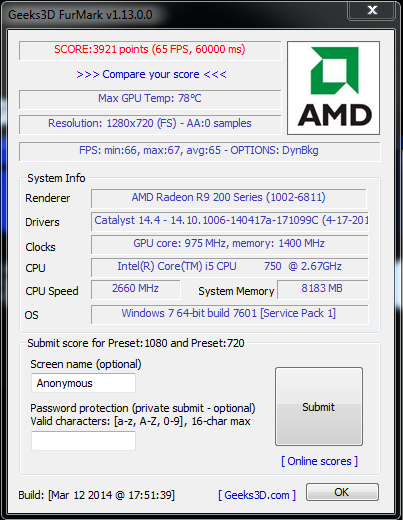
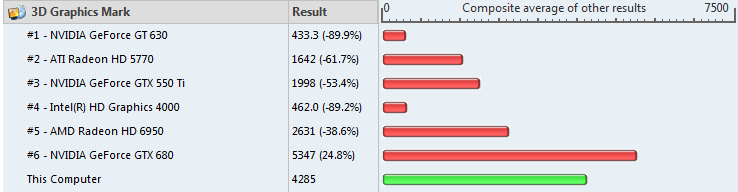
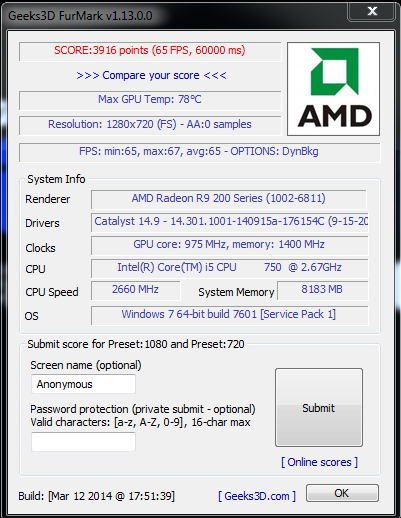
After a long wait, the stable release of the AMD Catalyst Control Center version 14.9 was finally released. This version is supposed to bring massive gains in several games and I hope it is true. In day to day tasks it runs the same as compared to 14.4 with no real difference outside of specific games. I have run 2 3D benchmarks on 14.4 and 14.9 to see if there were any general improvements to unoptimized games, but the results were almost the same before and after the update.
GPU: Gigabyte R9 270OC with stock clocks
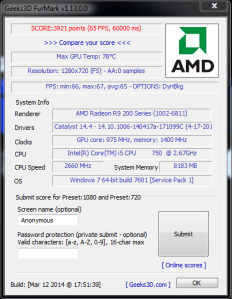
Furmark 720p Benchmark on 14.4 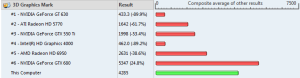
PerformanceTest 3D Test on 14.4 
Furmark 720p Benchmark on 14.9 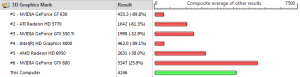
PerformanceTest 3D Test on 14.9 -
Patriot FUEL+ 5200mAh Dual-Port Power Bank Review
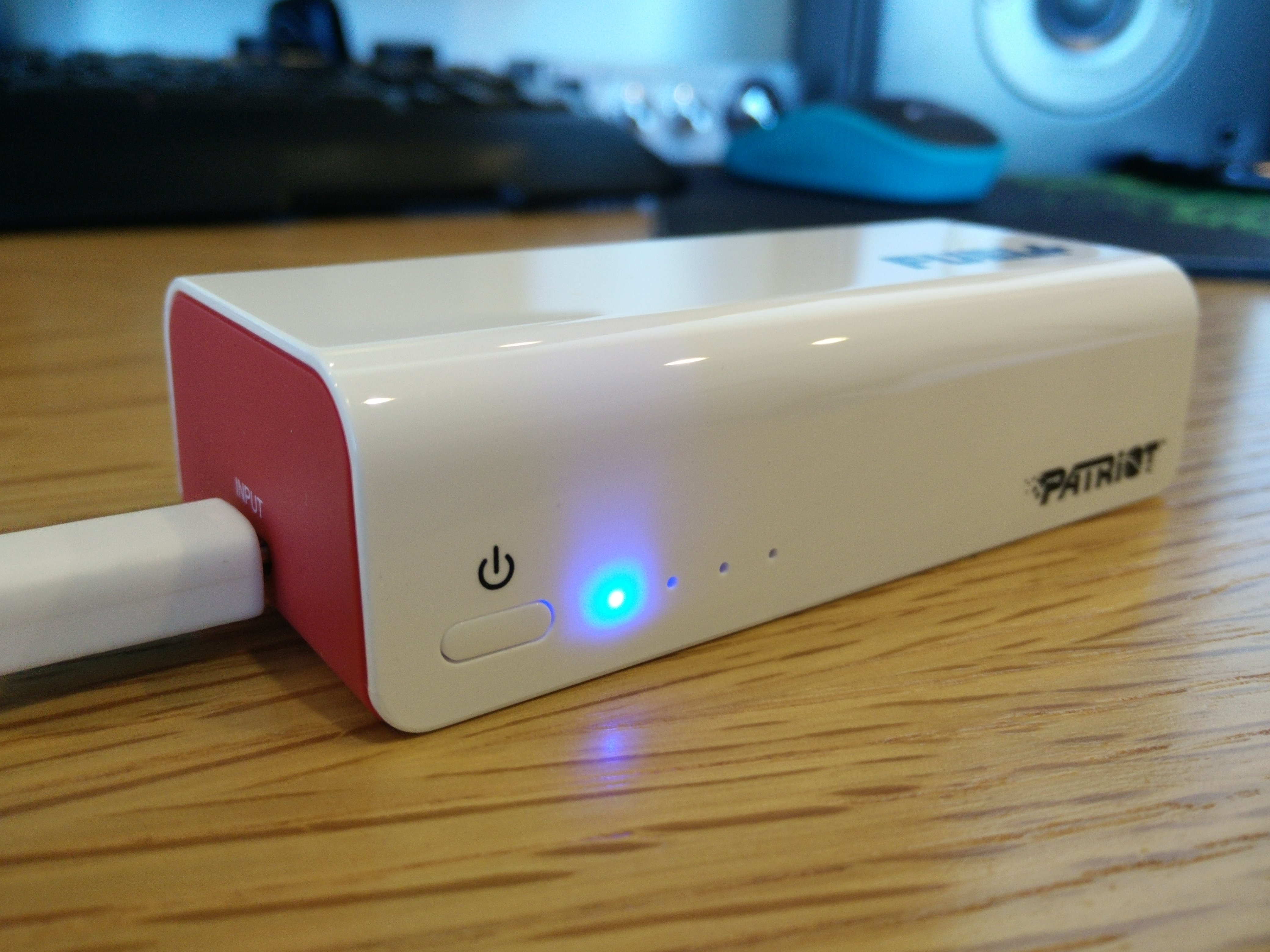
The Patriot FUEL+ 5200 mAh power bank is interesting as it balances features and size well. Most power banks that have a dual output system or a 2.5 amp output are much larger than this one. It is nice to see good build quality and solid functionality on a power bank of this size. It is more expensive than its generic siblings but those usually have a single 1 amp output. The 2.5 amp output is great because it allows me to charge big devices such as my OnePlus One much quicker than most other power banks.

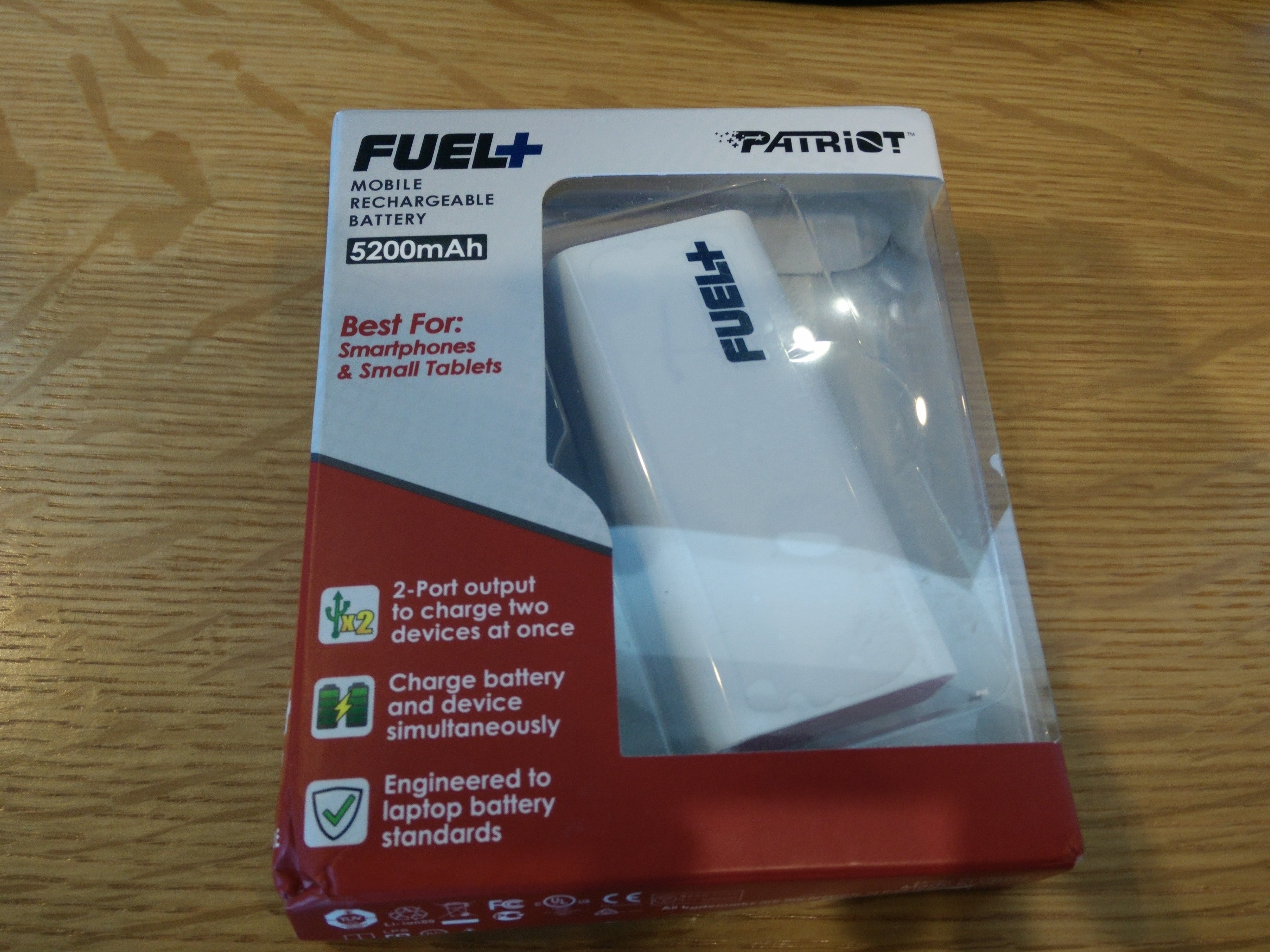
Packaging 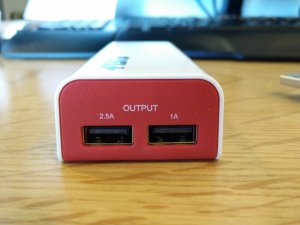
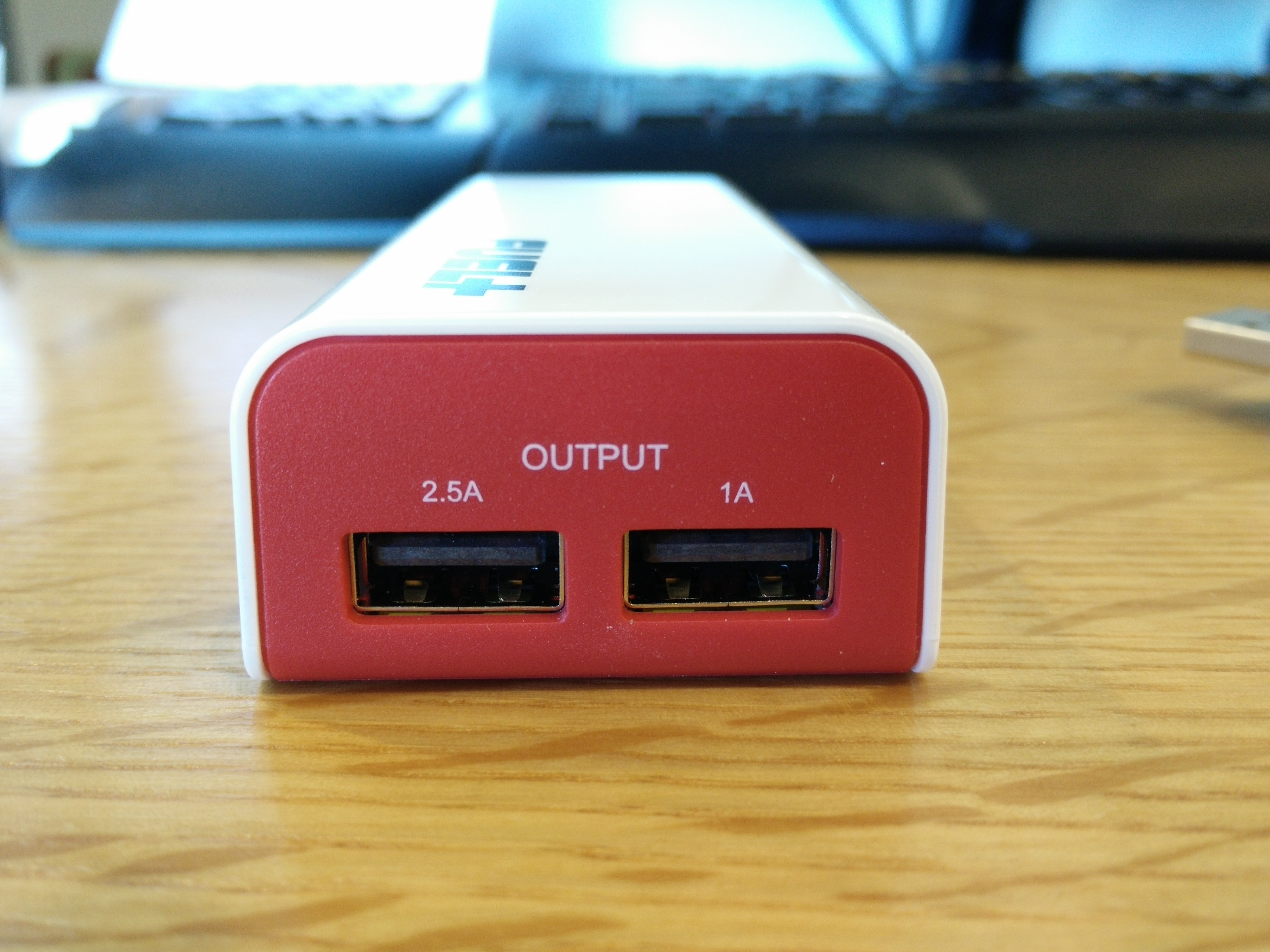
Dual Outputs: 2.5A and 1A 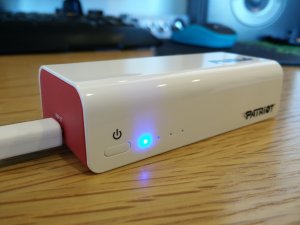
Bright Blue Charging Lights Pros:
- Great Build Quality
- Looks Great
- Sits Flat on a Table
- Blue Lights
- 2.5A Output
- Dual Charging Capability
- Ability Charge a Device and the Power Bank Simultaneously
- Very Portable
Cons:
- The Power Button Isn’t Raised For Easy Pressing
- Expensive Compared to Others
-
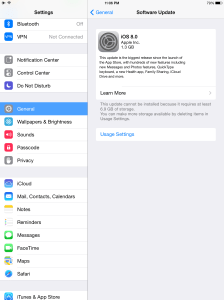
iPad Air iOS 8 Update Requires 6.9GB Free
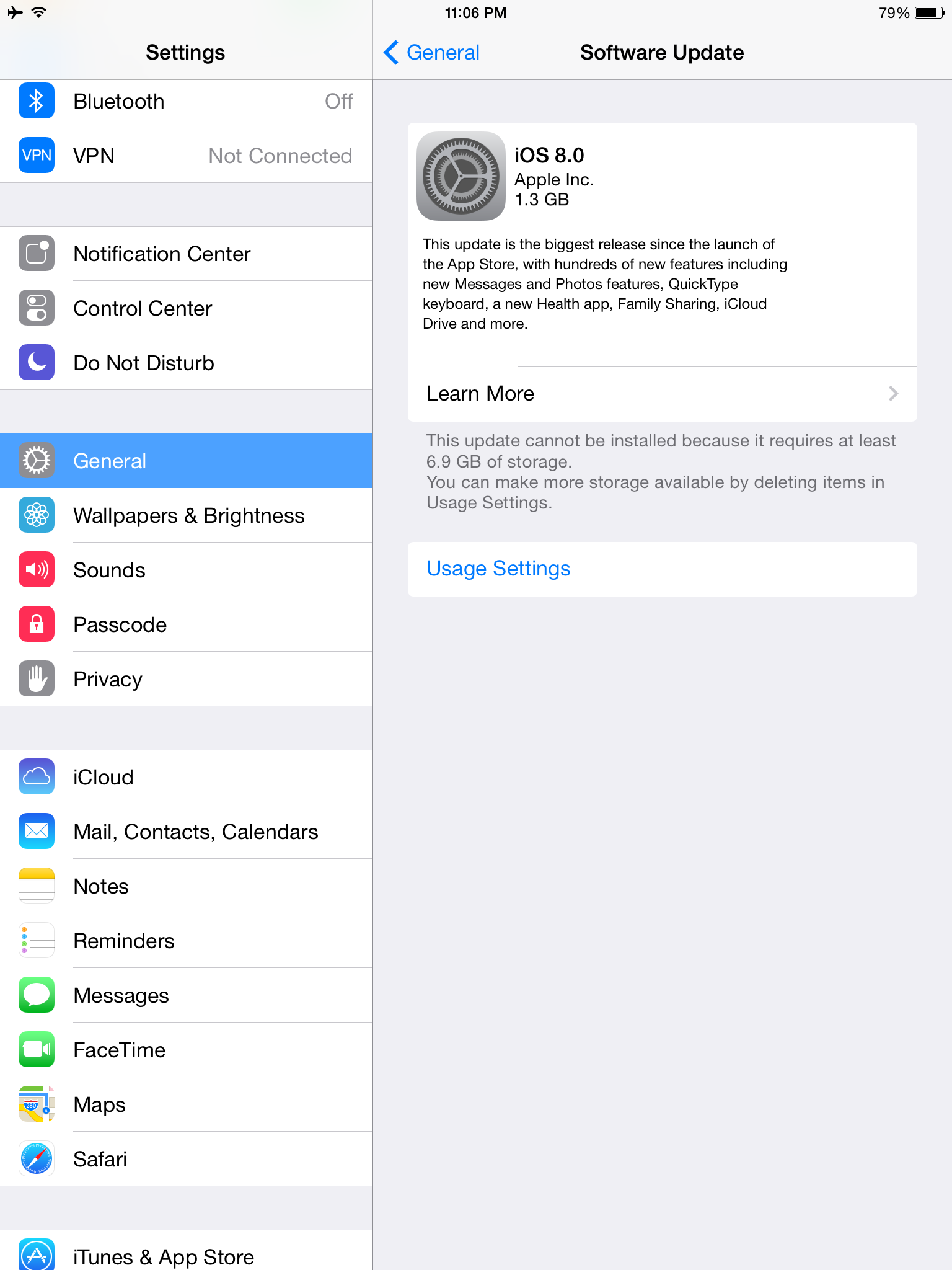
I went to install the update and to my surprise, it required 6.9GB free!!! I had to uninstall almost all of my apps to reach 7GB free and then I was able to install the update. I now have 6.3GB free afterwards. So on top of requiring a lot of space to download, prepare and install the update, I now lost 700mb for the new features. Now I must reinstall everything…
-
Moto G (2014) 2nd Gen In Depth Review
I have made an in depth video review and I will list the key points under it:
Pros:
- Affordable
- Fast
- Smooth
- Responsive
- All Day Battery
- Great Screen
- Great Size
- Very Good Camera at Night (No Noise)
- Surprisingly Good Photos For A Budget Device
- Stereo Speaker Configuration
- Great Call Quality
- Micro SD Card Slot
Cons:
- Speakers are weak
- Audio Output is weak
- Camera Can’t Focus Close Objects Well
- Display Contrast isn’t Great
- Buttons Feel Cheap
- Feels A Bit Fat Sometimes
-
Moto G (2014) 2nd Gen Camera Test and Comparison

Moto G (2014) In the video I show many different scenarios in which the camera may be used and I compare it directly to the Moto X (2013) and the OnePlus One. It performed very well in most scenes and really passed my expectations for a phone of this price. It’s worst performance was during a macro shot as the camera doesn’t allow for getting very close. In most situations, its colors were more accurate than the Moto X and overall they looked great. It takes low res 720p videos which are decent in day time and surprisingly clear in low light, even out performing the OnePlus One while in low lit situations. It also does a great job when recording very loud audio keeping away any saturation and holding the volume at an acceptable level.
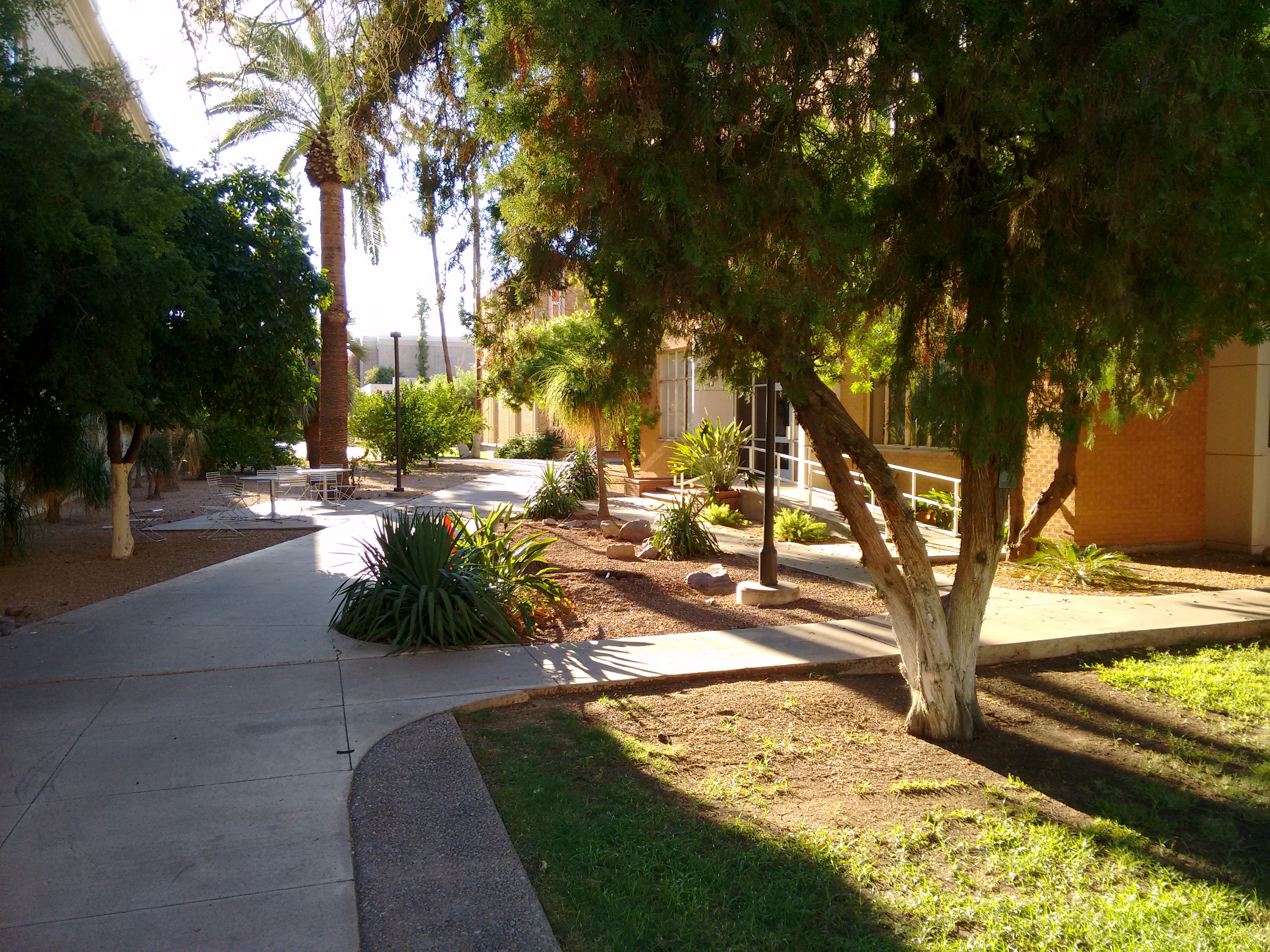
Watch the video to see for yourself whether or not it is worth it and look under the video for the raw images:

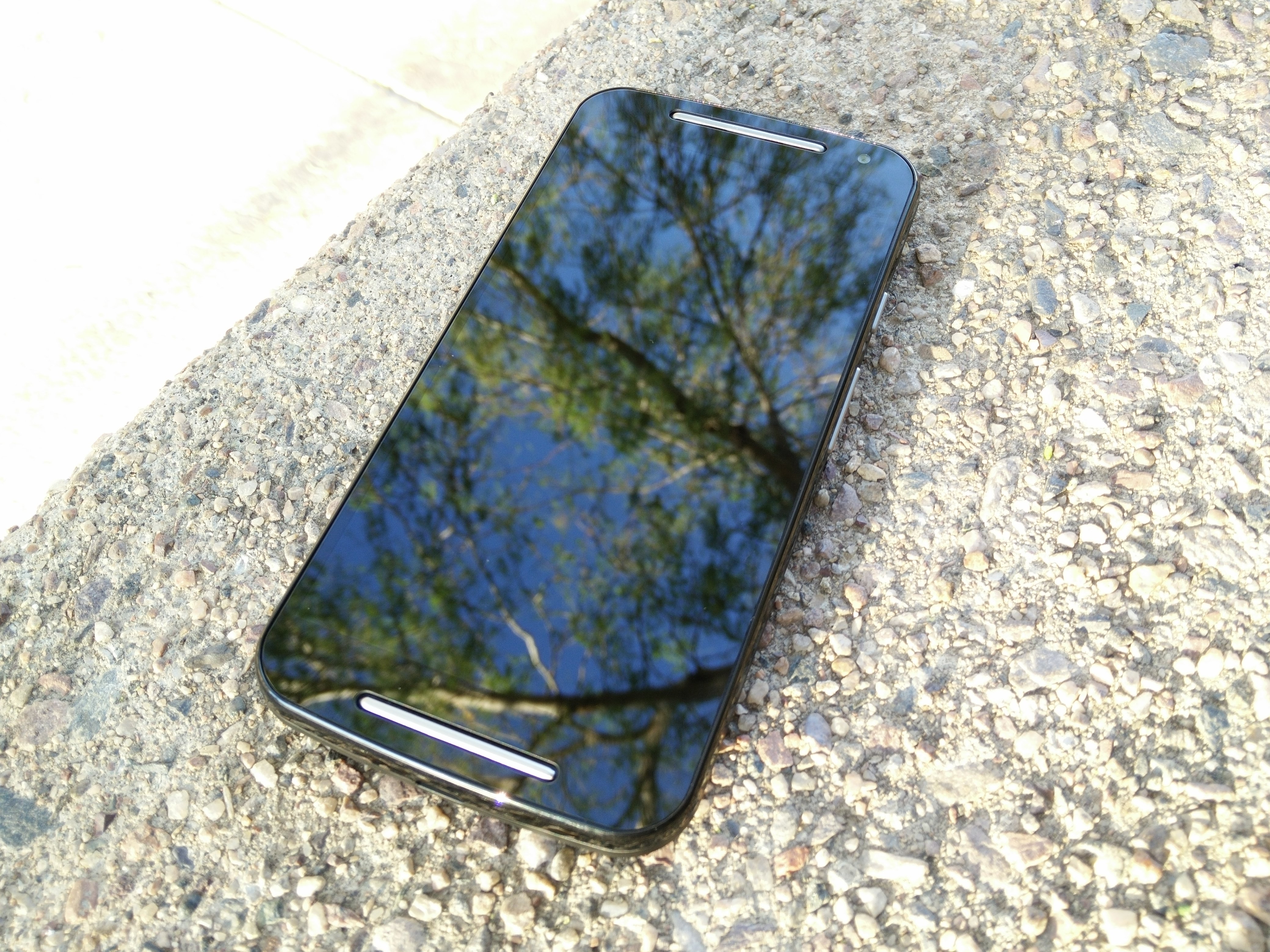
Moto G (2014) Front Cam 






-
Moto G (2014) 2nd Gen Stereo Speaker Test and Comparison
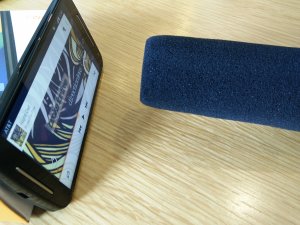
I test and compare the stereo speakers and audio out of the Moto G (2014) to the Moto X (2013) and the OnePlus One.
The speakers aren’t that loud and don’t sound the best, but in a stereo configuration they do just fine. The audio out is good quality but doesn’t have much output power.
Personal Opinion:
Speaker Quality: OnePlus One > Moto X > Moto G
Speaker Loudness: OnePlus One > Moto X > Moto G
Audio Out Quality: OnePlus One > Moto X > Moto G
Audio Out Loudness: OnePlus One > Moto X > Moto G
Immersive Ability: Moto G > OnePlus One > Moto X
-
How To Fix The Recent OnePlus One Battery Drain Bug (Update)
Update 9/13/14: The battery is better but still nowhere near the 7 hours screen on time and 40+ standby of old times.
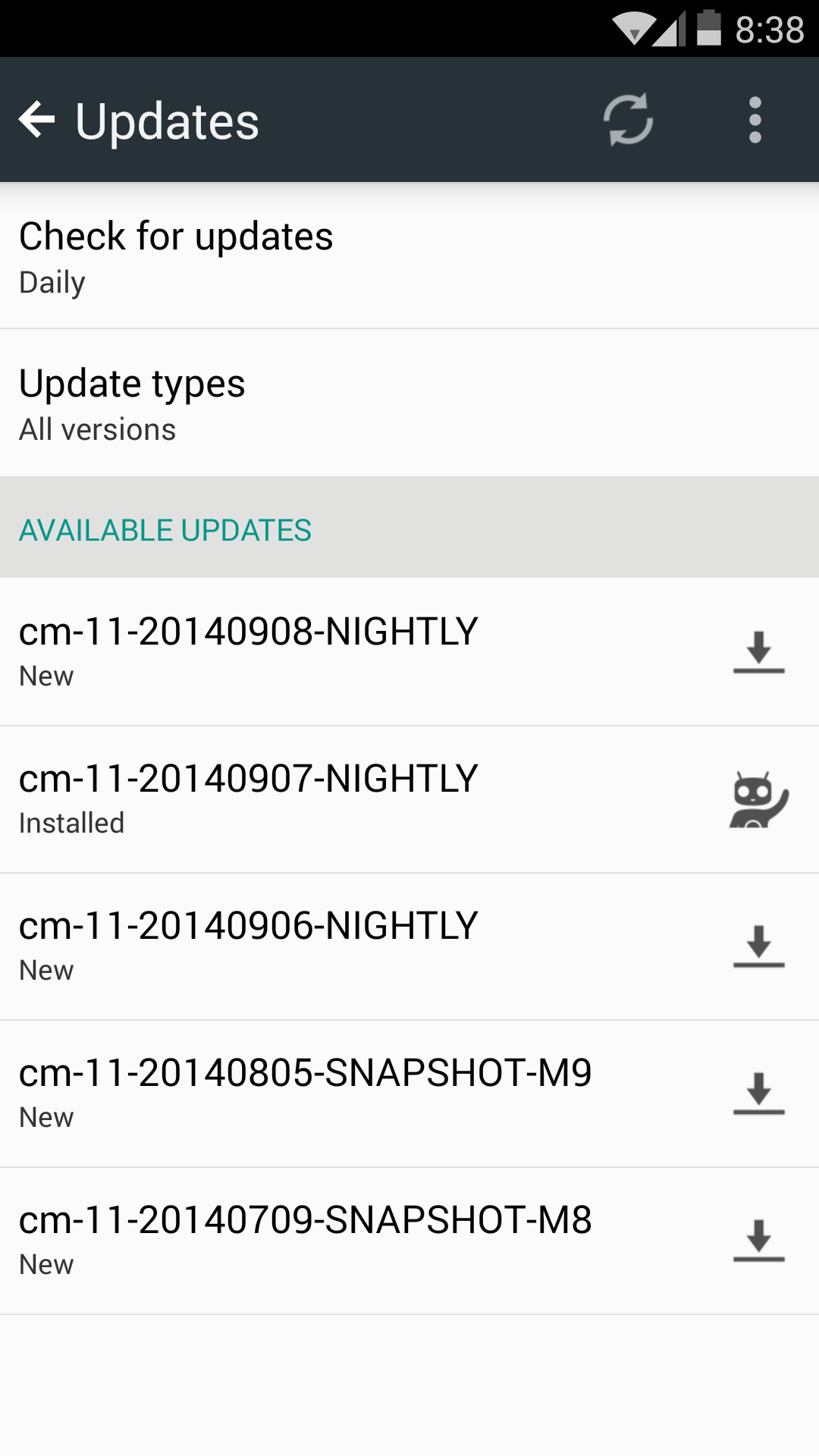
The battery life was really bad after the most recent two updates, even though they claimed to fix the battery drain bug in them. My last resort was to install the newest CM Nightly (9/07/2014) on it, and the difference is HUGE. I am finally back to the way things were when I first purchased the phone. The battery lasts
2 daysover one day and getsoveralmost 5 hours of screen time again.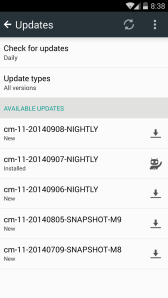
CM Nightly List That’s it, if you want to go back to the way things were, install the newest CM 11 Nightly and enjoy the difference. It will not void your warranty, but do it at your own risk. Also, don’t forget to install the camera apk from CM 11s to enjoy 4k recording and switch to ART for better battery. Many of the software bugs are gone now, the only bug that remains is the touchscreen ghosting/jumps, that will supposedly be fixed with a future firmware upgrade.
Links:
Guide to Unlock Bootloader and Flash Recovery: https://forums.oneplus.net/threads/guide-oneplus-one-how-to-unlock-bootloader-install-custom-recovery-and-root.64487/
CM 11 Nightly: http://download.cyanogenmod.org/?device=bacon
CM 11 Gapps: http://wiki.cyanogenmod.org/w/Google_Apps
CM 11s Camera APK with 4k: http://forum.xda-developers.com/google-nexus-5/themes-apps/app-cameranext-one-plus-one-cm11s-t2730715








 The Lost Digit