Blog

  • Moto X: Balanced Perfection (Micro Review/Comparison with G2)

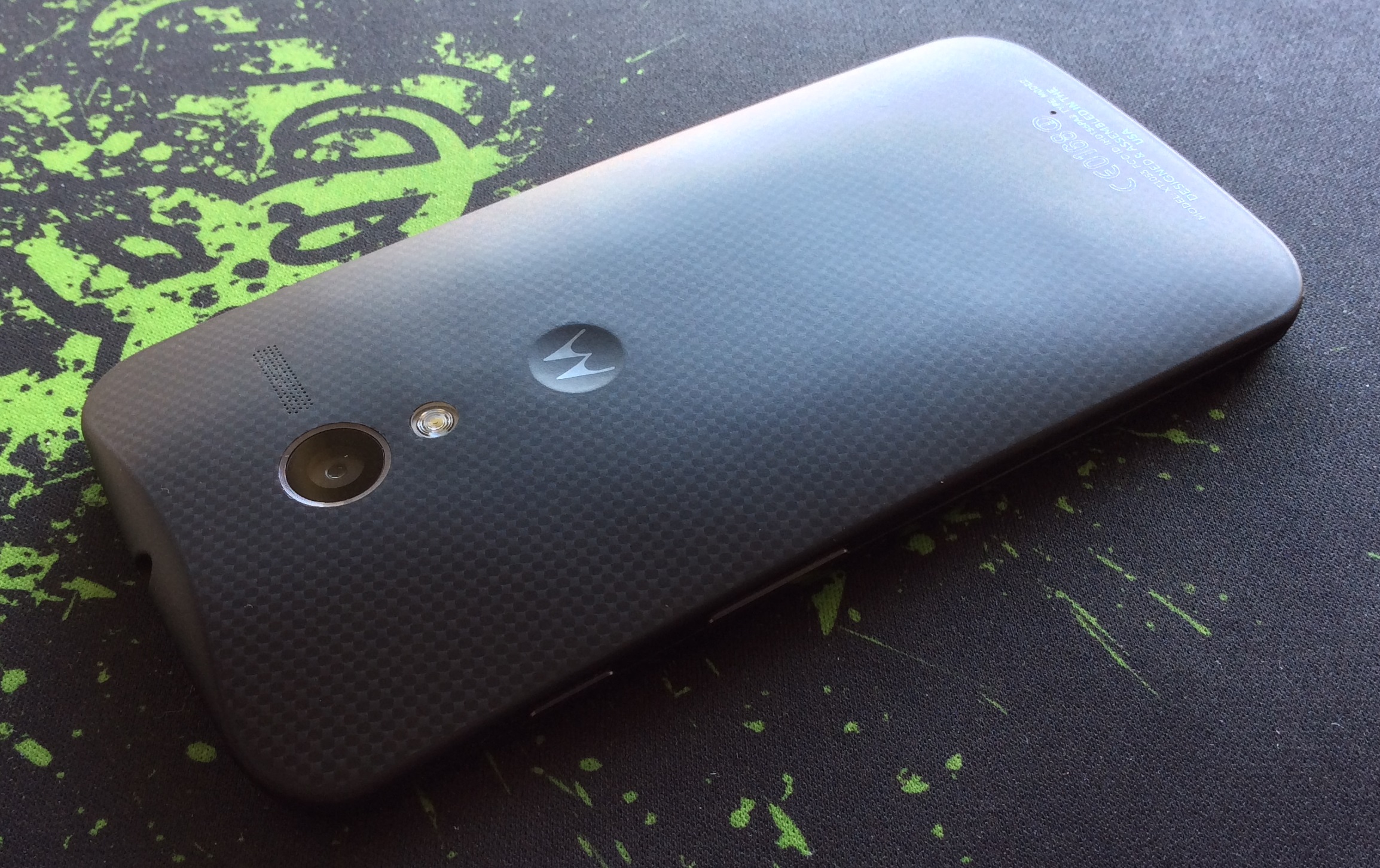
    Moto X back

    I have recently switched to a Moto X from the LG G2 and the device is surprisingly great. On paper, it doesn’t seem like it would be the best phone to use, but in actuality, it runs smoother and faster than my LG G2 ever did. This holds true for all of the roms I had tried, even stable builds of CyanogenMod 11.

    The active display comes on an any slight hint of movement which is a nice way to check notifications without draining the battery. The video below shows how I check the time by just holding the phone.

    The screen is only 720p but because it has a full RGB matrix and isn’t pentile, it is a much better experience than previous 720p AMOLED devices as text is not crunchy on the edges. I wouldn’t mind better whites but it isn’t too bothersome.

    The battery lasts for around 5 hours of solid screen time but not for over a day off of the charger as the standby isn’t as great as the G2. The G2 would also reach 5 hours of screen time but if used minimally could reach 2 days off of charge as well. The speaker is great as it balances a loud volume with a full range of sound and is one of the better phone speakers I have heard.

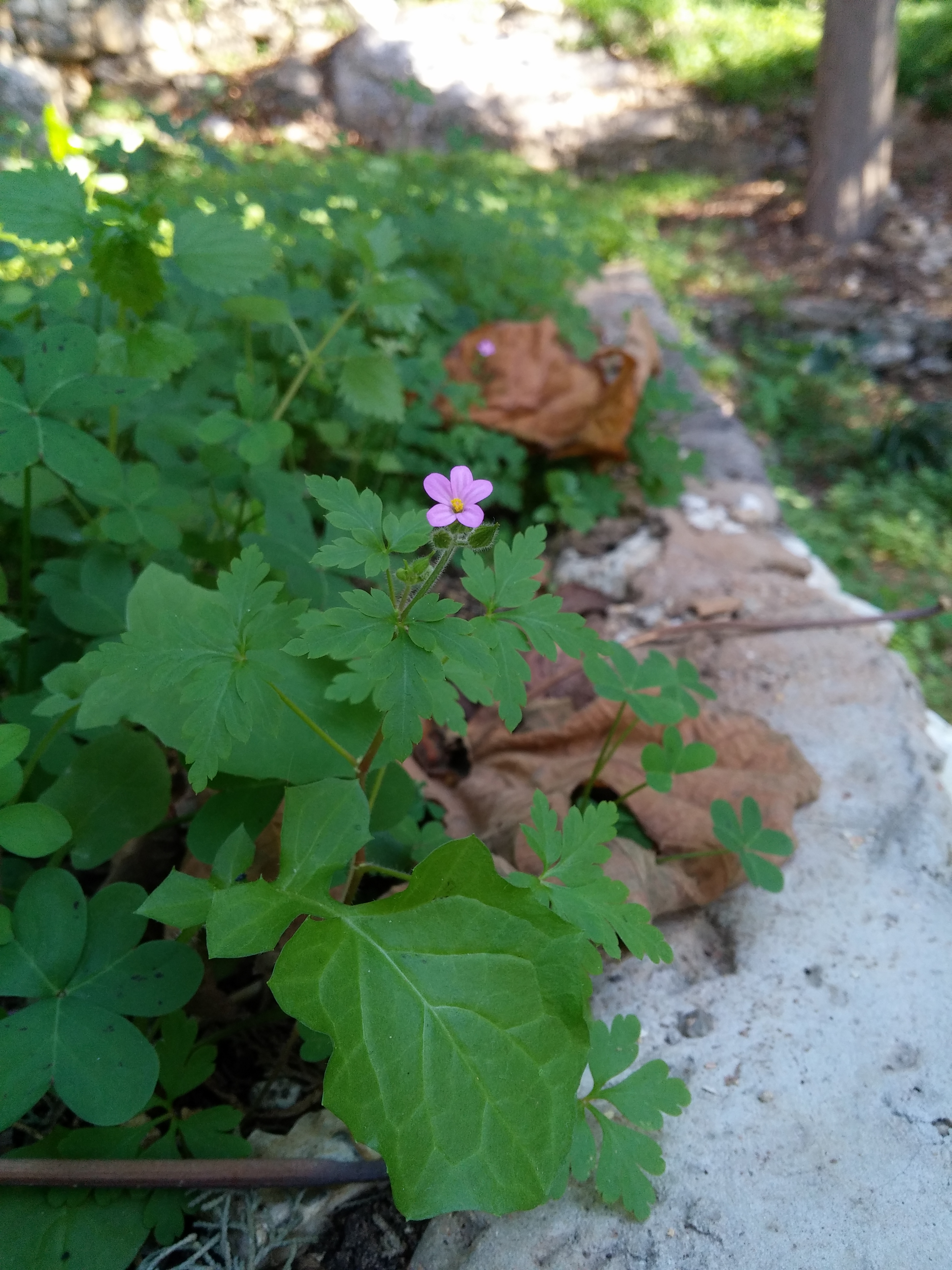
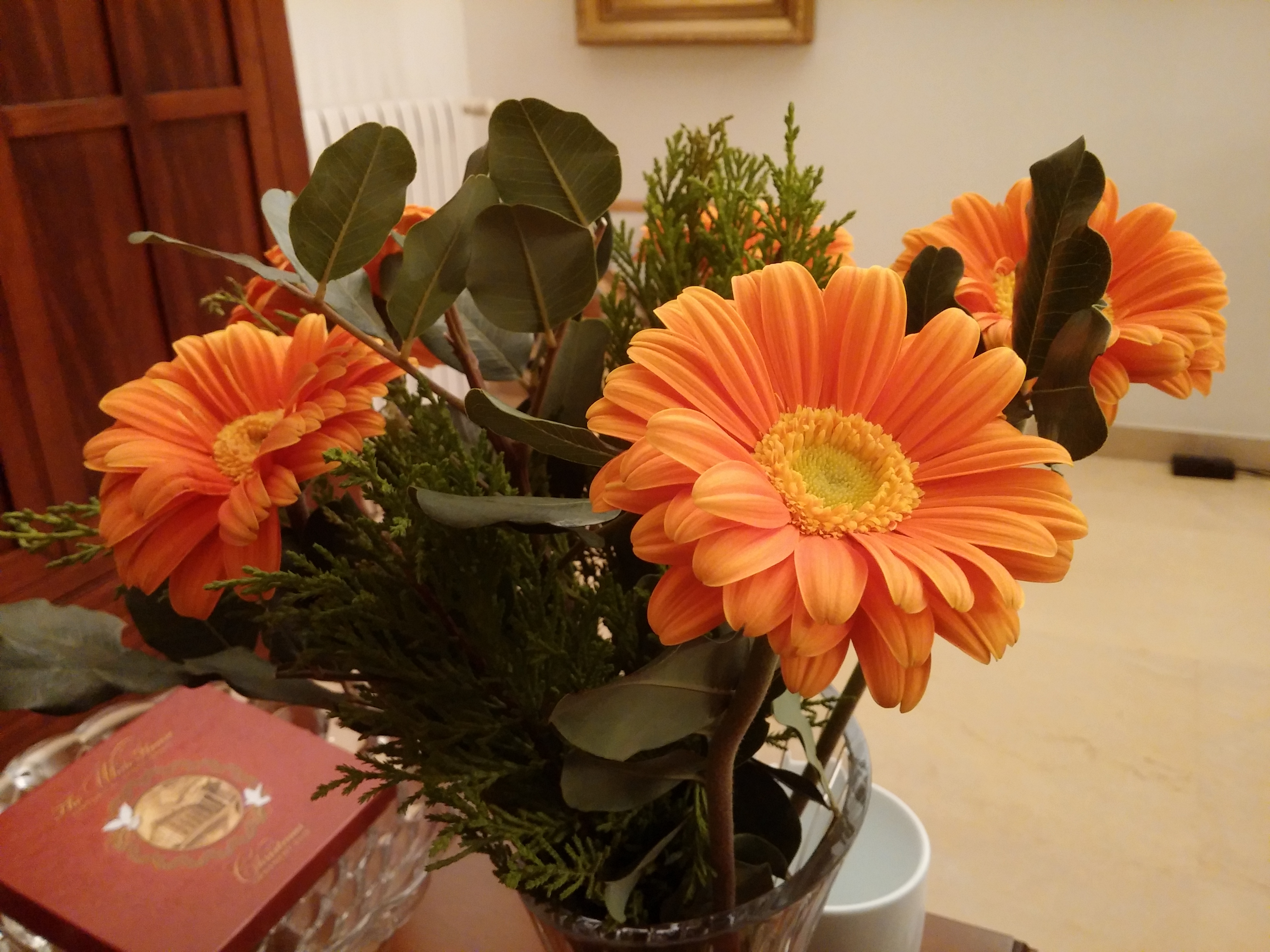
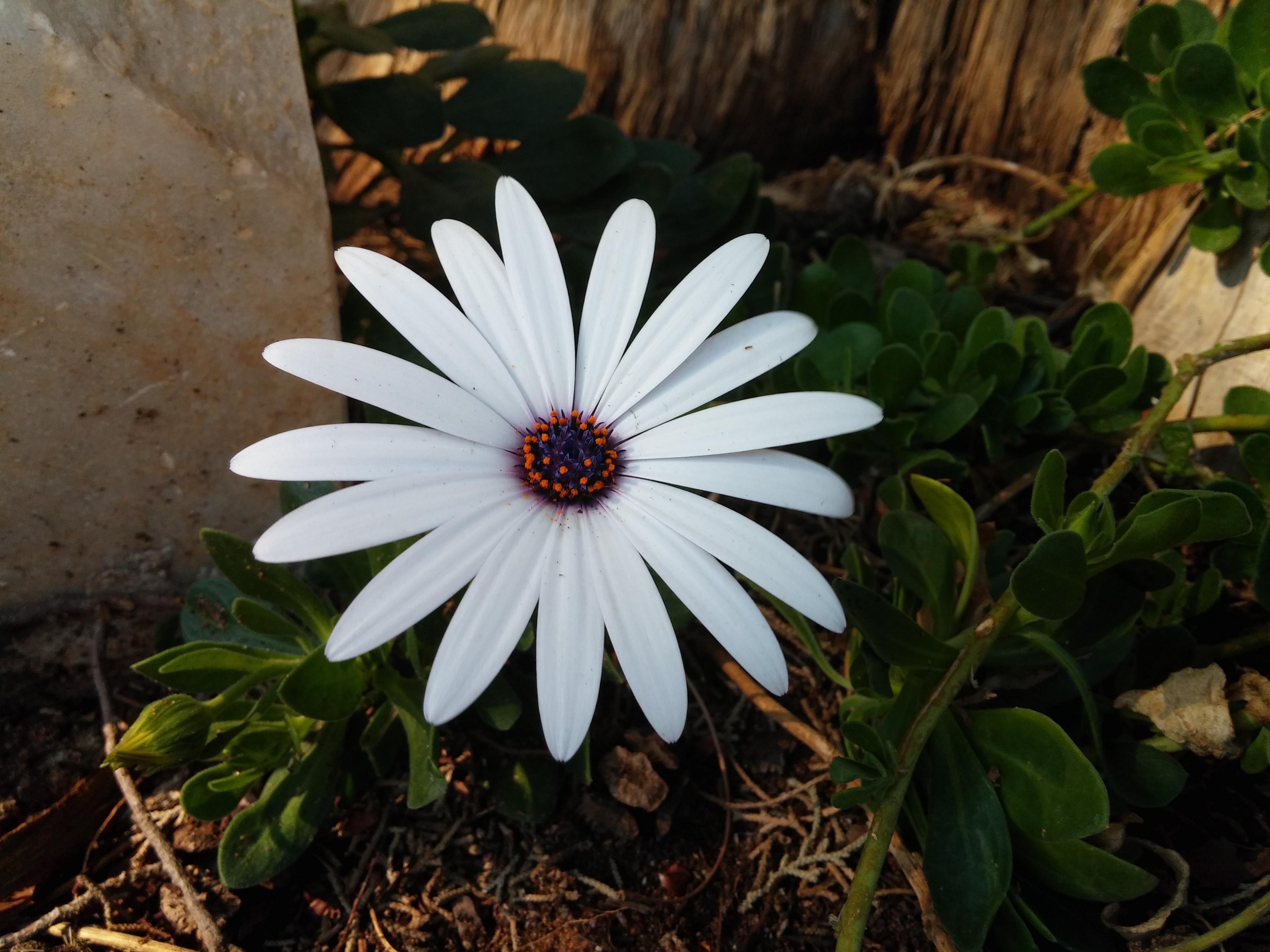
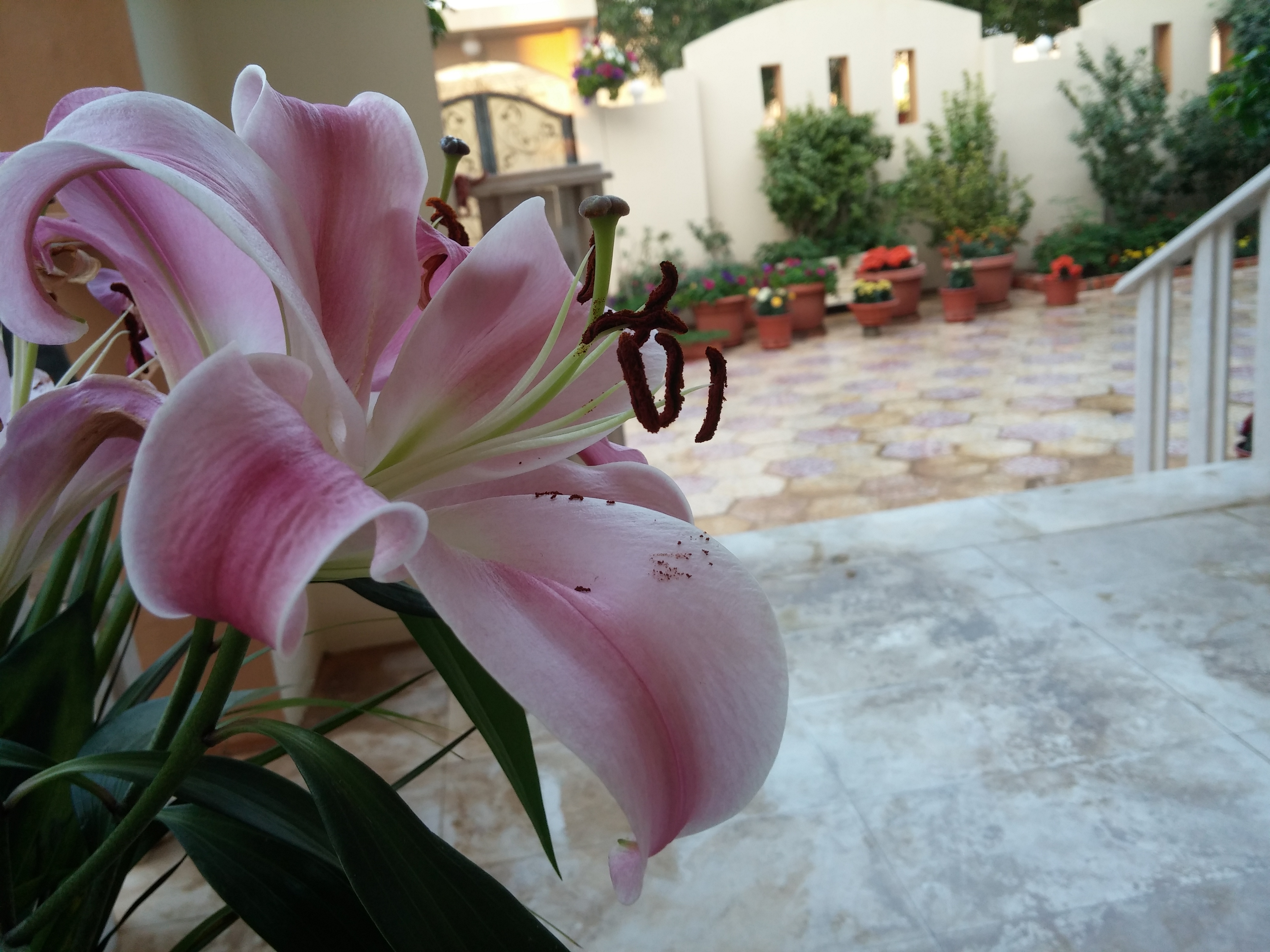
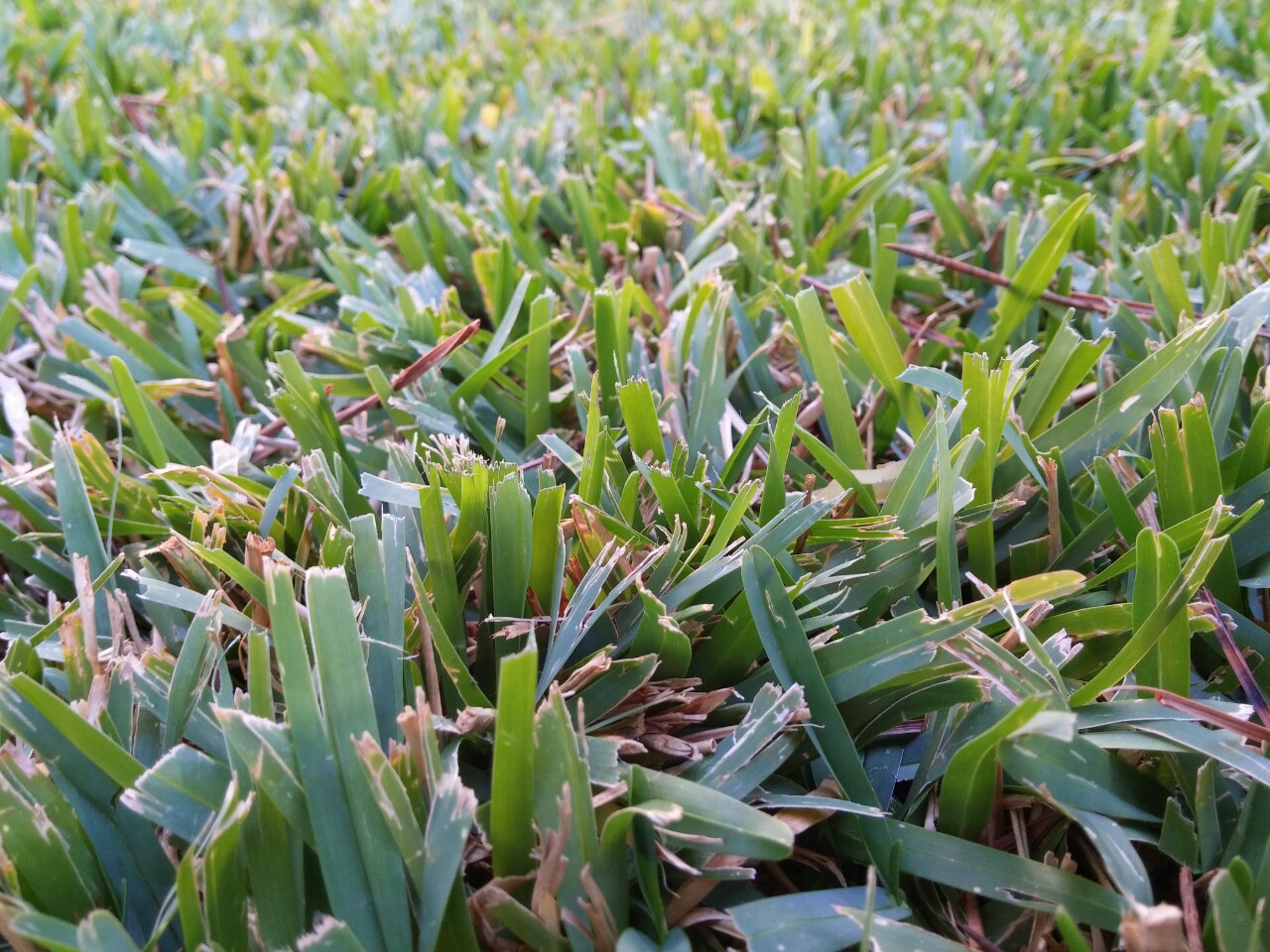
    The camera so far seems to be good enough for my nature shots but maybe not as good as the G2.
    Macro Moto x Moto X flower macro Moto x flower macro

    The BUILD is my favorite thing about the Moto X, from the way it feels to the way it looks, it is all done right. The attention to detail is much better than that of the G2 as a device is only as good as its weakest component and the Moto X is just a pleasurable device to use.

    Pros:

    – Performance

    – Build Quality

    – Battery Life

    – Features Without Bloat

    – Speaker

    – Active Display

    Cons:

    – Display Resolution and Whites

    – Standby Time
     

  • LG G2 Ballistic Tough Jacket Case Quick Review

    The case can be found on their official site or one of many other online retailers for $25-$35.

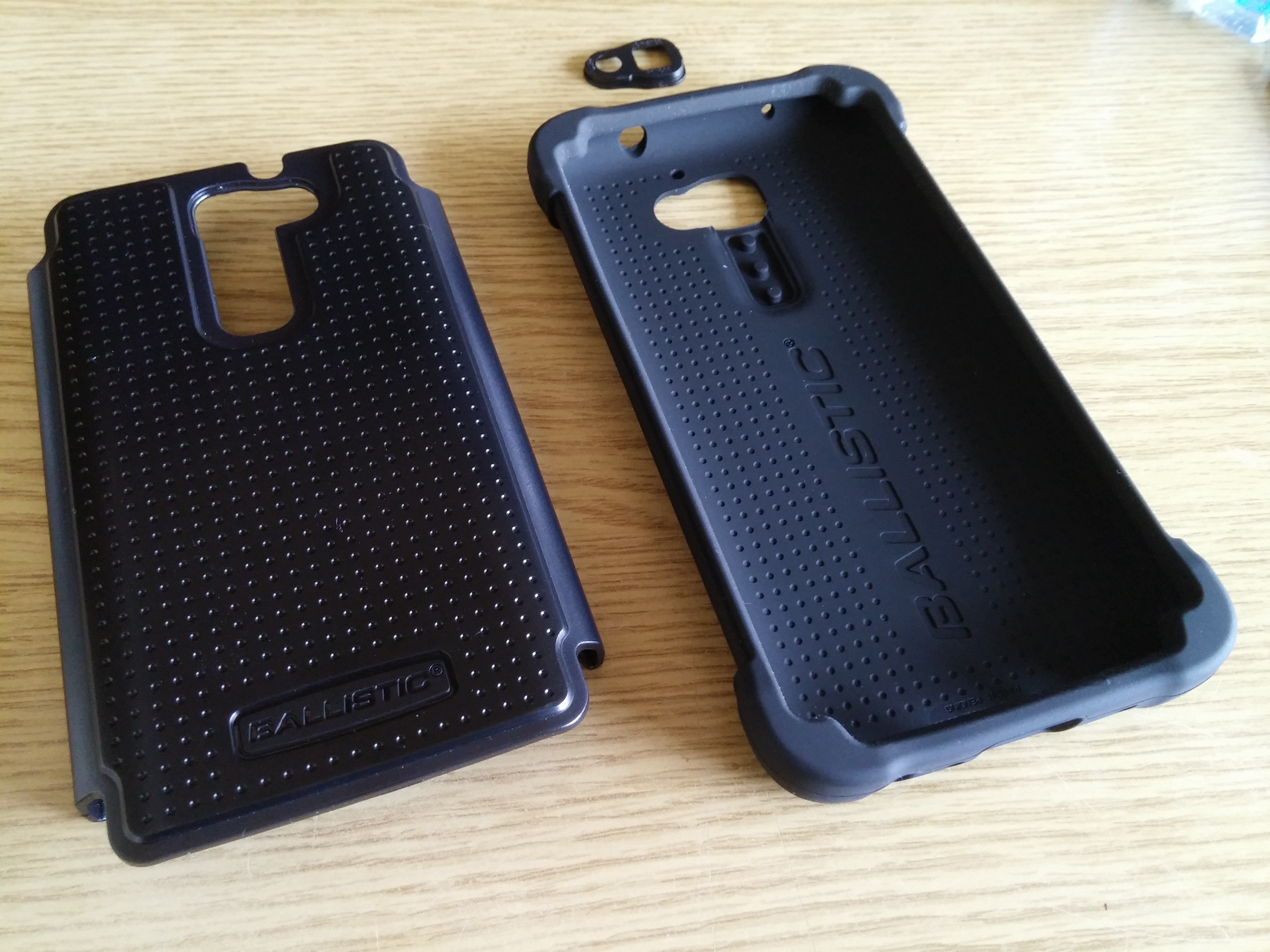
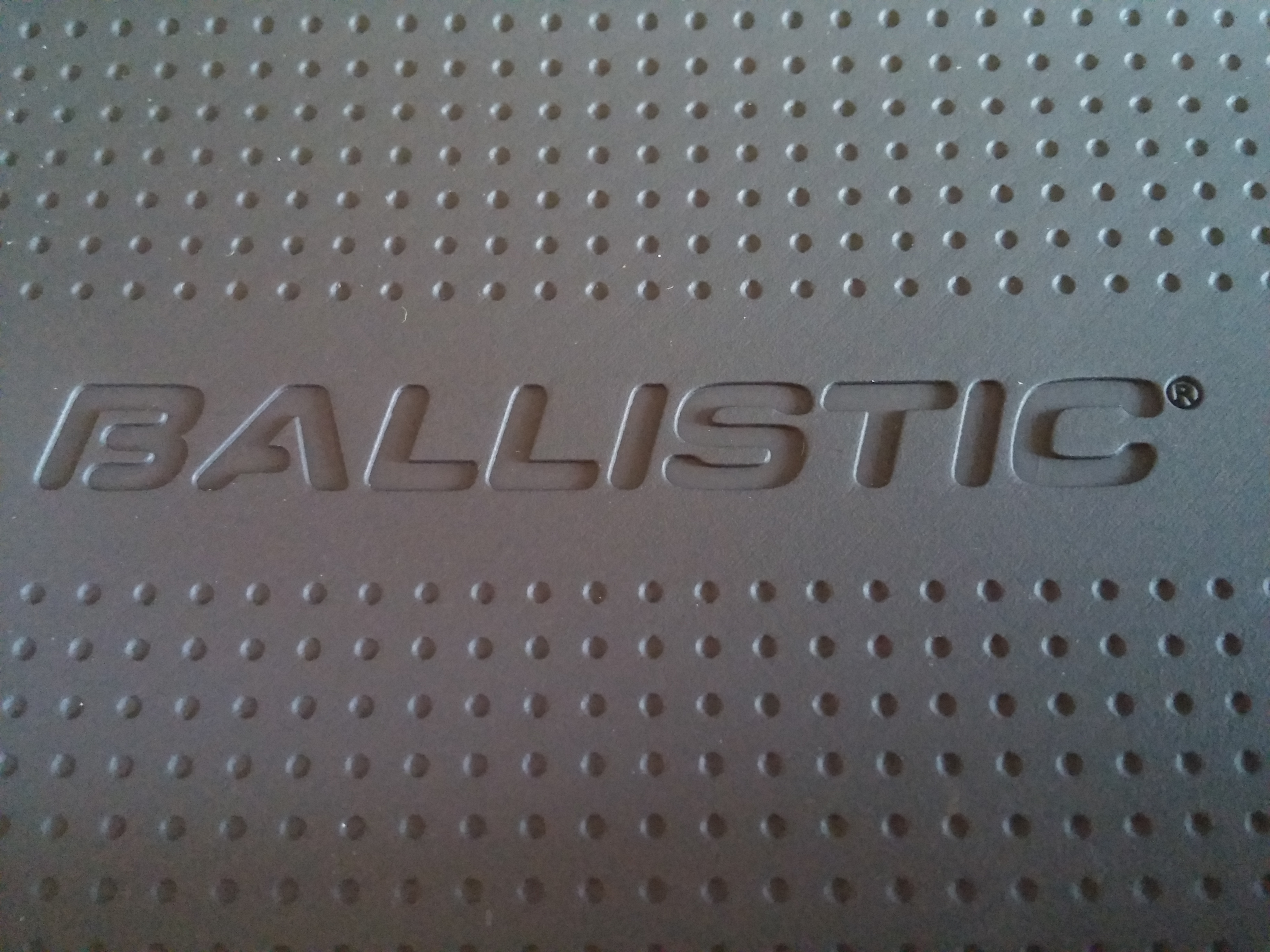
    Ballistic Case

    The LG G2 Ballistic Tough Jacket case appealed to me because I had already broken my screen once, and I did not want it to happen again. This was the best quality and toughest case I could find at an affordable price and it didn’t disappoint.

    The case comes in two layers and the camera protector can be popped out fairly easily. I recommend removing the camera protection to ensure that night photos are not distorted by the case.

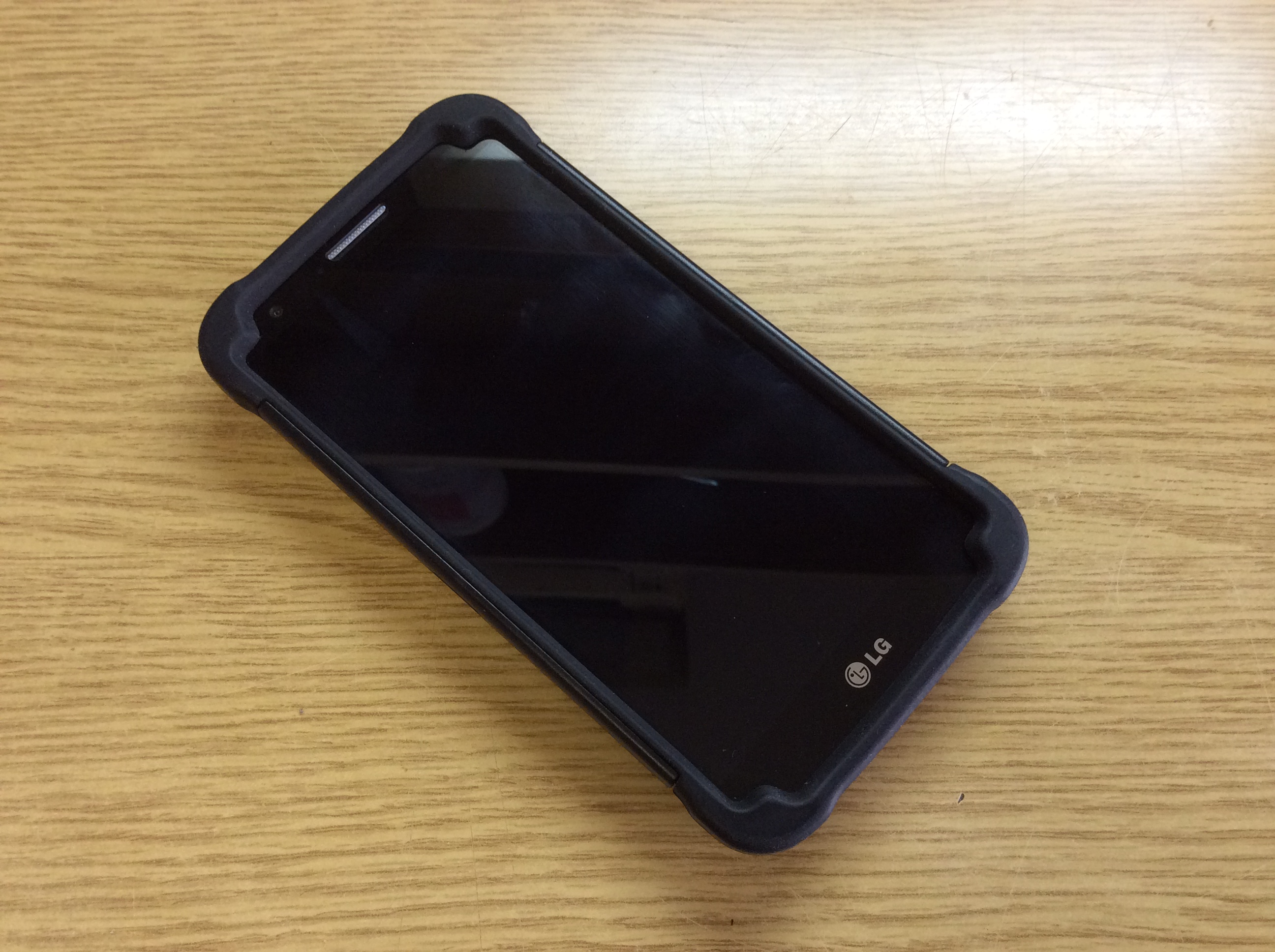
    Ballistic G2 Case

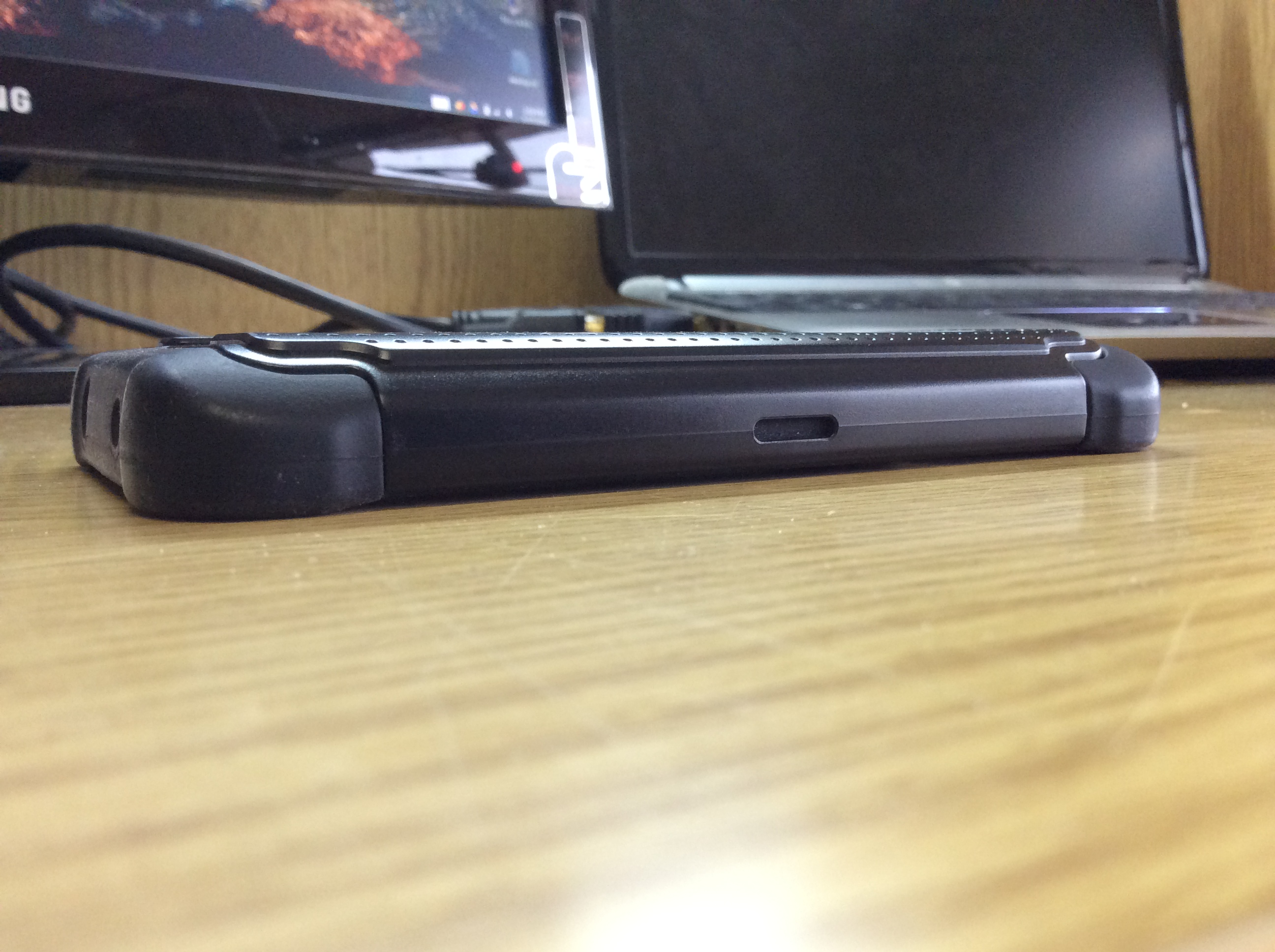
    The case is a bit bulky though but it gives a comforting feel that the phone is safe. I dropped it once from around 2 feet from a coffee table and it was fine.

    Ballistic G2 Case Front Ballistic G2 Case Thickness

    Pros:

    – Sturdy

    – Good Quality Materials

    – Handles Drops

    – Protects the Screen well

    – Good Looking

    Cons:

    – Bulky

    – Front Rubber Sometimes Sticks Inside Pocket

  • iOS 7.1 Changes on the iPad Air

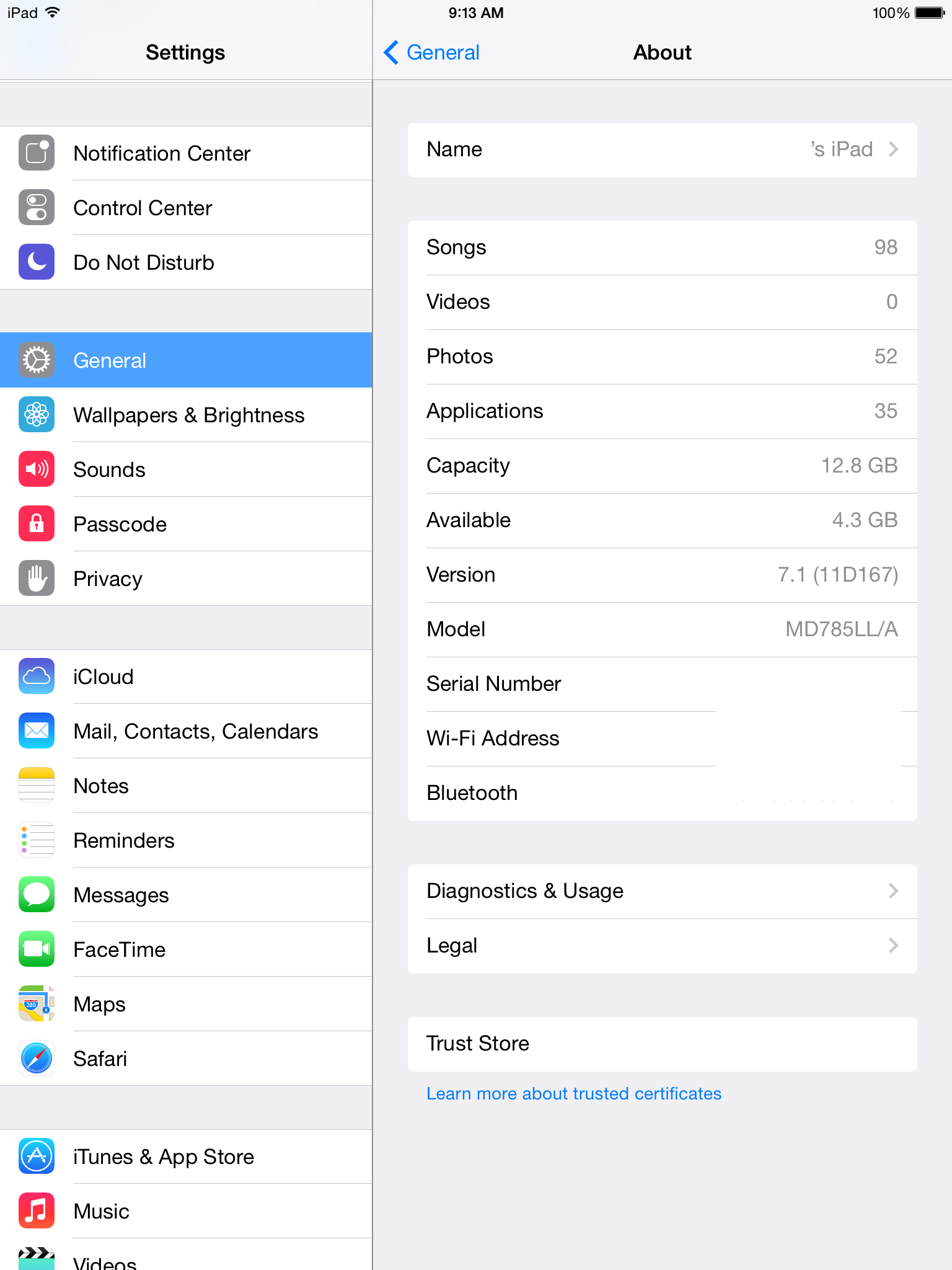
    This is a changelog of things maybe a power user would notice and not just things that are stated in a normal changelog:

    • The slide to unlock phrase is now black with a bright shine
    • The control center now opens super quickly but has a weird bounce to it
    • The five finger multitasking gestures have been tweaked to be smoother when exiting an app (it used to lag after finger release)
    • The transitions seem to be sped up a bit, but enough to be noticeable
    • The music app has a very nice boot screen as the iTunes Radio stations appear
    • The settings app non longer crashes when the wallpapers option is pressed more than once
    • The keyboard has increased contrast on the letters making it more appealing to use and easier to read
    • The power off menu is much sleeker and finally doesn’t seem unfinished

    Overall, the small things that were bothering me were finally fixed for a full on smooth experience.

    IMG_0042

  • The Aspect Ratio That Pushed Me Away

    I was a big supporter of Android for the longest time, but I realized that while using Android tablets, I was never fully satisfied with what I was doing. After trying so many different tablets and sizes I have finally been able to come to a conclusion as to why I am not satisfied. Android tablets use the wrong aspect ratio for anything other than watching widescreen movies. It’s not only about high resolutions or good color reproduction, its about the aspect ratio. From an unbiased perspective, one could say that for media consumption and for cohesiveness among the screen ecosystem, a widescreen would make sense. This isn’t true for tablets. A computer with a screen of 13 inches or more may benefit from being widescreen as it can fit more in to add to the user’s productivity, but when a screen is 10 inches or less, making it an aspect ratio of 16:9 or 16:10 instead of 4:3 makes the screen very thin. This thinness makes pages in portrait too thin and long and pages in landscape annoying to read as I have to keep scrolling constantly. Therefore,  if a quality Android tablet comes out with a proper aspect ratio of 4:3 (not Archos or Chinese Branded), I may give it a try. Until then, I will be enjoying my iPad Air…

    799px-Aspect_ratios

    P.S. Android also needs some serious help with smooth document viewing and native tablet apps.

    Photo Credit: http://commons.wikimedia.org/wiki/File:Aspect_ratios.png

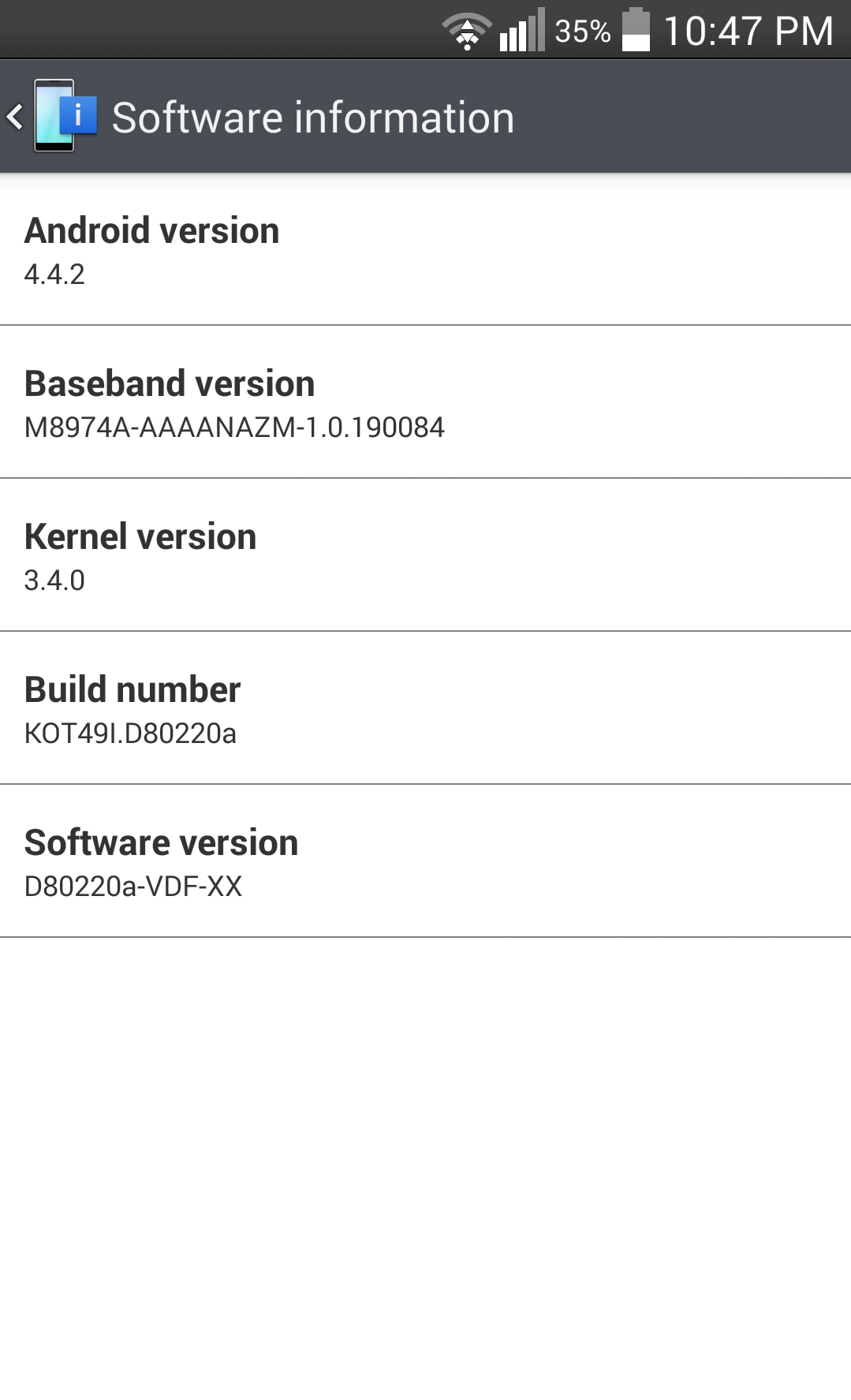
  • Official 4.4.2 Kit-Kat on the LG G2 (D802)

    Finally, its here…

    2014-03-01 22_47

    There is no official source yet, but if you look around on XDA you will find the .kdz file such as here.

  • LG G2 Great Camera Shots

    The LG G2 Camera has been great in certain conditions and here are some of my favorite photos taken with either the CyanogenMod or the LG Camera.

    Unedited (Click any to open the full resolution images):

    CAM00014 CAM00017 CAM00077 CAM00078 CAM00081 CAM00173 CAM00202 CAM00270 IMG_20131214_212926 IMG_20131224_120952 IMG_20131226_135925 IMG_20131229_161743 IMG_20140113_140516 IMG_20140118_143235 IMG_20140126_201618 IMG_20140201_152654 IMG_20140208_144744 IMG_20140209_112239

    Edited (Just for fun):

    IMG_20140202_201536IMG_20131015_204806 IMG_20140117_123904

  • Multi-Window on the LG G2 (D802)

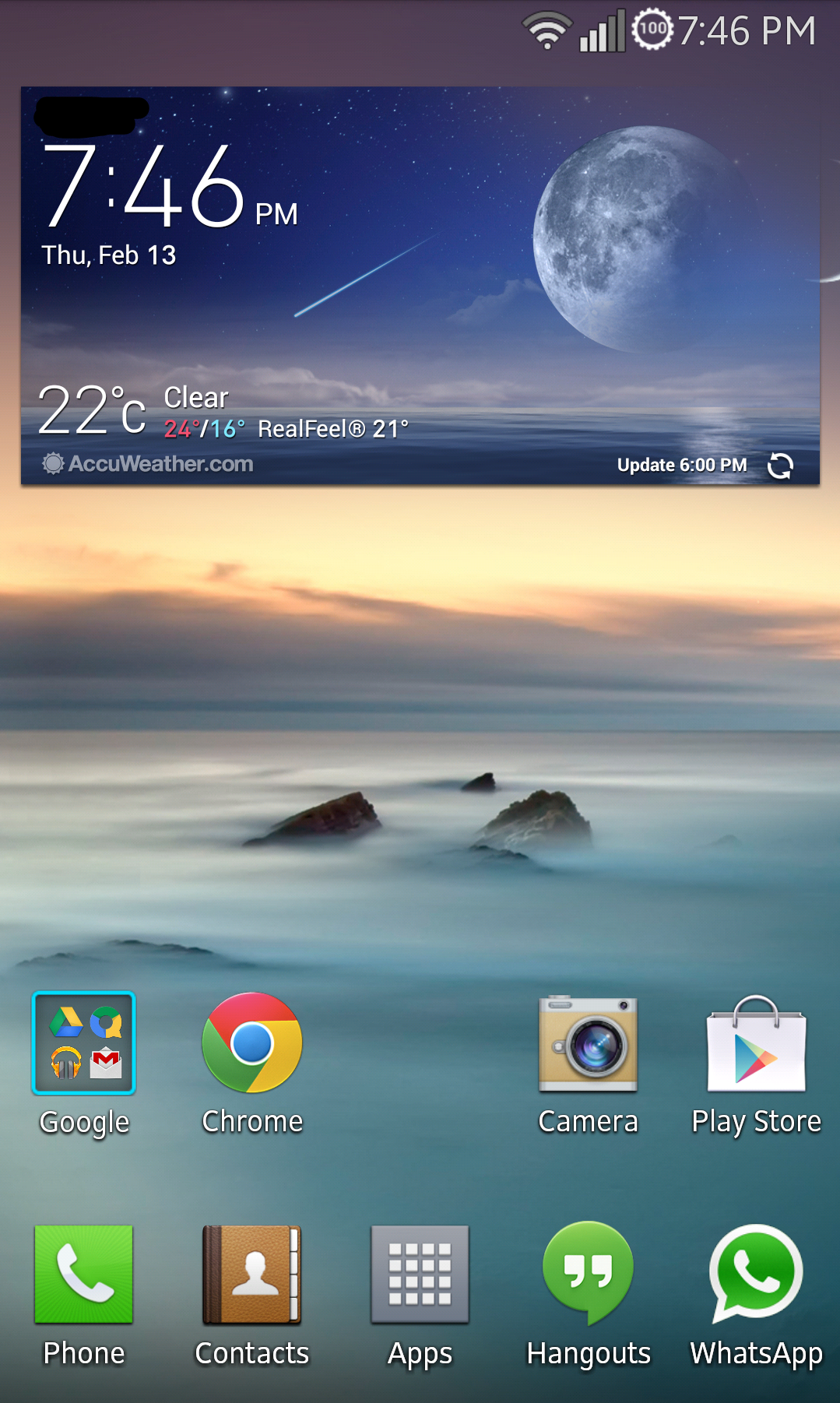
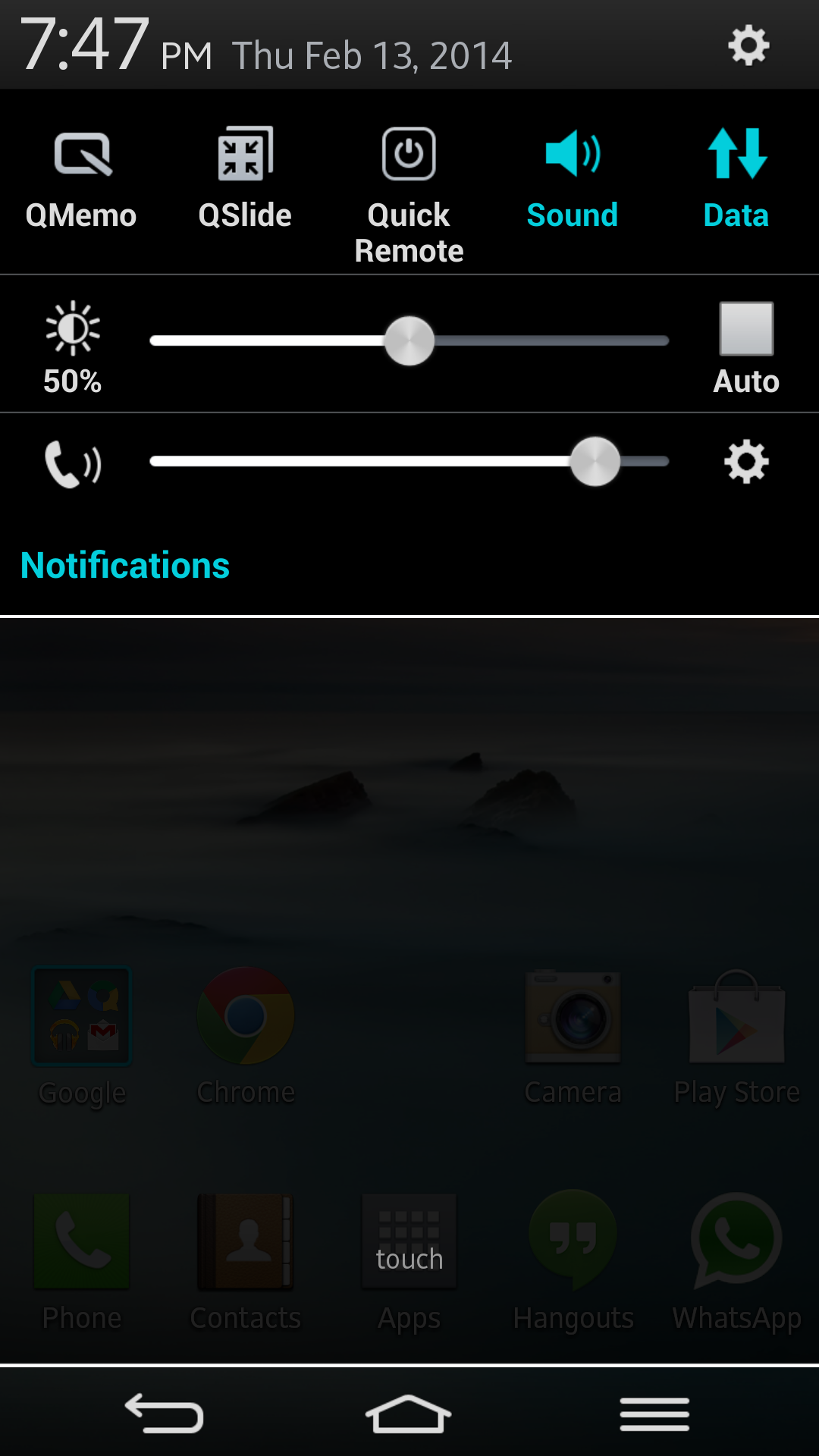
    A nice feature that may only be useful in certain cases is the ability to split the screen between two apps. LG made this possible on the LG G Flex and luckily due to the hardware similarities with the G2, its software has been ported to the G2. I have been reluctant to try a G Flex rom as I did not like the LG software much but I have been pleasantly surprised. I have downloaded and installed AEONFLEX v3.0.2 ROM that is available for the D800, D802 and the D803. The rom seems much more refined than the original G2 rom, I am not sure if it is due to the ROM builders modifications or due to LGs optimizations for the G Flex, but it is fantastic. It has been very stable, smooth and extremely snappy. The rom can be downloaded here. Don’t forget to install the respective device patch as stated in the instructions.

    See below for some screenshots:

    2014-02-13-19-47-17Screenshot_2014-02-13-19-47-30


    This is the Multi-Windows Feature, hold back to see the selection screen:

    2014-02-13-19-48-022014-02-13-19-49-15

  • The Razer Nabu is Worth Developing For

    While reading about all of the not so innovative tech at CES 2014, one thing truly stood out. The Razer Nabu according to its promotional video and website seemed amazing, finally something wearable I would be interested in.

    This however is a slight oversell as the product is still in early developmental stages. The band shown at CES was clearly a very early version as it seemed unfinished in its construction and responsiveness. It is still a fantastic idea and I have signed up for the developer band here. I would love to help push its development further and see it become a part of my daily life.

    According to the website it has

    • Public icon screen: 32×32 pixel OLED
    • Private message screen: 128×32 pixel OLED
    • Accelerometer
    • Altimeter
    • Cylindrical vibration motor

    These can be used to create a user experience that is unlike any other smart watch/band. The most impressive feature is the claim that the battery will last at least 7 days, and for me this is one of the most important features as I don’t want to take it off very often. The band also has a USB port where it connects to make a complete circle when worn. This is a great idea but is also a bit worrisome as I am curious to see how it will handle the wear and tear.

    I now await to hear back from them to be able to get my hands on a developer band and get started…

    Update:

    I received an email on January 17, 2014 stating this,

    “Thanks for your interest in our new Razer Nabu.
    We will be reviewing all applications and getting in touch with you shortly on the next steps for our Developer Program. 
    In the meantime, we will be sending you the latest news on Nabu through email, and you can also follow us on Facebook as well as Twitter.”

    I still await further news…

    Update 2:

    Razer Nabu Developer Band Update

  • Samsung SSD 840 Evo Quick Review (250GB)

    The Samsung SSD 840 Evo is new, fast, affordable and very good looking. It is an elegant package that combines speed and solid performance. During Black Friday of 2013, the 250GB drive was marked down to $140 from $180 which made it an unbelievable deal at only $0.56 per GB. The purpose of this review is to give the average consumer an idea of how the drive would perform in a normal laptop and not a standard benchmarking desktop that most reviewers would use. The test laptop is a DV6-6190us (2011 Model) with a Core i7-2630QM and 8.00 GB ram running Windows 7 Home Premium 64-bit. According to the included software, the drive is connected via a SATA 3 connection which is 6GB/s and should be able to reach maximum performance.

    Aesthetics: 

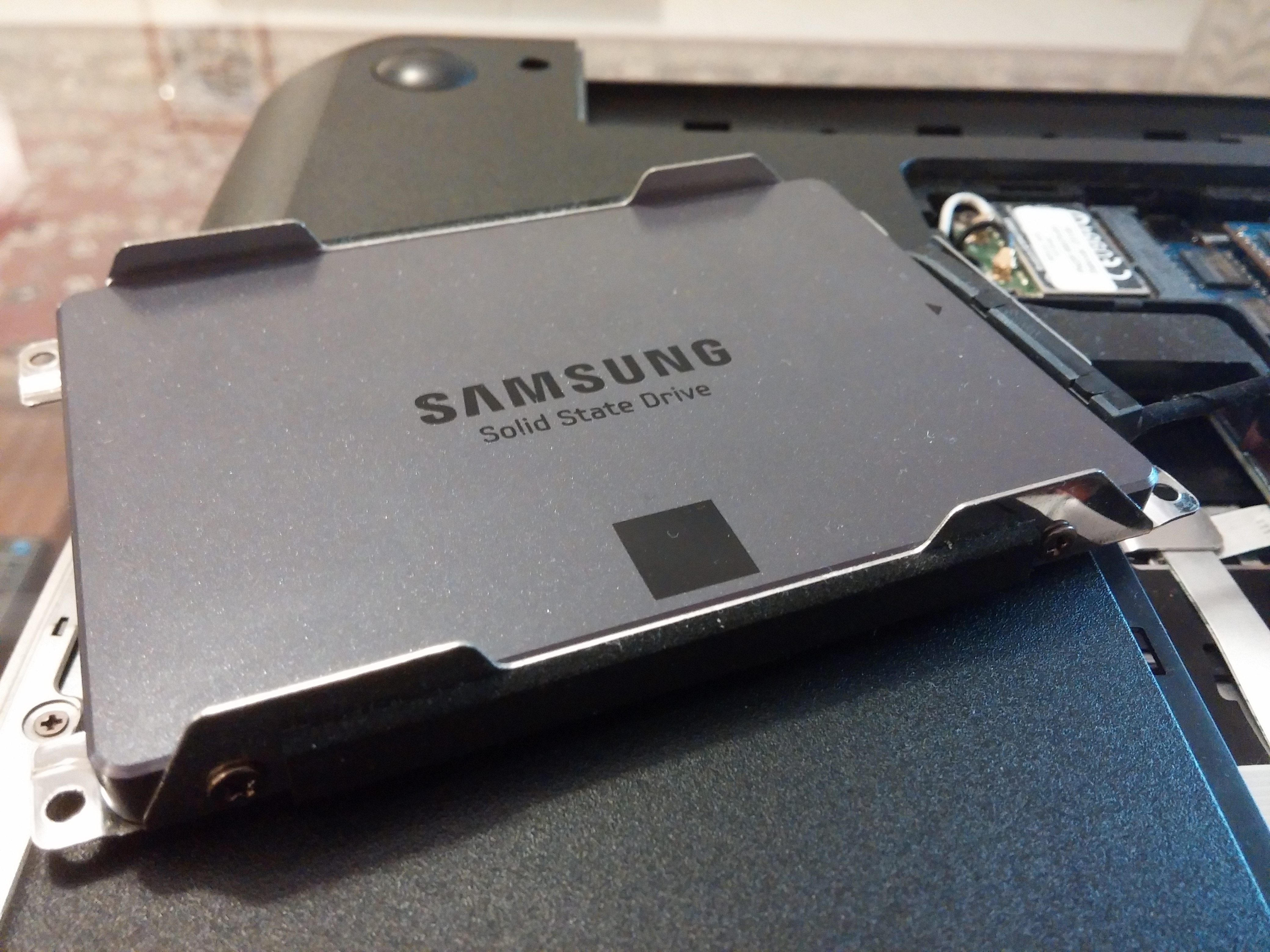
    The drive is fully covered in metal and when left alone is cool to the touch. It feels very light, almost hollow and according to a review by AnandTech, the drive has alot of empty space inside. The way it looks is fierce yet sleek and is my favorite looking SSD thus far. Its simplistic design gives a modern feel to a part of the computer that may never be seen and this attention to detail by Samsung is much appreciated from my end.

    IMG_20131230_114937
    The SSD in the laptop hard drive mount

    Performance: Does it live up to the rated speeds?

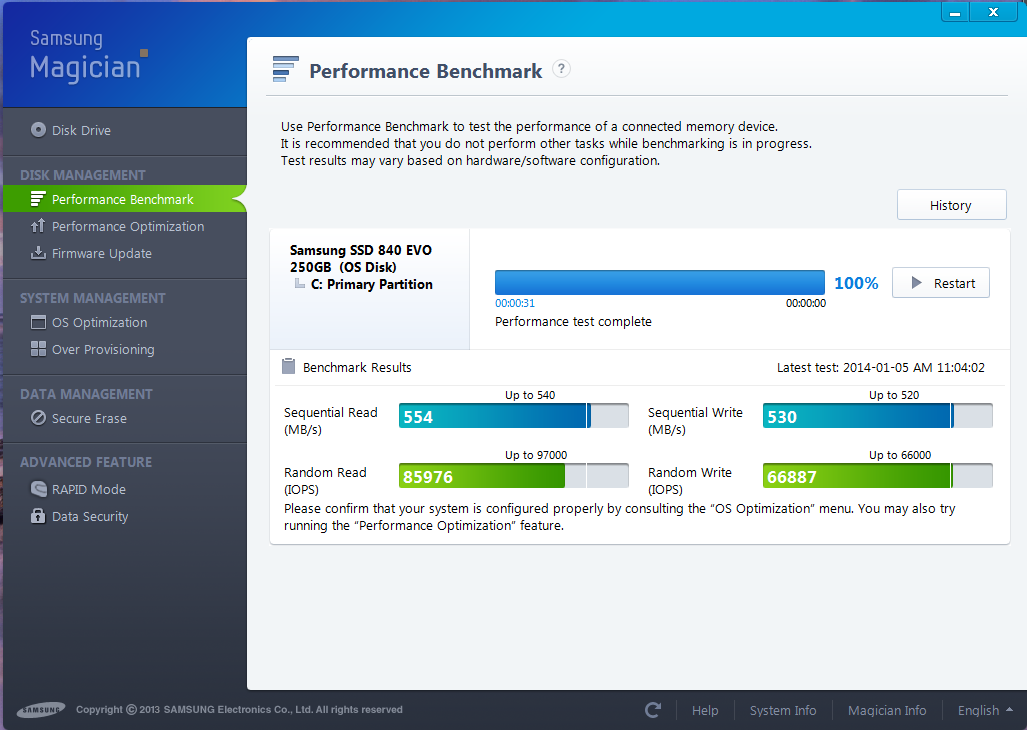
    According to Samsung, the drive should reach up to 540 MB/s read and 520 MB/s write speeds. The included Samsung Magician Software has a benchmarking tool and it seems to yield positive results.

    Magician Bench
    Samsung Magician Benchmark

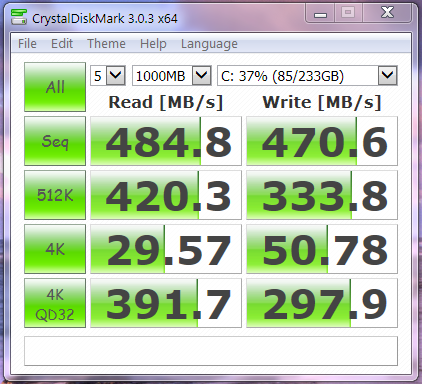
    This is only half of the story, as the benchmark seems to use algorithms that work in the favor of this drive. A more standard way of benchmarking using CrystalDiskMark is shown below.

    SSD Bench
    CrystalDiskMark Benchmark

    The read speeds averaged to be 484.8 MB/s and the write speeds averaged to be 470.6 MB/s. While these are very solid, they are well below the rated speeds by around 50 MB/s.

    Boot Speed:

    Boot speed has dramatically decreased and can boot to a usable environment in 27 seconds as seen in the video below.

    In Conclusion:

    The drive at its retail price of $180 is a great deal offering stable performance and reliability yet it can be found for an incredible $140 on sale occasionally. This drive is one of the first at this price point offering stable performance with real read and write speeds over 470 MB/s making it worth every penny. If you are in need of an SSD and don’t want to spend a lot yet desire fantastic performance, the Samsung 840 Evo line is worth every penny.

    Pros:

    – Elegant Design

    – Fast

    – Reliable

    – Cheap

    Cons:

    – Slightly Slower Than Rated

  • Original Yellowcard Ocean Avenue CD

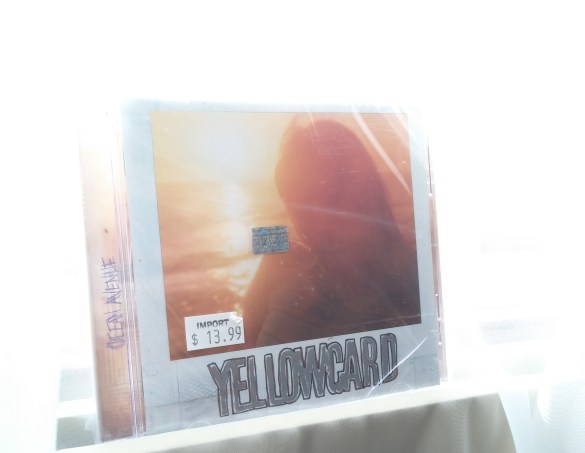
    Yellowcard Box
    Original Sealed 2003 CD Case

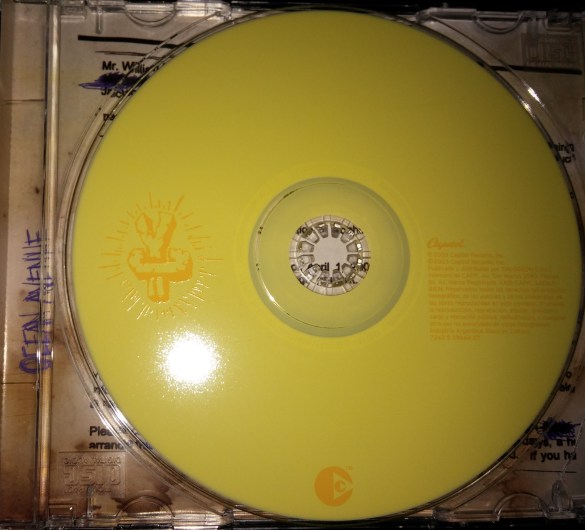
    The only album I have consistently listened to for the past 10 years would be Ocean Avenue by Yellowcard. I had an old low quality mp3 rip from a friend and I realized it was time I find an original copy for myself. I purchased it from eBay for roughly $9.00 with shipping and it came a bit broken because it is so old. I am glad that I finally own this album! The acoustic version was just released in 2013 and I can’t wait to get that album too.
    The song list is:

    1. Way Away
    2. Breathing
    3. Ocean Avenue
    4. Empty Apartment
    5. Life Of A Salesman
    6. Only One
    7. Miles Apart
    8. Twenty Three
    9. View From Heaven
    10. Inside Out
    11. Believe
    12. One Year, Six Months
    13. Back Home
    Yellowcard Disk
    CD Print