14.12 AMD Catalyst Omega Software Released

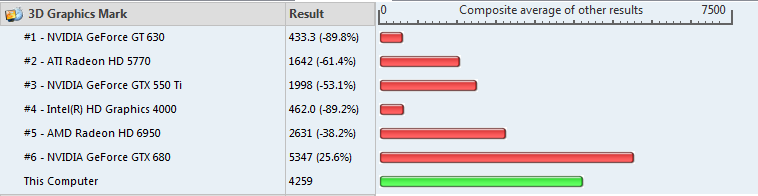
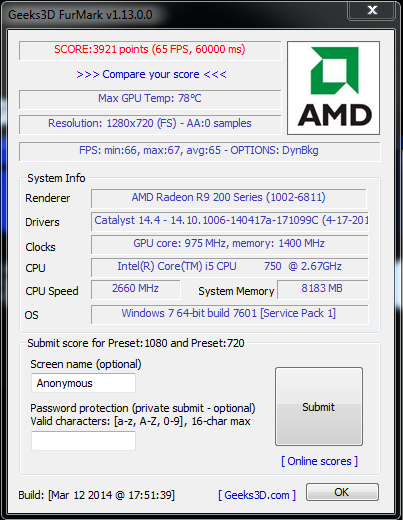
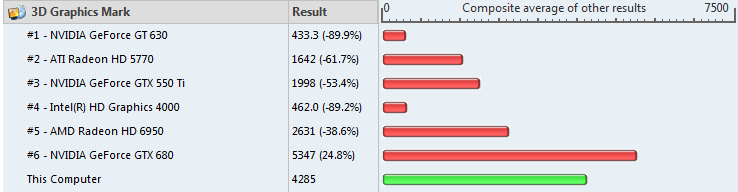
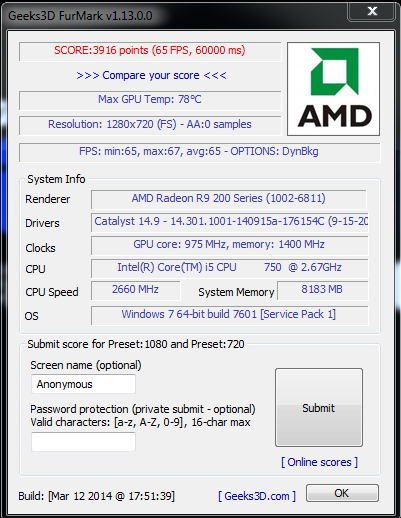
AMD has released a rather big software update called Catalyst Omega. This is supposed to allow developers to optimize their games better for AMD devices. Both graphics cards and APUs are supposed to see massive gains in certain games. In day to day tasks it runs the same as compared to 14.9 with no real difference outside of specific games. I have run 2 3D benchmarks on 14.9 and 14.12 to see if there were any general improvements to unoptimized games/benchmarks, but the results were almost the same before and after the update.

GPU: Gigabyte R9 270OC with stock clocks

Download: http://support.amd.com/en-us/download
14.9 2
Furmark 720p Benchmark on 14.9
14.9
PerformanceTest 3D Test on 14.9
14.12 Omega 2
Furmark 720p Benchmark on 14.12 OMEGA
14.12 Omega
PerformanceTest 3D Test on 14.12 OMEGA

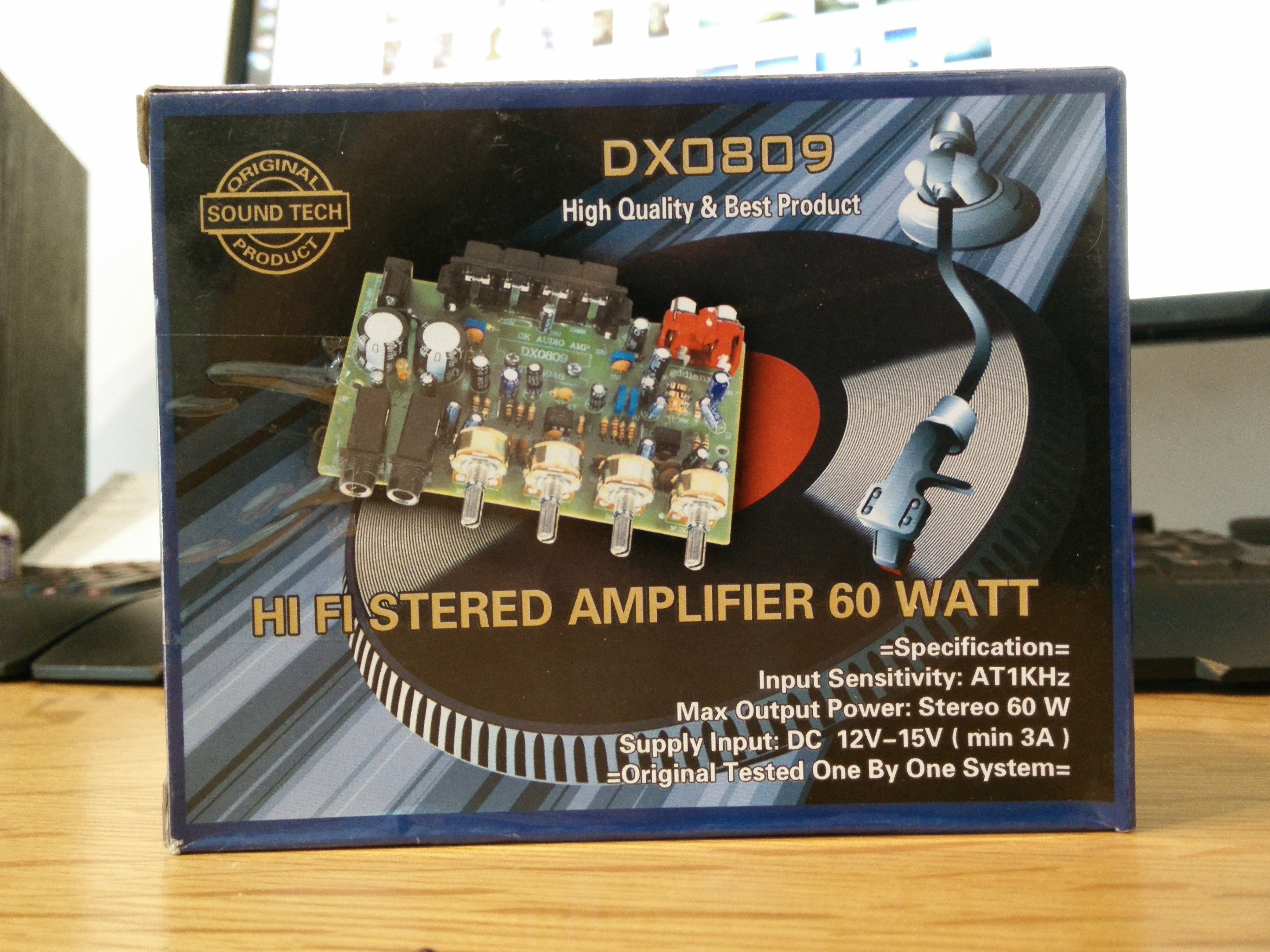
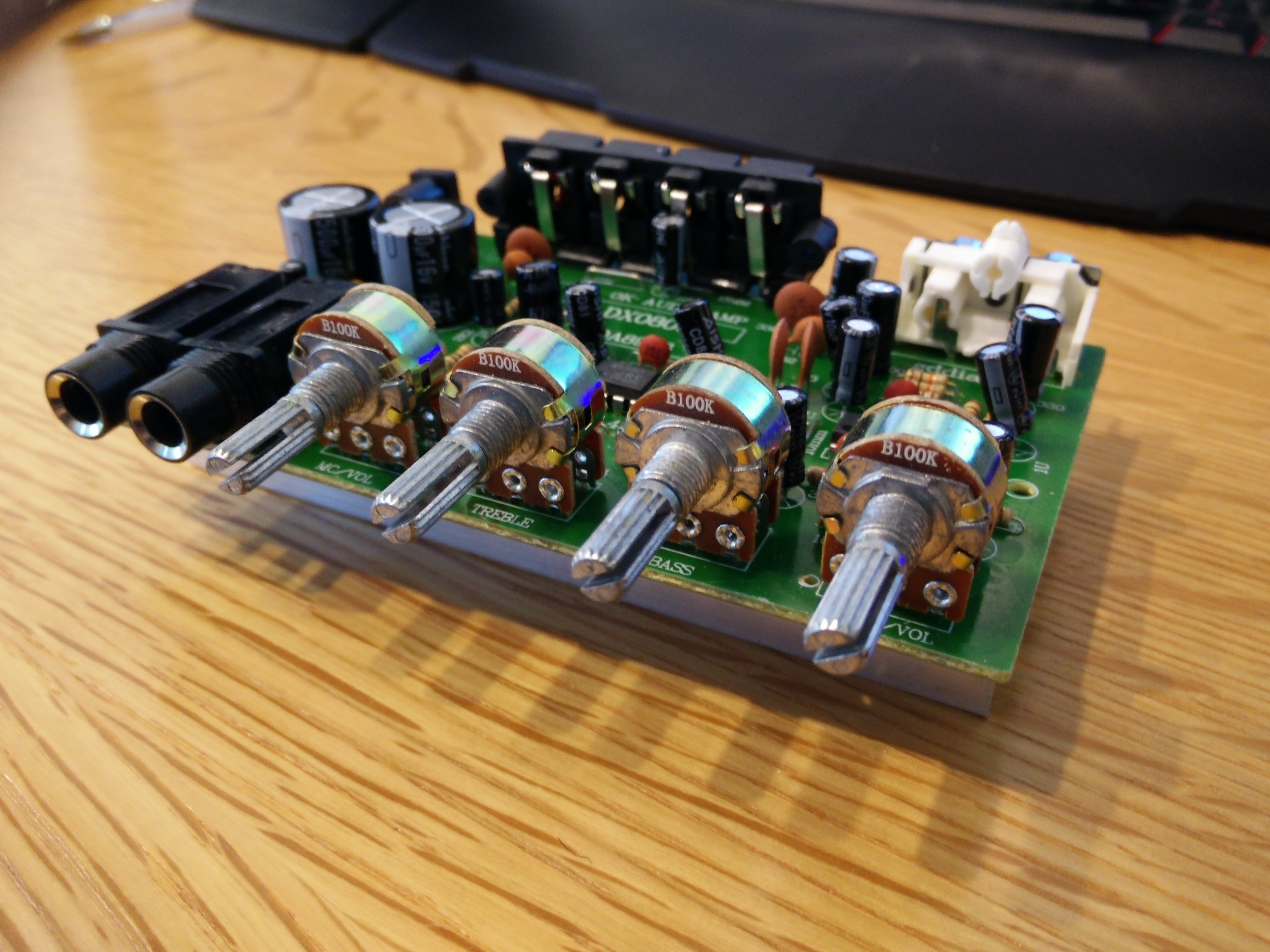
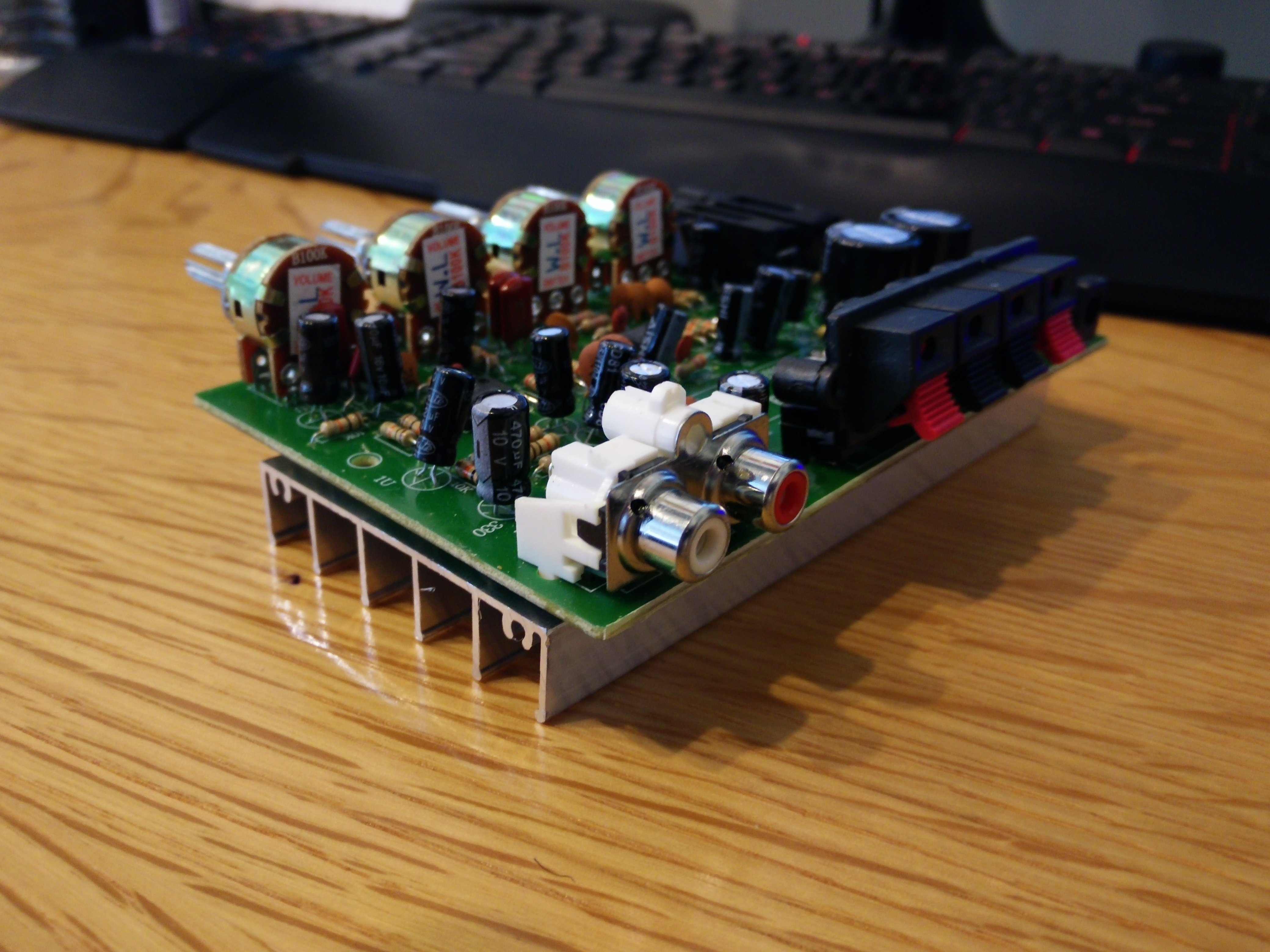
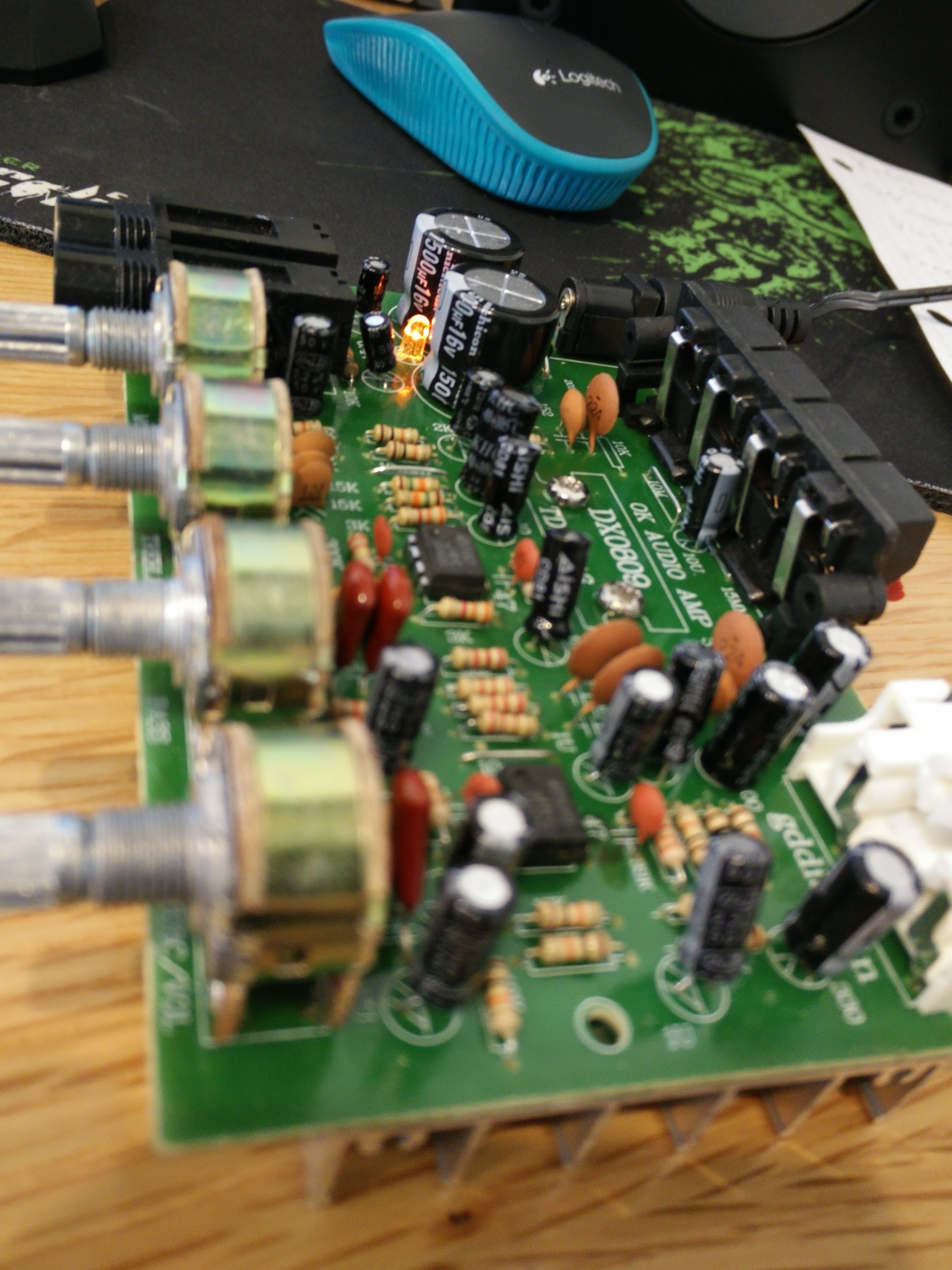
HI-FI Stereo Amplifier 60 Watt DX0809

I found this amplifier for $Cheap as a temporary placeholder to run my Polk Audio Monitor 30 Series II speakers. It does carry a much better punch in terms of bass reproduction than the Lepai 2020A+ but it fails in almost every other aspect. The highs are not crisp and there is a noticeable hiss at high volumes. Most of the vocals were muffled and vibrated in a very weird way. The Lepai 2020A+ does a much better job at running both the lows and highs clearly even when at high volumes. Stay away from this amp and just get a Lepai 2020A+ if you want something cheap.
IMG_20141011_134103 IMG_20141011_134336 IMG_20141011_134346 IMG_20141011_135111

AMD Catalyst 14.9 Stable Released

After a long wait, the stable release of the AMD Catalyst Control Center version 14.9 was finally released. This version is supposed to bring massive gains in several games and I hope it is true. In day to day tasks it runs the same as compared to 14.4 with no real difference outside of specific games. I have run 2 3D benchmarks on 14.4 and 14.9 to see if there were any general improvements to unoptimized games, but the results were almost the same before and after the update.

GPU: Gigabyte R9 270OC with stock clocks

14.4 2
Furmark 720p Benchmark on 14.4
14.4
PerformanceTest 3D Test on 14.4
14.9 2
Furmark 720p Benchmark on 14.9
14.9
PerformanceTest 3D Test on 14.9

Gigabyte R9 270 OC Dead after connecting to a Samsung TV

The Gigabyte R9 270 OC worked well for a few weeks, but it did run a bit hot compared to other r9 270s. I connected it to a 42 inch wall mounted Samsung TV without knowing if the supplied cable was safe to use or not. I guess it wasn’t safe as the pc crashed and didn’t boot past the POST for a day until somehow I finally got it to boot. Then shortly after it crashed again and now my motherboard beeps twice which means that there is no GPU installed. Without any integrated graphics on my motherboard/CPU, I am stuck with a dead pc and I am unsure if the only problem is the GPU or not. I never liked Gigabyte and I guess that will never change. I have ordered a relatively cheap ASUS r5 230 just for the meantime to get my pc up and running for my work and I will review that as soon as it comes in. In the meantime, I will probably keep an eye out for a good deal on another r9 270 but from a more reliable brand name this time.

Why have you forsaken me?

The LG G3 Screen In Reality (Tinted with a Grid)

I went to Best Buy yesterday to check out the LG G3 screen and directly compared it to my OnePlus One and an HTC One M8 that they had on display. The LG G3 had a horrible display, the colors were off and the whole thing had such a strong yellow tint that the whites were dim. I haven’t read much online about the display actually being this bad and to top it off, all of the phones on display had a very noticeable grid pattern. This reminded me of some of their Nexus 4 units that had a heavy grid pattern along the screen. The grid was so noticeable that even as the screen was on full brightness, I could see very clearly the whole pattern overlaying the LCD. This was quite sad to see considering the LG G2 had such a fantastic display. Compared to the G3, the OnePlus One display seemed like heaven and the M8 display was even better than the OnePlus One. So today I confirmed my belief that the M8 has the best LCD display, and I was surprised to see that the G3 had such a bad display.

A good screen test page
A good screen test page to compare screens


My New Video Intro

I have finally created an intro for my videos as I will be pushing my YouTube channel alongside my blog. I have embedded it below as it is my first step into the video universe. I used CyberLink PowerDirector 12 to create it as it offers great 4k editing that is GPU accelerated. I was surprised that I was able to edit and render 4k videos so easily using this program.

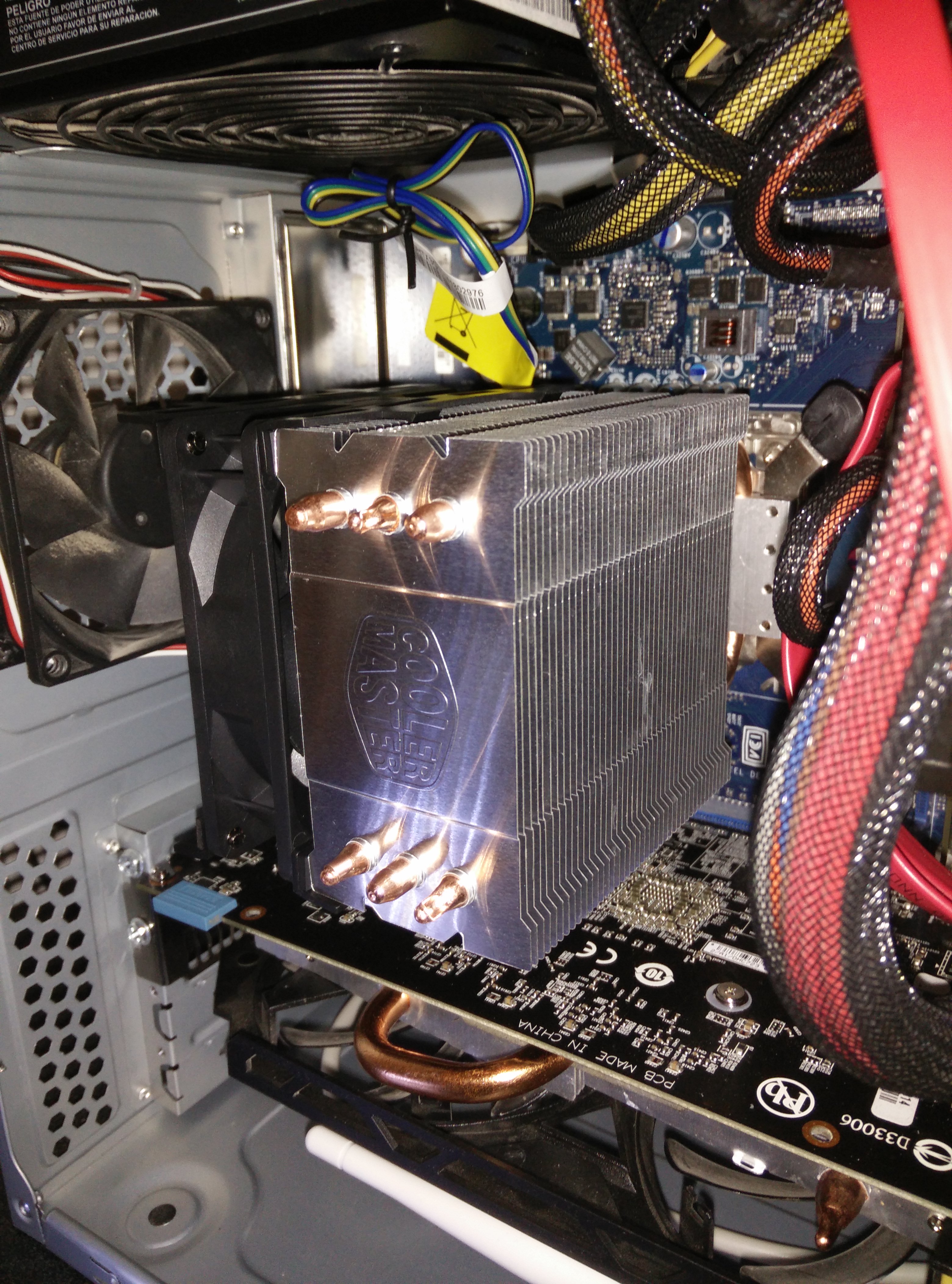
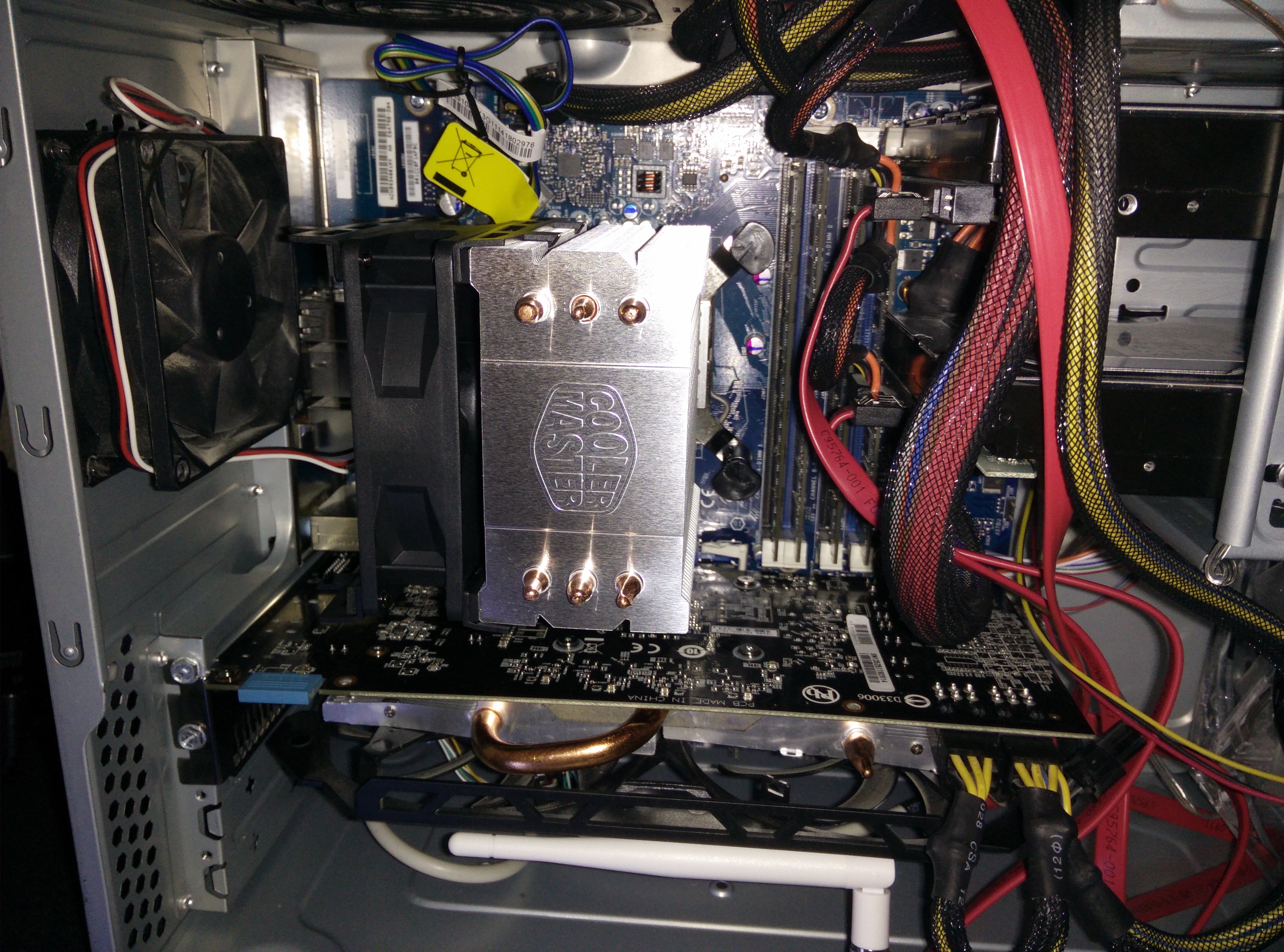
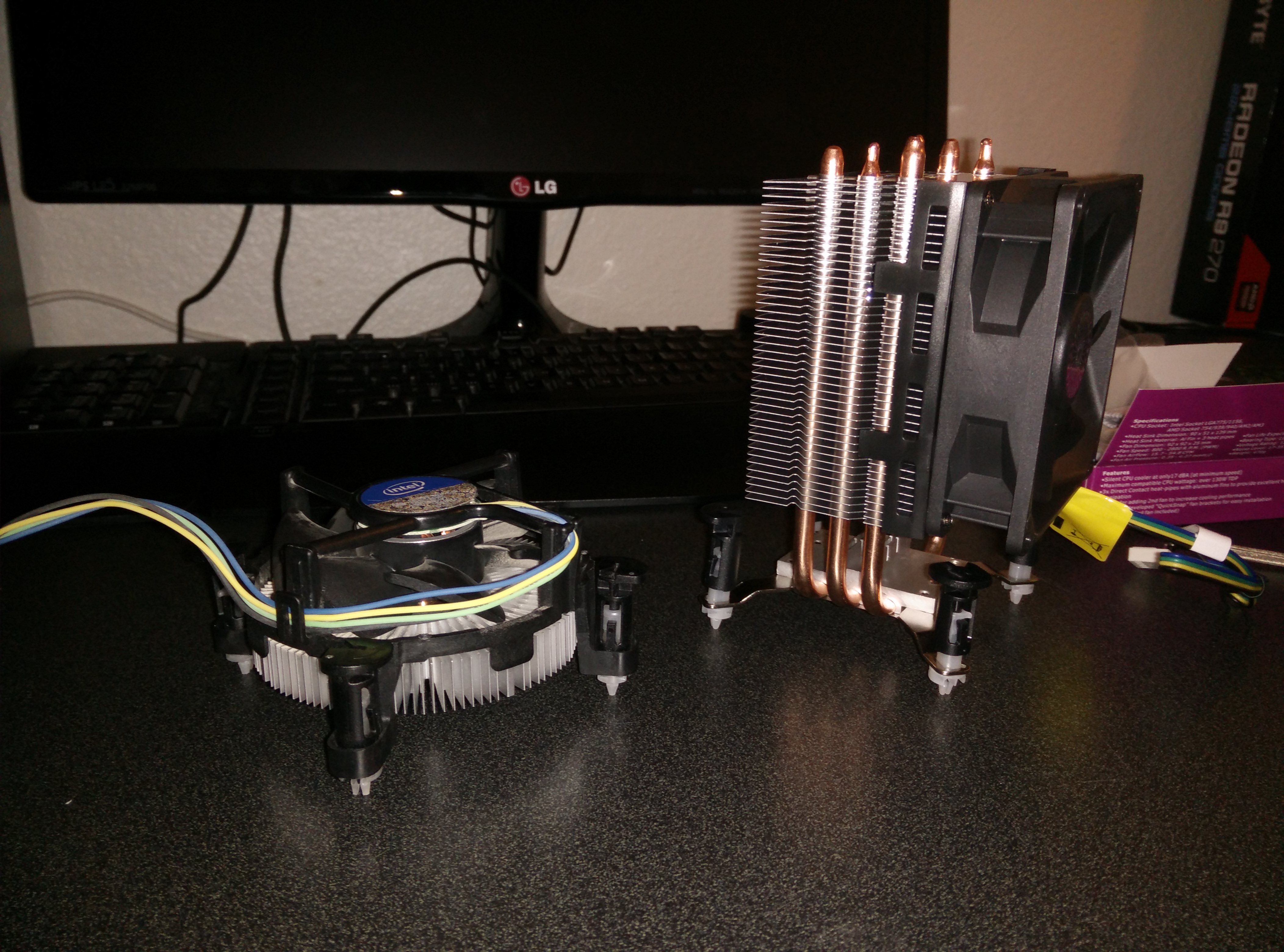
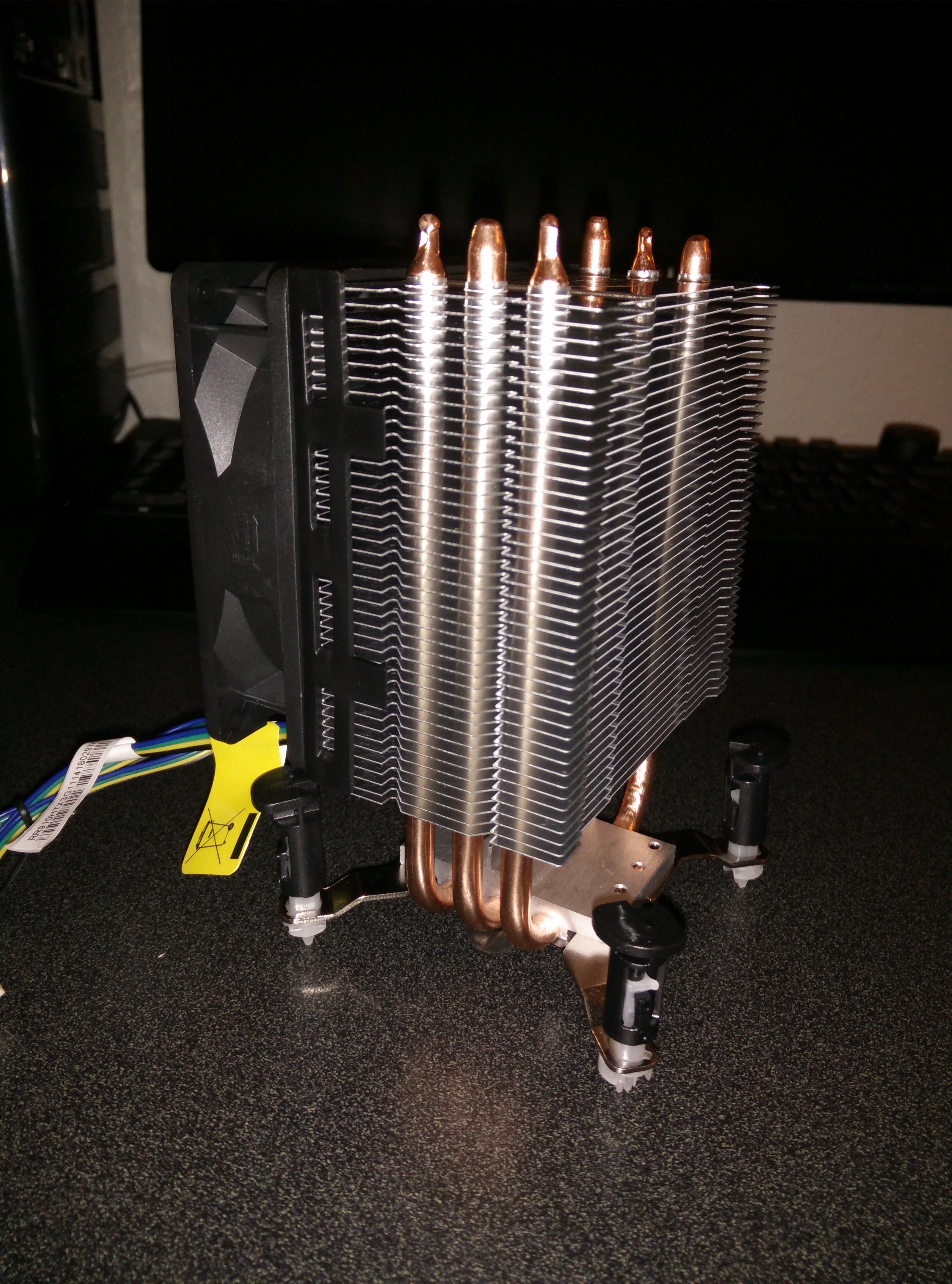
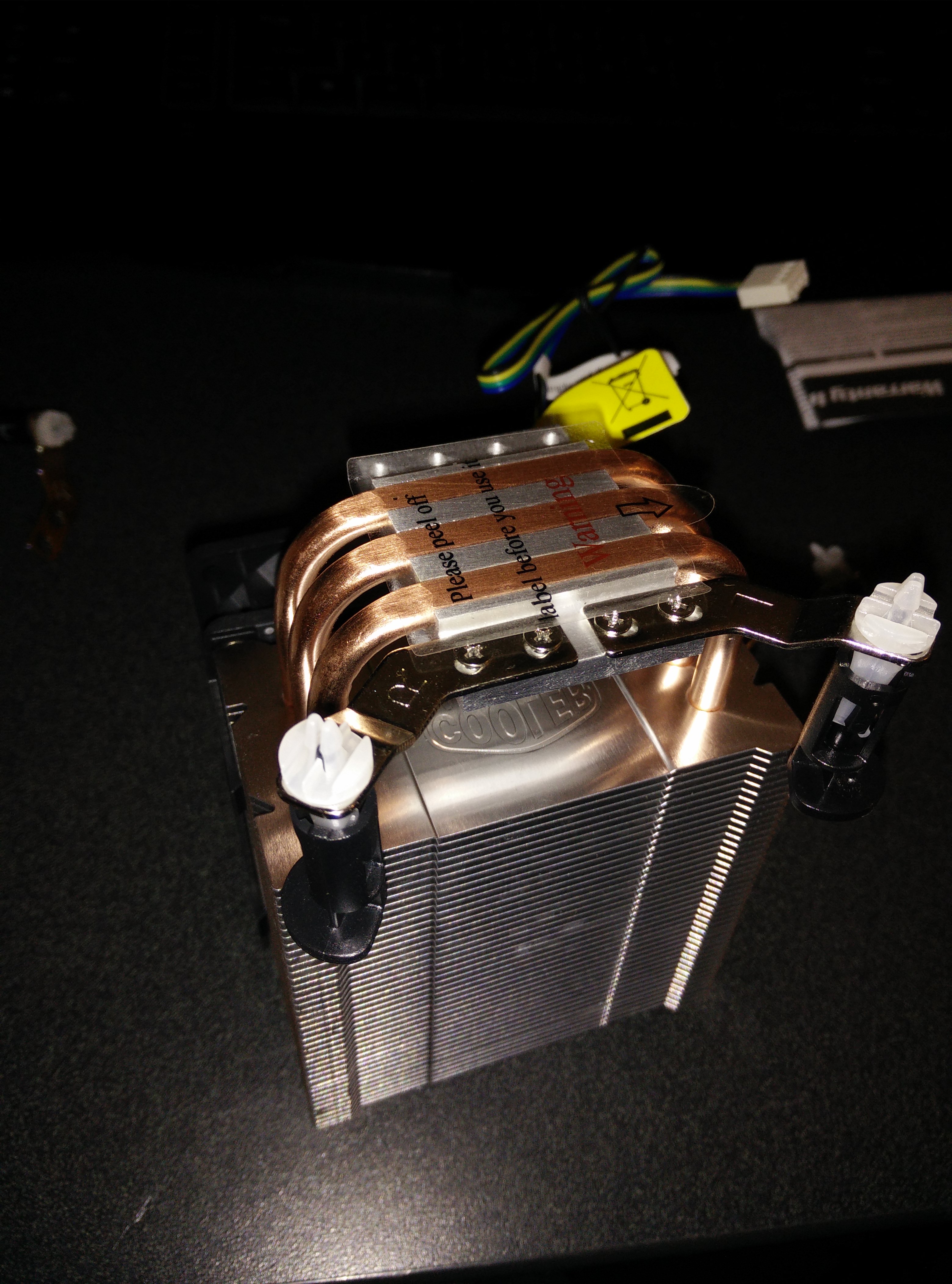
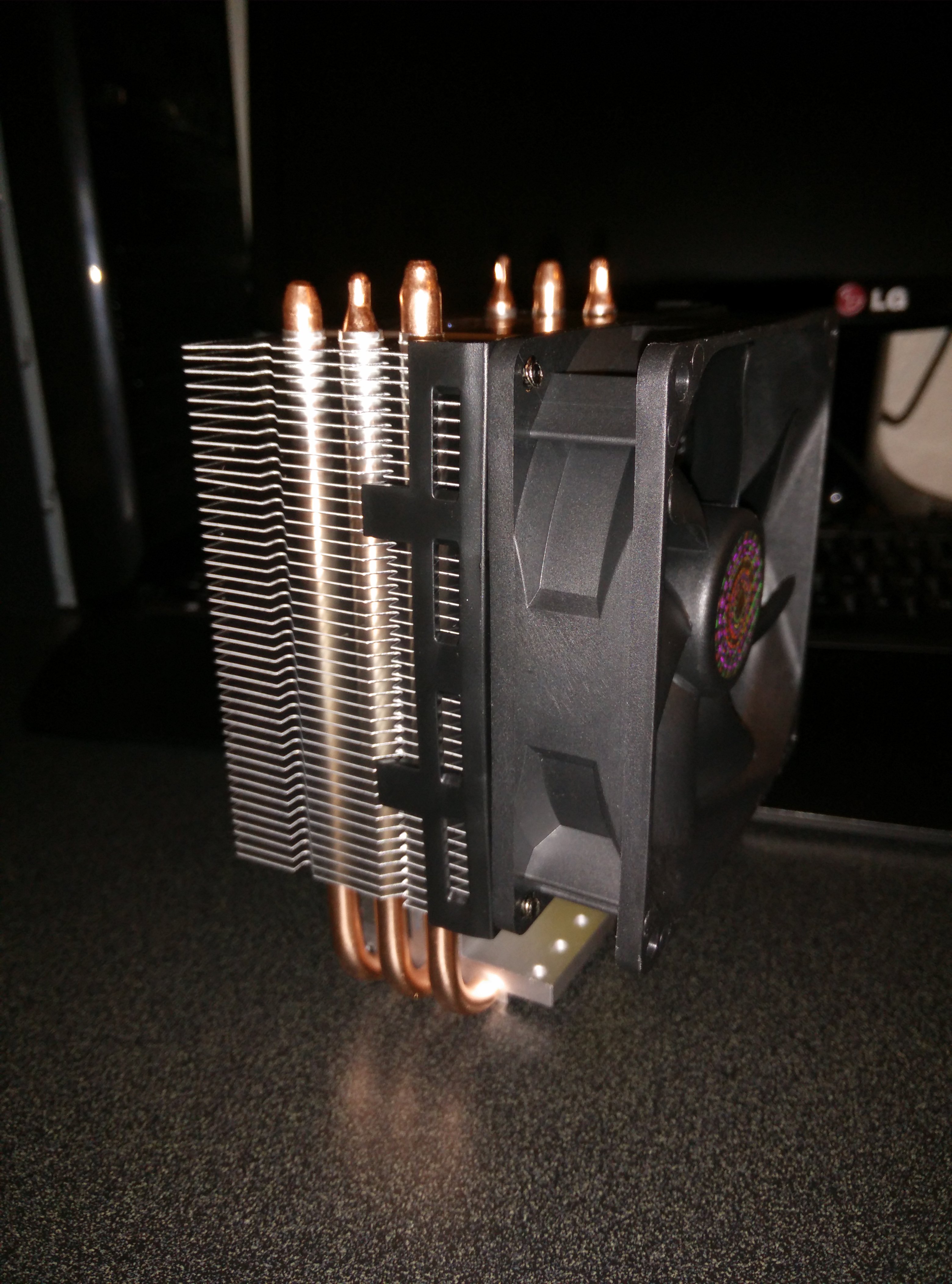
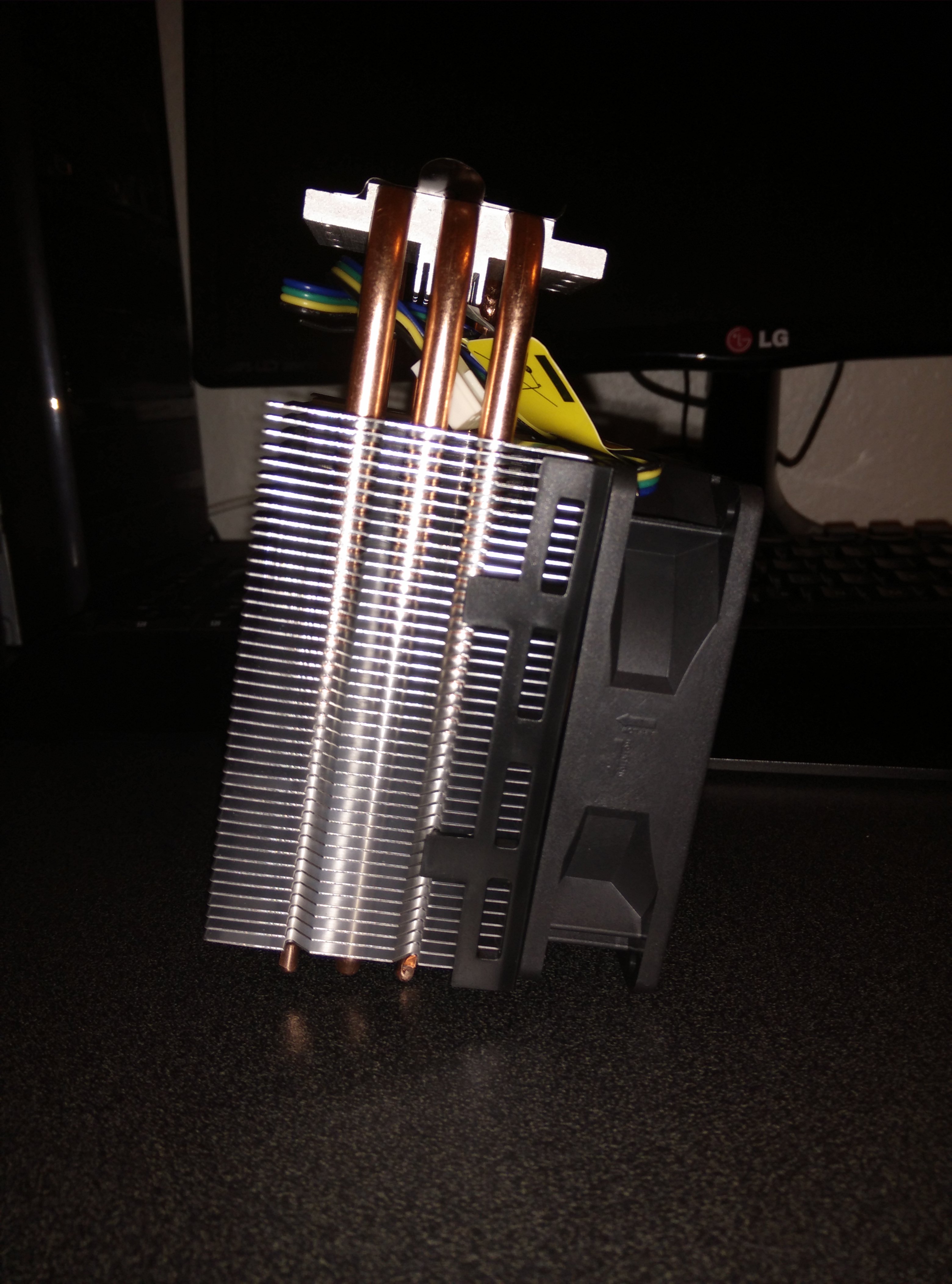
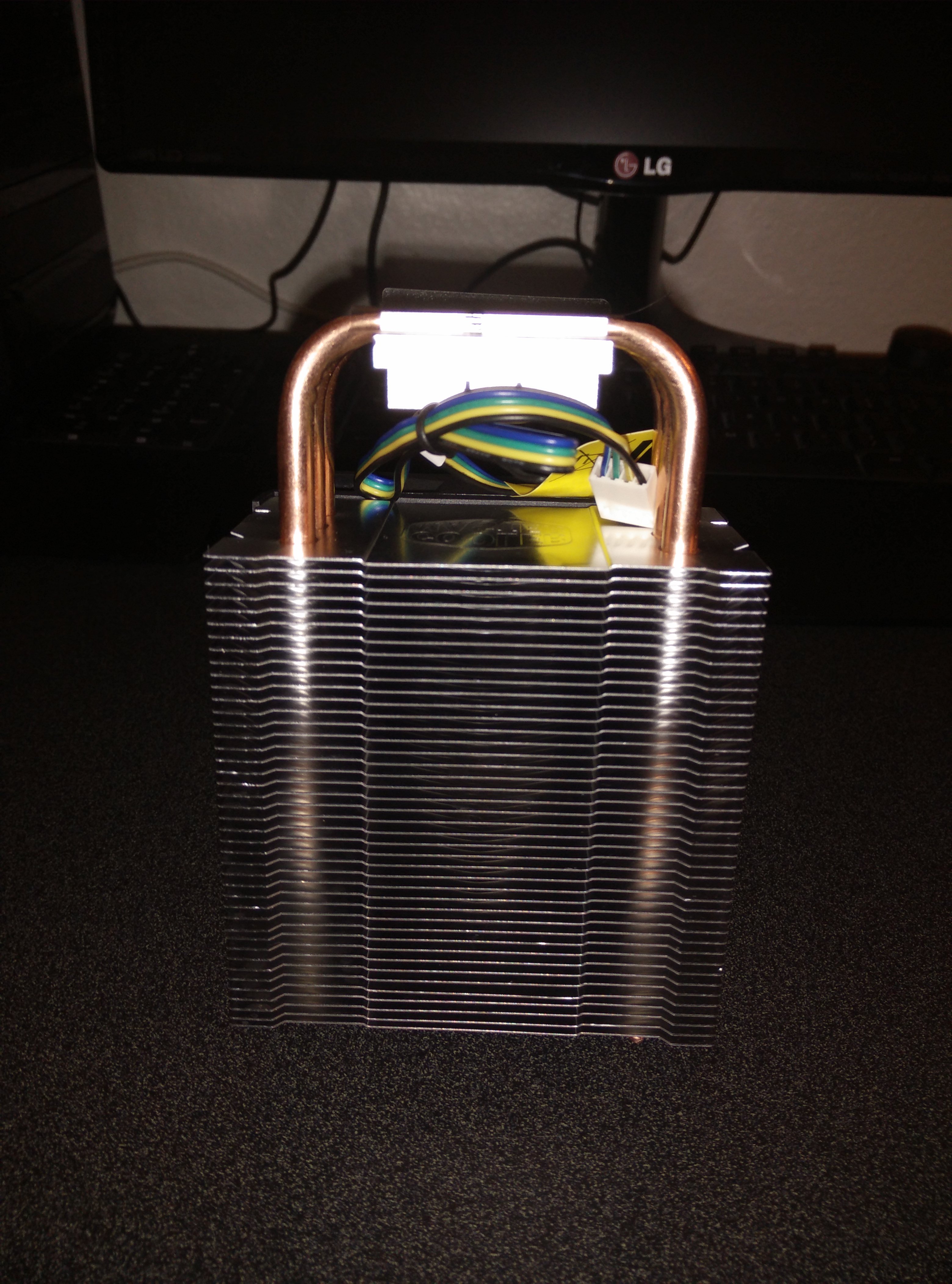
Cooler Master Hyper TX3 Review (LGA 1156)

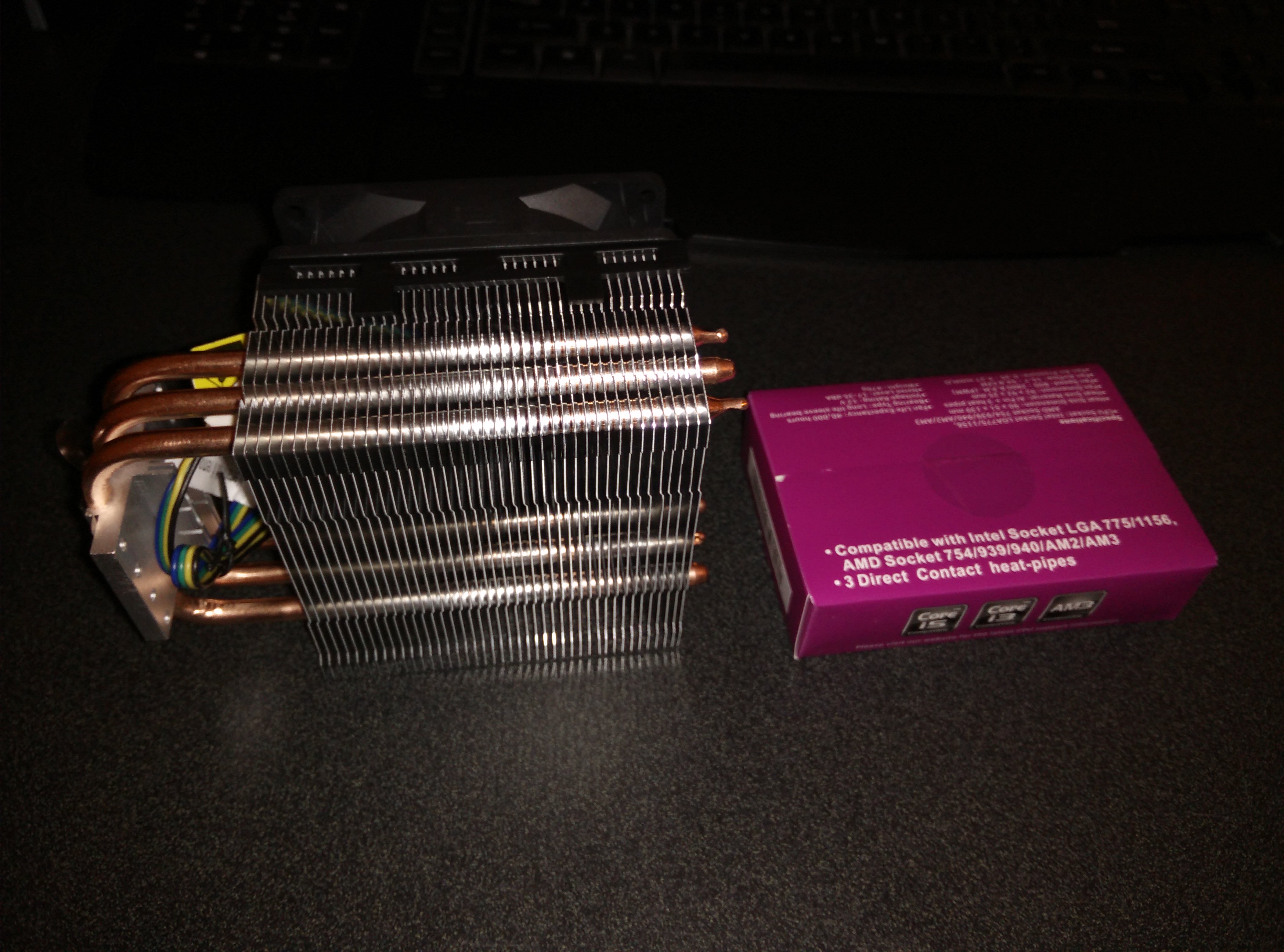
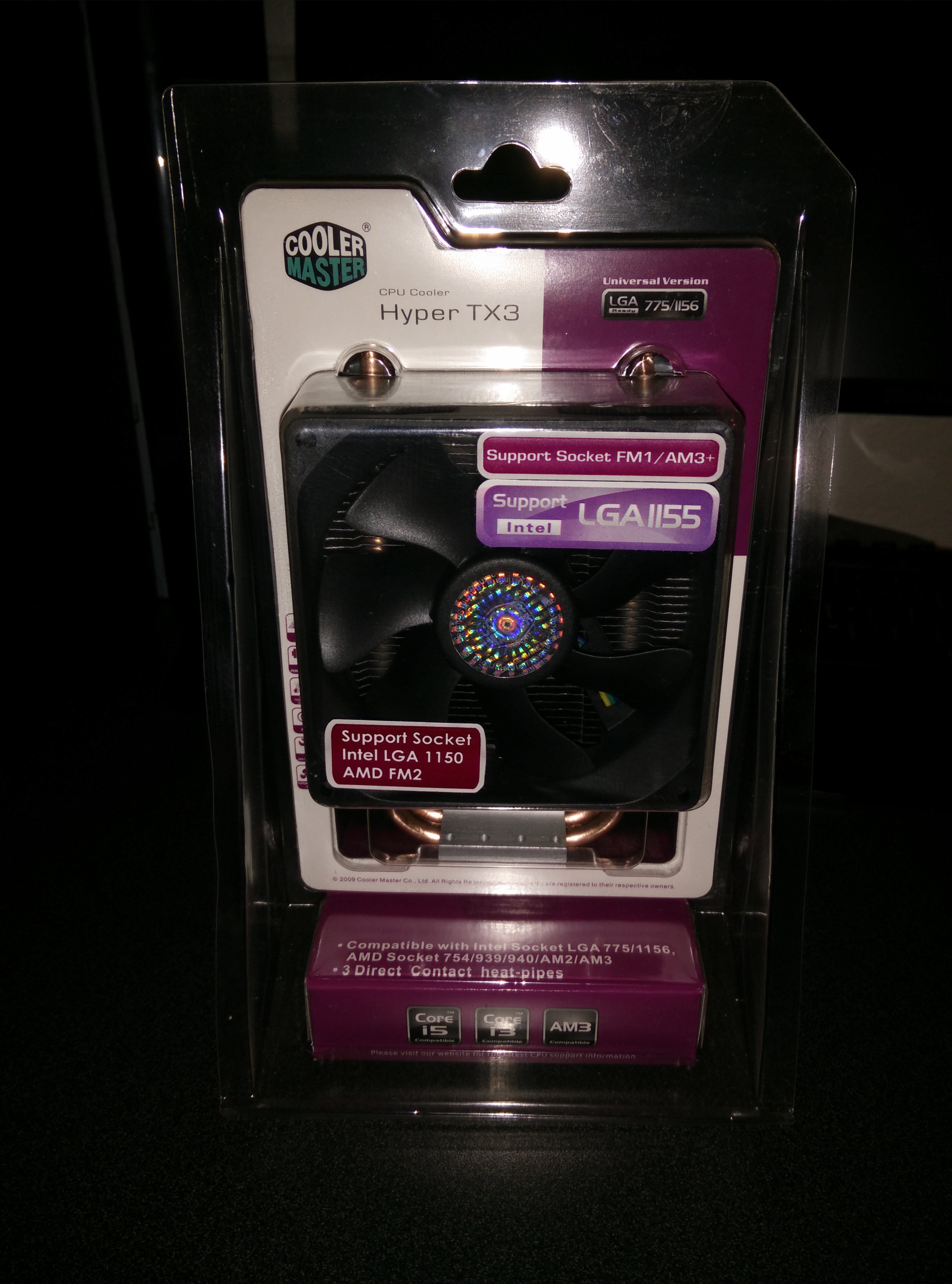
There isn’t much to say, it is huge and I had to mount the fan on the other side to suck through the heatsink instead of push through it. It may lower efficiency a bit but it is doing fine. Temperatures went from 40 to 35 while idle and 85 to 60 while under full load. This is good enough for me and while running an overclock of 3.2Ghz the temperatures were around 70 under full load. I am using an Intel Core i5-750 @2.66Ghz stock clocks and when I say full load I mean running prime95 for 10 minutes.

Check it out on Amazon here.

Here are some photos:

IMG_20140723_145221 IMG_20140723_145211 IMG_20140723_145026 IMG_20140723_143241 IMG_20140723_143011 IMG_20140723_142523 IMG_20140723_141745 IMG_20140723_141656 IMG_20140723_141642 IMG_20140723_141630 IMG_20140723_141510

Changing Gigabyte R9 270 OC Thermal Paste

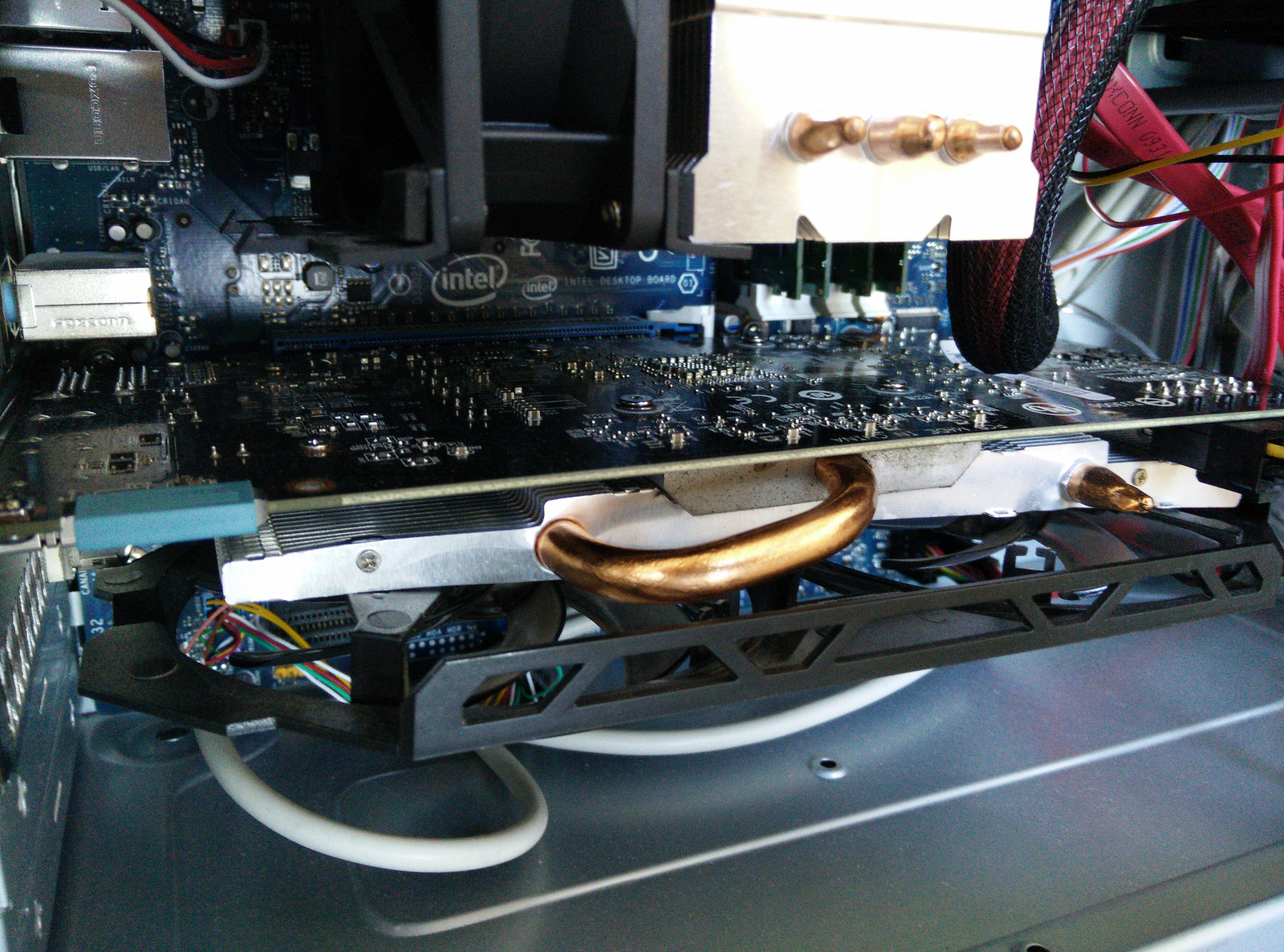
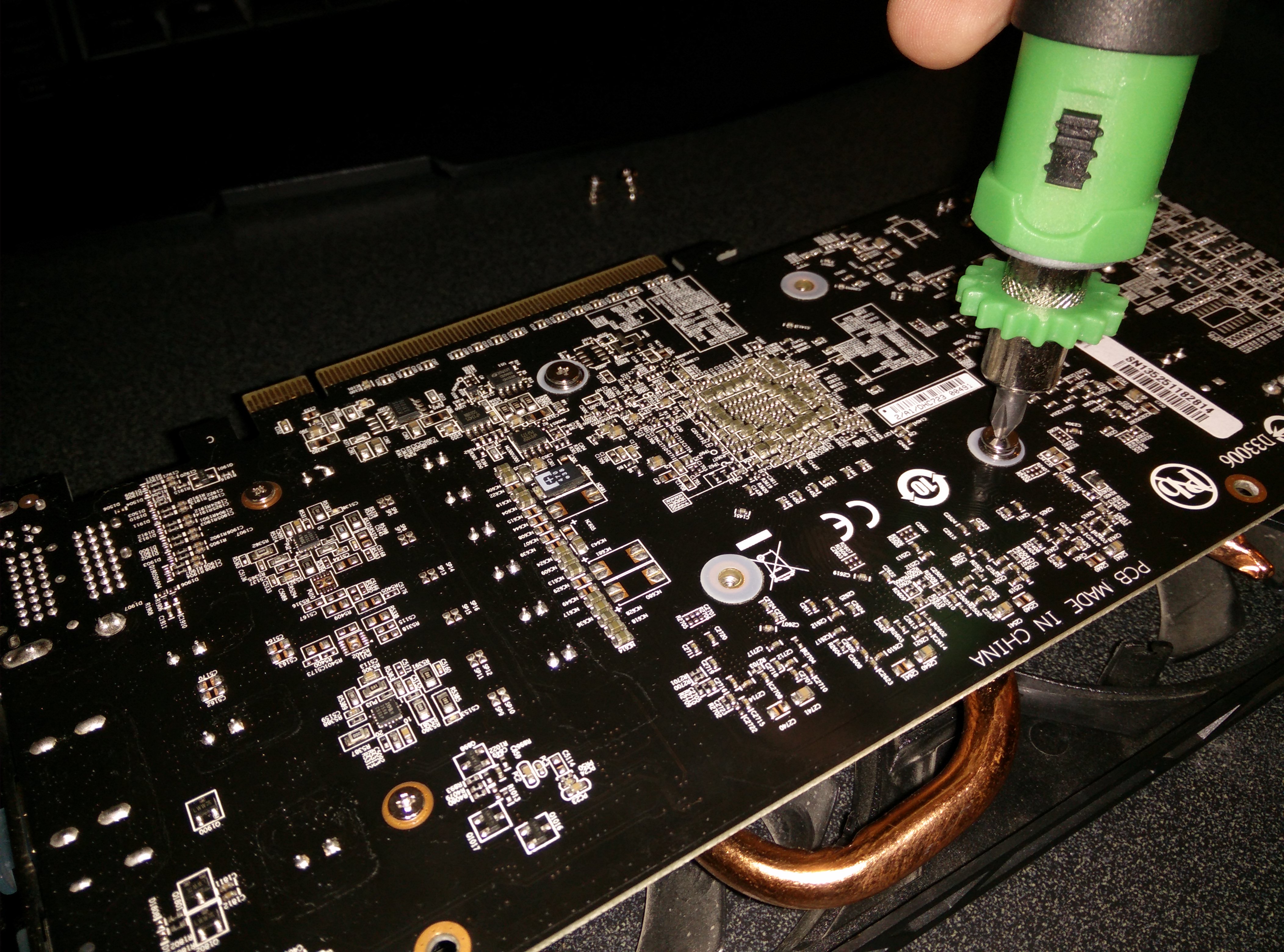
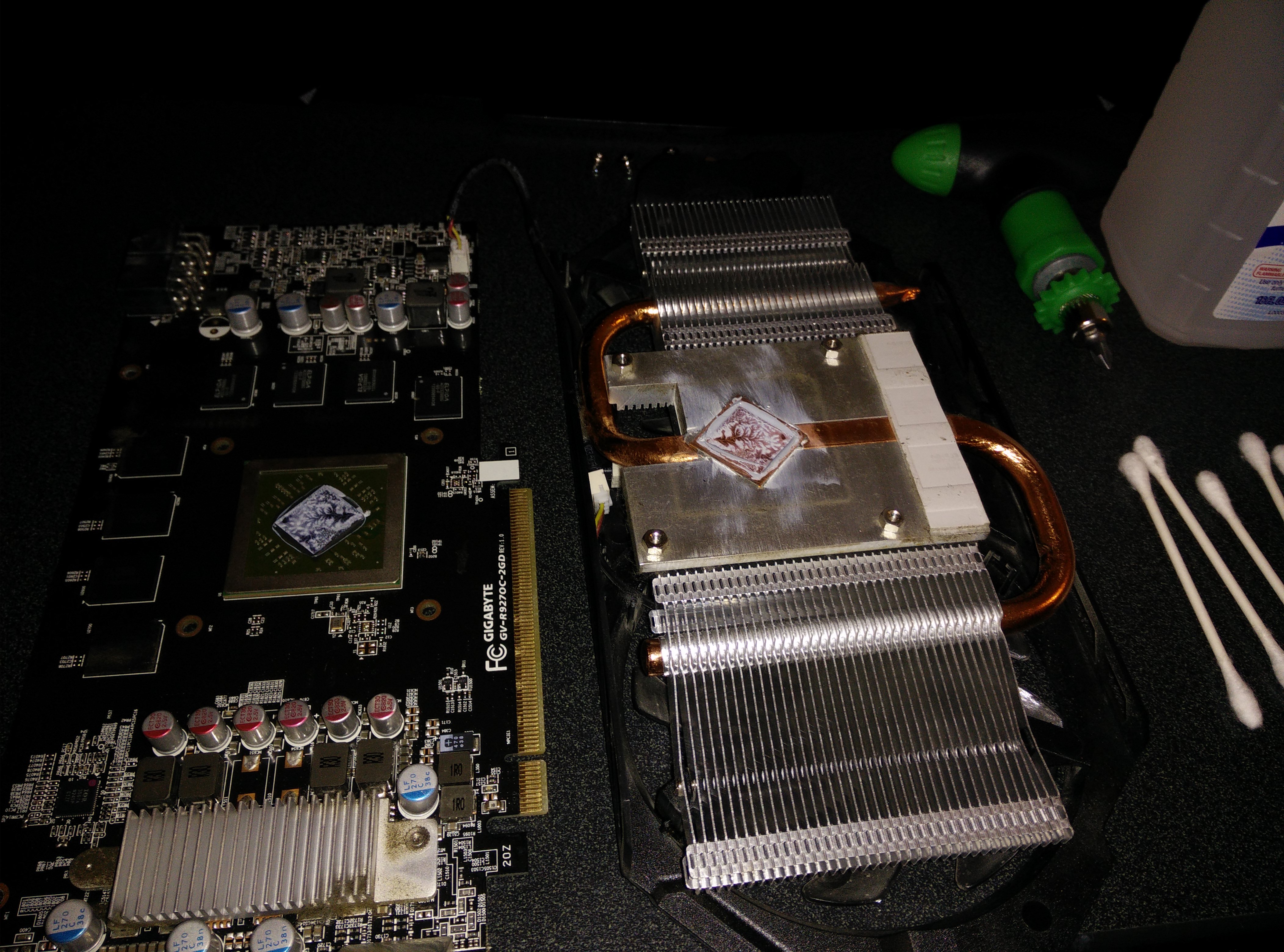
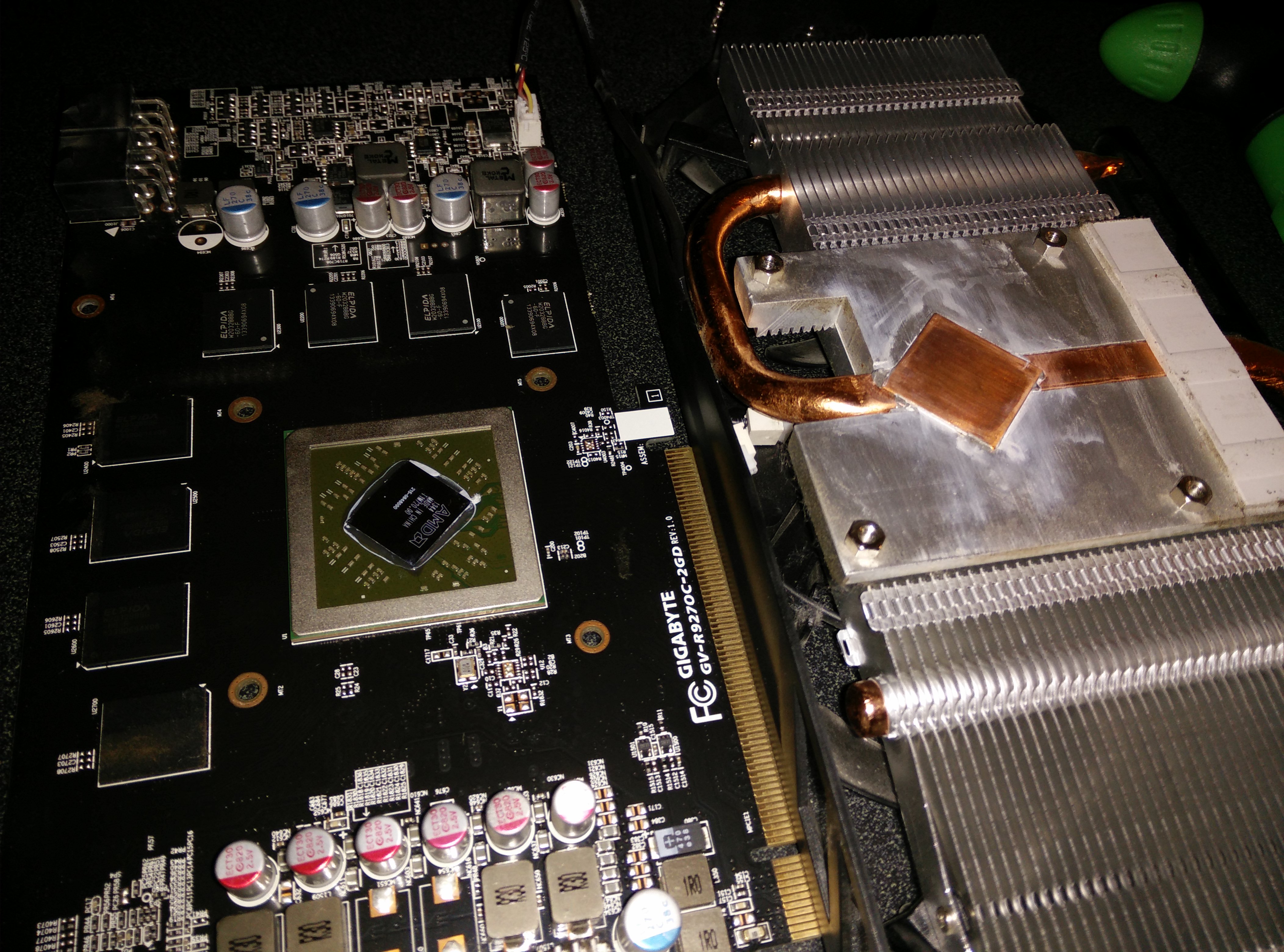
I noticed temperatures were reaching near 90 degrees Celsius while running furmark for 20 minutes. So I decided to open it, clean it, and put some Arctic Silver 5 thermal paste. This dropped the temperatures to 80 while running furmark and while gaming, it is usually in the 60-70 degree range. See the pictures below for how it looks inside. All I had to do was remove the 4 screws on the bottom and the whole heatsink came off easily. I then used isopropyl alcohol and Q-tips to clean it.

The 4 screws to remove
The Nasty Stock Paste
All Clean and Shiny
All Clean and Shiny

Gigabyte Radeon R9 270 OC Version

The R9 270OC
The R9 270OC

This video card, even though it is priced well, is a beast. Installation was easy, uninstall the previous card drivers, remove the old card, put in the new card, and install the drivers. Immediately things were running well and much better than they used to. I was previously running a Radeon 5750 and the difference in performance is massive. Even though I have an Intel Core i5-750 CPU, the new card wasn’t bottle necked at all. Performance gains were huge in every benchmark.

Furmark 720 test: Before (1500) After (4000)

Passmark GPU: Before (1500) After (4300)

Windows: Before (7.2) After (7.9)

Homefront: Before (30 fps) After (110 fps)

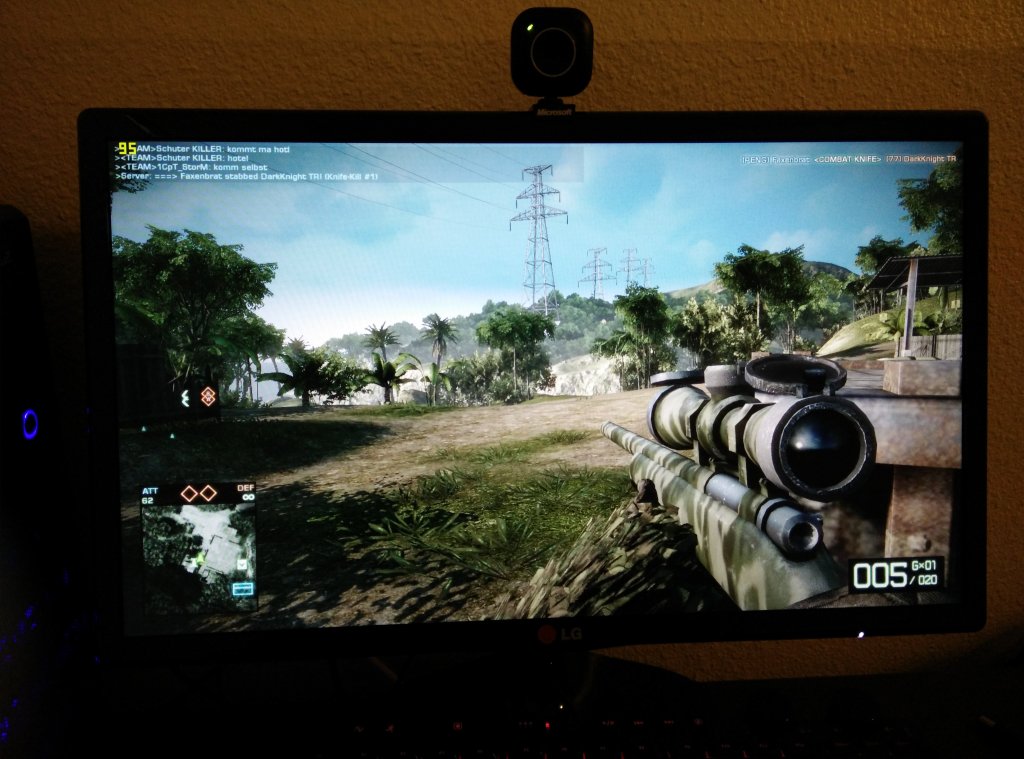
Bad Company 2 Online Multiplayer: Before (30 fps) After (85-100 fps)

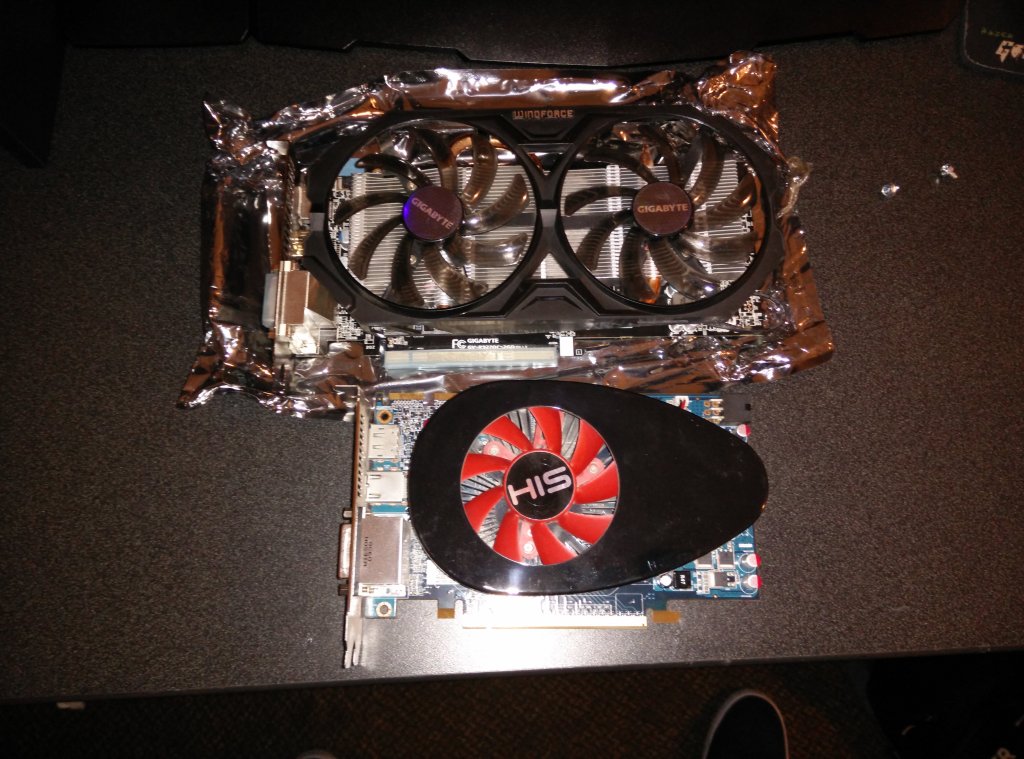
Top: R9 270 Bottom: 5750
Top: R9 270
Bottom: 5750
Bad Company 2 Online