Moto X Water Damage

My friend dropped her Moto X into the deep end of a pool without noticing. It remained there for roughly 5 minutes before it was retrieved. Instantly it was put in rice for 16 hours but afterwards it wasnt working correctly and remained stuck in a bootloop. At that point it was taken apart and cleaned using alcohol and left to dry. It was no longer working. A few days later I tried to change the battery but it didnt help as the device just stayed off or in a bootloop depending which battery I connected. I left the Moto X open for another week to dry out completely with all of the original parts assembled. Today I plug it in and to my surprise it turns on and works as normal, but every time I unplug it, it would turn off. This happened around 3 times and then I decided to leave it on the charger to let it reach 100. In a few minutes the battery went from 56% to 100% and then it said fully charged. After some heating up and rebooting, it just started working normally. So if your Moto X is heavily water damaged (water has been forced inside by pressure), open it and just let it dry for a week and you should be good to go. The nanocoating seems to have worked out well in this case.

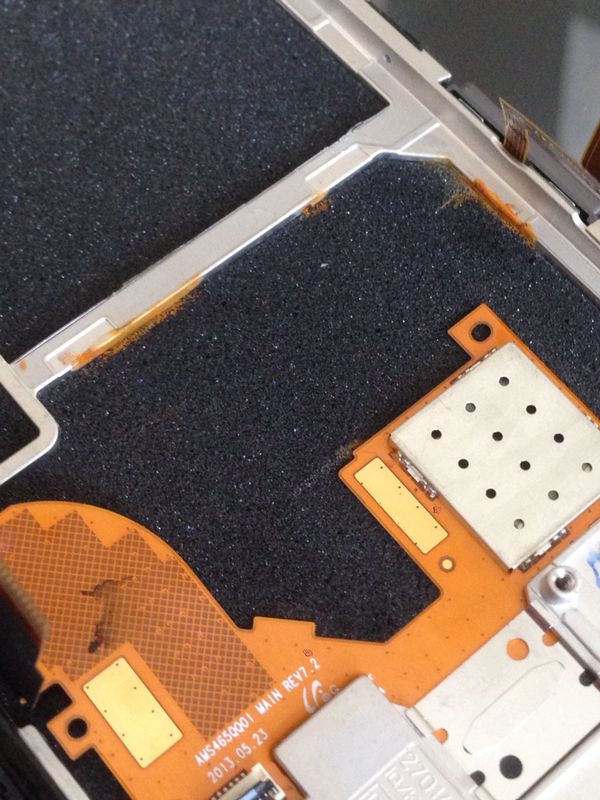
Internal Rust
Internal Rust
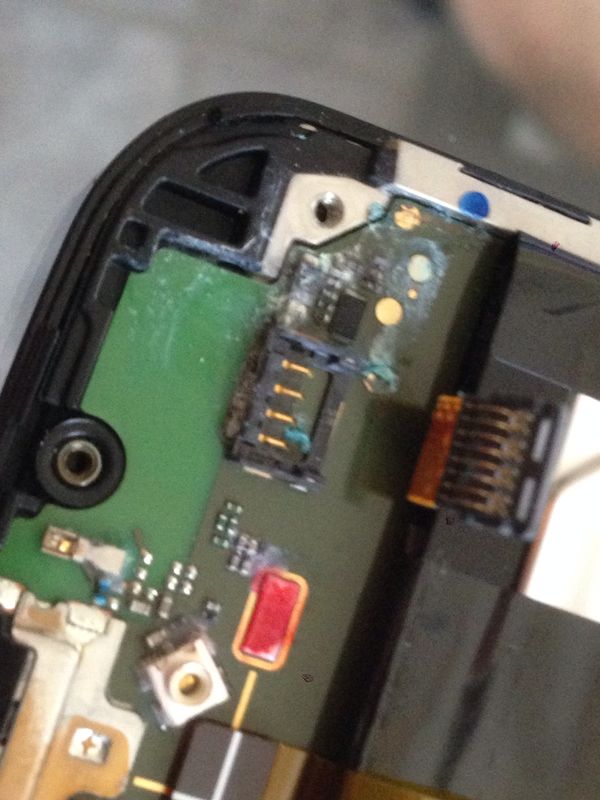
Internal Water Damage
Between the screen and main board
The Main board under the battery
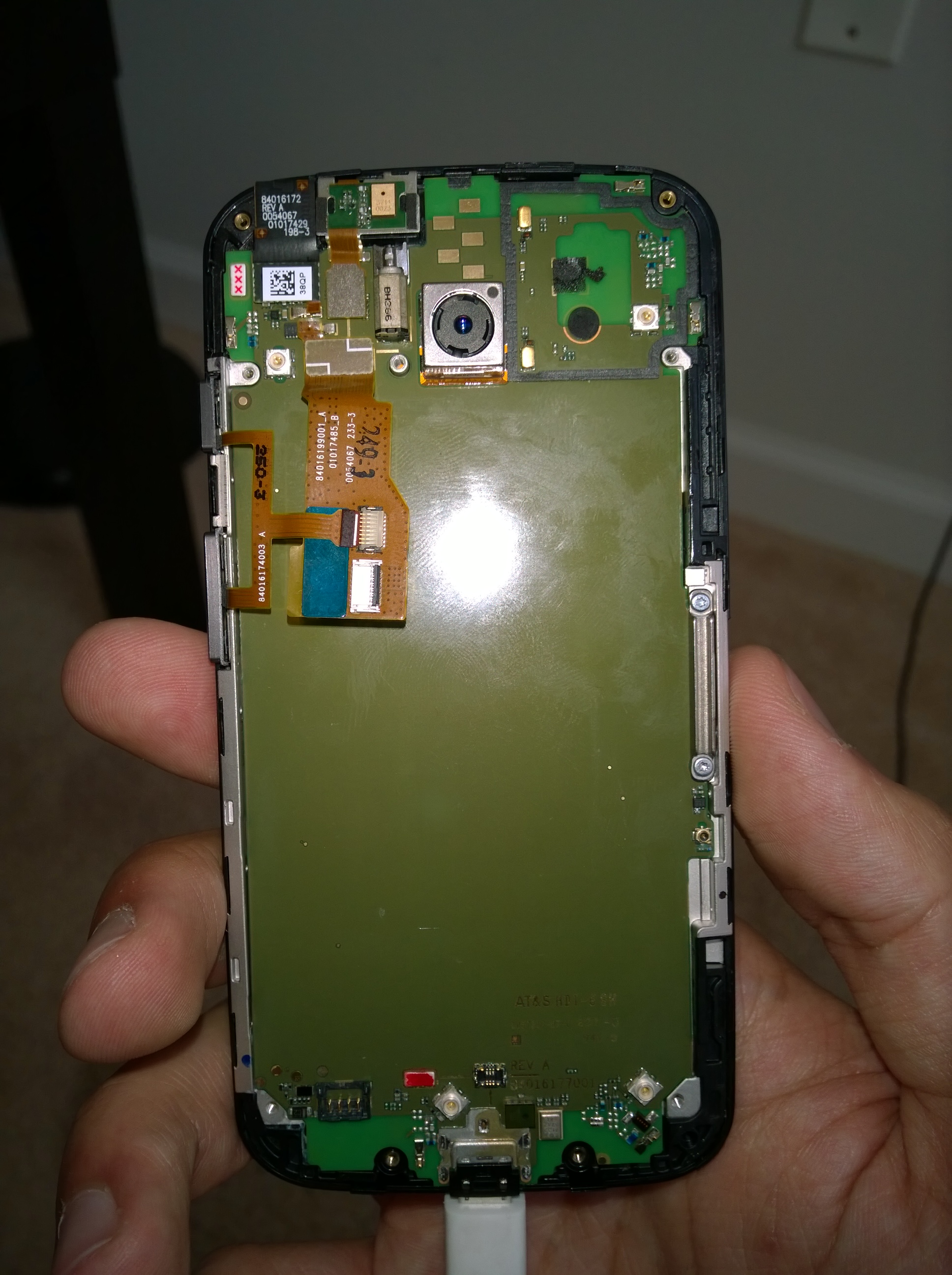
Finally Working
Finally Working


TP-LINK TL-WN722N High Gain Wireless USB Adapter (150Mbps) Review

I needed an affordable yet powerful Wi-Fi adapter for my desktop and after a lot of searching, I found the TP-LINK TL-WN722N available on Amazon.

According to their website it features:

Exceptional wireless speed up to 150Mbps brings best experience for video streaming or internet calls

Easy wireless security encryption at a push of the WPS button

4dBi detachable antenna, remarkably strengthen signal power of the USB adapter

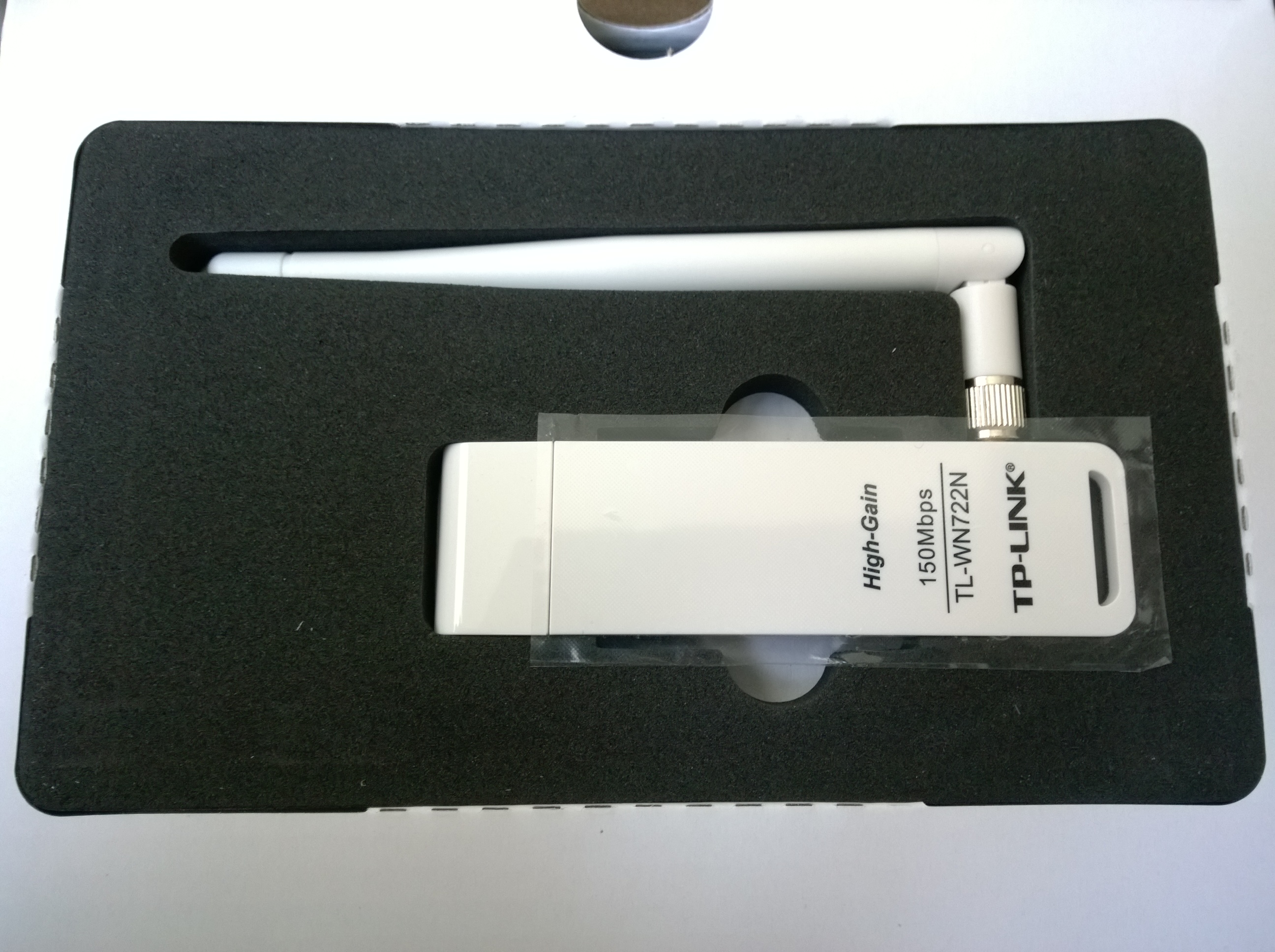
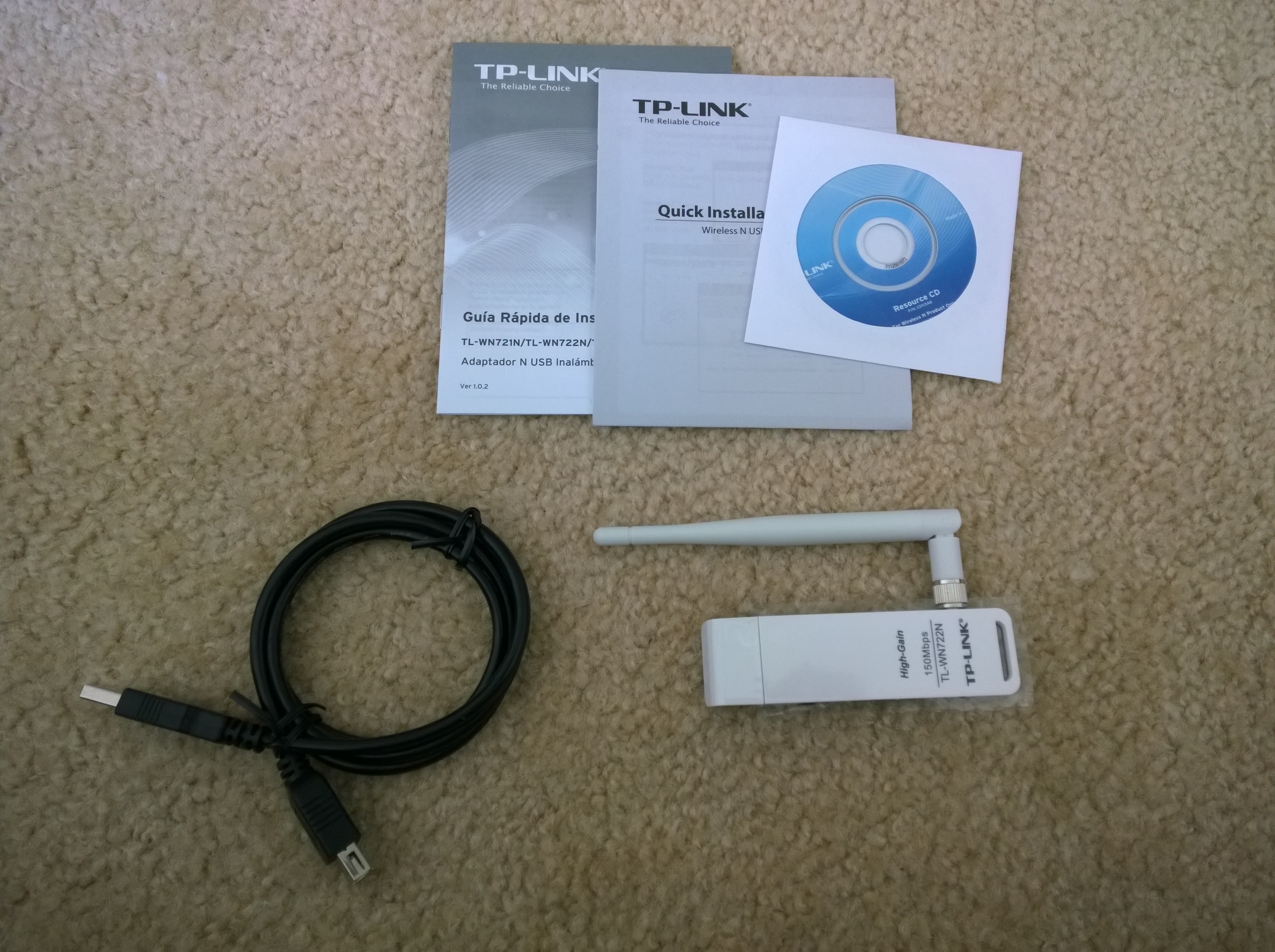
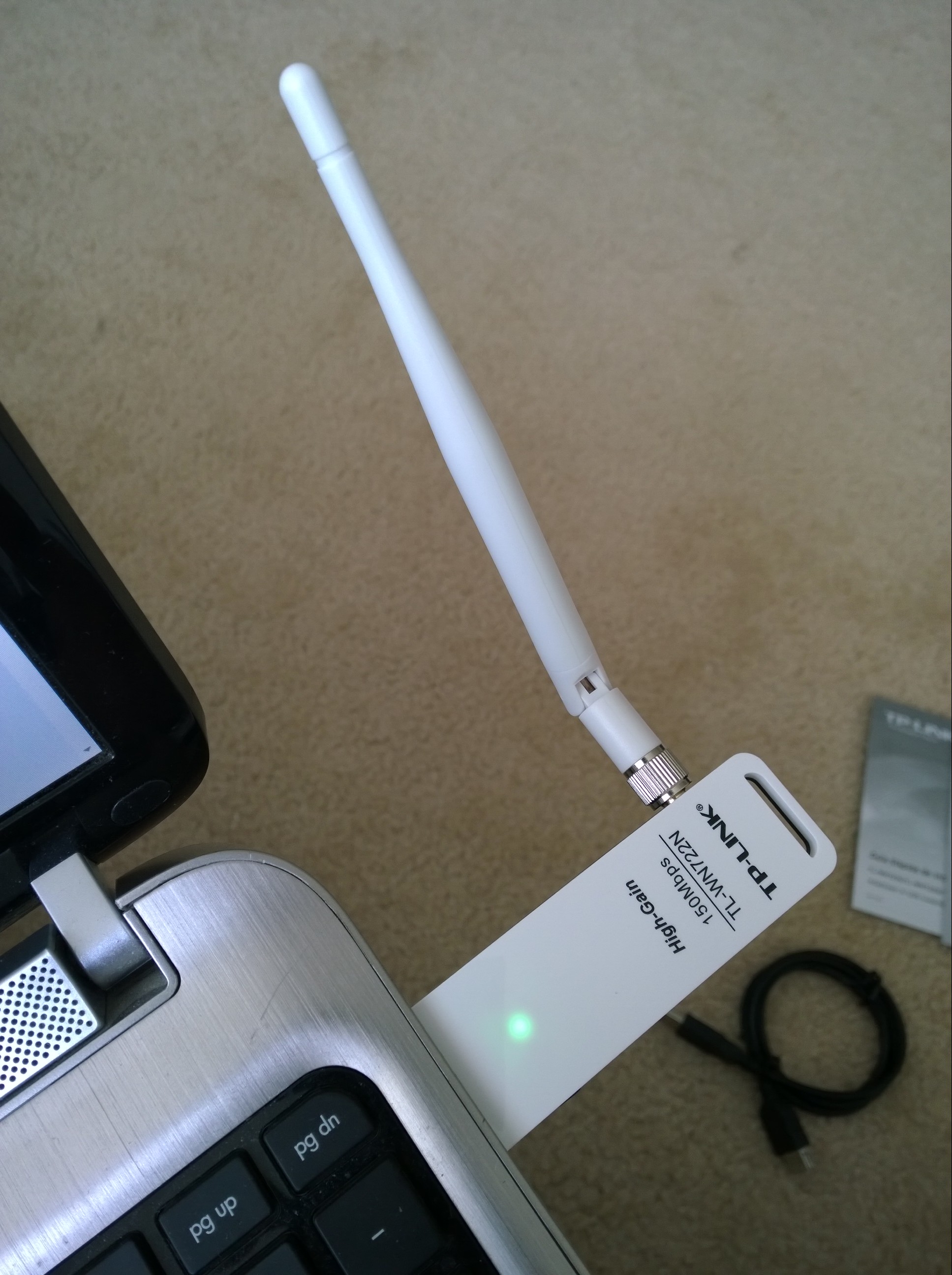
The package came within 3 days and this is what it looks like:

WP_20140619_08_26_15_Pro
The box
WP_20140619_08_27_34_Pro
The adapter packaging
WP_20140619_08_30_14_Pro
What’s inside the box
WP_20140619_08_37_58_Pro20140619083818
How it looks in a laptop

The adapter was plugged into a USB 2.0 port on my Windows 8.1 laptop and it was automatically installed and ready to use in under a minute. It is slightly stronger than my internal Wi-Fi adapter, at the same moment my internal card recognized 31 networks while the TP-LINK recognized 34. I tested it for several hours streaming 1080p videos on youtube, opening 12 tabs at once on chrome and multitasking, and streaming music on iTunes radio and it held up very well. The connection did not drop once and so far it has been great.


Razer Nabu Developer Band Update

The have just emailed me saying,

“Dear Developer,

We are pleased to announce that the Razer Nabu SDK is now available via the Developer Portal and that the Razer Nabu Developer Edition units have begun shipping to qualified developers.

As you have expressed interest in our Developer Program before, please provide information as to prior apps you’ve published – this will allow us to qualify you as a Nabu developer. Note that we are only qualifying developers who already have published apps at this time.

Click through this link to qualify.

Qualified developers will be entitled to purchase a Nabu Developer Edition unit for $49.99. However, due to limited availability of the Developer units, we will be shipping them out on a “when available” basis in batches.

In the event you are not a published developer but would still like to participate in helping us test and provide feedback toward the Razer Nabu’s final polish for the retail launch, we have a separate Beta Program which is open to the wider public. 

If you’d like to learn more about the Razer Nabu Beta Program, click through here.

Once again, thanks for your support of the Razer Nabu. With your help, we are shaping the future of next-gen wearables.”

This started off as an exciting email but then I realized that all of the waiting hasn’t helped at all. I had to sign up again and start all over again. Let’s hope I’m chosen.


Lumia 1520: WP 8.1 Update 2 with Whatsapp Update 2.11.494

Many weeks have passed since I spoke of the horrid experience of WhatsApp on WP 8.1. Well, I am glad to say that after 2 updates to the preview for developers and 2 updates to WhatsApp, things are looking much better.

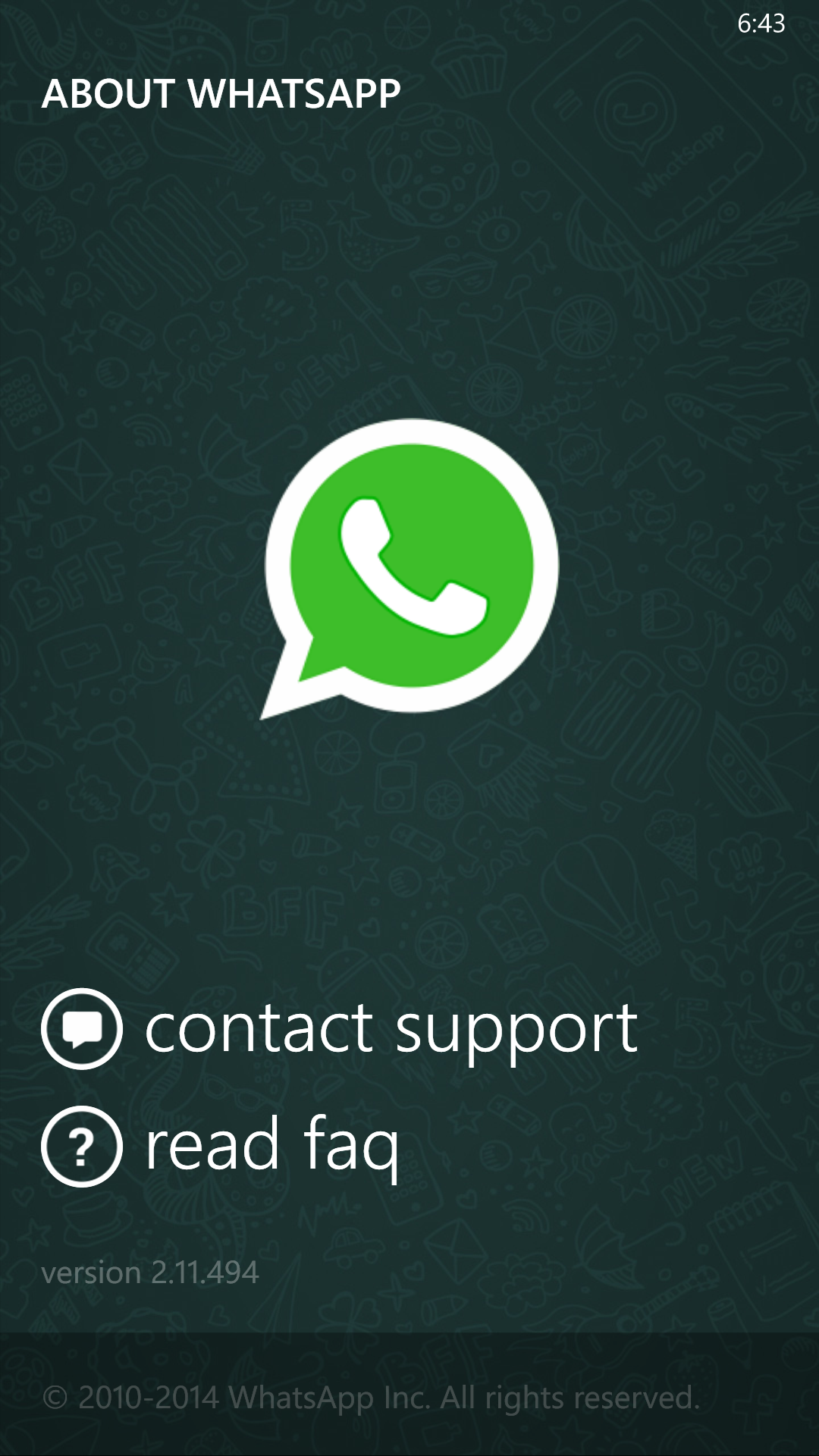
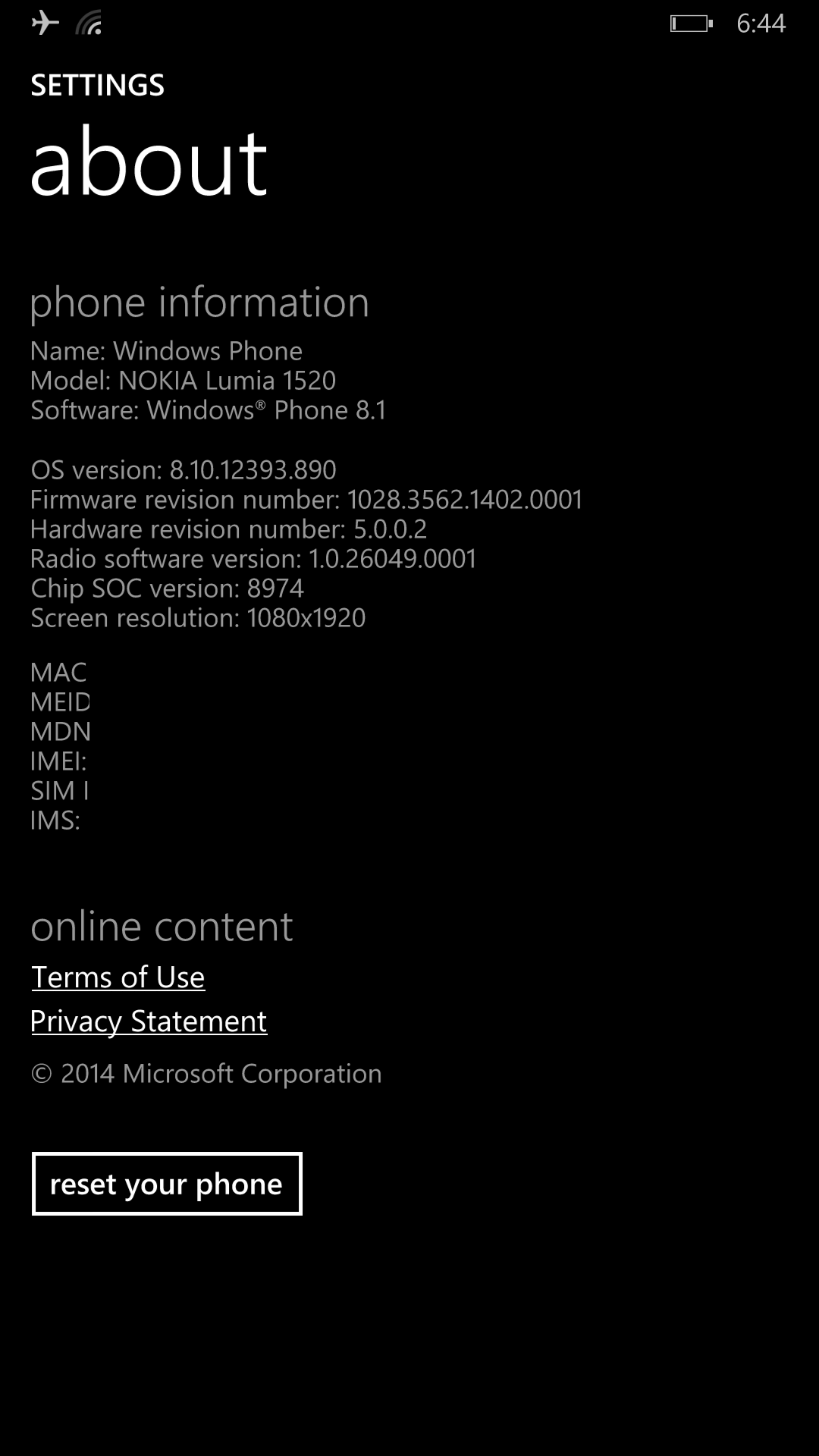
Windows Phone is now on version 8.10.12393.890 while WhatsApp is on version 2.11.494.

wp_ss_20140605_0001
WhatsApp
wp_ss_20140605_0002
Windows About

Finally, battery drain isnt as bad, the phone doesn’t heat as much, entering and exiting conversations is back to how it was in WP 8, and lastly we can set chat wallpapers!

On Microsoft’s side, it seems that the lack of optimizations for the Lumia 1520 chipset in WP 8.1 were holding it back before. These updates have fixed many performance issues and the coming Cyan update in the end of June is beginning to look promising.

Whatsapp On WP 8 Slow, On 8.1 A Nightmare

wp_ss_20140507_0002
Whatsapp splash screen which occasionally is all that loads

I have used Whatsapp on many different platforms: Symbian, iOS, BBOS, BB 10, and Android. Never have I seen it run with such a lack of optimization and as slow as on Windows Phone. It was a horrible experience 2 years ago on the Lumia 800 and it has improved greatly since. This improvement is mostly due to the faster hardware. Still, it is no where near the speed it should be. The Nokia Lumia 1520 has a Snapdragon 800 on an operating system that is known for its efficiency, yet the second I open whatsapp, heavy battery drain and lag are instantly present. I have read that big updates are on the way but none have showed up yet.

While using the WP 8.1 Preview, Whatsapp was on average 3-5 times slower than when on WP 8. Opening chats took several seconds and sometimes didn’t even open. It was the main reason I went back to WP 8 as it was just unbearable for an app that I use constantly day in and day out.

I am curious though if on sub 1080p devices such as the Lumia 1020 whether or not Whatsapp runs better as it may be optimized for 480p and 720p screens. The icons on the Lumia 1520 within the app are grainy and it is clear that the app is not made for 1080p devices.

I will just put up with it for now and hope for future updates to address the many issues, especially in 8.1 for its release is nearing.

Nokia Lumia 1520 on WP 8.1 (Battery Drain | Lag)

Feature wise, 8.1 has been a pleasure and joy to use. It looks great and feels great as you can see below. That is the end of the good.

WP_20140424

Battery wise, there have been times where it drains randomly and slightly heats up on top and there are other times where it lasts decently at best. Last night, from 1:30 AM to 7:30 AM it drained from 100% to 91% while on wifi which is unacceptable for the so called GSM Arena battery king. The standby time has been cut significantly with this update and I really hope that with the official Nokia Firmware, things return to the way they were.

On top of random battery drains throughout the day where it would heat up and drain around 5% every time, performance has also taken a hit. The majority of apps run slightly slower after the update and the new Music and Videos apps are horrible too. I have faith that Microsoft will update these apps as they are standalone now but overall system performance needs to be fixed too. I am not sure if it is an optimization issue that Nokia can fix on their hardware or if it is a system wide issue that Microsoft needs to address, but while using the phone for extended periods of time, weird things begin to happen…

  • The start screen gets stuck in a loading or resuming state
  • The notification bar gets stuck and freezes the phone
  • The phone heats above the camera on the back while in my pocket
  • The UI lags sometimes which is unacceptable as a lag free experience is the reason I switched to Windows
  • The Music, Videos and Games apps are slow and always loading something
  • The volume would not get lower even though it showed it was getting lower
  • The power button works when it feels like it, even when the device is already on and unlocked sometimes it doesn’t work
  • Some apps such as viber barely work in the background
  • Random reboots (very rare but they happen)

All in all, these are only a start to all of the issues there are in the current build of 8.1 on the Lumia 1520. I must say though, I am still enjoying it and I am still getting through a full day without charging it. I would however like to go back to reaching almost 2 days without charging it.

Razer Nabu Developer Band Update

Finally they have emailed me with a sort of confirmation saying,

“If you are receiving this message, please also take it as confirmation that your application is being reviewed by our Developer Relations team, and when the device is ready, we will be reaching out to you with next steps on how to purchase it at developer price.”

The only downside is that the launch has been delayed until May or June but I don’t mind as long as I can have it early and for a discounted price!

The device has been delayed to ensure that it is hypoallergenic before release to developers.


Moto X: Balanced Perfection (Micro Review/Comparison with G2)

Moto X back

I have recently switched to a Moto X from the LG G2 and the device is surprisingly great. On paper, it doesn’t seem like it would be the best phone to use, but in actuality, it runs smoother and faster than my LG G2 ever did. This holds true for all of the roms I had tried, even stable builds of CyanogenMod 11.

The active display comes on an any slight hint of movement which is a nice way to check notifications without draining the battery. The video below shows how I check the time by just holding the phone.

The screen is only 720p but because it has a full RGB matrix and isn’t pentile, it is a much better experience than previous 720p AMOLED devices as text is not crunchy on the edges. I wouldn’t mind better whites but it isn’t too bothersome.

The battery lasts for around 5 hours of solid screen time but not for over a day off of the charger as the standby isn’t as great as the G2. The G2 would also reach 5 hours of screen time but if used minimally could reach 2 days off of charge as well. The speaker is great as it balances a loud volume with a full range of sound and is one of the better phone speakers I have heard.

The camera so far seems to be good enough for my nature shots but maybe not as good as the G2.

Macro Moto x Moto X flower macro Moto x flower macro

The BUILD is my favorite thing about the Moto X, from the way it feels to the way it looks, it is all done right. The attention to detail is much better than that of the G2 as a device is only as good as its weakest component and the Moto X is just a pleasurable device to use.

Pros:

– Performance

– Build Quality

– Battery Life

– Features Without Bloat

– Speaker

– Active Display

Cons:

– Display Resolution and Whites

– Standby Time