Changing the DV6-6190us cooling fan

IMGAfter owning the laptop for a year and a half the cooling fan became loose after it was dropped once while in my backpack. The fan would become very loud if the laptop was moved while it was on and stay very loud until it was next shut down. I put up with this for a year until I finally purchased a replacement fan on eBay for about $6. Following the service guide located here, I was able to successfully dismantle the laptop and change the cooling fan. It was a relatively easy process that took patience and roughly an hour and a half. The heat sink does not need to be removed as only the fan can be swapped which makes the process simple. Three pictures of the process are below:
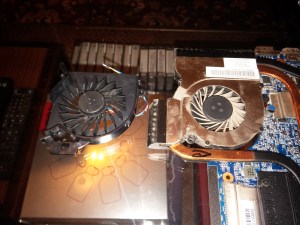
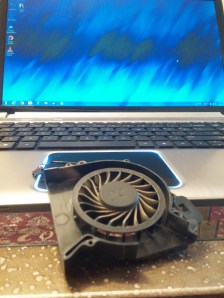
The new cooling fan by the heat sink before replacement:

IMG

The bottom of the motherboard to see how the fan is connected to the heatsink:

IMG

The fan can be swapped by removing the screws on the metal plate shown below:

Screws

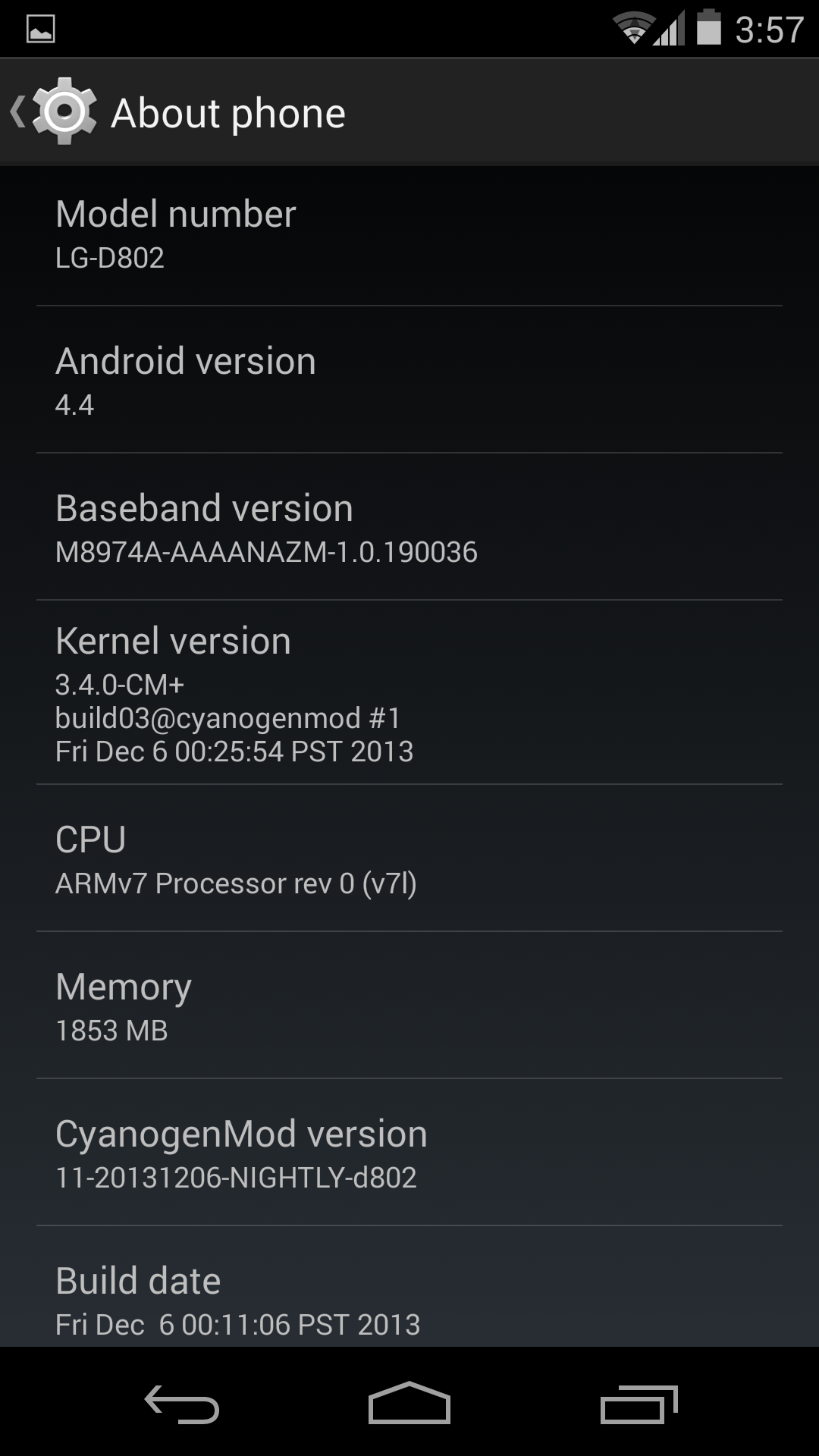
CM 11 Nightly Buillds for the LG G2 Released

Image

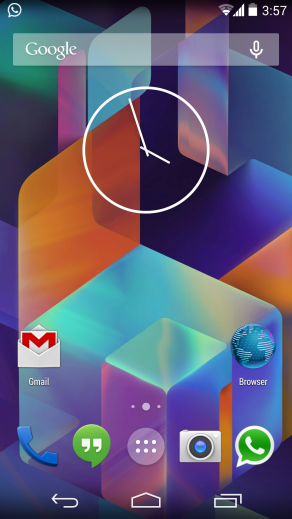
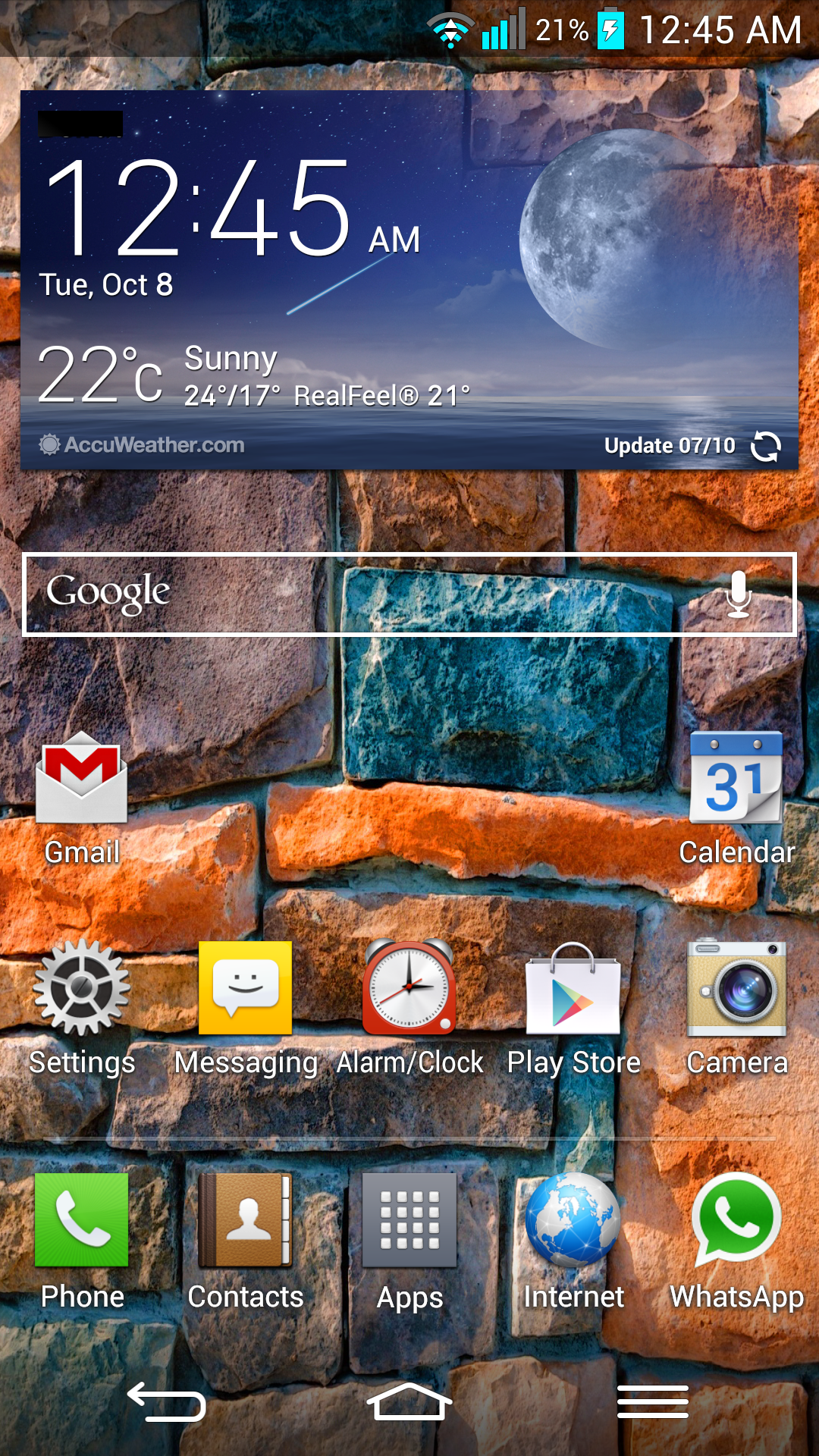
A little over a month ago, CM 10.2 began rolling out for the LG G2 and now it has reached a point of stability. Using CM 10.2 for a month was a pleasure and almost bug free experience. Now CM 11 is being rolled out for all of the variants of the G2 and it is looking promising. The home screen with transparent navigation buttons and a transparent status bar is my favorite feature and finally the big black bars are gone. There are a few issues with smoothness in animations and battery life, but being a nightly I am sure they will be fixed quickly. Head on over to the CyanogenMod download page and check for your device.

D800: http://get.cm/?device=d800&type=nightly

D801: http://get.cm/?device=d801&type=nightly

D802: http://get.cm/?device=d802&type=nightly


Image

I Finally Gave In And Purchased a Nexus 7 (2013)

After much debate, research and headache, I have finally decided to buy a Nexus 7 (2013). There were many factors that persuaded me but the biggest three were Price, Performance, and Battery Life. According to many review sites and notably AnandTech, the new Nexus 7 has not only the best value for what it offers, but also one of the best tablet screens to date. I should have it in a month and when I do, expect alot of posts about it.

LG G2 Screen Replacement Update

Exactly one week after I had sent off my phone for repair, I received a phone call saying that my phone was ready for pickup. The cost was 193$ for the screen replacement and 10$ for the handling fees from the phone shop. For a total of 203$ I now had a new screen and glass assembly. It seemed that the whole top half of the phone above the silver band was replaced as it was given to me with the plastic around the sides of the top half as if new. The sim tray seemed to be slightly dented from the repair but it was minor and the rest of the phone was in perfect condition. Comparing the new display to another G2 I had previously compared my screen to showed a big difference from my previous screen. The new screen has less of a yellow tint then before and the colors seem richer. I am glad that the new screen is slightly better than my previous one and definitely not worse. If your screen is cracked and you aren’t sure about sending it in to LG for repair, I can vouch for great service and a great quality of parts despite what some people say. A peculiar thing LG did though was restore my phone to fully stock software, wiping my custom rom and recovery. The man at the phone shop said this was due to their responsibility of returning the phone to a fully new working condition. Within a day I was back on CM 10.2 though…

LG G2 Cracked Screen

The bliss of owning the best phone in the market quickly turns to sadness when it stops functioning. It was a Sunday morning when while reaching for my phone, it slipped off of the desk and landed with the face on the floor. My heart dropped as I was reluctant to pick it up, but when I did, it was fine. Ecstatic, I cleaned it off with a soft rag and continued to use it.

Cracked LG G2

Thinking everything was fine, after roughly 15 seconds of it being in my hand, I could feel it bending ever so slightly. Then the screen cracked right along the center. This hairline crack was enough to stop the digitizer from working. I now had the best brick in the market, I could see the beautiful screen under but I could not use it. Around an hour later, another crack appeared by itself, this time going from the bottom left corner to the first crack. Accepting that it wasn’t going to work anymore, I plugged in my mouse using a USB OTG connection and synchronized all of my data. On Tuesday, I called the LG service center and they said to bring it to one of their affiliated phone shops near me and that they would take it from there. The customer service lady said that the digitizer was a part of the LCD and that the repair options were limited to the whole assembly. This troubled me as it would cost much more even though the underlying LCD was working just fine. The cost to fix the whole screen and glass assembly would be $193 and I had no other option. On Thursday, I took my G2 to the nearest shop and all I can do now is hope for the best. No matter how careful you may be with your phone, use a case that protects the front bezel and glass, because the gorilla glass just isn’t that strong.

Update: LG G2 Screen Replacement Update

LG G2 “Security Error”

ImageIt is usually difficult to hard brick a device but a soft brick can be fairly easy to accomplish. During the early days of development I was testing an experimental build for the G2 when it refused to boot. Thinking I could get it to boot with a different kernel, while being stuck in fastboot mode wasn’t the best idea. If you are stuck in fastboot, I recommend you reflash a custom recovery and continue on your way. If a kernel is improperly flashed the phone will present you with a screen that says LG Security Error. Upon reaching this screen, the only option to return to a fully functional phone is to restore to stock. 

Follow these instructions on XDA written by hyelton and you should be up and running.

LG G2 Stock Firmware (Go Back to Stock)

After following these steps and restoring to stock software, you can now root and flash a custom recovery as normal.

Best of luck!

CM 10.2 Nightly Builds for the LG G2 Released

Image

While the LG G2 is by far my favorite phone on the market, the stock LG software is somewhat buggy. There are hiccups while scrolling in certain menus and way too many wake locks for a newly set up phone. These problems and more were solved with the release of CyanogenMod version 10.2 for the LG G2. Currently both the D800, D802 and the VS980 are supported and there are nightly builds being released. The experience is far superior to that of the LG user interface and the stability and performance of this nightly build is remarkably impressive.

The battery life is also fantastic due to the minimal amount of wake locks. The device when in sleep remains in sleep and gains the amazing battery life that was expected from the start. On initial installation, cLock keeps a lock on the GPS but after disabling it and rebooting, the device has been flawless.

D800: http://get.cm/?device=d800&type=nightly

D802: http://get.cm/?device=d802&type=nightly

VS980: http://get.cm/?device=vs980&type=nightly

Image

Image

LG G2 (D802) Benchmarks

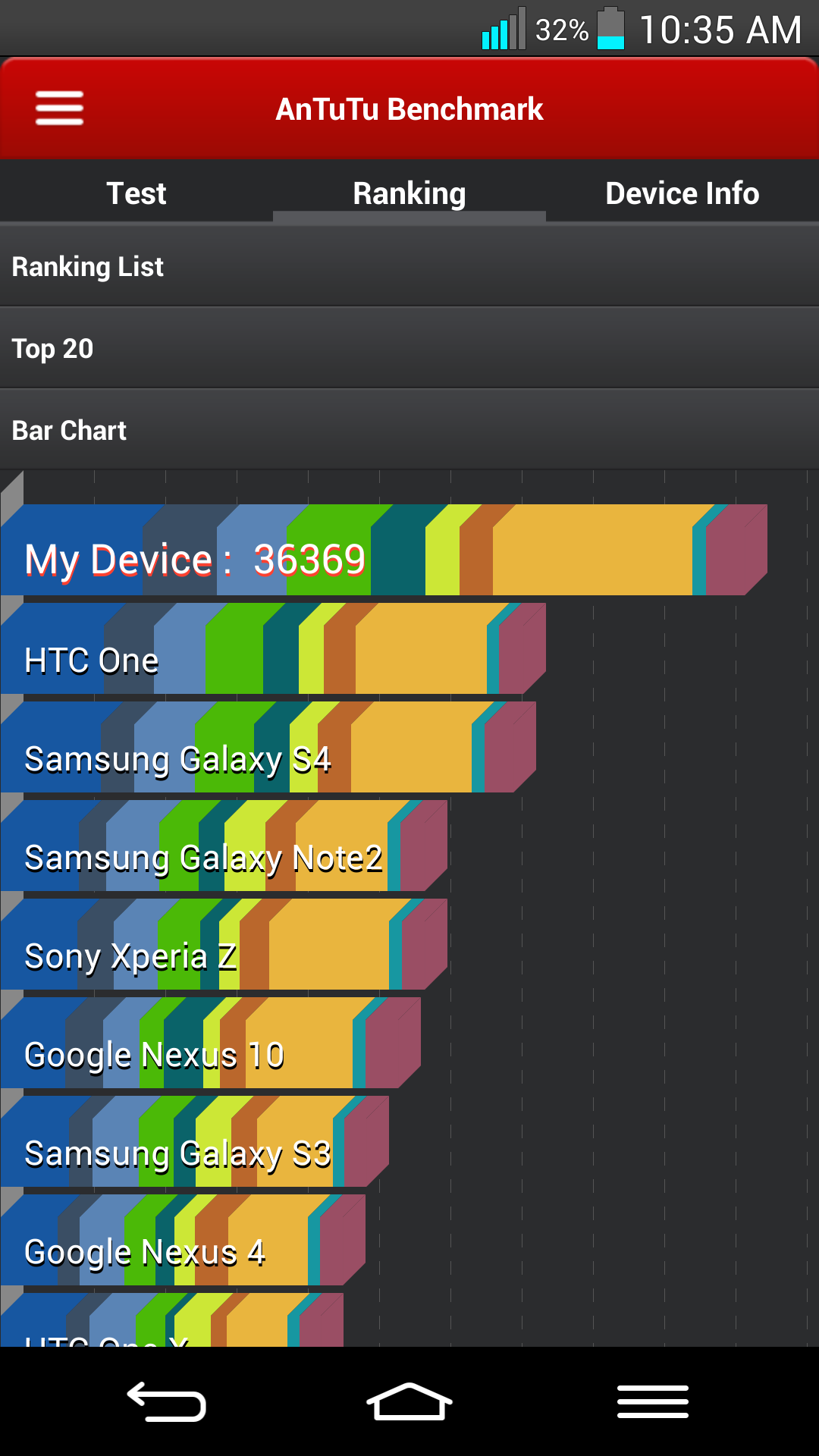
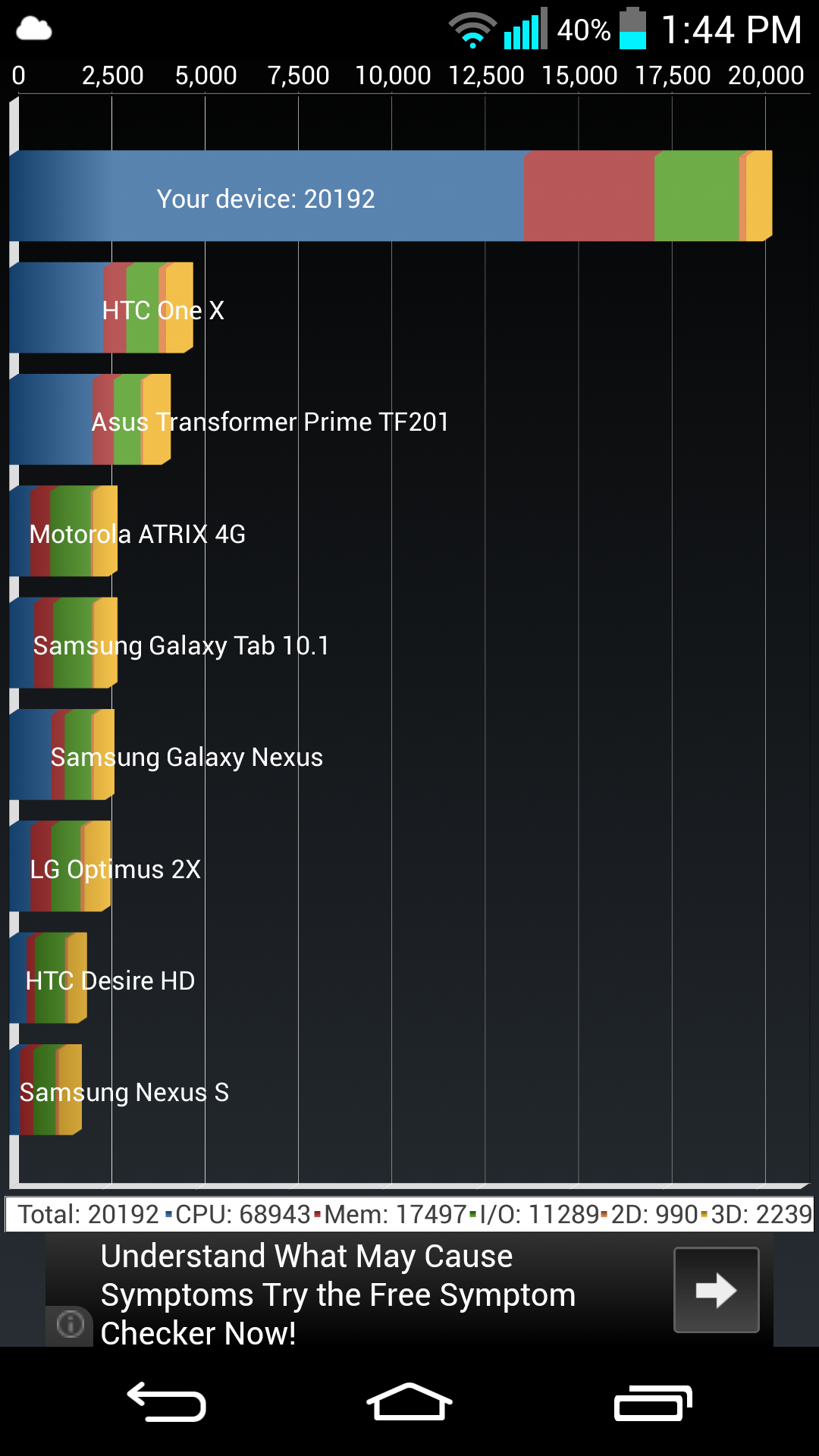
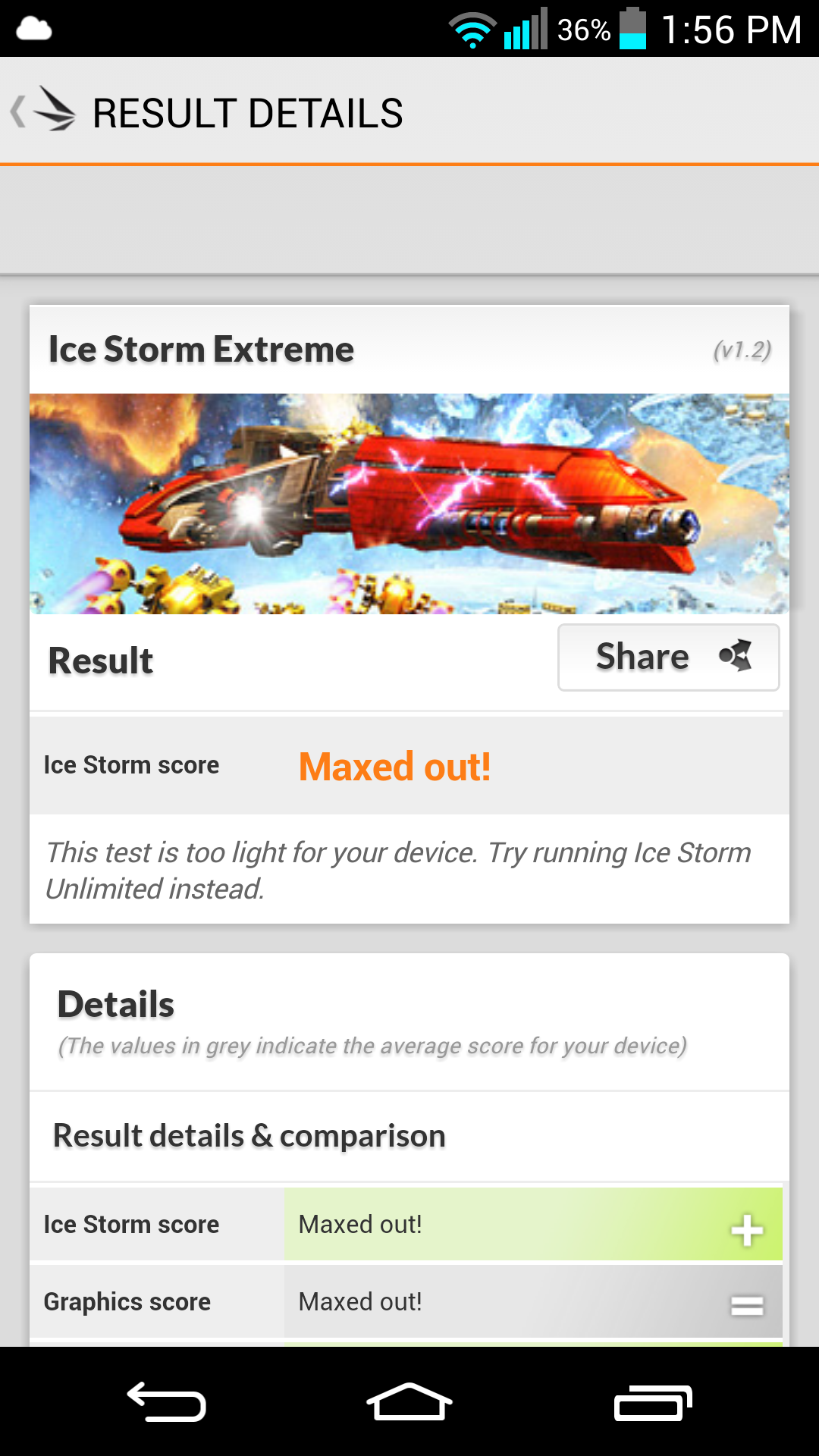
The LG G2 has been the all around most powerful phone I have ever used and as a small testament to its power I have benchmarked it using AnTuTu, Quadrant and 3DMark (Extreme and Unlimited). The scores are much higher than what was shown in the reviews and the AnTuTu score was taken before any modifications were made (root and custom recovery). 

AnTuTu: 36369

Image


Quadrant Standard: 20192

Image


3DMark (Ice Storm Extreme 1080p): 9909 Maxed Out

Image


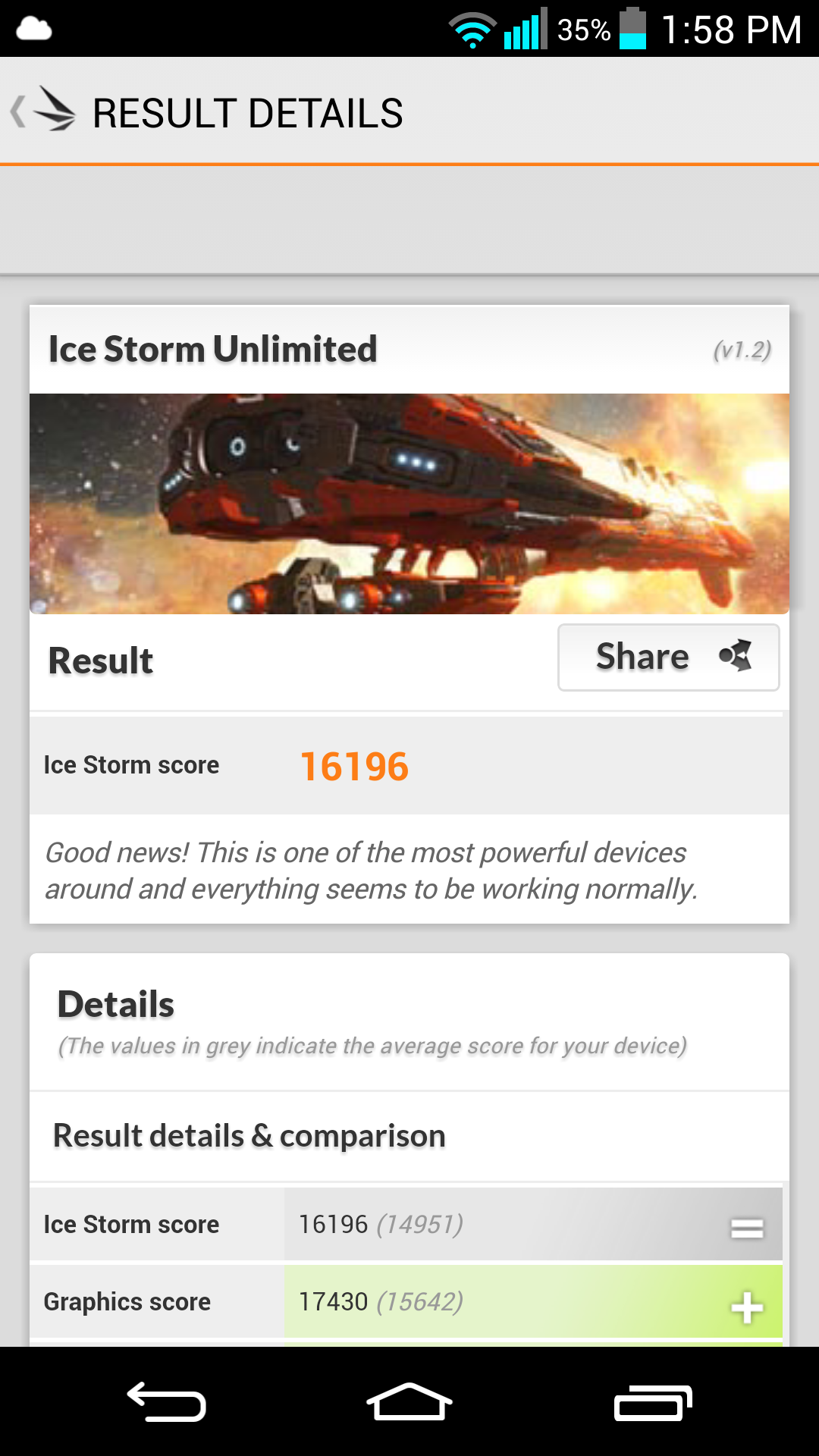
3DMark (Ice Storm Unlimited 1080p): 16196

Image


LG G2 (D80210b-AME) Small OTA Update Available

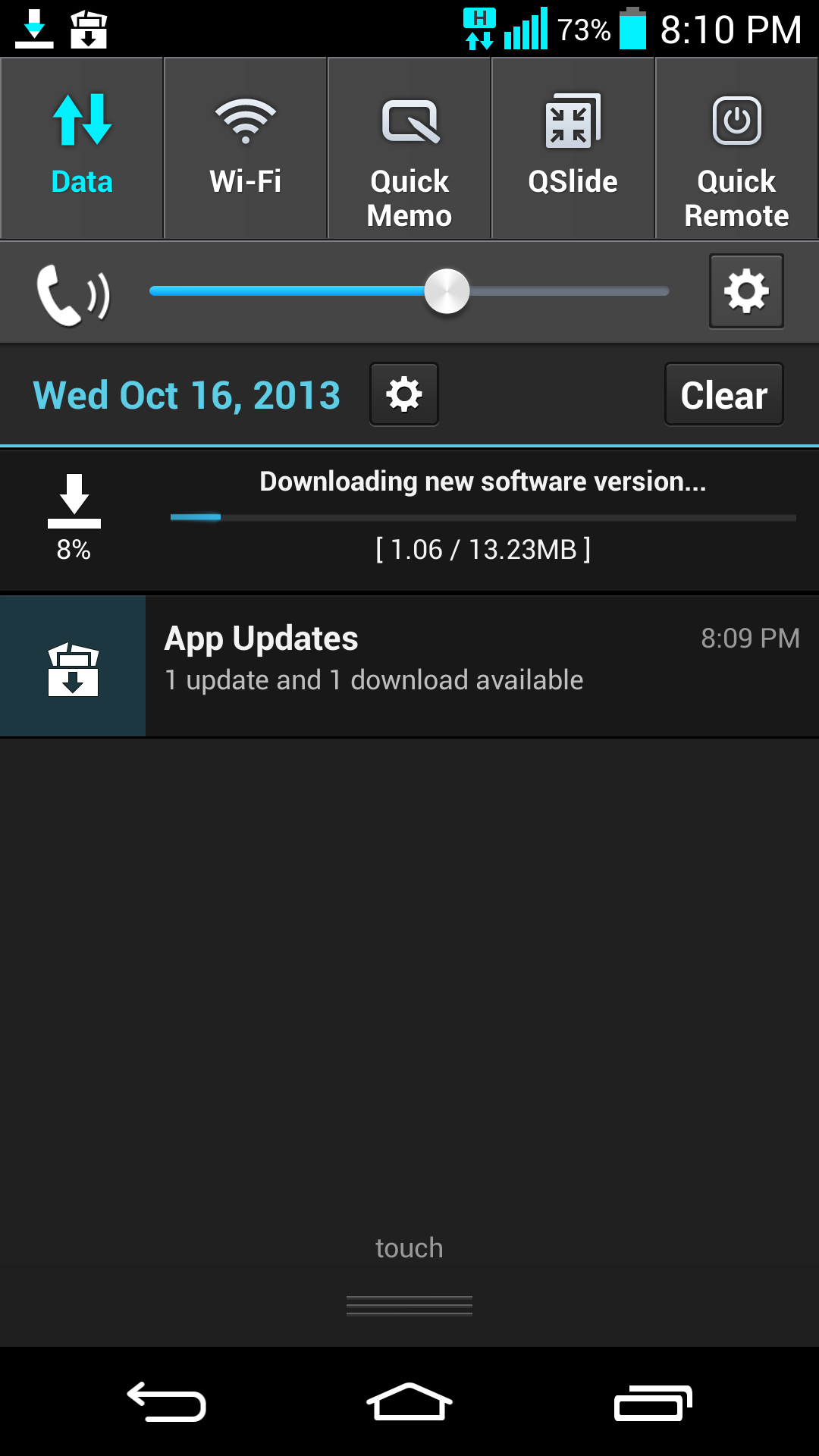
A small OTA update was pushed to all D80210b-AME devices last night. This update comes as a relatively small 13.23mb download. There has been no information posteImaged relating to this update but installing the update with a custom recovery is not recommended. If it is installed with TWRP already on the phone, it will remain stuck in a bootloop. Luckily, if this happens to you, as happened to me, you can follow the directions stated by thecubed on his xda post found here (http://forum.xda-developers.com/showthread.php?t=2451696). Please leave a comment if you know what the update addressed.

These commands are to be run while the phone is in ADB mode in the recovery to be able to boot past the recovery. After these commands reboot and cross your fingers.

adb shell
dd if=/dev/block/platform/msm_sdcc.1/by-name/fota of=/sdcard/fota-backup.img
dd if=/dev/zero of=/dev/block/platform/msm_sdcc.1/by-name/fota