The R5 230 is the cheapest and smallest of the new generation of GPUs from AMD. It can’t do much in terms of graphically intensive tasks, but when you are in need of a cheap solution that is strong enough to do anything other than game or create videos, it runs suprisingly well. It was able to play even 4k video content smoothly when loaded locally (YouTube 4k lagged as it does on my R9 270). Everything ran great in terms of operating system and web browsing tasks. I was able to easily overclock it using the built in AMD Overdrive software and temperatures never even reached 60 degrees during the Furmark benchmark. In the video below I show the card and the results of the tests I ran on both stock clocks and the overclocked clocks.
Typing fast is impossible and even typing slow the keyboard jumps every few words due to touch issues
The new updates have destroyed the amazing battery life that it originally shipped with (especially standby)
The touchscreen randomly decides to stop working in most or all areas and doesn’t work until I force a reboot (happens frequently)
Inconsistent speaker volume between different OPO on the new update
The new screen color default isn’t my most preferred and isn’t nearly as accurate as it was before
The audio recording is the worst I have ever heard on a smartphone when used for PTT such as in Whatsapp
Using Snapchat and flipping from front to back camera more than once per fresh boot freezes the phone and gives a camera error with the only fix being a reboot.
I didn’t mind the touch issues in the beginning, but it is making the phone very unreliable and at times when I need the phone, I am completely unable to use it. I think I would have been better off with a Nexus 5 and a cheap point and shoot camera by its side, this phone is getting on my nerves.
Also, the battery went from 7 hours of screen on time and 40+ hours of standby to 2 hours of screen on time and 16 hours of standby, that is a pretty intense change for what was a battery bug fix in the last update.
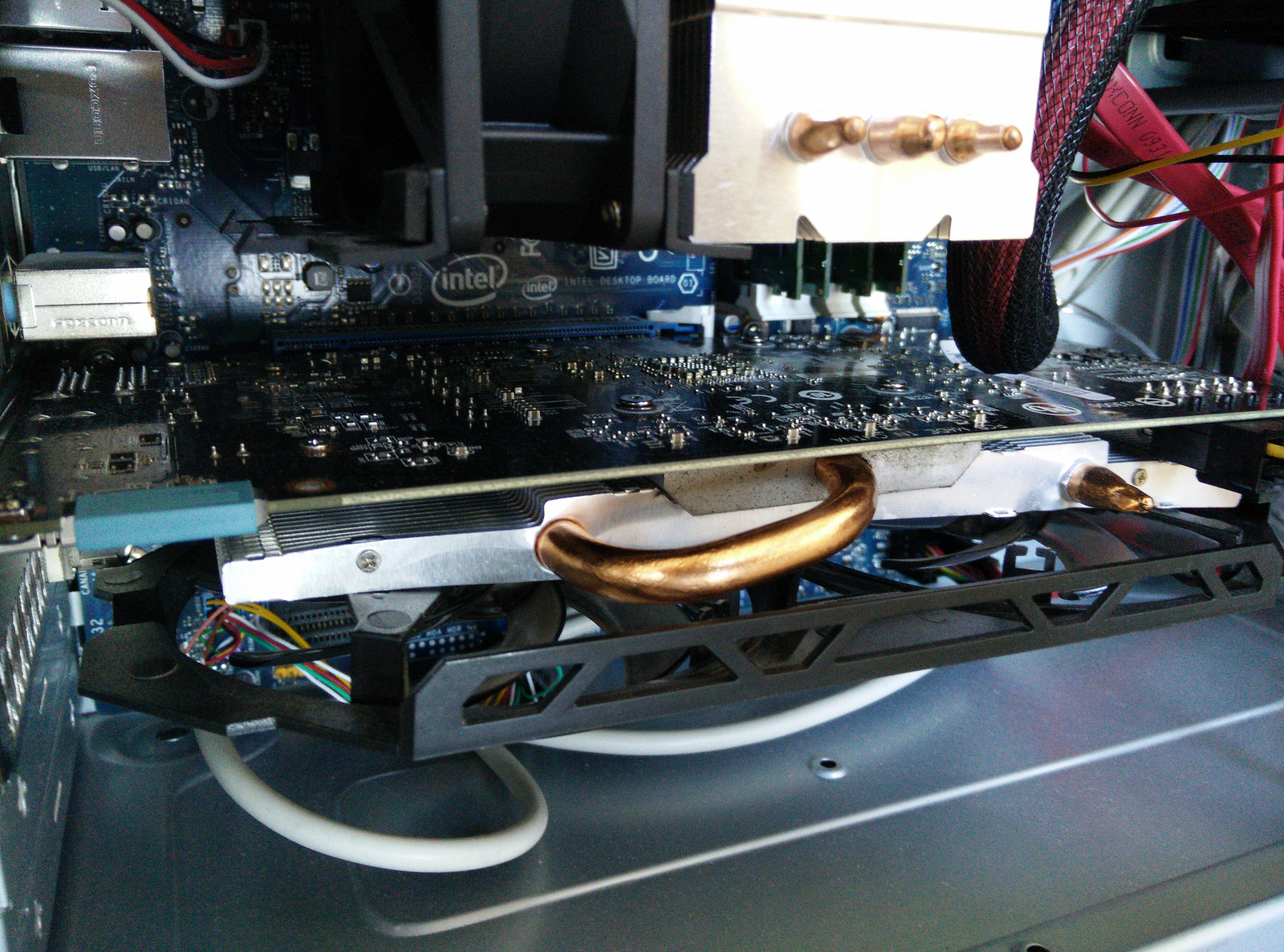
The Gigabyte R9 270 OC worked well for a few weeks, but it did run a bit hot compared to other r9 270s. I connected it to a 42 inch wall mounted Samsung TV without knowing if the supplied cable was safe to use or not. I guess it wasn’t safe as the pc crashed and didn’t boot past the POST for a day until somehow I finally got it to boot. Then shortly after it crashed again and now my motherboard beeps twice which means that there is no GPU installed. Without any integrated graphics on my motherboard/CPU, I am stuck with a dead pc and I am unsure if the only problem is the GPU or not. I never liked Gigabyte and I guess that will never change. I have ordered a relatively cheap ASUS r5 230 just for the meantime to get my pc up and running for my work and I will review that as soon as it comes in. In the meantime, I will probably keep an eye out for a good deal on another r9 270 but from a more reliable brand name this time.
Finally, the update has arrived, but not for everyone…including me. So if you go here over at Android Police, you can find the zip file that you can manually install. You can put it on the root of your device and just go to the stock recovery and apply update since it is an official update. I did it this way and it worked fine for me. Overall, the update is great so I will list the nice new things and I will also list the bad new things.
Good:
New Dialer
Search Feature in Settings
Clear Image Feature
Performance Improvements
App Drawer Grid is Now 6 Rows
Gestures Won’t Activate While in Pocket
Camera Features/Settings Tightened Up
Audio Recording Issues Fixed (Quality Is Still Bad Though)
Heads Up Notifications (If you like them)
New Launcher (Transition Settings and more!)
Bad:
Update 8/17/2014:Much worse battery life, getting around half the usage compared to before. A fix was promised to come soon though.
Screen is Now Too Blue (Let us choose the warmth please)
Back Removed From Settings Top Nav Bar
Clear Image Requires a Stable Hand/Tripod (Fine with me :D)
Enjoy the video below showing everything I just wrote about:
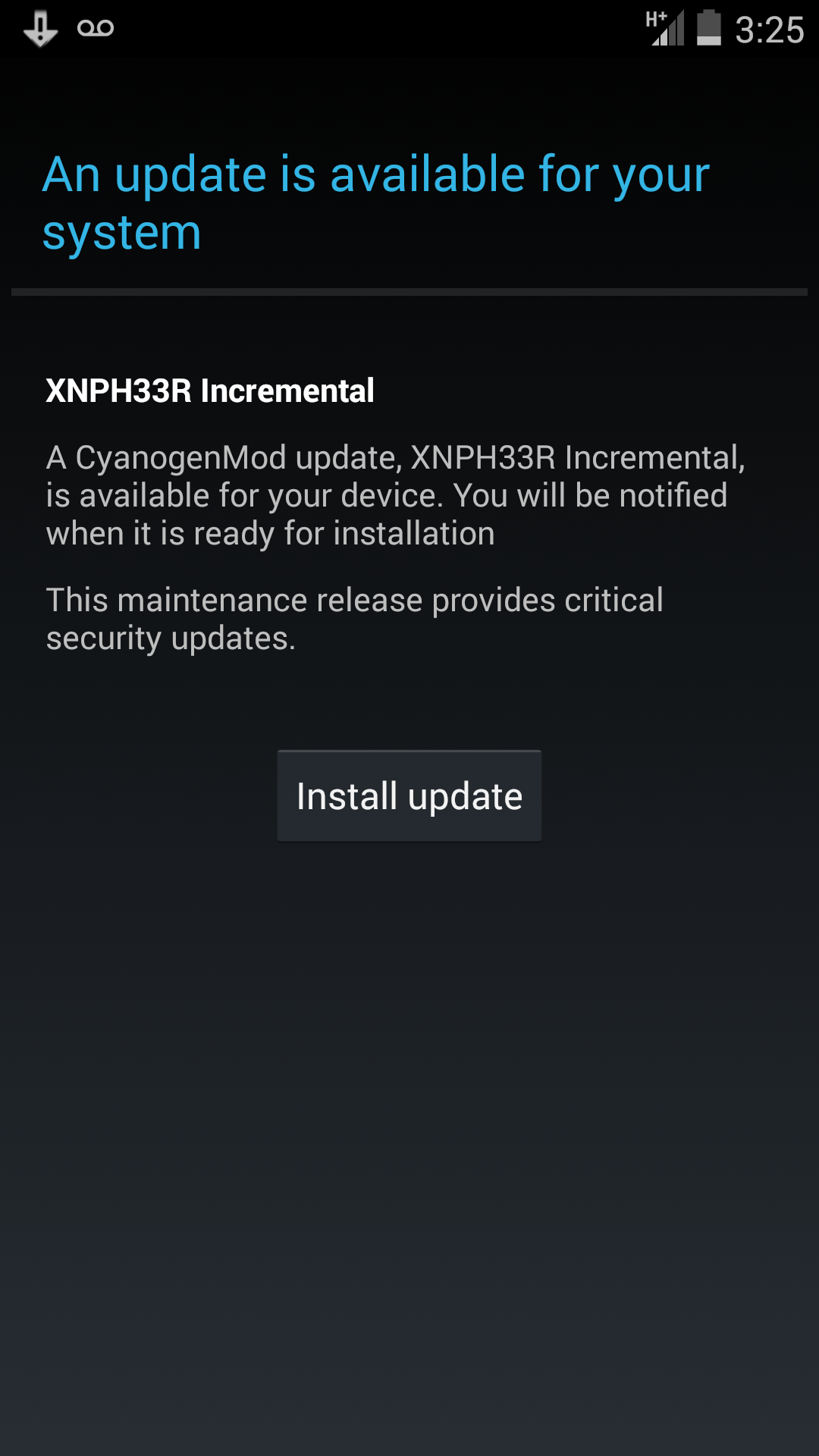
Update 8/23/2014: Update XNPH33R Incremental
This update is supposed to address the battery life issues and have security fixes. So far I have not noticed any real difference, but I will make a video after testing it for a few days to see how it is after it settles.
Incremental Update
Update 9/18/2014: The update did not help much and the battery drain is still present as are the serious touch issues.
Update 10/7/2014: CM 11S 38R Update is out. It is supposed to fix the many things that were wrong. Check here for the changelog.
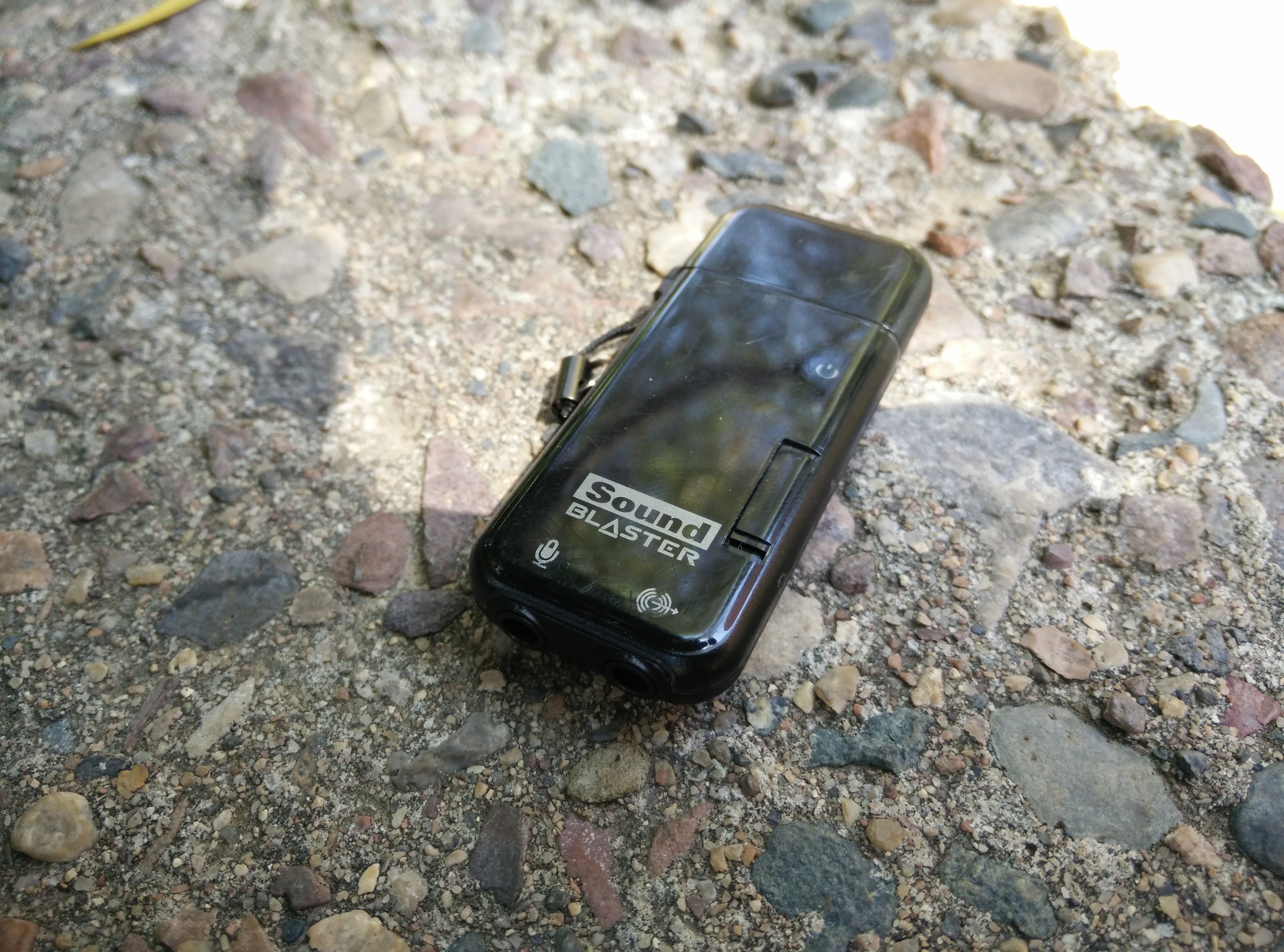
The main issue with recording on a PC or Laptop is the great amount of static and noise in the background, even if a decent microphone is being used. The fix is a quick and easy one and can cost less than $20. Basically, all you need is any USB sound card of decent quality. Try to stick to known brands such as Creative and stay away from the $5 ones on eBay. Also, a decent mic would help but that will only increase the quality of the recording and not so much the decrease background annoyances not due to actual background noise present in the room. It turns out that my motherboard makes a lot of static and noise when using the internal mic inputs and just by using a USB sound card, a huge difference was instantly noticeable. It seems that by isolating the A/D converter from the rest of the components, I was able to now record clean, static free sound. Check out the video below for some details about the sound card I used.
Creative Sound Blaster Xifi Go! Pro
The Video is taking extremely long to process…but when it finishes, here it is:
I went to Best Buy yesterday to check out the LG G3 screen and directly compared it to my OnePlus One and an HTC One M8 that they had on display. The LG G3 had a horrible display, the colors were off and the whole thing had such a strong yellow tint that the whites were dim. I haven’t read much online about the display actually being this bad and to top it off, all of the phones on display had a very noticeable grid pattern. This reminded me of some of their Nexus 4 units that had a heavy grid pattern along the screen. The grid was so noticeable that even as the screen was on full brightness, I could see very clearly the whole pattern overlaying the LCD. This was quite sad to see considering the LG G2 had such a fantastic display. Compared to the G3, the OnePlus One display seemed like heaven and the M8 display was even better than the OnePlus One. So today I confirmed my belief that the M8 has the best LCD display, and I was surprised to see that the G3 had such a bad display.
We are all wondering…which gets better battery and which performs better? Watch the video to find out. I show two usual cases of standby and screen on time for each. Comparing the same usage on them both with several days of use on each after giving them time to settle in first, I have come to a definite conclusion. ART destroys Dalvik on the OnePlus One. Not only are things more responsive but it feels just lighter as if it is having an easier time running Android. This really showed in the battery life tests as I reached up to 7 hours of screen on time! If you have a OnePlus One, switch it to ART and see what I am talking about.
Here is the video review showing some screencasts and screenshots:
I have finally fixed my audio/mic recording issues and I will share how I did that soon.
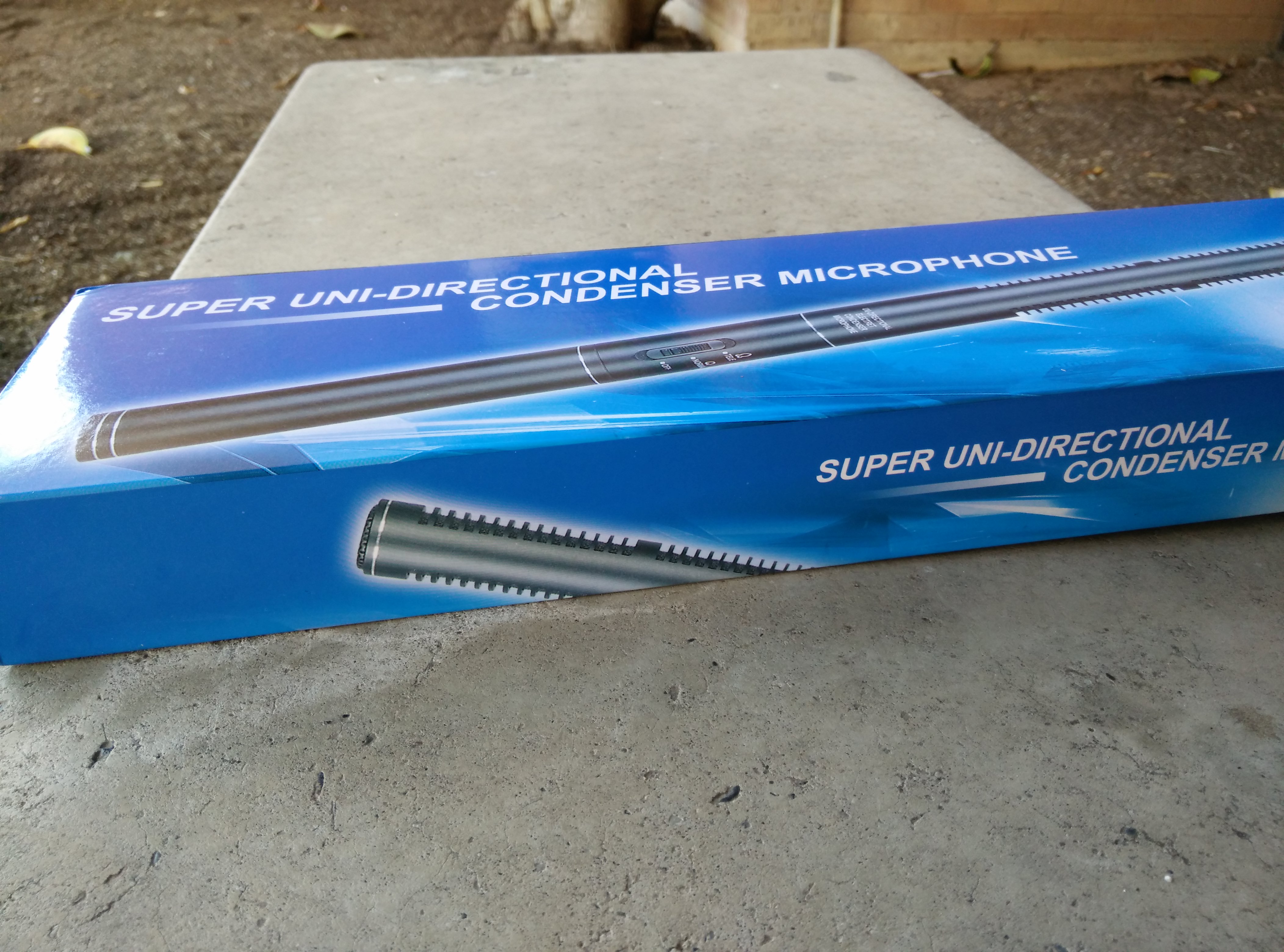
Finally, I have a way to record better quality audio, but is it really that big of a difference? This is a question I have not been able to answer yet. The mic is solid, has a metal body, and seems to have good recording quality, but for some reason I am not fully impressed by it. The recording quality is good but not amazing. For a budget mic I know I can’t expect much, but I expect at least a full sound from my voice. Don’t get me wrong, it recorded just fine as you can hear in the video below, but I want better. I tried many different settings along with my USB Creative Soundblaster and my Internal Realtek Chip and I couldn’t find a level of audio that I was pleased with. I am new to the audio recording game and there may be some things/settings that would make a big difference, but I just haven’t found the right ones yet. So for the price of $30 it is worth it, but until I find a way to unlock its full potential I can’t say its a steal. I have embedded a video unboxing and review below if you want to hear how it sounds so far.
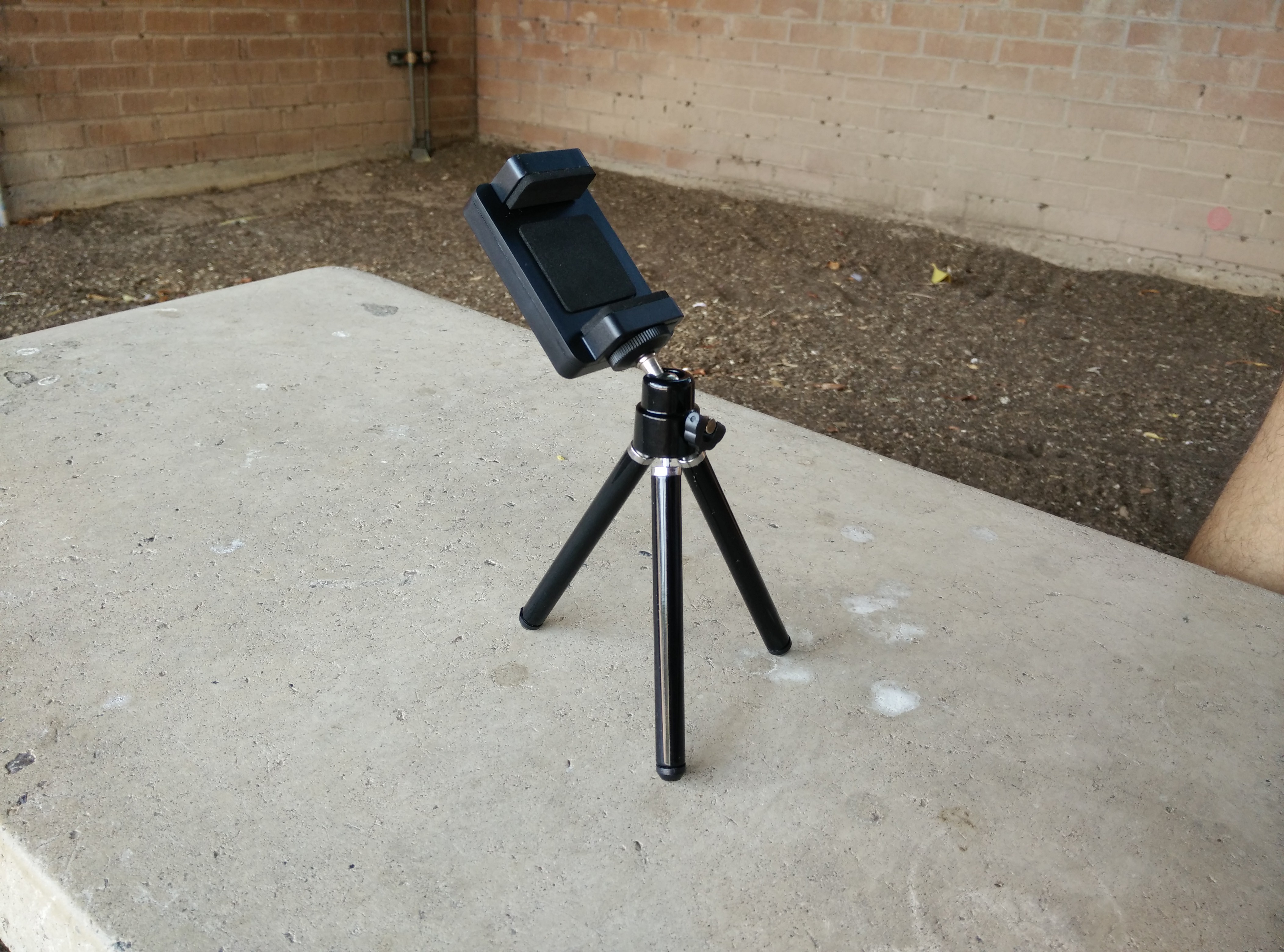
Most of my videos have been quite shaky unless I found a good spot to place my phone during recording. Now if I plan on doing more videos, I can’t have a shaky camera anymore. Luckily, there is something for everything these days and I instantly found what I needed. eBay had a mini tripod with a phone mount for less than $10. The OnePlus One barely fits in it with the case on and I don’t think anything wider would fit in it. Overall, it may be small and cheap but it gets the job done. It is stable and holds the phone at many different angles which is great.
Here is my first video review and my last slightly shaky recording:


 The Lost Digit