Changing My Old, Dry Thermal Paste

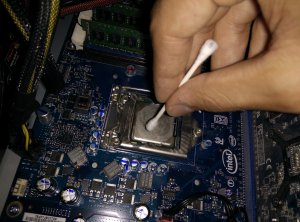
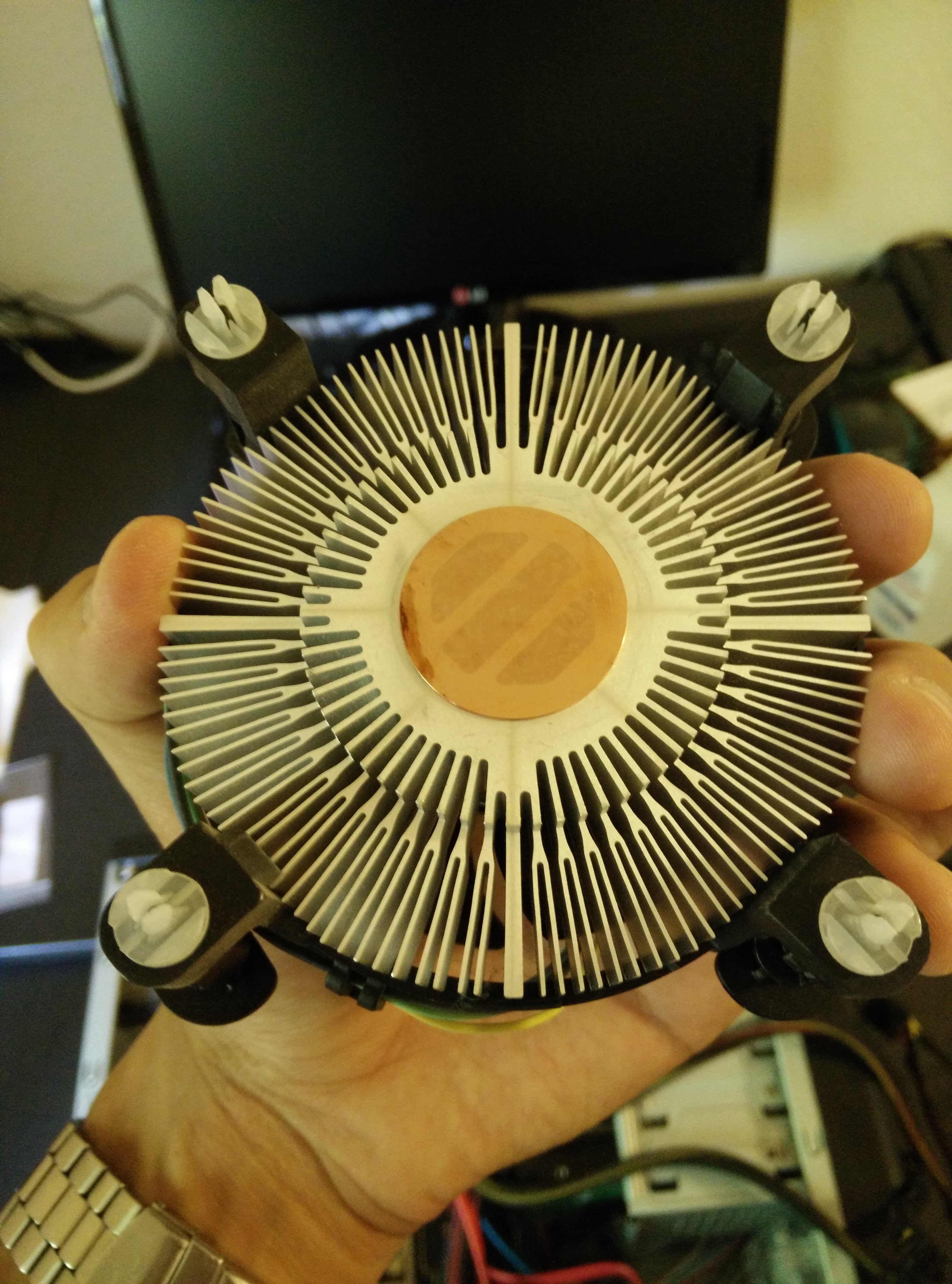
As I rebuilt my computer, I realized that the heat sink had been dislodged during travel and that the thermal paste had dried out and possibly even become dirty. The CPU was idle at about 60 degrees Celsius and it would reach almost 100 degrees within less than a minute of running Prime95. I ordered a small tube of Arctic Silver 5 Thermal Paste and as soon as it arrived, I cleaned and changed the thermal paste. The temperatures are now around 40 while idle and in the 60s while at full load. Finally, I can game without worrying about the CPU overheating. The process was easy and all I needed were Q-Tips and rubbing alcohol according to YouTube. Pictures of the process can be seen below.

IMG_20140714_153659
Old Dry Paste
IMG_20140714_153628
Old Dry Paste on the Heat Sink
IMG_20140714_154354
Cleaning the CPU
IMG_20140714_154031
The Cleaned Heat Sink

Rosewill Ranger-M Micro ATX Case

Rosewill Ranger-M
Rosewill Ranger-M

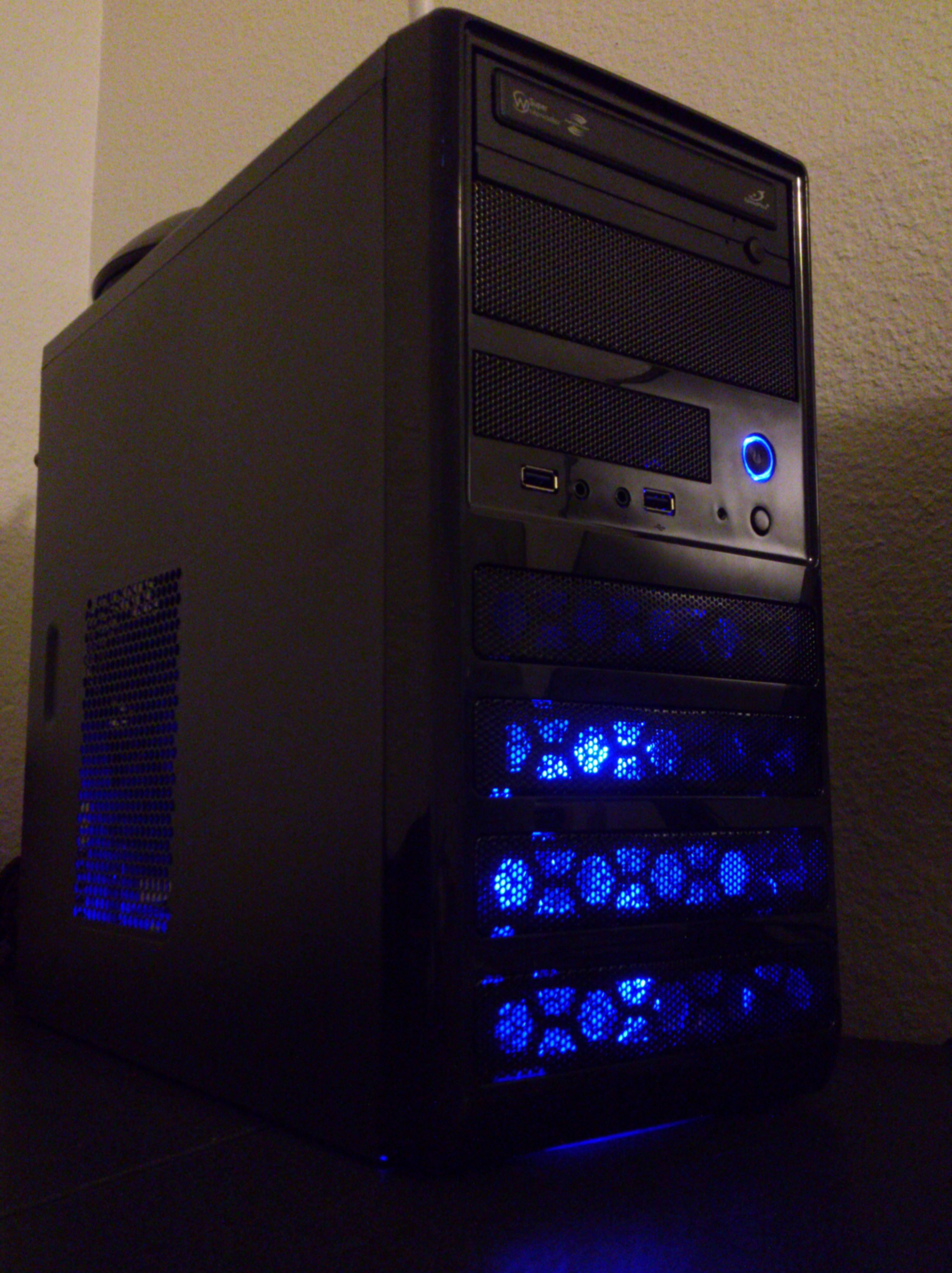
The Rosewill Ranger-M case retails for $39.99 and I found it on eBay being sold from Rosewill for $29.99 with free shipping. This seemed like a bargain for such a good looking case and since I was in need of a case for my components, I went ahead and purchased it.

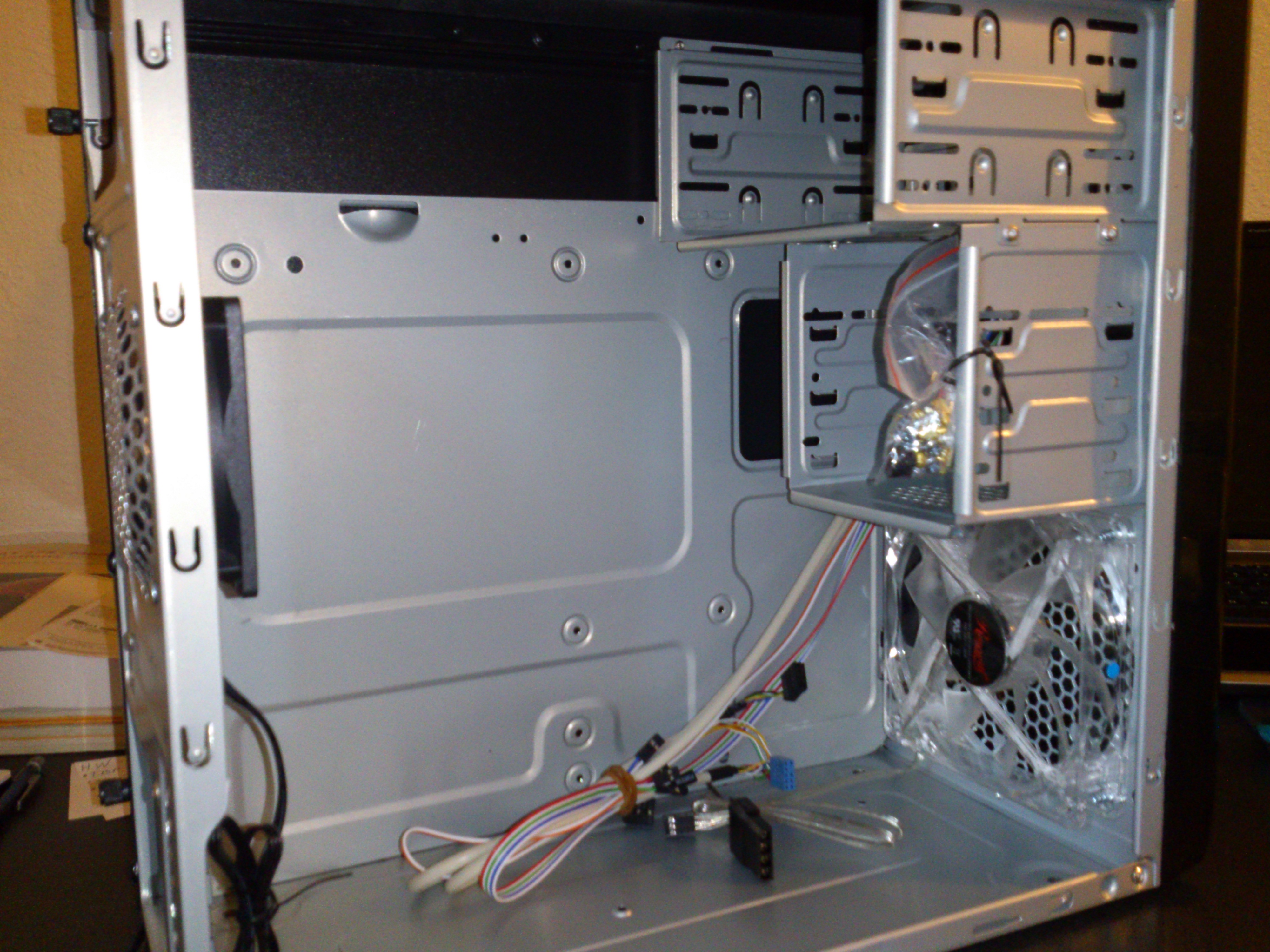
The case is made of aluminum and is very light, the case looks good, and the case comes with a 120mm blue lit fan in the front and an 80mm fan in the back preinstalled. Installation of everything was easy but as you will see below, there really isn’t much space inside to do anything comfortably.

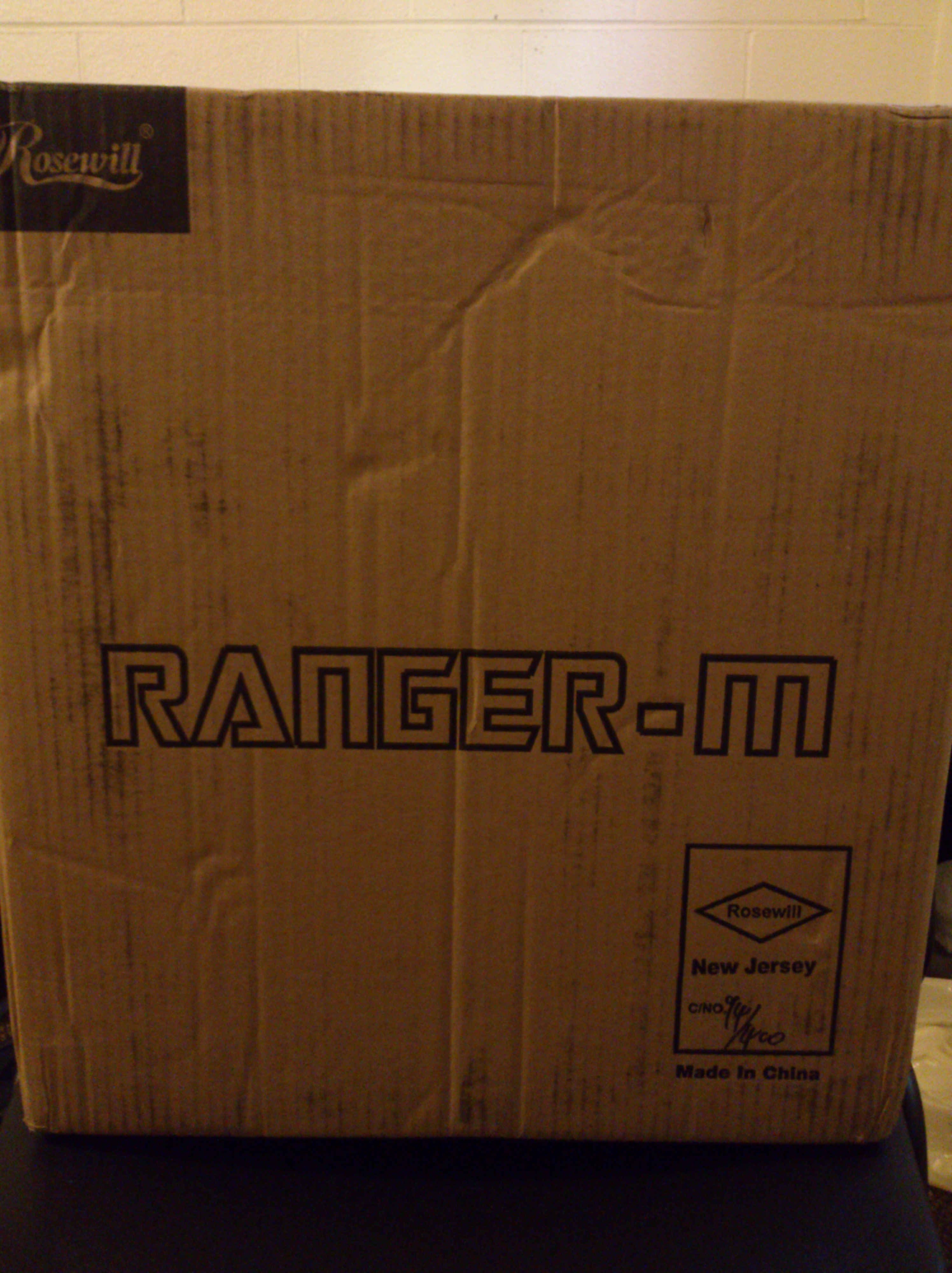
First, the box was small and very light:

Ranger-M Box

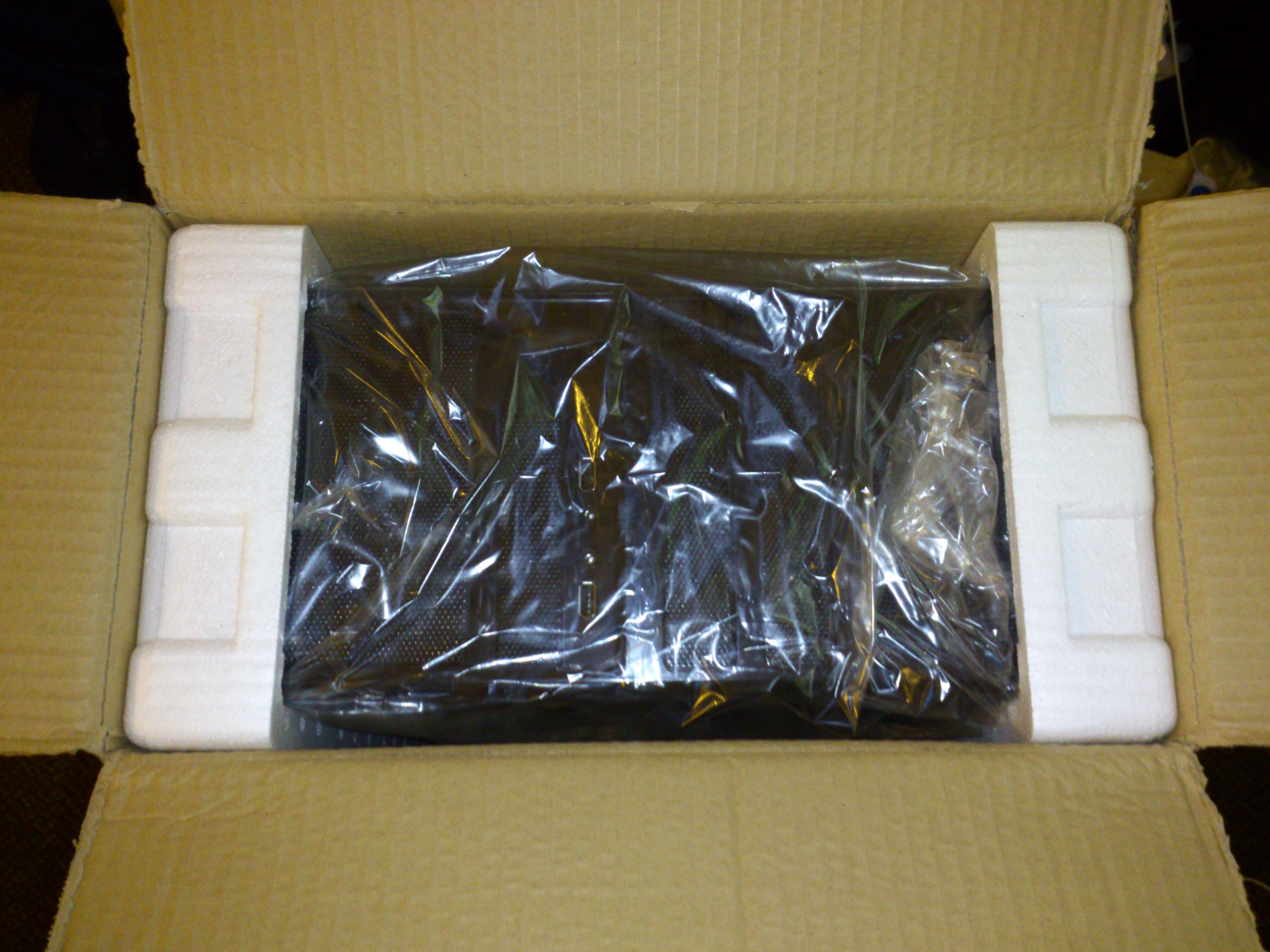
Then, it was packaged well and had all of the screws inside:

Inside The Box
Inside The Box
Inside with Screws in a Bag

Then, installation was simple but tricky as not everything seemed to fit too easily:

DSC_0054
Cramped Inside due to the excess of power supply cables

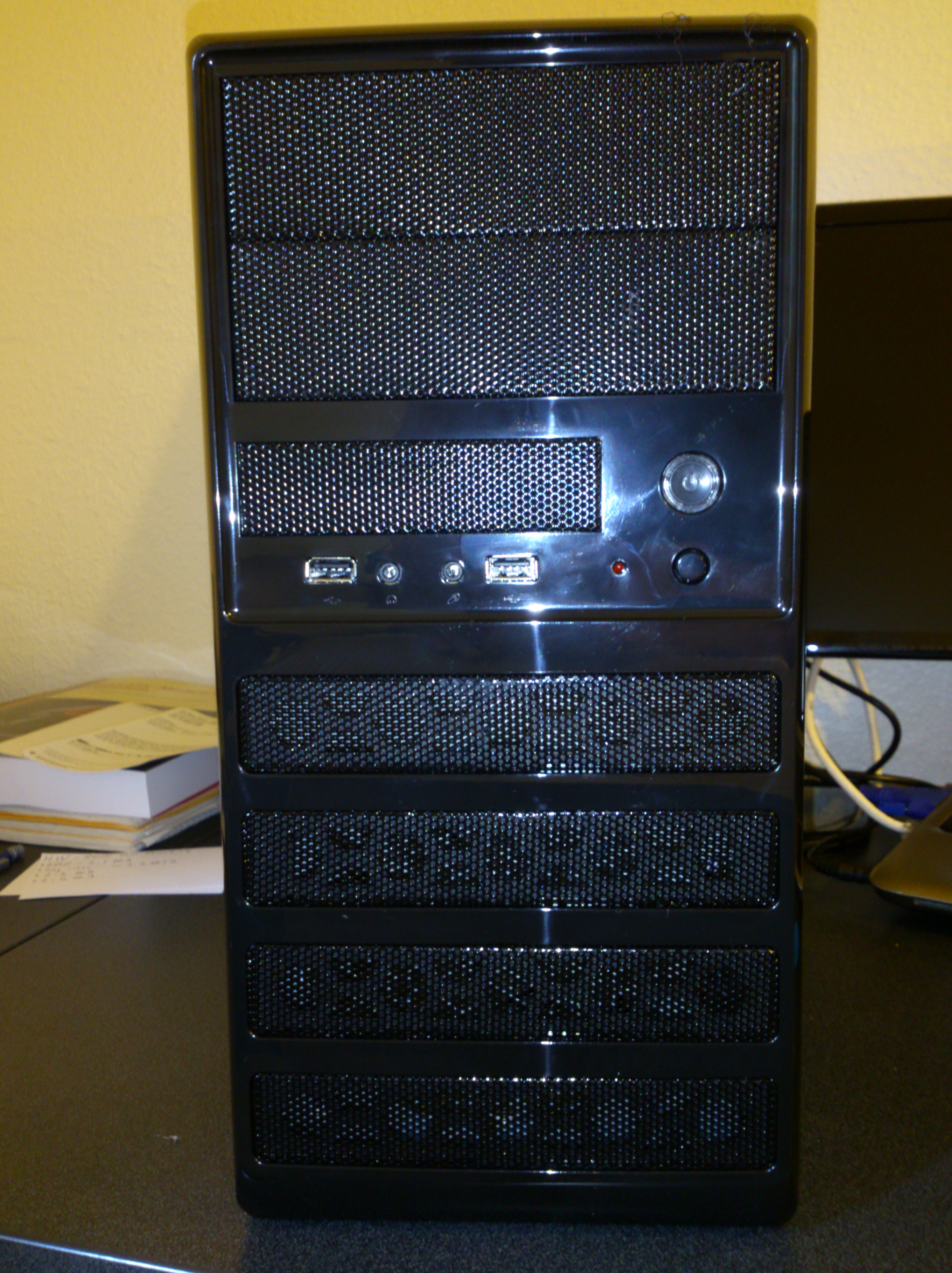
Finally, the front has built in HD Audio and AC-97 support along with 2 USB 2.0 ports. The Audio worked flawlessly with the Realtek Drivers that I already had installed and the USB ports only worked after I enabled them in the BIOS settings:

Front of the case
Front of the case

Overall, I am very pleased with the case as it looks good, is very functional, and is relatively cheap for the good quality it has. If only it was an inch longer to space the hard drives away from the motherboard 24 pin power input, things would have been perfect. Maybe after I find a way to organize the wires better, it will be perfect.


LG 22 inch Full-HD IPS Monitor (22MP56)

I walked into Best Buy hoping to buy the Samsung S24D590 but things took a turn. Looking at all of the models side by side and playing with different modes, I couldn’t help but notice that Dell had the best looking monitors. There was one issue with them and that was their glossy screens, immediately I removed them from my mind. This left me to compare the Samsung with the LG 22MP56. The Samsung had the worst blacks I have ever seen and very yellow tinted whites. The LG seemed to be the most accurate but the whites on the LG had a slightly blue tint. It was sad to see that no displays were both matte and accurate out of Dell, Asus, Acer, AOC, LG, and Samsung. 

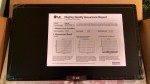
You could say I settled for the LG but at a sale price of $140 it was still a great deal. I was surprised to see that its color calibration results were placed inside the box (see image). The colors overall are great, and watching High Definition content on it is a pleasure.  

The blacks are not as good as I had hoped but they are not as bad as the Samsung. I guess IPS displays are still ahead of PLS as I was not impressed with what I saw.

For the price I am very happy with the display, but next time I would probably pay more for a matte Dell Ultrasharp to really enjoy my purchase.

TP-LINK TL-WN722N High Gain Wireless USB Adapter (150Mbps) Review

I needed an affordable yet powerful Wi-Fi adapter for my desktop and after a lot of searching, I found the TP-LINK TL-WN722N available on Amazon.

According to their website it features:

Exceptional wireless speed up to 150Mbps brings best experience for video streaming or internet calls

Easy wireless security encryption at a push of the WPS button

4dBi detachable antenna, remarkably strengthen signal power of the USB adapter

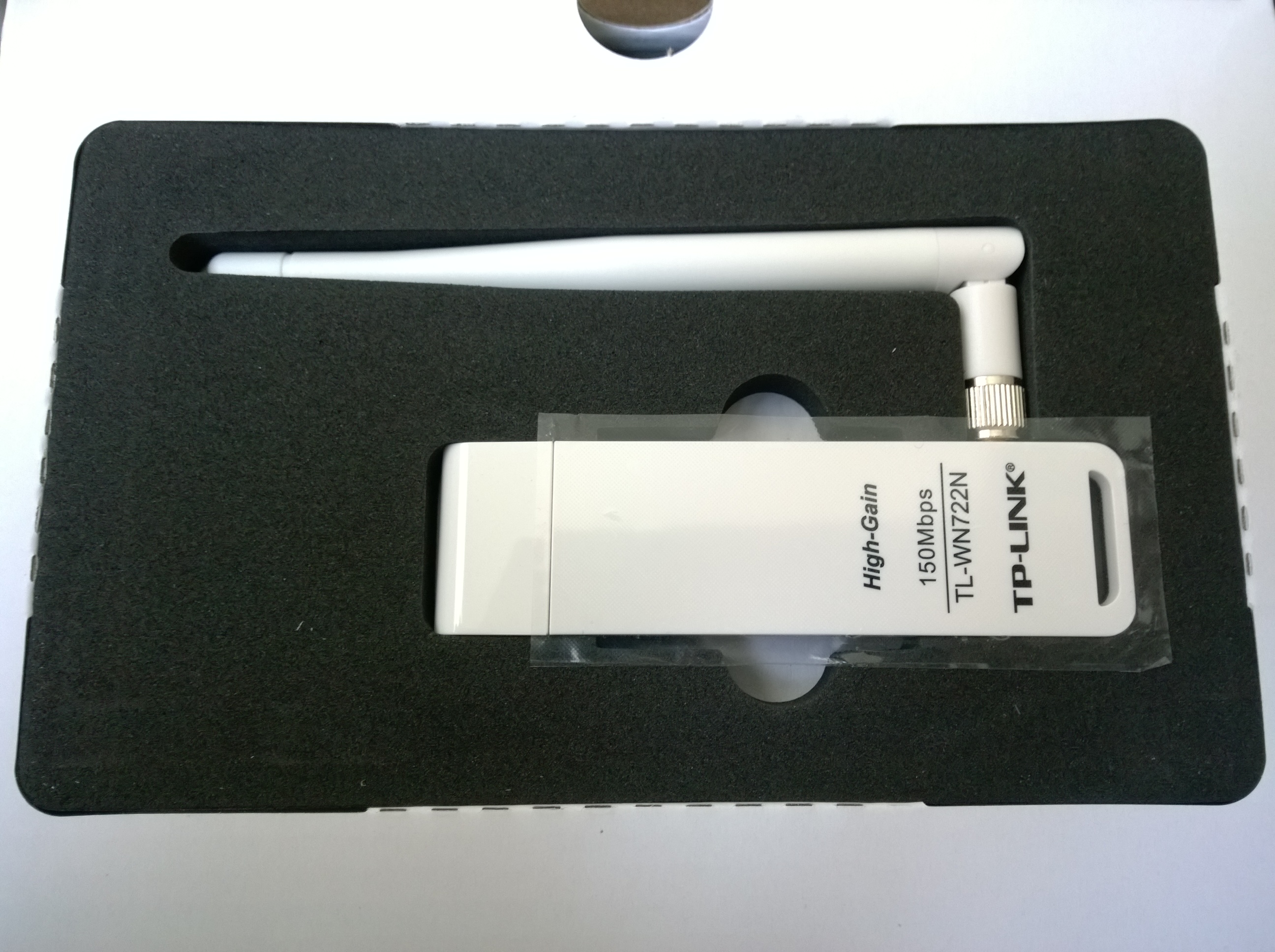
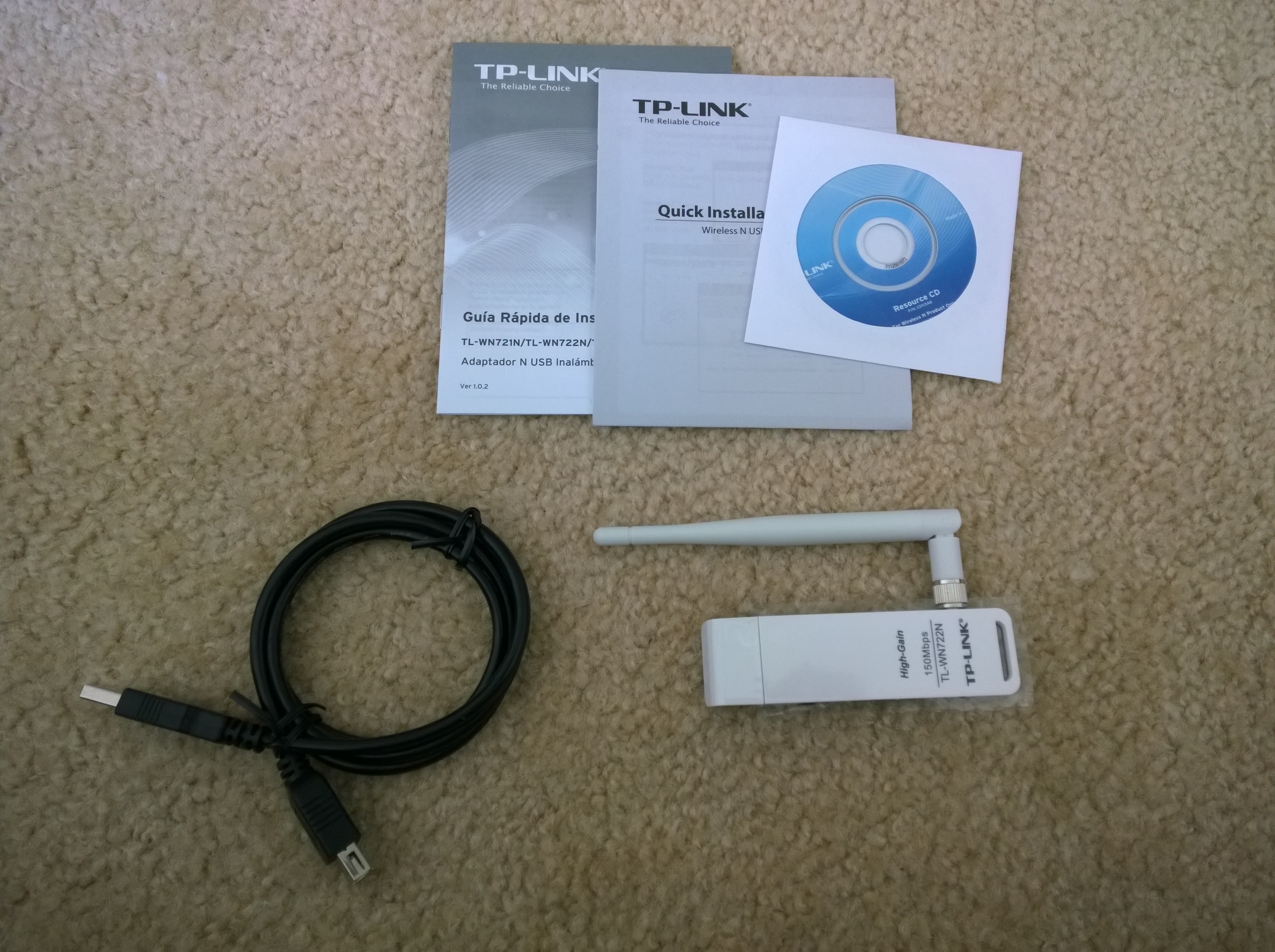
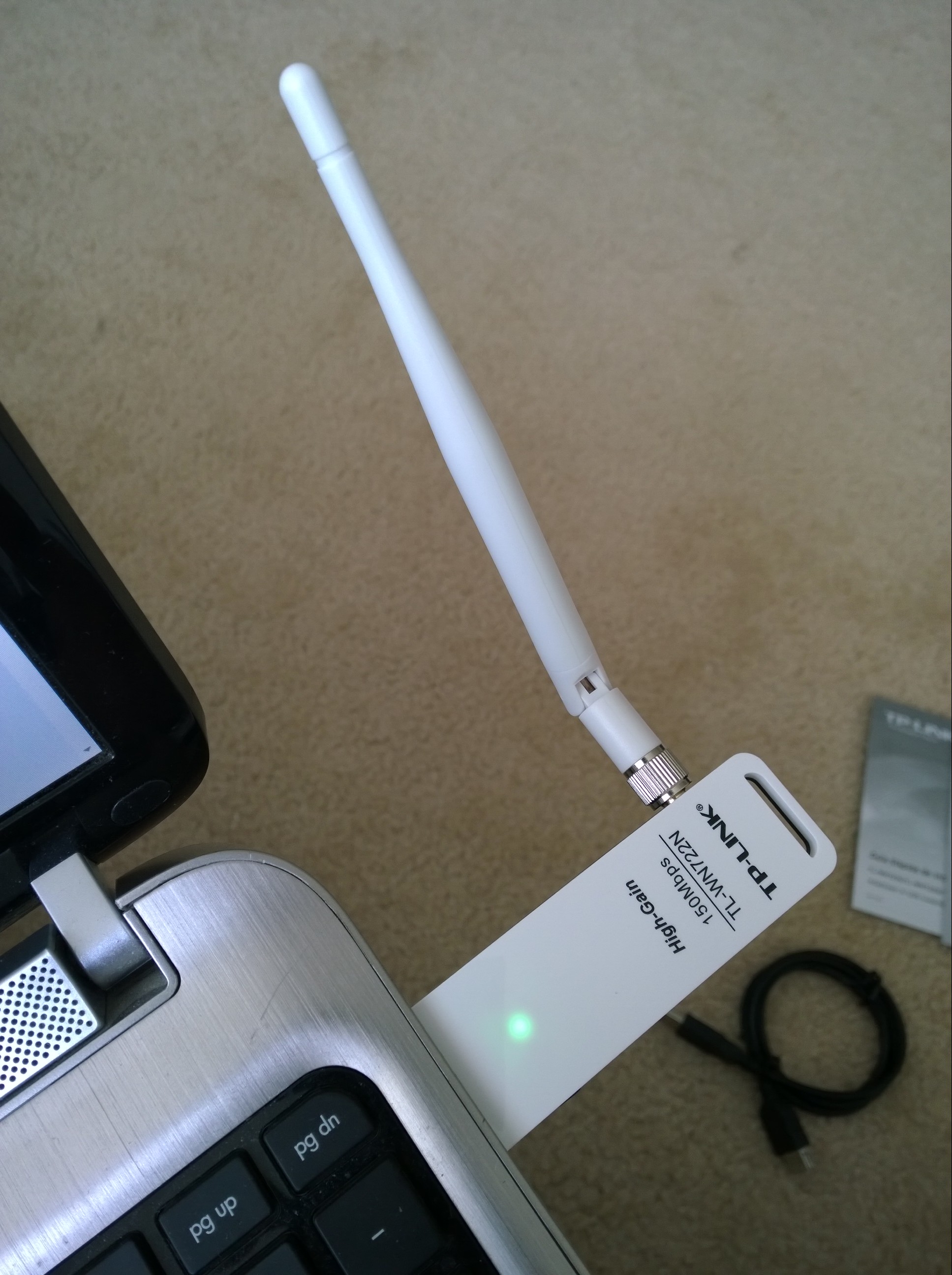
The package came within 3 days and this is what it looks like:

WP_20140619_08_26_15_Pro
The box
WP_20140619_08_27_34_Pro
The adapter packaging
WP_20140619_08_30_14_Pro
What’s inside the box
WP_20140619_08_37_58_Pro20140619083818
How it looks in a laptop

The adapter was plugged into a USB 2.0 port on my Windows 8.1 laptop and it was automatically installed and ready to use in under a minute. It is slightly stronger than my internal Wi-Fi adapter, at the same moment my internal card recognized 31 networks while the TP-LINK recognized 34. I tested it for several hours streaming 1080p videos on youtube, opening 12 tabs at once on chrome and multitasking, and streaming music on iTunes radio and it held up very well. The connection did not drop once and so far it has been great.


Razer Nabu Developer Band Update

The have just emailed me saying,

“Dear Developer,

We are pleased to announce that the Razer Nabu SDK is now available via the Developer Portal and that the Razer Nabu Developer Edition units have begun shipping to qualified developers.

As you have expressed interest in our Developer Program before, please provide information as to prior apps you’ve published – this will allow us to qualify you as a Nabu developer. Note that we are only qualifying developers who already have published apps at this time.

Click through this link to qualify.

Qualified developers will be entitled to purchase a Nabu Developer Edition unit for $49.99. However, due to limited availability of the Developer units, we will be shipping them out on a “when available” basis in batches.

In the event you are not a published developer but would still like to participate in helping us test and provide feedback toward the Razer Nabu’s final polish for the retail launch, we have a separate Beta Program which is open to the wider public. 

If you’d like to learn more about the Razer Nabu Beta Program, click through here.

Once again, thanks for your support of the Razer Nabu. With your help, we are shaping the future of next-gen wearables.”

This started off as an exciting email but then I realized that all of the waiting hasn’t helped at all. I had to sign up again and start all over again. Let’s hope I’m chosen.


Razer Nabu Developer Band Update

Finally they have emailed me with a sort of confirmation saying,

“If you are receiving this message, please also take it as confirmation that your application is being reviewed by our Developer Relations team, and when the device is ready, we will be reaching out to you with next steps on how to purchase it at developer price.”

The only downside is that the launch has been delayed until May or June but I don’t mind as long as I can have it early and for a discounted price!

The device has been delayed to ensure that it is hypoallergenic before release to developers.


The Aspect Ratio That Pushed Me Away

I was a big supporter of Android for the longest time, but I realized that while using Android tablets, I was never fully satisfied with what I was doing. After trying so many different tablets and sizes I have finally been able to come to a conclusion as to why I am not satisfied. Android tablets use the wrong aspect ratio for anything other than watching widescreen movies. It’s not only about high resolutions or good color reproduction, its about the aspect ratio. From an unbiased perspective, one could say that for media consumption and for cohesiveness among the screen ecosystem, a widescreen would make sense. This isn’t true for tablets. A computer with a screen of 13 inches or more may benefit from being widescreen as it can fit more in to add to the user’s productivity, but when a screen is 10 inches or less, making it an aspect ratio of 16:9 or 16:10 instead of 4:3 makes the screen very thin. This thinness makes pages in portrait too thin and long and pages in landscape annoying to read as I have to keep scrolling constantly. Therefore,  if a quality Android tablet comes out with a proper aspect ratio of 4:3 (not Archos or Chinese Branded), I may give it a try. Until then, I will be enjoying my iPad Air…

799px-Aspect_ratios

P.S. Android also needs some serious help with smooth document viewing and native tablet apps.

Photo Credit: http://commons.wikimedia.org/wiki/File:Aspect_ratios.png

The Razer Nabu is Worth Developing For

While reading about all of the not so innovative tech at CES 2014, one thing truly stood out. The Razer Nabu according to its promotional video and website seemed amazing, finally something wearable I would be interested in.

This however is a slight oversell as the product is still in early developmental stages. The band shown at CES was clearly a very early version as it seemed unfinished in its construction and responsiveness. It is still a fantastic idea and I have signed up for the developer band here. I would love to help push its development further and see it become a part of my daily life.

According to the website it has

  • Public icon screen: 32×32 pixel OLED
  • Private message screen: 128×32 pixel OLED
  • Accelerometer
  • Altimeter
  • Cylindrical vibration motor

These can be used to create a user experience that is unlike any other smart watch/band. The most impressive feature is the claim that the battery will last at least 7 days, and for me this is one of the most important features as I don’t want to take it off very often. The band also has a USB port where it connects to make a complete circle when worn. This is a great idea but is also a bit worrisome as I am curious to see how it will handle the wear and tear.

I now await to hear back from them to be able to get my hands on a developer band and get started…

Update:

I received an email on January 17, 2014 stating this,

“Thanks for your interest in our new Razer Nabu.
We will be reviewing all applications and getting in touch with you shortly on the next steps for our Developer Program. 
In the meantime, we will be sending you the latest news on Nabu through email, and you can also follow us on Facebook as well as Twitter.”

I still await further news…

Update 2:

https://thelostdigit.com/2014/04/14/razer-nabu-developer-band-update/

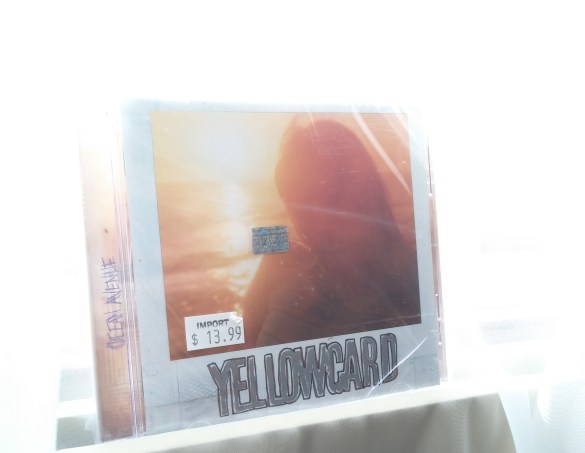
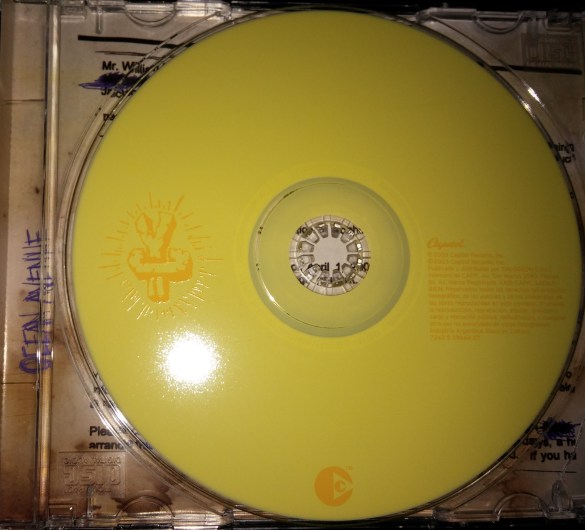
Original Yellowcard Ocean Avenue CD

Yellowcard Box
Original Sealed 2003 CD Case

The only album I have consistently listened to for the past 10 years would be Ocean Avenue by Yellowcard. I had an old low quality mp3 rip from a friend and I realized it was time I find an original copy for myself. I purchased it from eBay for roughly $9.00 with shipping and it came a bit broken because it is so old. I am glad that I finally own this album! The acoustic version was just released in 2013 and I can’t wait to get that album too.

The song list is:

  1. Way Away
  2. Breathing
  3. Ocean Avenue
  4. Empty Apartment
  5. Life Of A Salesman
  6. Only One
  7. Miles Apart
  8. Twenty Three
  9. View From Heaven
  10. Inside Out
  11. Believe
  12. One Year, Six Months
  13. Back Home
Yellowcard Disk
CD Print

Patriot Stellar Review (32GB)

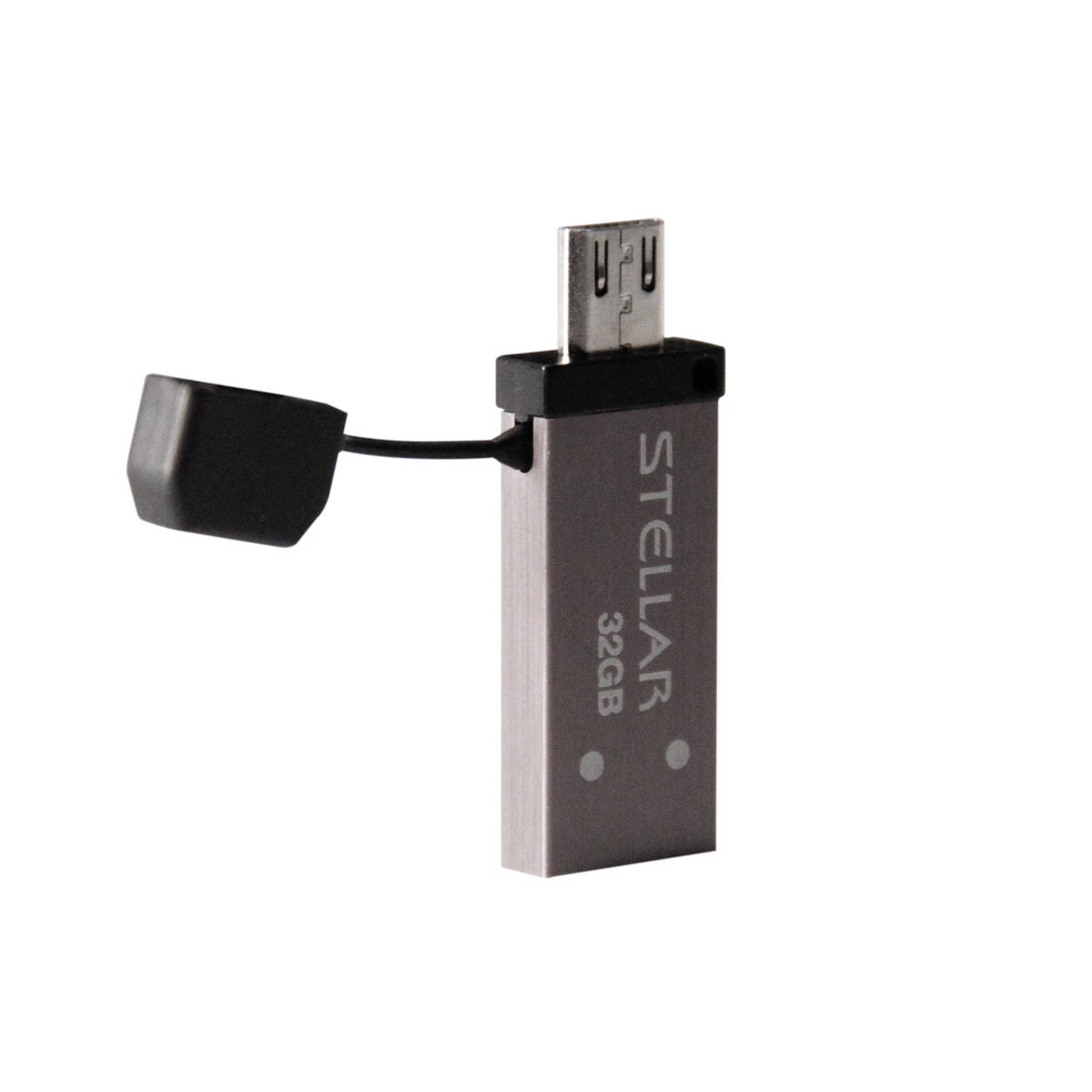
Manufacturer ImageThe Patriot Stellar is one of many pioneers into the new market of USB OTG flash drives. It seems to be the first that combines both USB 3.0 and USB OTG in one sleek package. Its small footprint and sleek looks may be tempting, but does it provide the 140 MB/s performance it promises?

The version reviewed is the 32GB Patriot Stellar which can be found on Amazon for $34.99 as of January 2014. The Stellar comes in 3 colors depending on the size. The 16GB comes in orange, the 32GB comes in silver, and the 64GB comes in gold.

Aesthetics:

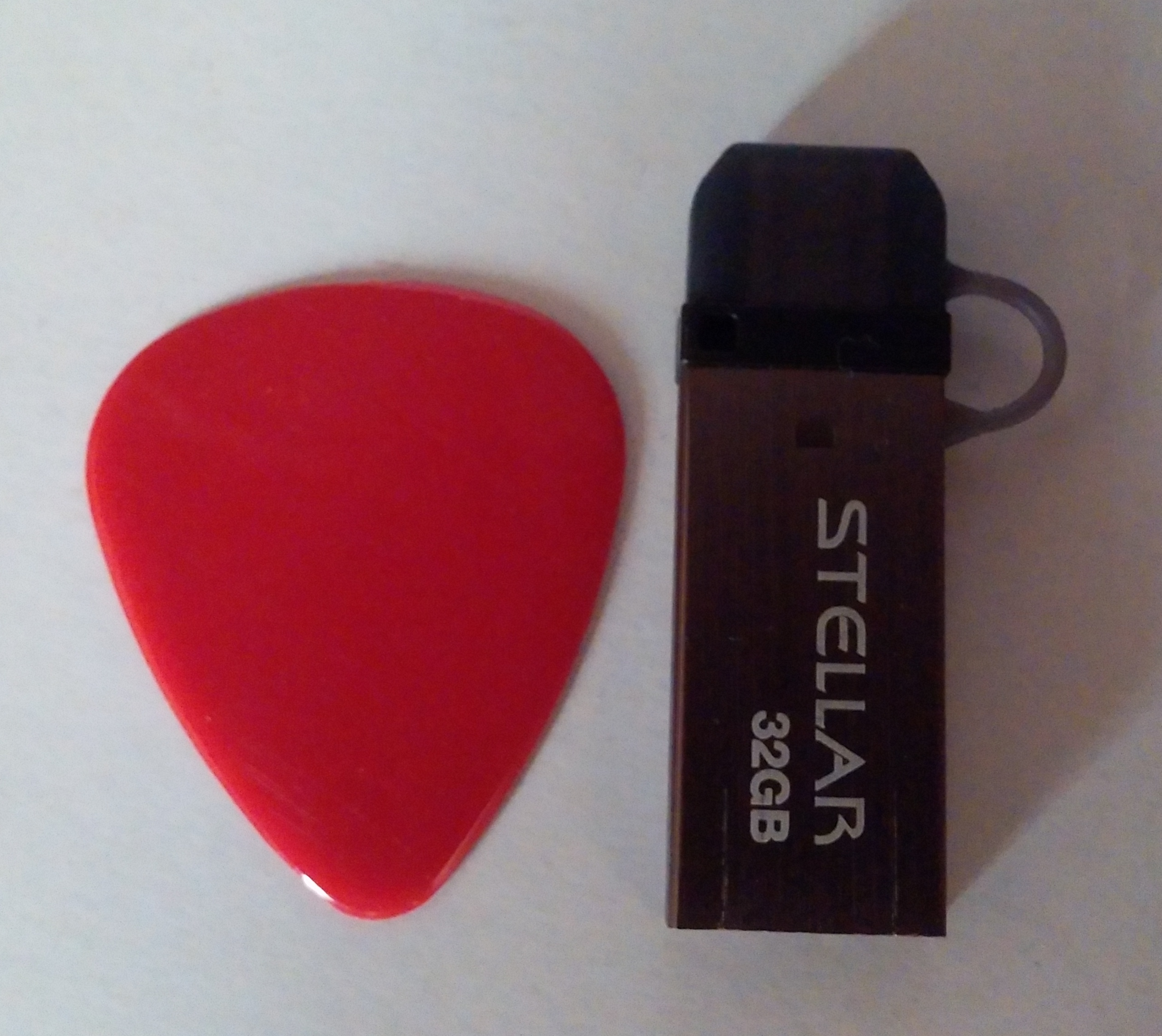
The flash drive is very sleek and placed next to a guitar pick, you can see how small it really is.
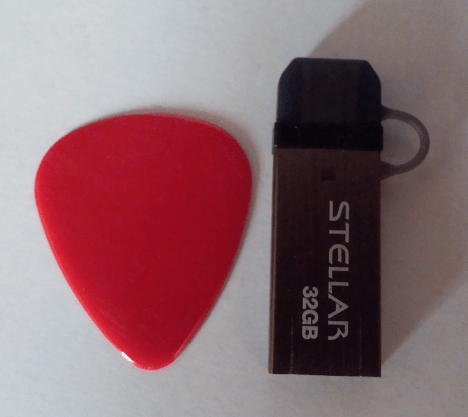
Stellar Size Comparison

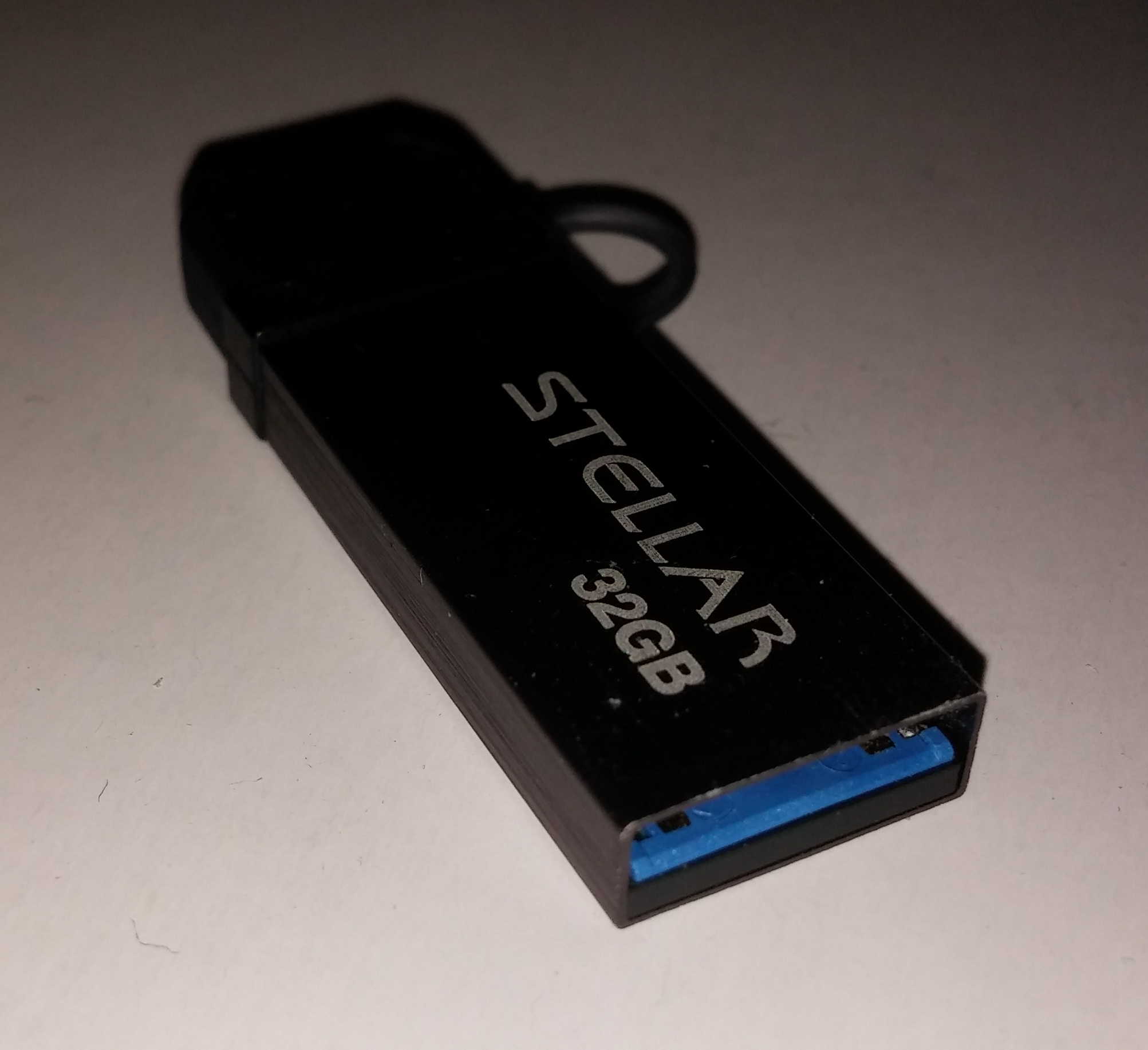
The width and height are the exact size of the USB port itself with the internal plastic being blue to represent its USB 3.0 compatibility.
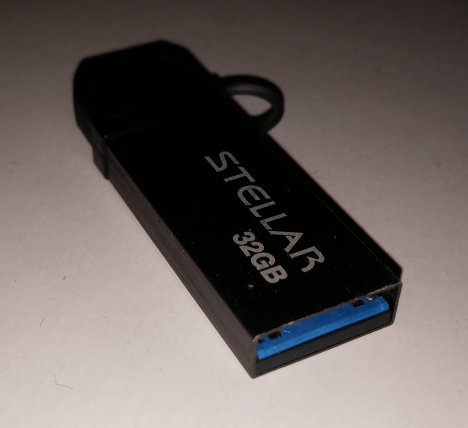
Patriot Stellar USB3

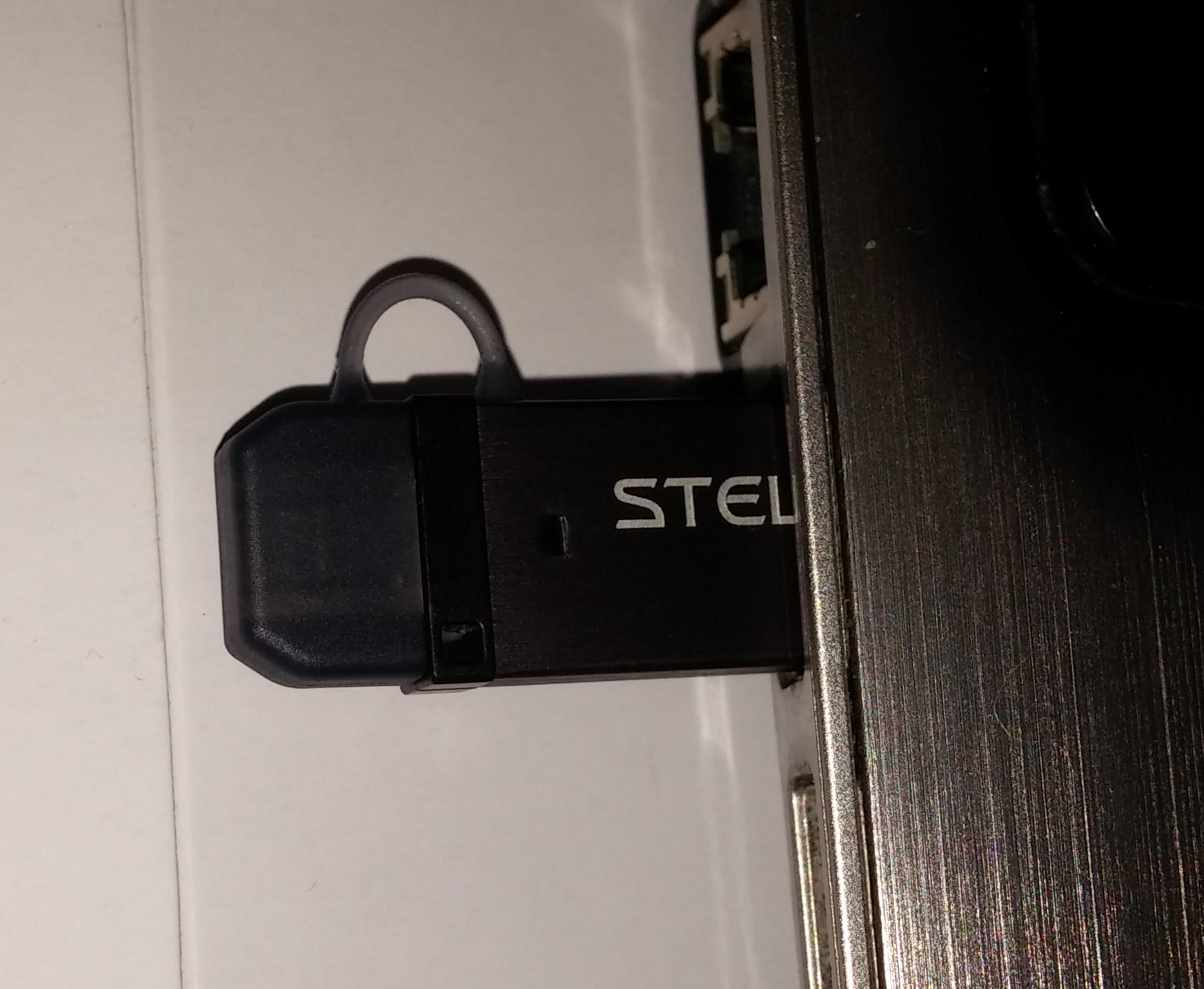
When plugged into a laptop, it does not extrude much as half of it is the full size USB port itself.
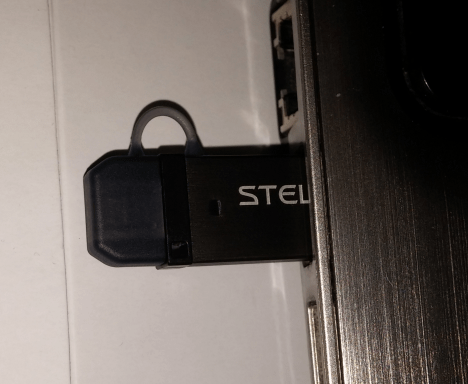
Patriot Stellar Laptop

Performance (Windows):

Using CrystalDiskMark as a reference for benchmarking the drive, some interesting data was revealed.
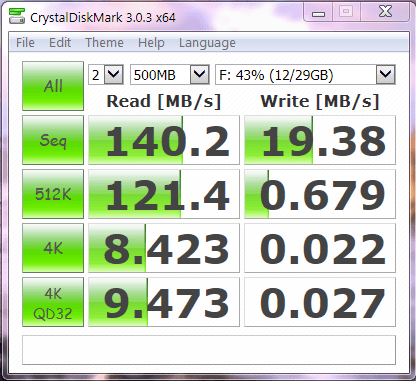
Stellar BenchThe drive performed exactly as stated by the manufacturer as the read speeds were a solid 140.2 MB/s. However the write speeds were sub par reaching only 19.38 MB/s. This however isn’t even the full story as copying smaller files, the write performance quickly becomes unbearable. The Sandisk Extreme USB 3.0 drives in comparison offer much better write performance (almost triple).

Performance (Android):

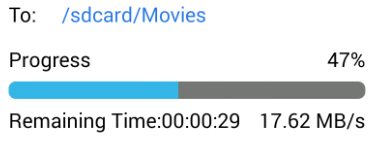
Using ES File Explorer, CM11, and my LG G2, writing and reading to the drive over the OTG connection seemed only to be limited by the phones read and write speeds as both were quite random and similar to each other. Take these benchmarks as a reference only as they will differ from phone to phone.

Write Speed:
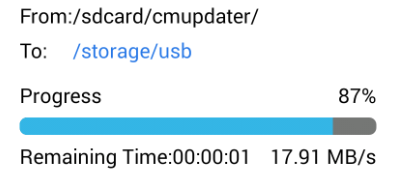
OTG Write

Read Speed:

Read Speed

In Conclusion:

The Patriot Stellar is a solid device offering a stepping stone into the new world of high speed OTG flash drives. It is very useful to have as I can now use the same flash drive easily without any extra connectors on my laptop, tablet, and phone. If only the write performance was better, this would be a sure buy.

Pros:

– Competitive Pricing

– Fast Read Performance

– Sleek Shape and Size

Cons:

– Slightly Plastic/Cheap Feel

– Horrible Write Speed for a USB 3.0 Device

– No Color Options For The Same Capacity